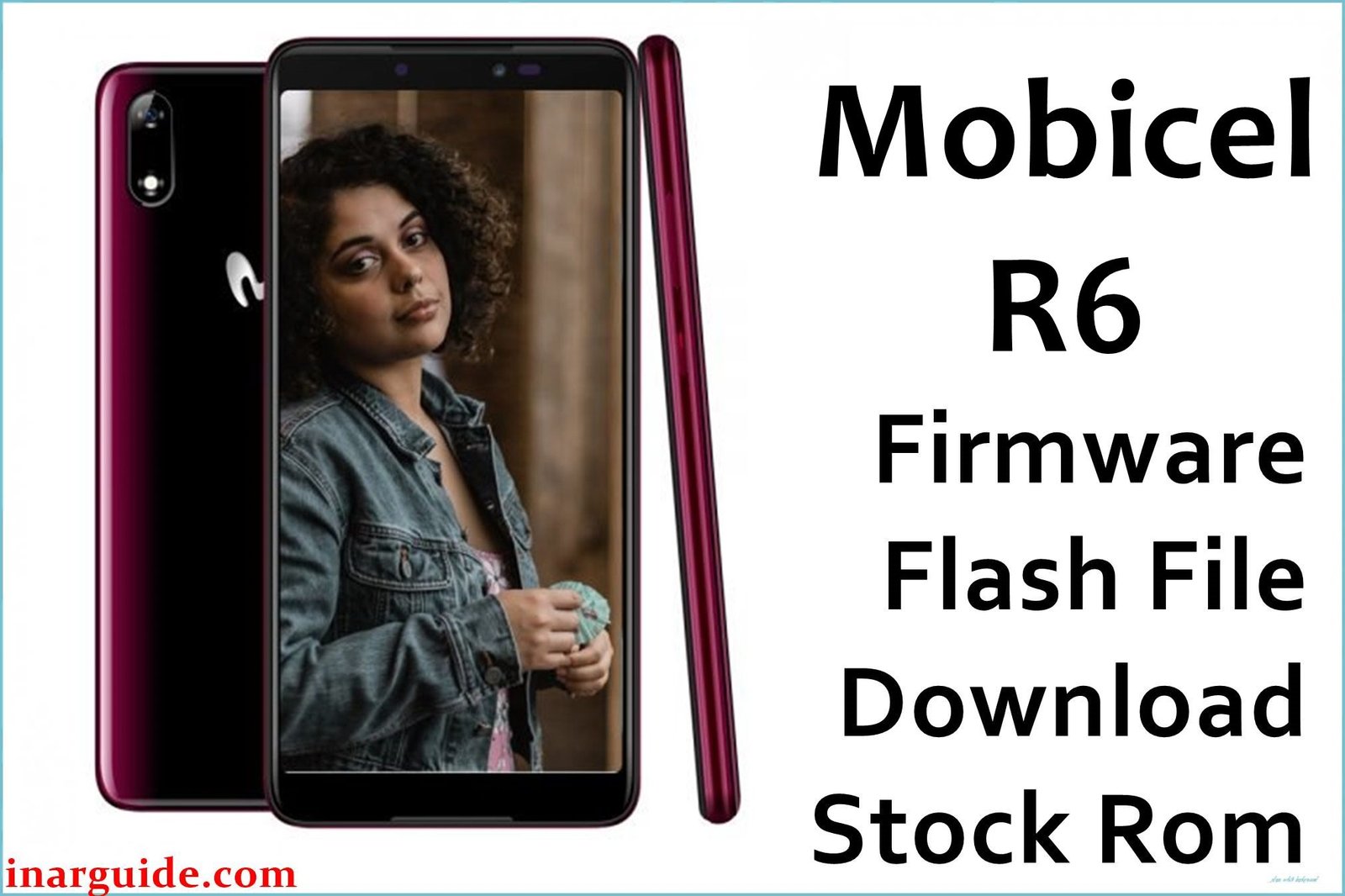
The Mobicel R6 is a budget Android smartphone based on the MediaTek MT6580 platform, shipped with Android 7.0 Nougat. Owners experiencing boot issues, UI errors, missing call notifications, or device instability after flashing the wrong ROM or failed customization will benefit from a full reflash of official firmware. This reliably restores the phone to factory performance and resolves critical software faults.
This official stock firmware for Mobicel R6 is provided as a scatter-based package for SP Flash Tool; intended for advanced users and technicians.
Mobicel R6 Firmware Details
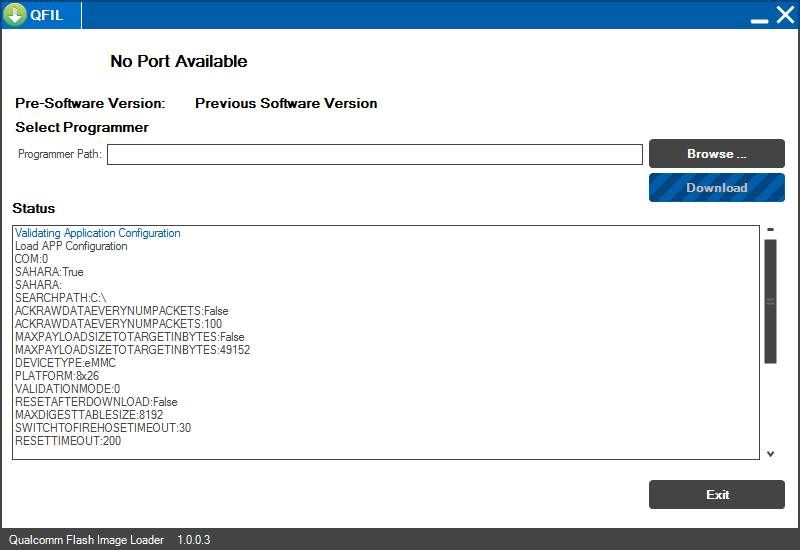
Key specifications for this firmware. The stock ROM will restore Nougat and all factory features; for MediaTek devices, use SP Flash Tool only (not QFIL).
| Attribute | Details |
|---|---|
| 📱 Device | Mobicel R6 |
| 🧬 Chipset | MediaTek MT6580 (32‑bit) |
| 🤖 Android OS | 7.0 Nougat |
| ✅ Build Version | V10_051019 (factory build; May 2019 revision typical for Mobicel R6) |
| 📂 File Type | Scatter‑based SP Flash Tool firmware |
| 💻 Flashing Tool | SP Flash Tool (Smartphone Flash Tool) |
Download Official Firmware for Mobicel R6
- Build: Android 7.0 (MT6580)
- File Name: Mobicel_R6_MT6580_V10_051019_7.0.zip
- Size: 1.12 GB
- 🔗 Download Link: Download (Google Drive)
Why Flash This Specific Firmware?
Actual Mobicel R6 and MT6580 device problems reported on forums and spec sites:
- No incoming call alert, only logs: Users report that calls are not indicated while ringing, making it impossible to answer in real time. Flashing the full stock firmware resolves the UI logic and restores proper call notification behaviour.
- UI not recognized/system stability errors: Some devices display “something about UI not recognized,” failing to load critical system components. Reinstalling factory firmware replaces missing or corrupted system packages and re-enables stable boot to homescreen.
- Bootloop or stuck at Mobicel logo after failed update: After failed OTA or custom ROM attempts, the R6 is prone to indefinite boot logos. Flashing this official V10 ROM resets all partitions and recovers boot operation.
- Touch/display sensor malfunction after flashing wrong ROM: Non-original ROMs can cause no-response on touch or incorrect display output. This official firmware restores compatible drivers.
- Random app crashes and forced restarts due to system corruption: Damaged or missing system files from bad updates or bloat removal lead to app instability; the factory ROM delivers a clean, certified Android environment.
Crucial Prerequisites Before Flashing
Flashing wipes data. Back up if accessible before starting.
- Latest SP Flash Tool (v5.x or above advised for MT6580)
- MediaTek USB VCOM drivers installed on Windows PC
How to Flash the Firmware (SP Flash Tool)
Follow these steps for a successful Mobicel R6 reflash:
- Download and extract
Mobicel_R6_MT6580_V10_051019_7.0.zipto a new folder. - Install MTK USB VCOM drivers & extract the latest SP Flash Tool.
- Run
flash_tool.exeas Administrator. - In Download tab, click Scatter-loading and select the
MT6580_Android_scatter.txtfile from the firmware folder. - Select Download Only mode (do not format all unless you have full backups).
- Click Download button.
- Power off the phone, reseat battery if removable, connect via USB. If not detected, hold Volume Up/Down while plugging in.
- Wait for green checkmark and Passed status. Disconnect and boot; first startup may take a few minutes.
Need a full picture guide?
→ How to Flash Stock Firmware to MediaTek (MTK) Smartphones (SP Flash Tool)
Disclaimer: Flashing is advanced and may brick your device if done wrong. Confirm your model/version match before proceeding. Proceed at your own risk.