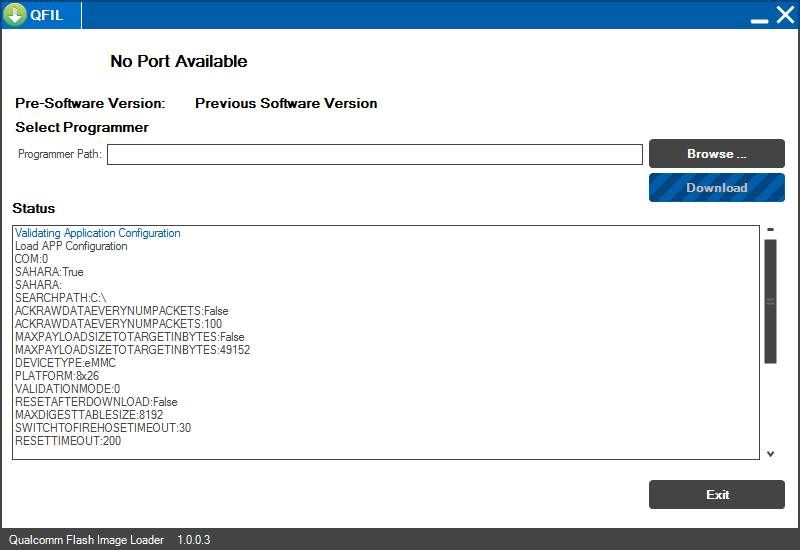
The Mobicel Fever Plus H is a 7-inch budget Android tablet powered by a MediaTek MT6580 quad-core processor, usually shipped with Android 8.1.0 Go Edition, Wi-Fi and 3G support, and 1GB RAM, 16GB storage. Its affordable price leads to heavy use, but owners and repair forums report common faults: bootloops, stuck on Mobicel logo after failed updates or malware, “dead after flash,” random reboots, persistent lag, and touch freezes. The recommended repair is to reinstall the exact stock firmware using SP Flash Tool and the correct scatter file. SP Flash Tool must be used for MTK chipsets like this; QFIL and SPD Upgrade Tool will not work.
Mobicel Fever Plus H Firmware Details
The table below provides all specs and parameters for restoring safe operation with SP Flash Tool and resolves nearly all software failures.
| Attribute | Details |
|---|---|
| 📱 Device | Mobicel Fever Plus H |
| 🆔 Chipset | MediaTek MT6580 |
| 🤖 Android OS | 8.1.0 GO Edition |
| ✅ Build Version | MDD 291121 |
| 📂 File Type | Scatter File (SP Flash Tool) |
| 💻 Flashing Tool | SP Flash Tool (Windows) |
Download Official Firmware for Mobicel Fever Plus H (MT6580)
- Build: MDD 291121 (Android 8.1.0)
- File Name: Mobicel_Fever_Plus_H_MT6580_MDD_291121_8.1.0.zip
- Size: 739MB
- 🔗 Download Link: Download (MediaFire)
Why Flash This Specific Firmware?
- Fix Bootloops and Logo Hang: Stuck on the Mobicel or Android logo, endless restarts, or “dead after flash” are most often fixed by reinstalling the exact factory ROM.
- Repair Pattern/Screen Locks/FRP: Clears forgotten patterns, PIN, password, or FRP lock. Full flashing guarantees reset and access.
- Bring the Device Back from Brick/Failed Mod: Service centers confirm “dead” or unresponsive tablets revive with correct scatter firmware via SP Flash Tool.
- Restore Performance and Fix Lag: Persistent lag, app force-close, and screen freeze after full storage or failed update are solved by stock firmware flash.
Crucial Prerequisites Before Flashing
Backup all files—flashing erases user storage and data.
- SP Flash Tool (latest Windows version)
- MTK USB drivers installed
- Matching scatter firmware for your exact Mobicel model/build
How to Flash the Firmware
- Extract
Mobicel_Fever_Plus_H_MT6580_MDD_291121_8.1.0.zipto its own folder. - Install MTK USB drivers on your PC.
- Launch SP Flash Tool.
- Select “Scatter-loading” and load MT6580_Android_scatter.txt from the unpacked ROM folder.
- Power off tablet, connect via USB (hold Volume Down when connecting).
- Click “Download” and wait for a green checkmark window.
- Disconnect and power on for normal boot-up.
Full step-by-step guide with screenshots:
How to Flash Stock Firmware to MediaTek (MTK) Tablets (SP Flash Tool)
Disclaimer: Flashing will erase all data and may cause permanent damage if the wrong file or steps are used. Verify model/build, use only official ROM, and follow instructions exactly.