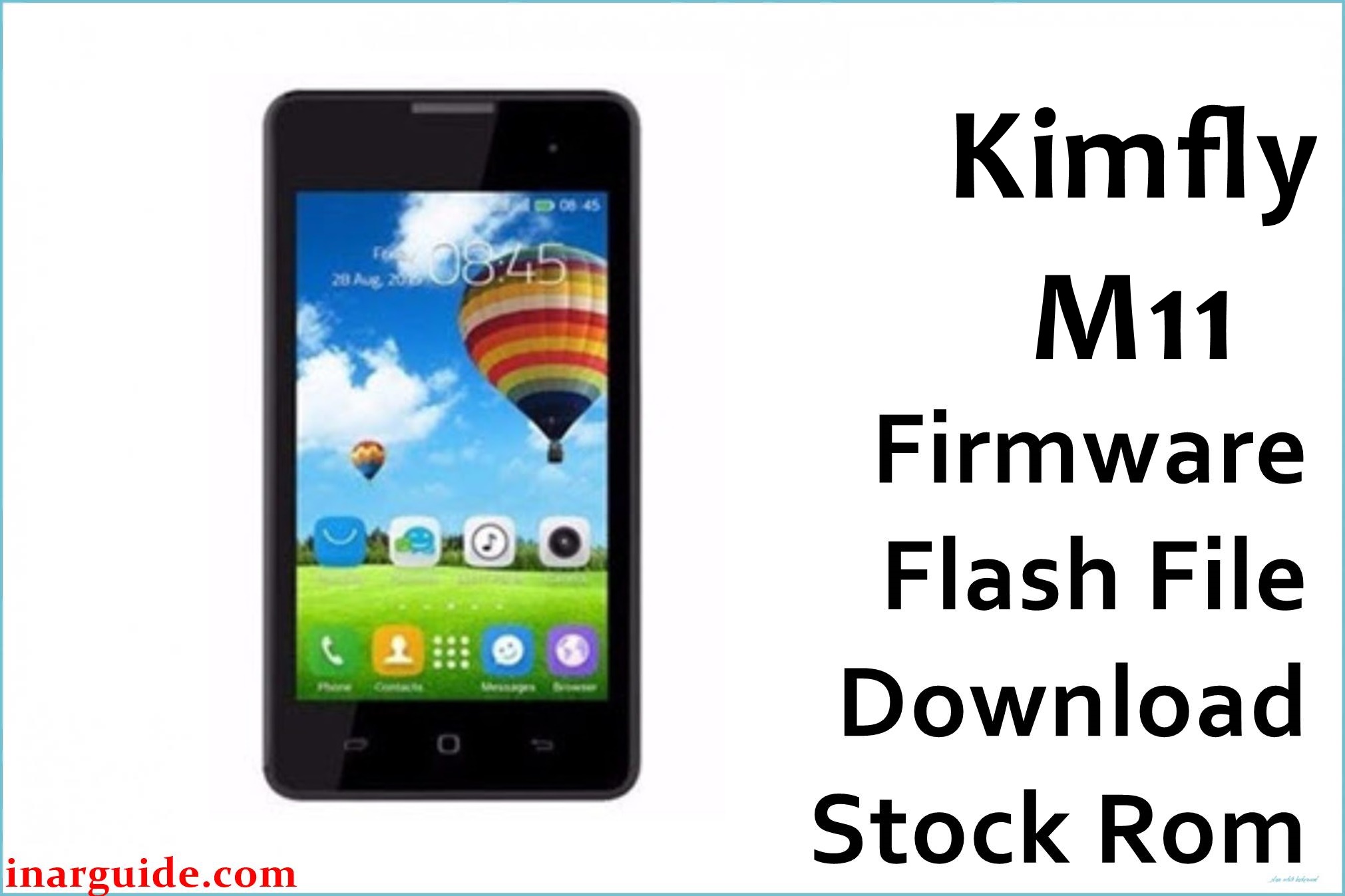
The Kimfly M11 is a budget Spreadtrum-powered Android device built on the SC7731CEB quad-core chipset, featuring a 5-inch IPS LCD, 1GB RAM, and 8GB internal storage running Android 6.0 Marshmallow. While affordable, users report stuck logo/bootloop, null/invalid IMEI after flashing or updates, random resets, weak signal, camera and lag problems—often due to corrupted or mismatched SPD firmware. These are all fixable by flashing the tested official stock ROM below.
The MJLHZ V2.0, 20170619 PAC firmware restores your M11 to factory state, repairs IMEI/network, unbricks boot-stuck phones, fixes lag, and restores reliability. This ROM is recommended for persistent software faults, especially after a failed update, IMEI loss, or FRP lockout.
Kimfly M11 SPD Firmware Details
| Device Name | Kimfly M11 |
| Platform | SP7731CEB (SC7731), SPD/Spreadtrum |
| CPU | Quad-core 1.3GHz |
| GPU | Mali-400 MP2 |
| Android Version | Android 6.0 Marshmallow |
| Firmware Type | PAC file (SPD format) |
| Build Version | S16_A_BP252_MJLHZ_V2.0_20170619 |
| File Name | Kimfly_M11_S16_A_BP252_MJLHZ_V2.0_20170619_6.0.zip |
| File Size | 766 MB |
| Display | 5-inch LCD, 480 × 854 px |
| RAM | 1GB |
| Internal Storage | 8GB (microSD up to 32GB) |
| Rear Camera | 5MP, LED flash, autofocus |
| Front Camera | 2MP |
| Battery | 2200 mAh Li-Ion (removable) |
| SIM Slots | Dual SIM (Micro) |
| Connectivity | 3G WCDMA, WiFi, Bluetooth 4.0, FM, GPS |
| Build Date | June 19, 2017 |
⚠️ Firmware Flashing Warning
Using the wrong firmware or interrupting a flash may brick your Kimfly M11 or erase its IMEI. Always confirm the correct PAC file, charge your battery above 80%, and back up all data before proceeding. This process will erase all user information.
Download Official Firmware for Kimfly M11 SPD
📄 Filename: Kimfly_M11_S16_A_BP252_MJLHZ_V2.0_20170619_6.0.zip
📦 Size: 766 MB
🗓️ Build Date: June 19, 2017
🔢 Build Version: S16_A_BP252_MJLHZ_V2.0
🤖 Android Version: Android 6.0 Marshmallow
⬇️ Download Link: Google Drive Cloud Storage
Firmware Highlights
- Fixes bootloop/stuck logo, random reboots
- Restores IMEI, fixes call/network and SIM issues
- Repairs camera and touchscreen bugs
- Improves speed, battery calibration, system stability
- General bug fixes and Android 6.0 OS security updates
How to Flash the Firmware
Flashing Kimfly M11 SPD firmware uses the SPD Upgrade Tool. Here are 5 quick steps:
- Download and extract the
Kimfly_M11_S16_A_BP252_MJLHZ_V2.0_20170619_6.0.zipto your PC - Install SPD USB drivers and the SPD Upgrade Tool
- Power off your M11 and connect by USB cable
- Open SPD Upgrade Tool and load the PAC file from the firmware folder
- Click “Start Download” and wait for a success message
For illustrated troubleshooting, see the SPD firmware flashing guide.
Disclaimer
This firmware is provided “as-is”. The publisher takes no responsibility for data loss or device issues. Use only for the real Kimfly M11 (SC7731), and if uncertain, get professional support. Community users can share experiences or get help in the comments.
![Nokia 3.4 TA-1288 Firmware Flash File Download [Stock Rom] Nokia 3.4 TA-1288](https://www.inarguide.com/wp-content/uploads/2025/04/Nokia-3.4-TA-1288.jpg)
![Oppo Reno 5 Lite CPH2217 Firmware Flash File Download [Stock Rom] Oppo Reno 5 Lite CPH2217 Firmware](https://www.inarguide.com/wp-content/uploads/2025/04/Oppo-Reno-5-Lite-CPH2217-Firmware.jpg)
![Nokia 2.2 TA-1179 Firmware Flash File Download [Stock ROM] Nokia 2.2 TA-1183/TA-1179 Firmware Flash File Download [Stock Rom]](https://www.inarguide.com/wp-content/uploads/2021/05/Nokia-2.2.jpg)


![Motorola Moto E20 XT2155-3 Firmware Flash File Download [Stock ROM] Motorola Moto E20 XT2155-3](https://www.inarguide.com/wp-content/uploads/2022/01/Motorola-Moto-E20-XT2155-3.jpg)