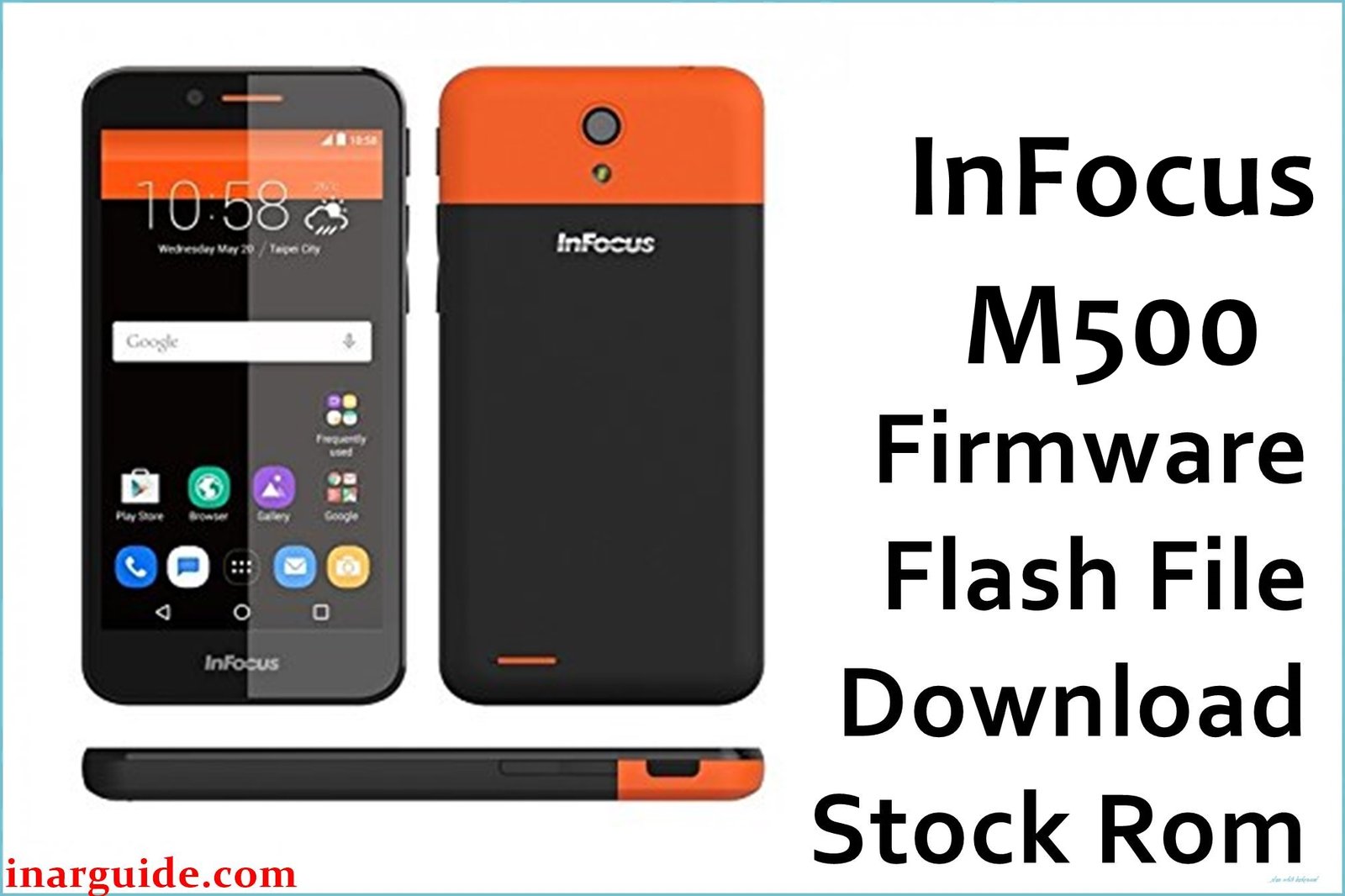
The InFocus M500 (also known as A1 M500) is an entry-level Android smartphone widely used for its affordability. However, users often encounter problems such as overheating while charging, slow multitasking, poor camera quality, and rapid battery drain. Other issues include sluggish app launches and random phone freezes. The firmware below is designed to fix these common problems, unbrick soft-bricked units, and restore the phone’s performance to its original state.
InFocus M500 Firmware Details
| Device Name: | InFocus M500 (A1 M500) |
| Model: | A1 M500 Dual SIM TD-LTE |
| Chipset: | Spreadtrum SC9832A (Quad-Core 1.3GHz) |
| GPU: | ARM Mali-400MP2 |
| Android Version: | Android 6.0 Marshmallow |
| Firmware Version: | IN_V03_20170118_SPD |
| Build Date: | January 18, 2017 |
| File Size: | 906MB |
| File Type: | SPD Upgrade Tool PAC Firmware (.zip) |
| Flashing Tool: | SPD/Spreadtrum Upgrade Tool |
| Battery: | 2450mAh Li-ion (non-removable) |
| Display: | 5-inch TN-TFT LCD (484×854 pixels) |
| RAM / Storage: | 1GB RAM / 8GB ROM (Expandable, microSD up to 32GB) |
| Rear Camera: | 5MP CMOS (LED flash) |
| Front Camera: | 2MP CMOS |
Download Official Firmware for InFocus M500
Download and use this stock ROM to resolve bootloops, apps crashing, touch lag, pattern lock, network problems, and failed software updates on the InFocus M500.
📄 Filename: InFocus_M500_IN_V03_20170118_SPD.zip
📦 Size: 906MB
🗓️ Build Date: January 18, 2017
🔢 Build Version: IN_V03_20170118_SPD
🤖 Android Version: 6.0 (Marshmallow)
⬇️ Download Link: Google Drive
How to Flash the Firmware
Follow these 5 quick steps to safely flash InFocus_M500_IN_V03_20170118_SPD.zip to your device:
- Download and extract
InFocus_M500_IN_V03_20170118_SPD.zipand the SPD/Spreadtrum Upgrade Tool on your PC. - Install SPD USB drivers, then launch the SPD Upgrade Tool.
- Load the PAC firmware file from the extracted folder into the tool.
- Turn off your InFocus M500, connect it to the computer via USB cable.
- Click “Start” in the tool and wait for flashing to complete. Reboot the device after success.
For the full step-by-step guide with visuals, follow this complete SPD flashing tutorial.





