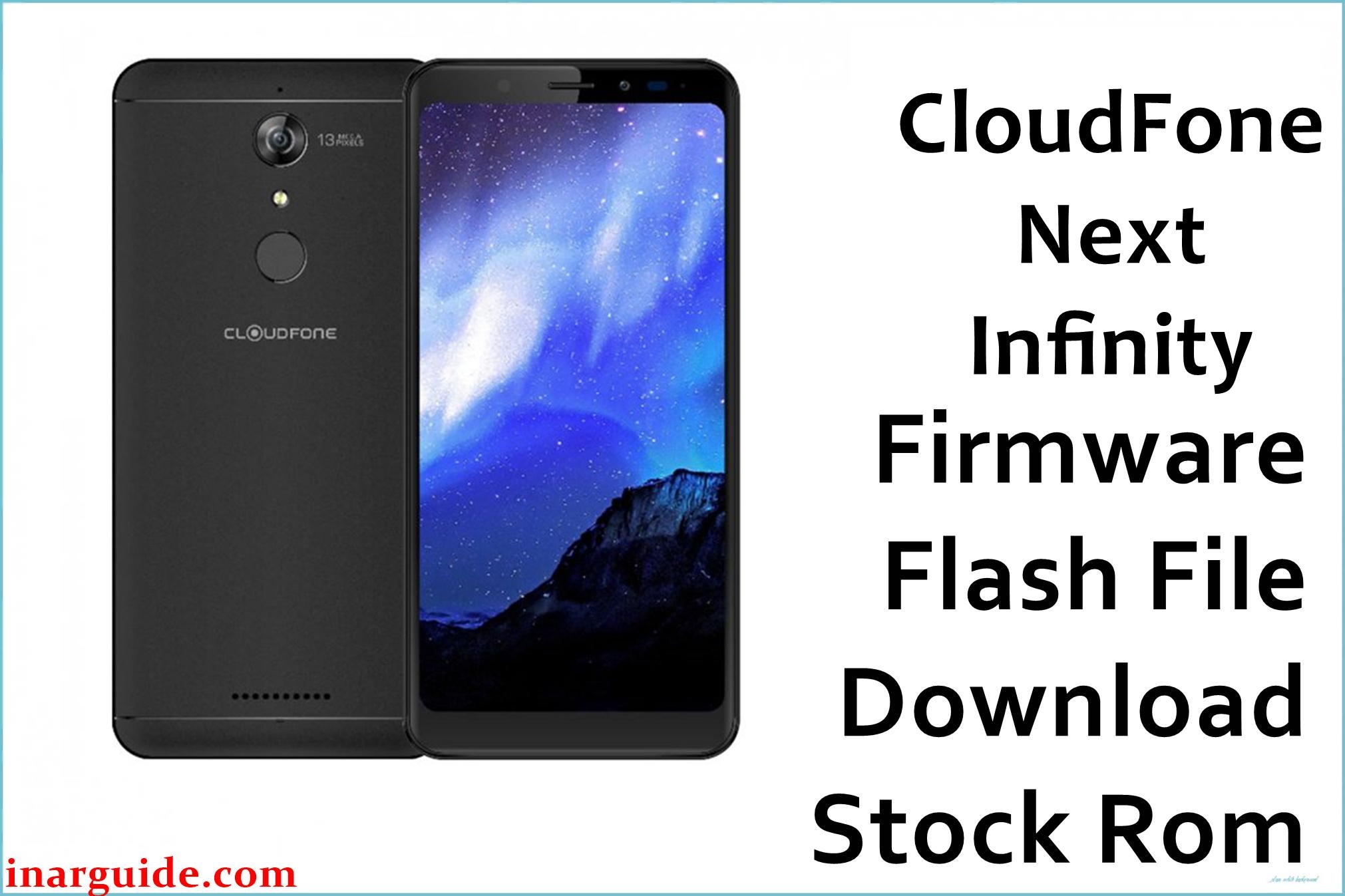
The CloudFone Next Infinity is a budget 18:9 smartphone from the Philippines with a 5.7‑inch HD+ display, Qualcomm Snapdragon 425 quad‑core CPU, Adreno 308 GPU, 3 GB RAM, 16 GB storage, 13 MP PDAF rear camera, 16 MP front camera, 4G LTE, and a 2900 mAh battery optimized for social media and all‑day use.
Over time, users report issues such as random reboots, Android 7.1.2 bootloops after OTA updates or failed rooting, “optimizing apps” loops, performance slowdowns, and in severe cases, hard “no-OS” or “deadboot” states where the phone only enters Qualcomm EDL mode.
The CloudFone_Next_Infinity_MSM8937_10192017_7.1.2_QFIL.zip package is an official stock ROM in Qualcomm QFIL format for the MSM8937 (Snapdragon 425) platform, allowing full system restoration, unbrick of EDL‑mode devices, bootloop repair, and firmware downgrade/refresh via QFIL or compatible Qualcomm tools.
CloudFone Next Infinity Firmware Details
| Device Name | Model Identifier | Chipset | Android Version | Firmware Version / Name | Build Date (ROM) | File Size | File Type | Flashing Tool | Bootloader Status | Region / Notes |
|---|---|---|---|---|---|---|---|---|---|---|
| CloudFone Next Infinity | MSM8937 (Snapdragon 425) variant | Qualcomm Snapdragon 425 (MSM8937), quad‑core Cortex‑A53 @ 1.4 GHz, Adreno 308 GPU | Android 7.1.2 Nougat (CloudFone stock build) | CloudFone_Next_Infinity_MSM8937_10192017_7.1.2_QFIL.zip | 2017‑10‑19 firmware build tag (EDL/QFIL package) | ≈1.72 GB compressed zip (EDL programmer + rawprogram XML + image files) | Qualcomm EDL/QFIL package (prog_emmc_firehose + rawprogram0.xml, patch0.xml, system.img, boot.img, etc.) | Qualcomm QFIL (QPST) in EDL/9008 mode; alternative Qualcomm tools also supported | Bootloader locked; flashing performed at low‑level EDL (Qualcomm HS‑USB QDLoader 9008) | Philippines retail device; restores stock ROM, modem, and partitions for CloudFone Next Infinity units |
Flashing the wrong MSM8937 ROM or misusing QFIL in EDL mode can permanently brick your CloudFone Next Infinity, wipe all user data, corrupt IMEI/modem partitions, and void any remaining warranty. Always confirm the exact model (CloudFone Next Infinity, Snapdragon 425/MSM8937), install correct Qualcomm drivers, keep the battery charged, and never interrupt the QFIL process once it starts.
Download Official Firmware for CloudFone Next Infinity
| Filename | Region | File Size | Build Date | Build Version | Android Version | Flashing Type | Notes / Target | Download Links |
|---|---|---|---|---|---|---|---|---|
| CloudFone_Next_Infinity_MSM8937_10192017_7.1.2_QFIL.zip | Philippines / CloudFone Next Infinity MSM8937 only | 1.72 GB compressed | 2017‑10‑19 (Nougat 7.1.2 factory EDL image) | CloudFoneNextInfinityMSM8937_10192017_7.1 (stock build) | Android 7.1.2 Nougat with CloudFone UI | Qualcomm EDL flash using QFIL (rawprogram0.xml + patch0.xml) | Use for complete unbrick, deadboot/no‑OS repair, bootloop/logo hang fix, and downgrade/refresh from unstable OTA builds on CloudFone Next Infinity MSM8937 devices. | Download CloudFone Next Infinity Firmware (MediaFire) |
Flashing Requirements
- CloudFone Next Infinity handset with MSM8937 (Snapdragon 425) chipset and enough battery charge (at least 50–60%).
- CloudFone_Next_Infinity_MSM8937_10192017_7.1.2_QFIL.zip extracted on a Windows PC, including the firehose programmer, rawprogram XML, patch XML, and image files.
- Installed Qualcomm HS‑USB QDLoader 9008 drivers and QPST/QFIL suite on your computer.
- Working USB cable and port, plus the ability to enter EDL mode via key combo, adb/fastboot, or test points depending on device state.
- Full backup of user data where possible, and awareness that EDL flashing will usually erase internal storage and may overwrite modem/NV partitions.
How to Flash the Firmware
- Install Qualcomm QDLoader 9008 drivers and QPST on your PC, then extract the CloudFone_Next_Infinity_MSM8937_10192017_7.1.2_QFIL.zip firmware to a dedicated folder.
- Launch QFIL, switch to “Flat Build,” and browse to select the correct prog_emmc_firehose_msm8937 programmer file from the extracted firmware.
- Load rawprogram0.xml and patch0.xml from the same folder so QFIL knows which partitions to write.
- With the phone powered off, boot the CloudFone Next Infinity into EDL (Qualcomm 9008) mode using the proper button combo, adb command, or test point, then connect it to the PC via USB.
- Verify that QFIL detects “Qualcomm HS‑USB QDLoader 9008,” click Download, and wait patiently until the progress bar finishes and QFIL reports a successful flash before disconnecting and rebooting.
For users who prefer a visual tutorial and generic Qualcomm unbrick guidance, follow this in‑depth Qualcomm QFIL flashing guide, which matches the EDL steps required for the CloudFone Next Infinity MSM8937 firmware.
Flashing Qualcomm EDL firmware is inherently risky. This website and the firmware providers cannot be held responsible for bricked CloudFone Next Infinity units, corrupted IMEI/NV data, data loss, or any other damage caused by using the MSM8937 QFIL files and procedures described here. By downloading and flashing, you acknowledge that you perform all actions at your own risk and accept full responsibility for the outcome. If you encounter issues, describe them in the comments so other users and technicians can help while you remain solely accountable for your device.
Frequently Asked Questions (FAQs)
What problems can this CloudFone Next Infinity firmware fix?
This QFIL package can repair hard bootloops, “no OS installed” errors, soft‑bricks after failed OTA or root, random reboot loops, and deadboot cases where the phone only shows as Qualcomm HS‑USB QDLoader 9008 on a PC. It also restores stock partitions and system files, often fixing mobile network and stability problems caused by corrupted system images.
Is this firmware only for the MSM8937 (Snapdragon 425) Next Infinity?
Yes, the CloudFone_Next_Infinity_MSM8937_10192017_7.1.2_QFIL.zip is built specifically for the CloudFone Next Infinity with Snapdragon 425/MSM8937 and Android 7.1.2; flashing it to other CloudFone models or different chipsets can permanently brick those devices. Always confirm your exact model and SoC before using any EDL firmware.
Will flashing this firmware upgrade Android or add new features?
No, this package keeps the phone on its original Android 7.1.2 Nougat base and mainly focuses on restoring a clean, stable stock ROM with CloudFone’s existing features. Major OS upgrades would require official OTA support or different builds, which are not provided in this specific QFIL file.





