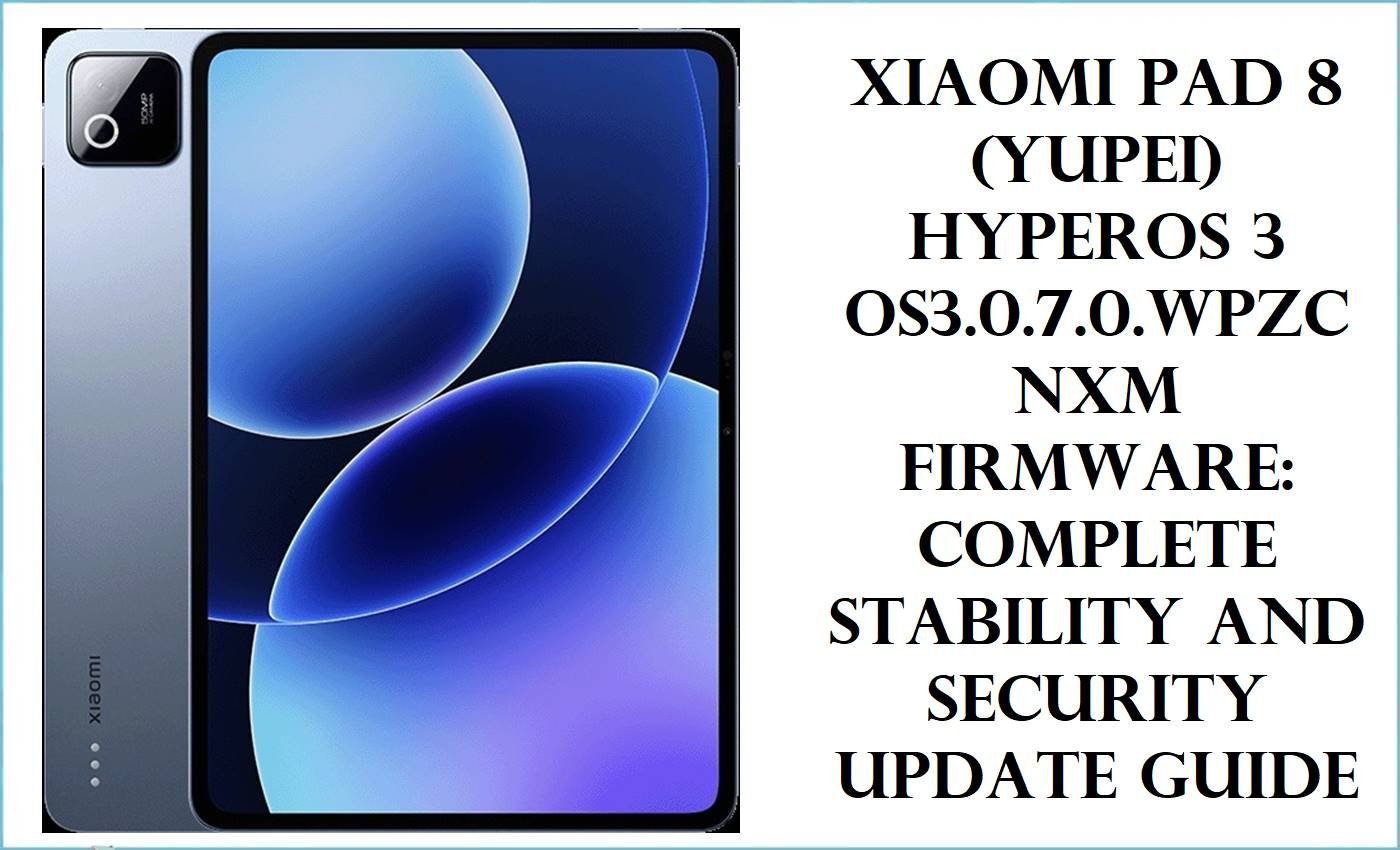
These packages are for the Xiaomi Pad 8, codename yupei, not for some other Xiaomi tablet with a similar HyperOS build string.
The platform here is Qualcomm Snapdragon 8s Gen 4, and this firmware line starts on Android 16 with HyperOS 3.
All eight files in this set are official stock fastboot ROMs in Xiaomi’s .tgz images format. That matters because the flashing path is fastboot-family restore work, not a recovery ZIP install.
Firmware Details
| Device Name | Xiaomi Pad 8 |
|---|---|
| Codename | yupei |
| Chipset / Platform | Qualcomm Snapdragon 8s Gen 4 |
| Launch Android Version(s) | Android 16 with HyperOS 3 |
| Current Firmware Line | HyperOS 3 stable branch for the Xiaomi Pad 8 yupei family |
| Firmware Type | Official stock fastboot ROM (.tgz images package) |
| Flashing Tool | Fastboot flashing workflow for Xiaomi stock images packages |
| Region / Branch Notes | China, Global, Russia, Indonesia, India, EEA, Taiwan, and Turkey branches are present in this set. |
| Typical File Size Range | 6.77GB to 10.20GB |
| Package Contents Type | Full fastboot archive rather than recovery OTA ZIP |
Flashing Risks & Disclaimer
The real danger on this one is branch mismatch. A WPZCNXM China build is not the same job as WPZMIXM, WPZEUXM, WPZINXM, or the other global-region tracks even though the codename is identical.
Do not treat these as recovery packages. They are big fastboot images, and flashing the wrong region can turn a simple restore into account, lock, or boot issues that were not there before.
Download Table
The links below point to official Xiaomi Bigota firmware servers.
| Region / Variant | Filename | Build / Version | Android / Firmware Version | File Type | Build Date | File Size | Download Link |
|---|---|---|---|---|---|---|---|
| China | yupei_images_OS3.0.303.0.WPZCNXM_20260307.0000.00_16.0_cn_8bf3acad33.tgz | OS3.0.303.0.WPZCNXM | Android 16 / HyperOS 3 | Fastboot ROM | 2026-03-07 | 10.20GB | Download |
| Global | yupei_global_images_OS3.0.1.0.WPZMIXM_20251024.0000.00_16.0_global_6e803c95ff.tgz | OS3.0.1.0.WPZMIXM | Android 16 / HyperOS 3 | Fastboot ROM | 2025-10-24 | 7.63GB | Download |
| Russia | yupei_ru_global_images_OS3.0.1.0.WPZRUXM_20251024.0000.00_16.0_ru_ff42e401e1.tgz | OS3.0.1.0.WPZRUXM | Android 16 / HyperOS 3 | Fastboot ROM | 2025-10-24 | 7.97GB | Download |
| Indonesia | yupei_id_global_images_OS3.0.1.0.WPZIDXM_20251024.0000.00_16.0_id_3356564183.tgz | OS3.0.1.0.WPZIDXM | Android 16 / HyperOS 3 | Fastboot ROM | 2025-10-24 | 7.22GB | Download |
| India | yupei_in_global_images_OS3.0.2.0.WPZINXM_20251103.0000.00_16.0_in_4d998f9224.tgz | OS3.0.2.0.WPZINXM | Android 16 / HyperOS 3 | Fastboot ROM | 2025-11-03 | 6.77GB | Download |
| EEA | yupei_eea_global_images_OS3.0.4.0.WPZEUXM_20251024.0000.00_16.0_eea_e4aeb317ac.tgz | OS3.0.4.0.WPZEUXM | Android 16 / HyperOS 3 | Fastboot ROM | 2025-10-24 | 7.27GB | Download |
| Taiwan | yupei_tw_global_images_OS3.0.1.0.WPZTWXM_20251102.0000.00_16.0_tw_a484d00b19.tgz | OS3.0.1.0.WPZTWXM | Android 16 / HyperOS 3 | Fastboot ROM | 2025-11-02 | 6.92GB | Download |
| Turkey | yupei_tr_global_images_OS3.0.1.0.WPZTRXM_20251031.0000.00_16.0_tr_970a1f1f3a.tgz | OS3.0.1.0.WPZTRXM | Android 16 / HyperOS 3 | Fastboot ROM | 2025-10-31 | 7.27GB | Download |
Flashing Requirements
- Match the branch before doing anything else. WPZCNXM is China, WPZMIXM is Global, WPZEUXM is EEA, WPZINXM is India, and the rest follow the same logic.
- Extract the .tgz properly. On Xiaomi packages like this, half the failures come from people loading the wrong folder level into the flashing tool.
- Use a Windows PC, reliable USB cable, and enough free disk space for extraction. These are large archives.
- If the tablet still boots and the problem is minor, do not jump regions just because one file looks newer.
How to Flash
For this device family, the correct restore path is the stock fastboot ROM. That is the one to reach for when HyperOS update damage, bootloops, or a bad mod leaves the tablet unstable.
- Download the exact yupei package for the same region branch already on the tablet.
- Extract the .tgz until the actual firmware folder appears.
- Boot the tablet into fastboot mode.
- Load the extracted firmware in the fastboot flashing environment and start the flash.
- Let the process finish completely, then give the first boot time.
If the only available file is from a different branch, stop there. That is where people create extra work for themselves.
For the full step-by-step fastboot method used with Xiaomi stock .tgz packages, follow this guide: Xiaomi fastboot firmware flashing guide.
FAQ
Are these recovery ROMs or fastboot ROMs?
Fastboot ROMs. The filenames use Xiaomi’s images .tgz package format for yupei stock firmware.
Can the China build be flashed on the Global tablet?
Not as a casual repair move. The branch split is explicit in the filenames, and mixing China with Global-family builds is the sort of shortcut that usually backfires.
Which package should be tried first for a bootloop?
The exact same regional branch already assigned to the tablet. Same codename is not enough on its own.
Why is the China file much larger than the India or Taiwan build?
That can happen across regional fastboot packages. Size alone does not make one build safer or more complete for your tablet.
Does yupei be8?
Yes. Multiple firmware trackers and device listings map yupei to the Xiaomi Pad 8.





