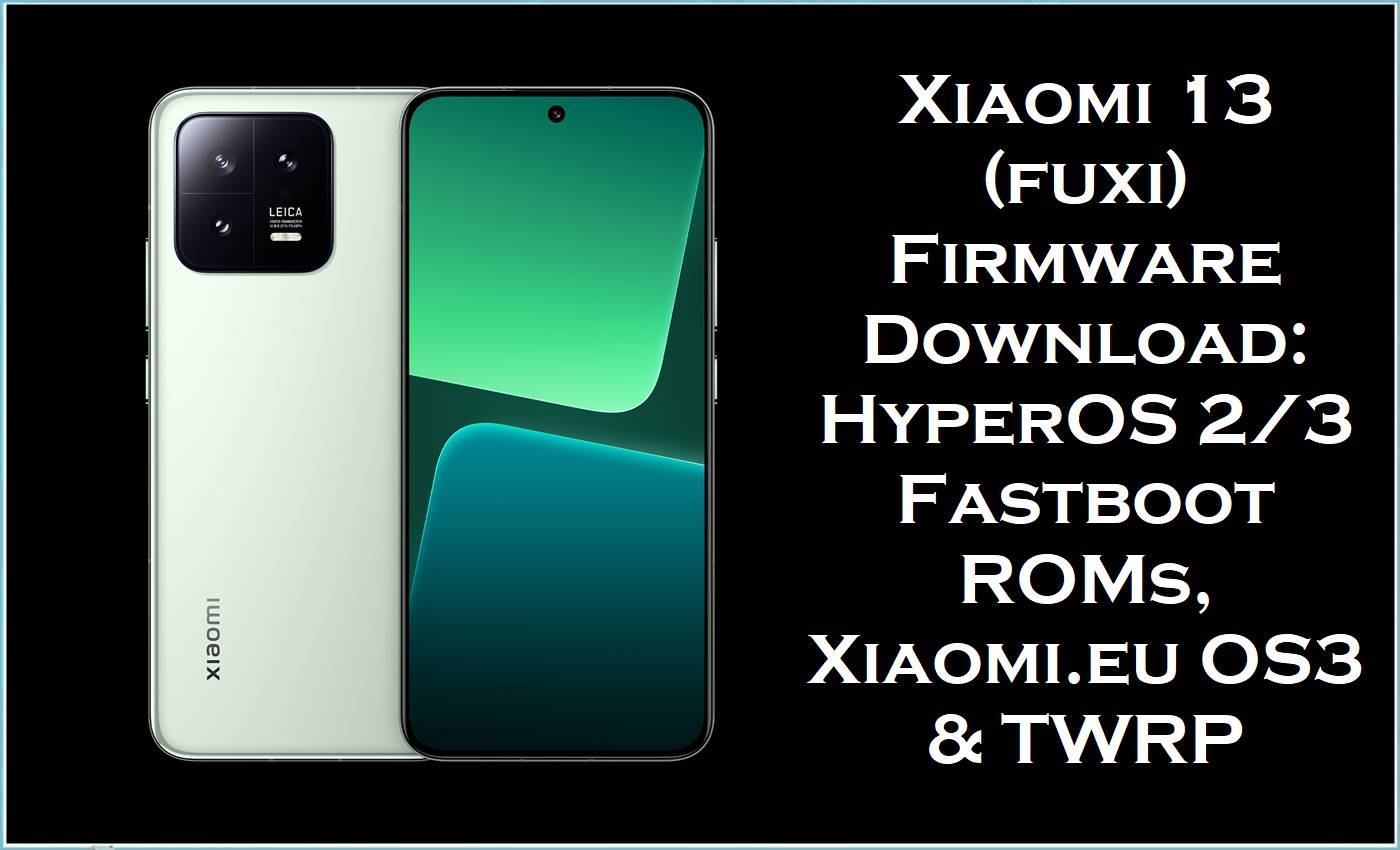
Xiaomi 13 (codename: fuxi) is a compact flagship with Leica-tuned cameras, Snapdragon 8 Gen 2 performance, IP68 resistance, and 67W wired charging—so firmware stability matters for camera speed, thermals, and daily smoothness.
Across user reports, common software complaints on Xiaomi 13 include camera lag/unresponsiveness (including slow gallery launch from the camera), aggressive RAM management that kills apps, and heat/battery concerns that become more noticeable after repeated “dirty” upgrades or advanced mods.
The official fastboot ROMs and the optional Xiaomi.eu package listed below are intended to restore a clean system base (correct region + correct partitions), address update-related glitches, and help recover devices that get stuck in fastboot/boot issues after ROM experiments.
Xiaomi 13 (fuxi) Firmware Details
| Device Name | Xiaomi 13 |
|---|---|
| Codename | fuxi |
| Chipset | Snapdragon 8 Gen 2 (4nm) |
| Key Hardware Notes | Leica camera system, 4500mAh battery, 67W wired + 50W wireless charging, IP68. |
| ROM Types on This Page | Official Fastboot ROM (.tgz), Xiaomi.eu ROM (.zip), TWRP recovery image (.img) |
| Flashing Tools | Xiaomi Mi Flash Tool (official.tgz fastboot ROMs), Fastboot (for scripts/booting recovery), TWRP (custom recovery use). |
| Fastboot / Recovery Keys | Fastboot: Volume Down + Power. Recovery: Volume Up + Power. |
| Bootloader Notes | Unlocking the bootloader enables reflashing partitions, and the unlock flow performs a factory reset for security. |
| User-Reported Issues This Helps Target | Camera lag, slow performance after long-term dirty flashing, aggressive app killing/RAM management, and fastboot-loop scenarios after ROM upgrades. |
⚠️ Flashing Risks & Disclaimer
- Flashing firmware on Xiaomi 13 (fuxi) is high risk because region builds (CNXM/MIXM/EUXM/RUXM/TWXM/TRXM) are not interchangeable, and mixing them can cause boot issues and missing network features.
- Bootloader unlocking is designed to trigger a factory data reset, and many clean-flash workflows erase data, so backups are mandatory.
- USB instability during flashing is dangerous; community support discussions explicitly warn that even slight USB disconnections can lead to severe failures/brick-like outcomes.
- Custom ROM activity can introduce additional risk; Xiaomi.eu users experiencing lag/heat often link it to long-term dirty flashing and heavy system modifications, which may require a true clean flash to recover smooth behavior.
- Proceed only after confirming codename = fuxi, selecting the correct region code, and fully understanding the erase/lock options in the flashing tool.
Download Official Firmware for Xiaomi 13 (fuxi)
These are fastboot ROM packages intended for Xiaomi 13 (fuxi) and are organized by region so the correct radio/configuration is preserved.
| Filename | Region / Build | Android | Type | Build Date | File Size | Download |
|---|---|---|---|---|---|---|
| fuxi_images_OS3.0.2.0.WMCCNXM_20251127.0000.00_16.0_cn_f4799ae6de.tgz | China (CNXM) / OS3.0.2.0.WMCCNXM | Android 16 | Fastboot ROM (.tgz) | 2025-11-27 | 8.38GB | Download OS3.0.2.0 WMCCNXM (Xiaomi Server) |
| fuxi_global_images_OS2.0.202.0.VMCMIXM_20251011.0000.00_15.0_global_7fe83f5b86.tgz | Global (MIXM) / OS2.0.202.0.VMCMIXM | Android 15 | Fastboot ROM (.tgz) | 2025-10-11 | 7.32GB | Download OS2.0.202.0 VMCMIXM (Xiaomi Server) |
| fuxi_ru_global_images_OS2.0.202.0.VMCRUXM_20251118.0000.00_15.0_ru_e1546d931d.tgz | Russia (RUXM) / OS2.0.202.0.VMCRUXM | Android 15 | Fastboot ROM (.tgz) | 2025-11-18 | 7.13GB | Download OS2.0.202.0 VMCRUXM (Xiaomi Server) |
| fuxi_eea_global_images_OS2.0.204.0.VMCEUXM_20251103.0000.00_15.0_eea_53b8209ba4.tgz | EEA (EUXM) / OS2.0.204.0.VMCEUXM | Android 15 | Fastboot ROM (.tgz) | 2025-11-03 | 7.27GB | Download OS2.0.204.0 VMCEUXM (Xiaomi Server) |
| fuxi_tw_global_images_OS2.0.202.0.VMCTWXM_20251118.0000.00_15.0_tw_4d7ec2a032.tgz | Taiwan (TWXM) / OS2.0.202.0.VMCTWXM | Android 15 | Fastboot ROM (.tgz) | 2025-11-18 | 6.57GB | Download OS2.0.202.0 VMCTWXM (Xiaomi Server) |
| fuxi_tr_global_images_V14.0.3.0.TMCTRXM_20230208.0000.00_13.0_tr_1f37ffbcff.tgz | Turkey (TRXM) / MIUI V14.0.3.0.TMCTRXM | Android 13 | Fastboot ROM (.tgz) | 2023-02-08 | 6.16GB | Download V14.0.3.0 TMCTRXM (Xiaomi Server) |
Optional: Xiaomi.eu ROM & Recovery (Advanced)
Xiaomi.eu builds are community ROM packages that some users install for features/changes, but they also introduce additional risk and can require extra care during major version jumps.
| File | Purpose | Size | Download |
|---|---|---|---|
| xiaomi.eu_FUXI_OS3.0.2.0.WMCCNXM_16.zip | Xiaomi.eu HyperOS 3.0 package for fuxi (Android 16 base). | 6.16GB | Download Xiaomi.eu FUXI OS3.0.2.0 (SourceForge) |
| twrp-3.7.1_12-v9.0_A15-fuxi-skkk.img | Custom recovery image (useful for advanced installs/wipes on fuxi). | 100MB | Download TWRP for fuxi (SourceForge) |
Flashing Requirements
- Windows PC/laptop, stable USB cable, and a reliable USB port (avoid hubs) to reduce disconnect risk while flashing.
- Unlocked bootloader for most fastboot flashing workflows; the Android unlock process is designed to factory reset the device.
- Correct region ROM choice (CNXM vs MIXM vs EUXM vs RUXM vs TWXM vs TRXM) to avoid mismatched firmware behavior.
- Fastboot access (Volume Down + Power) and recovery access (Volume Up + Power) for troubleshooting.
- Full backup completed (photos, authenticator codes, messages, app data), because clean installs are the most reliable fix for long-term dirty flashing slowdowns.
How to Flash the Firmware
Method A: Official Fastboot ROM (.tgz) via Mi Flash Tool
- Step 1: Download the correct region file (example: fuxi_eea_global_images_OS2.0.204.0.VMCEUXM…) and extract the.tgz to a simple folder path.
- Step 2: Boot Xiaomi 13 (fuxi) into Fastboot mode (Volume Down + Power).
- Step 3: Connect to PC, open Xiaomi Mi Flash Tool, and load the extracted ROM folder.
- Step 4: Select a clean-flash option when fixing lag/camera issues caused by long-term dirty flashing and updates.
- Step 5: Start flashing and do not disconnect the cable until completion to reduce brick risk.
Full guide (pictures & videos): How to flash Xiaomi firmware with Mi Flash Tool.
Method B: Xiaomi.eu ROM (.zip) + TWRP/Fastboot (Advanced)
- Step 1: Confirm bootloader is unlocked; unlocking is designed to wipe data as part of the security model.
- Step 2: Download xiaomi.eu_FUXI_OS3.0.2.0.WMCCNXM_16.zip and keep it ready on PC storage.
- Step 3: Use Fastboot mode (Volume Down + Power) to boot/flash the recovery image if required for the chosen install route.
- Step 4: Perform the required wipes for a true clean install when troubleshooting camera lag and unstable multitasking behavior.
- Step 5: Reboot and verify boot; note that Xiaomi.eu community reports indicate some fuxi users experienced a fastboot-loop when moving from HyperOS 2.0 to 3.0, so having an official rollback ROM ready is recommended.
Fastboot-script style guide (pictures & videos): How to flash using a fastboot script (flash_all.bat).
Frequently Asked Questions (FAQs)
What device is “fuxi”?
“fuxi” is the codename used for Xiaomi 13.
Can a clean flash fix Xiaomi 13 camera lag?
Xiaomi.eu users report camera lag, slow gallery opening from the camera app, and overall sluggishness that often worsens after long-term dirty flashing across upgrades.
A clean reinstall using the correct fastboot ROM is commonly used to remove leftover upgrade artifacts that can cause camera delays and app reloads.
Why does Xiaomi 13 kill apps so aggressively?
User reports on Xiaomi 13 describe aggressive RAM management where apps reload/close after switching between only a few lightweight apps.
A clean flash can help verify whether the behavior is caused by corrupted system state or accumulated modifications, versus normal memory policy.
Will unlocking the bootloader delete everything?
Android’s documented bootloader unlock flow warns users and then performs a factory reset to prevent unauthorized data access.
Is HyperOS 3 (Android 16) safe on Xiaomi 13?
Community posts in the Xiaomi.eu HyperOS 3.0 stable thread report fuxi devices ending in a fastboot-loop after upgrading from HyperOS 2.0 to 3.0, with rollback to 2.0 working normally.
Which ROM should be used for Europe?
EEA devices generally match EUXM builds, while Global devices match MIXM; choosing the wrong region can cause serious issues and is not recommended.





