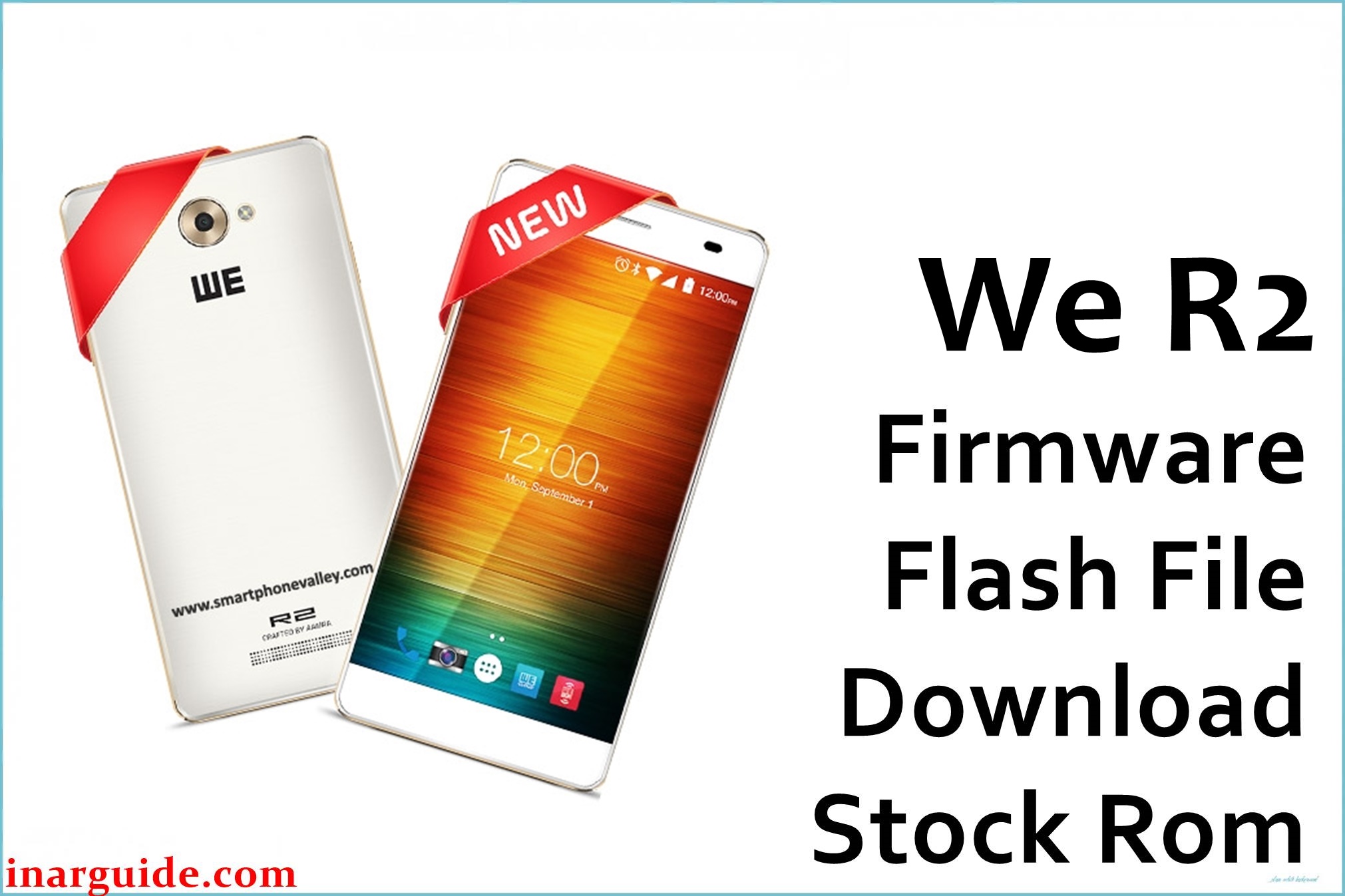
The WE R2 is a budget Android phone built on MediaTek’s MT6737M platform with Android 6.0 Marshmallow, and users commonly face hang-on-logo, bootloop, FRP lock, and soft-brick issues after failed updates or resets. Installing the correct stock firmware for the exact model/build restores the system, removes FRP, and revives devices stuck in recovery or dead states when software-corrupted.
The package below matches the file name you provided and is suitable for SP Flash Tool repair on MT6737M devices when used with proper drivers and procedures.
WE R2 Firmware Details
| Device Name | WE R2. |
|---|---|
| Model | R2. |
| Chipset | MediaTek MT6737M (quad‑core Cortex‑A53). |
| Android Version | 6.0 Marshmallow. |
| Firmware Version | We_R2_MT6737M_08172016_6.0 (per filename). |
| Build Date | 2016‑08‑17 |
| File Size | 1.31 GB (archive). |
| File Type | ZIP archive containing scatter‑based images for SP Flash Tool. |
| Flashing Tool | SP Flash Tool (MediaTek preloader/Download/Upgrade modes). |
| Notable Build String | KAAR5_BGK_En_1.x listed for WE R2 official Marshmallow firmware. |
| Typical Fixes | Bootloop/hang logo, FRP lock removal (with matching build), soft‑brick/dead due to system corruption. |
Download Official Firmware for WE R2
Use only if your device is WE R2 on MT6737M and you need to fix boot, FRP, or system corruption; do not cross‑flash other WE models or different chipsets.
- 📄 Filename: We_R2_MT6737M_08172016_6.0.zip
- 📦 Size: 1.31 GB
- 🗓️ Build Date: 2016‑08‑17 (from filename)
- 🔢 Build Version: We_R2_MT6737M_08172016_6.0
- 🤖 Android Version: 6.0 Marshmallow
- ⬇️ Download Link: MediaFire
Flashing Requirements
- WE R2 handset (confirm MT6737M and exact model on label/about phone)
- Windows PC and reliable USB data cable
- SP Flash Tool (latest stable) for MediaTek devices
- MediaTek USB VCOM/Preloader drivers installed
- Extracted firmware package with valid scatter file
- Backup of user data; flashing may wipe internal storage
How to Flash the Firmware
- Extract the ZIP to get the scatter and images, then install MTK VCOM drivers on the PC.
- Open SP Flash Tool, click Scatter‑loading, and select the MTxxxx_Android_scatter.txt from the firmware folder.
- Select “Firmware Upgrade” when a full package is provided to minimize mismatches, or “Download Only” if directed.
- Power off the phone, click Download in SP Flash Tool, then connect the device via USB (hold Vol‑/Vol+ if required) to start flashing.
- Wait for the green success prompt and disconnect; first boot can take several minutes; use matching FRP image if you must clear FRP.
For a full, picture‑guided MediaTek walkthrough (drivers, modes, errors), follow the MTK SP Flash Tool guide.
Meta Title: WE R2 MT6737M Firmware (Android 6.0) | Unbrick, FRP & Bootloop Fix
Meta Description: Download WE R2 MT6737M Android 6.0 stock ROM to fix bootloop, FRP, and soft‑brick via SP Flash Tool; requirements, steps, and safety warnings included





