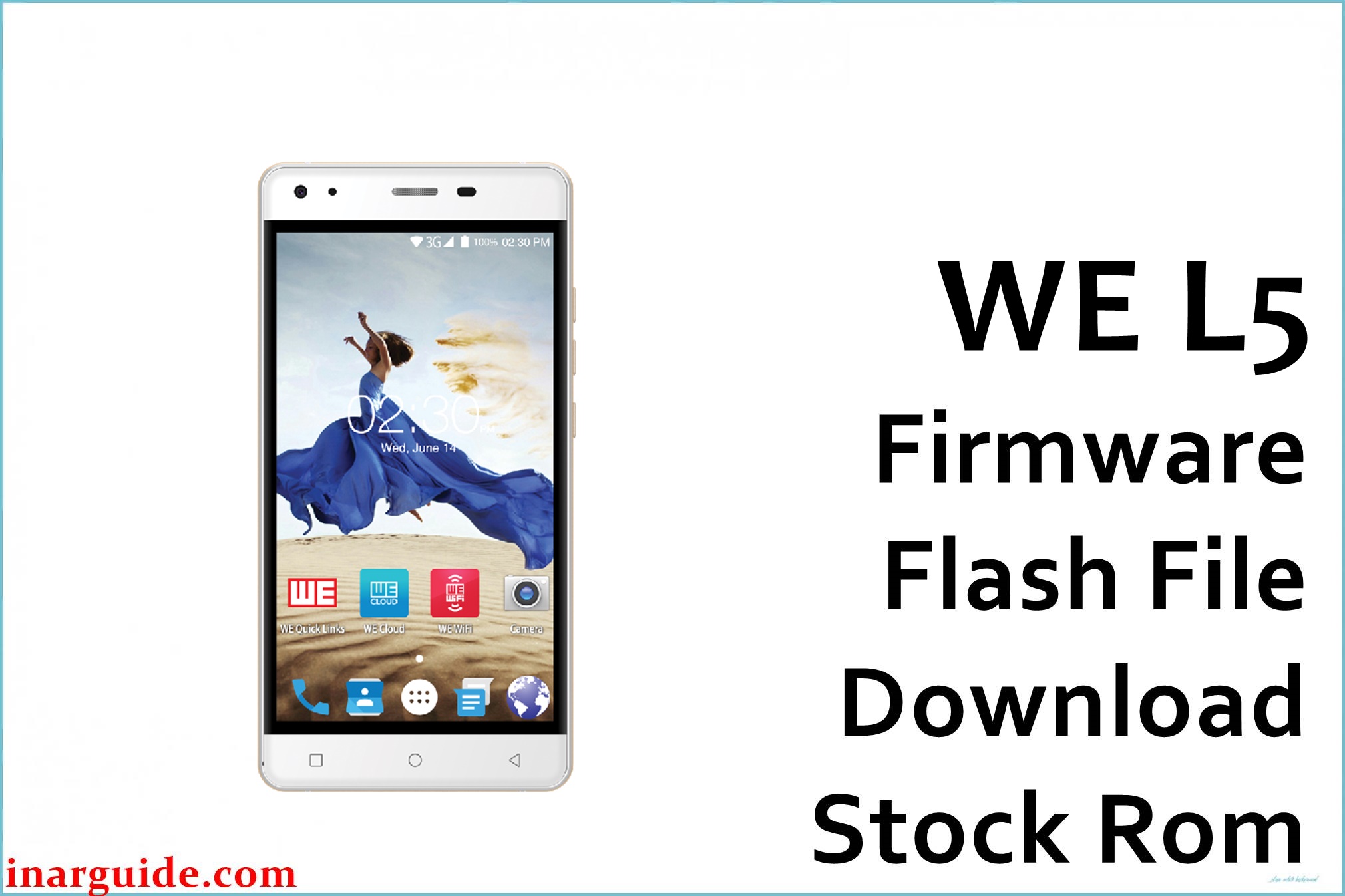
The WE L5 is a Spreadtrum/Unisoc-based Android 6.0 device that commonly runs into software faults like logo hang and FRP lock after resets or failed updates, which are typically resolved by flashing the correct PAC firmware package. Community resources actively share WE L5 firmware builds and PAC packages for recovery, confirming the device runs on the SC7731G platform that is supported by standard SPD flashing tools.
The two builds below are provided to help unbrick, clear FRP, and restore smooth operation; always match your exact model and build to avoid compatibility issues.
WE L5 Firmware Details
| Device Name | WE L5 |
| Model | L5 |
| Chipset | Spreadtrum/Unisoc SC7731G (SP7731) |
| Android Version | 6.0 Marshmallow (PAC) |
| Available Builds | V1.0_20170625; SP7731GEA_qHD_MRA58K release-keys |
| File Type | ZIP containing.PAC firmware (SPD) |
| Recommended Tool | SPD Upgrade Tool (UpgradeDownload) |
| Drivers | SPD/Unisoc USB drivers for Windows |
Warning: Flashing a mismatched PAC on Spreadtrum devices can lead to persistent boot failure or loss of calibration/NVRAM data; verify model and build tags before flashing, keep the battery charged, and do not interrupt the process.
Download Official Firmware for WE L5
Two PAC-based stock firmware options are available below; the long-name AFH build clearly shows SP7731GEA and Android 6.0 MRA58K tags, while the V1.0_20170625 package is an earlier release suitable for devices originally shipped with that software branch.
- 📄 Filename: We_L5_V1.0_20170625_6.0_SPD.zip
- 📦 Size: — (not stated by host)
- 🗓️ Build Tag/Date: V1.0_20170625
- 🔢 Build Version: V1.0 branch
- 🤖 Android Version: 6.0 (device class)
- ⬇️ Download Link: MediaFire (We L5 V1.0_20170625)
- 📄 Filename: We L5 SP7731GEA_sp7731g_1h10_81_df_df013_we_l5_gps_qhd_6.0_MRA58K_release-keys_L5.zip
- 📦 Size: — (host page does not show size without JS)
- 🗓️ Build Tags: SP7731GEA, qHD, MRA58K, release-keys
- 🔢 Build Version: df013 branch (per filename)
- 🤖 Android Version: 6.0 Marshmallow (MRA58K)
- ⬇️ Download Link: AndroidFileHost (SP7731GEA MRA58K)
If your device boots to logo only or is FRP-locked, either build can restore the system so long as it matches your hardware/software branch; the AFH package explicitly indicates SP7731GEA and MRA58K, which helps confirm compatibility for Marshmallow devices.
How to Flash the Firmware
Follow these 5 quick steps using SPD Upgrade Tool (UpgradeDownload):
- Extract the downloaded ZIP and locate the. PAC firmware file on your PC.
- Install SPD/Unisoc USB drivers on Windows to ensure proper device detection.
- Open UpgradeDownload.exe, click the Load Packet button, and select the. PAC file.
- Power off the phone, connect via USB, then click Start Downloading to begin flashing.
- Wait for the Passed message, then disconnect and boot the phone; first boot can take several minutes.
For a full, illustrated tutorial on using the SPD Upgrade Tool with. PAC firmware, see this step-by-step guide.





