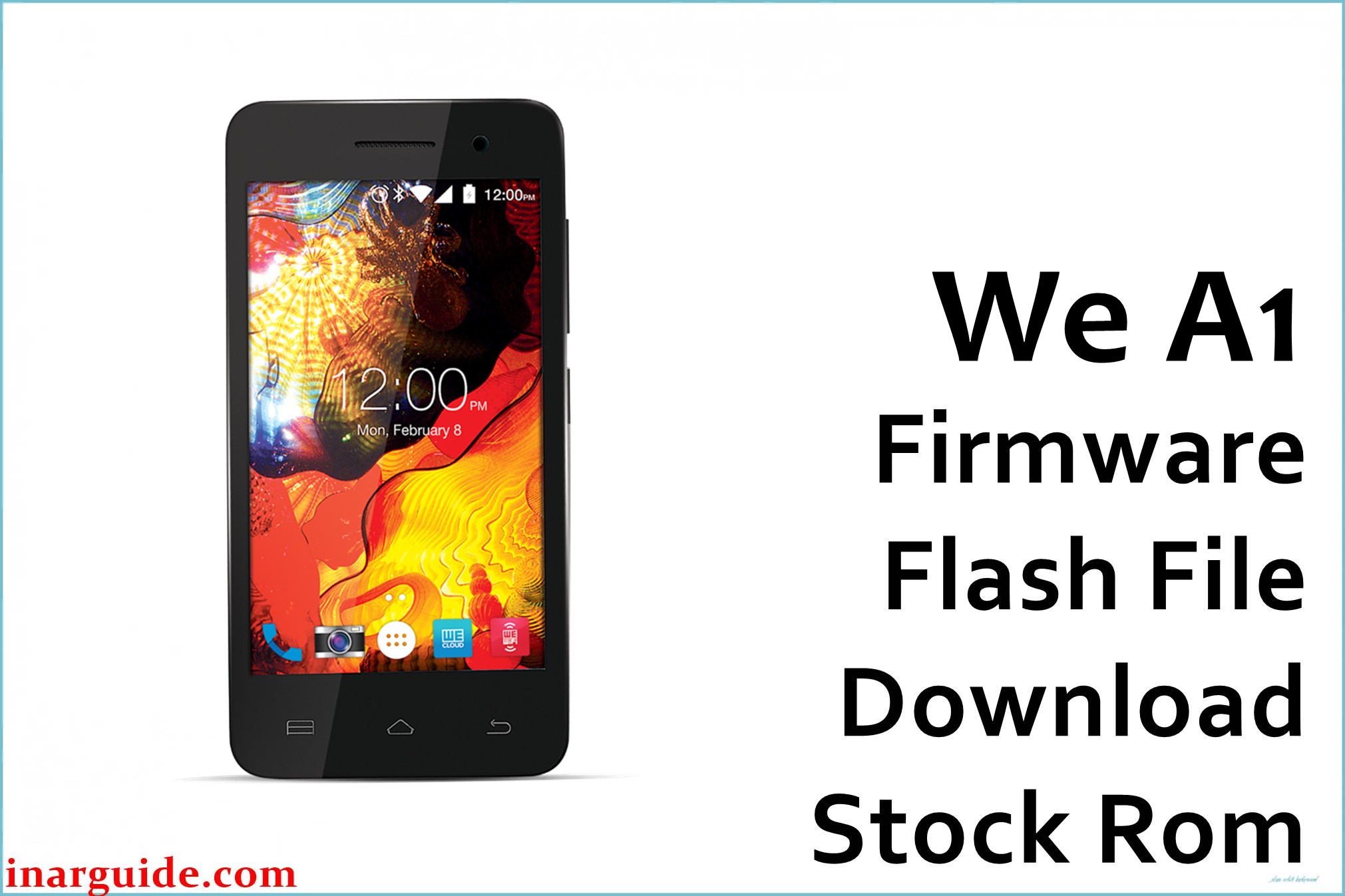
The WE A1 is an affordable Bangladeshi Android smartphone built on the MediaTek MT6572 dual‑core platform with Android 5.1 Lollipop, aimed at entry‑level users who need basic apps, calls, and data on a tight budget. Over time, many MT6572/Android 5.1 devices suffer from serious slowdowns, “optimizing apps” loops, random reboots, bootloops after OTA or rooting, and soft‑brick situations where the phone only shows the logo and never reaches the home screen.
The We_A1_MT6572_5.1_ALPS.L1.MP6.V1_KEYTAK6572.WET.L_P4.zip file is an official scatter‑based stock ROM for the WE A1 that can unbrick the device, fix constant bootloops, remove stubborn software bugs, and return the phone to a clean, stable factory state when flashed correctly with SP Flash Tool.
WE A1 Firmware Details
| Device Name | Model Identifier | Chipset | Android Version | Firmware Version / Name | Build Date (package) | File Size | File Type | Flashing Tool | Bootloader Status | Region / Notes |
|---|---|---|---|---|---|---|---|---|---|---|
| WE A1 | MT6572__WE__WE_A1__A1__5.1 | MediaTek MT6572 dual‑core Cortex‑A7, Mali‑400 GPU | Android 5.1 Lollipop | We_A1_MT6572_5.1_ALPS.L1.MP6.V1_KEYTAK6572.WET.L_P4.zip | ROM branch ALPS.L1.MP6.V1 (uploaded 2017‑07‑17) | ≈740.58 MB compressed zip (about 650–700 MB ROM content) | Scatter-based stock firmware archive (.zip with MT6572_Android_scatter + images) | SP Flash Tool (MediaTek) | Bootloader usually locked; flashing via MTK preloader download mode | WE Mobile / Bangladesh entry‑level device; full system + recovery + possible NVRAM repair |
Download Official Firmware for WE A1
| Filename | Region | File Size | Build Date | Build Version | Android Version | Flashing Type | Notes / Target | Download Links |
|---|---|---|---|---|---|---|---|---|
| We_A1_MT6572_5.1_ALPS.L1.MP6.V1_KEYTAK6572.WET.L_P4.zip | Global / Bangladesh WE A1 only | ≈742 MB compressed | ALPS.L1.MP6.V1 branch (uploaded 2017‑07‑17) | KEYTAK6572.WET.L_P4 (factory WE A1 build) | Android 5.1 Lollipop | SP Flash Tool “Download Only” / “Firmware Upgrade” (scatter) | For full system restore, unbrick, FRP/lock issues, logo hang and bootloop fix on WE A1 MT6572 devices only | Download WE A1 Firmware (MediaFire) |
Flashing Requirements
- WE A1 smartphone with confirmed MT6572 chipset and at least 60% battery, plus a reliable USB cable and port.
- We_A1_MT6572_5.1_ALPS.L1.MP6.V1_KEYTAK6572.WET.L_P4.zip extracted on a Windows PC so the MT6572_Android_scatter and image files are visible.
- Compatible SP Flash Tool version for MT6572 and correctly installed MediaTek VCOM/Preloader USB drivers.
- Backup of all important data and, if possible, an NVRAM/IMEI backup using MTK tools before flashing to avoid losing network settings.
- Basic understanding of SP Flash Tool modes (Download Only vs Firmware Upgrade) and awareness that flashing preloader adds extra risk but can be needed for hard‑brick repair.
How to Flash the Firmware
- Install MTK VCOM drivers on your PC, then extract SP Flash Tool and the WE A1 firmware zip to separate folders.
- Open SP Flash Tool, click “Scatter‑loading,” and select the MT6572_Android_scatter.txt file from the WE A1 firmware folder to load all partitions.
- Choose “Download Only” for a standard reinstall or “Firmware Upgrade” if you need a deeper repair, decide carefully about including preloader, and press the Download button.
- Turn the WE A1 off completely, connect it to the PC via USB (holding a volume key may help), and wait while SP Flash Tool flashes the ROM until the green success checkmark appears.
- Disconnect the phone and power it on; the first boot into Android 5.1 may take several minutes while Lollipop optimizes apps and completes initial setup.
Need a visual guide for MTK devices? Follow this detailed MediaTek SP Flash Tool flashing tutorial before working with your WE A1 scatter firmware.
Flashing stock or custom firmware is inherently risky. This website and the file providers are not responsible for bricked phones, corrupted NVRAM/IMEI, lost data, or any other damage caused by using the WE A1 MT6572 files or instructions on this page. By downloading and flashing, you accept full responsibility for all actions and outcomes. If you encounter issues, please share details in the comments so the community can assist you while you remain solely accountable for your device.
Frequently Asked Questions (FAQs)
What problems can this WE A1 firmware fix?
This stock ROM can repair bootloops, stuck logo, endless “optimizing apps” screens, heavy lag, and system/app crashes caused by bad updates, malware, or failed root/custom ROM attempts on the WE A1. It is also effective for soft‑bricked MT6572 phones still detected by a PC but unable to boot into Android.
Is this firmware only for the WE A1 MT6572?
Yes, the We_A1_MT6572_5.1_ALPS.L1.MP6.V1_KEYTAK6572.WET.L_P4.zip package is built specifically for the WE A1 with MT6572 hardware and Android 5.1; using it on other WE models or different CPUs can permanently hard‑brick those devices. Always confirm the exact model and chipset before flashing.
Will this upgrade Android beyond 5.1?
No, this firmware keeps the WE A1 on Android 5.1 Lollipop and focuses on restoring stability and performance rather than major OS upgrades. For newer Android versions you would need custom ROMs, which come with extra bugs and compatibility risks on MT6572 hardware.
SP Flash Tool does not detect my WE A1. How can I fix this?
Reinstall MTK VCOM drivers, try another USB port and cable, ensure the phone is fully powered off, and connect without the battery or while holding a volume key to trigger preloader mode. Avoid USB hubs and close other flashing tools so SP Flash Tool can communicate properly with the MT6572 device.





