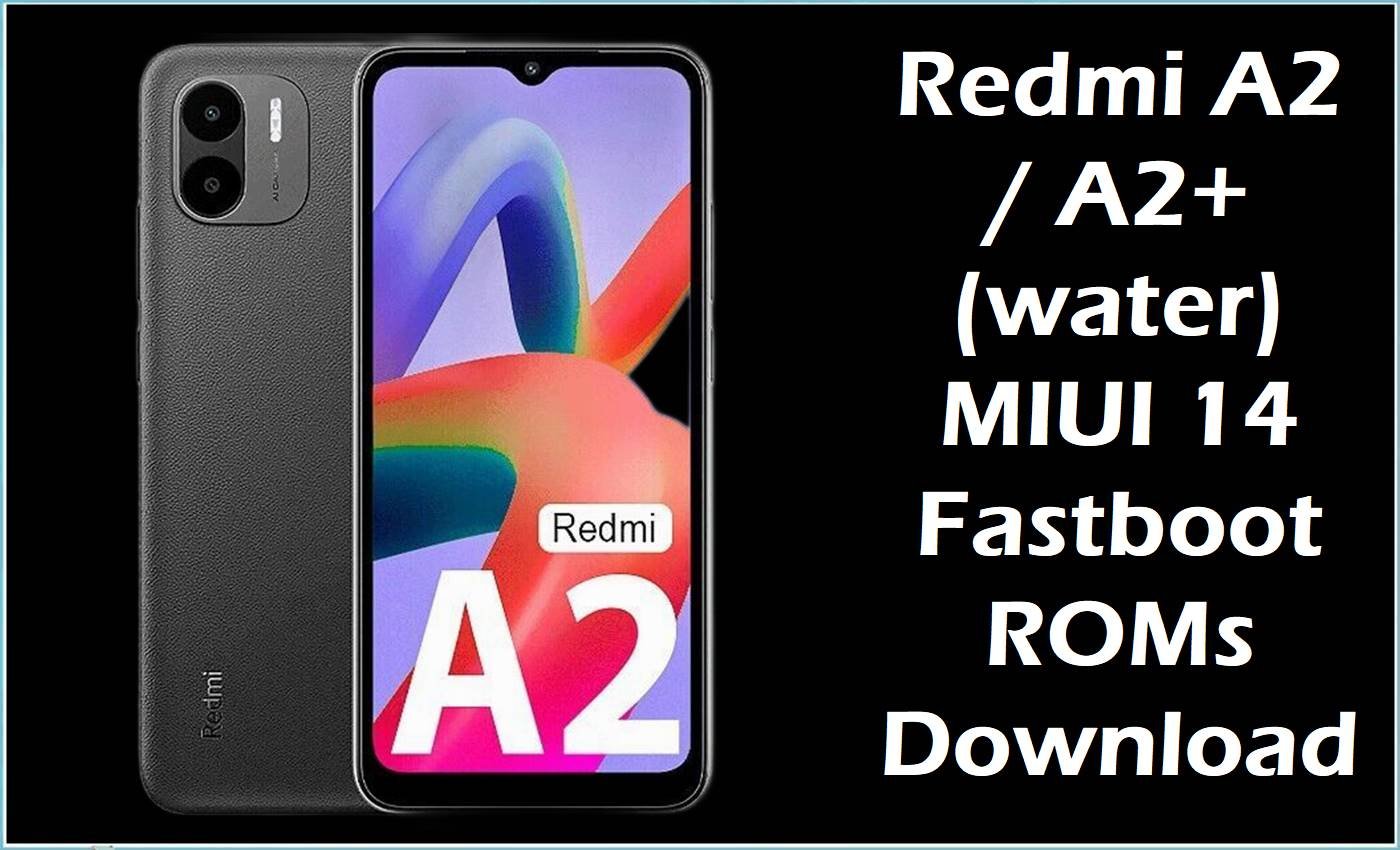
The Redmi A2/A2+ (codename water) is an entry-level Android Go device based on the MediaTek Helio G36 platform, sharing the same firmware line with certain POCO C51 variants under the same codename. The fastboot ROMs below are full MIUI 14 (Android 13 Go Edition) images that can help recover from bootloops, failed OTA updates, or system corruption when the correct water build and region are selected before flashing.
Redmi A2 / A2+ Firmware Details
| Device Name | Redmi A2 / Redmi A2+ |
|---|---|
| Model Identifier | Redmi A2: 23026RN54G; Redmi A2+: 23028RN4DG / 23028RN4DH / regional variants (water family) |
| Codename | water (shared by Redmi A2, A2+ and some POCO C51 variants) |
| Chipset / Platform | MediaTek Helio G36 (octa‑core Cortex‑A53 up to 2.2 GHz) |
| Launch Android Version | Android 13 (Go Edition) with MIUI‑based interface |
| Current Firmware Line | MIUI 14 V14.0.x (Android 13) stable fastboot builds per region |
| Typical File Size Range | Approx. 1.9 GB – 2.1 GB for full fastboot TGZ packages |
| Firmware Type | Official MIUI 14 fastboot ROMs (.tgz) for water |
| Flashing Tool | SP Flash Tool (scatter mode) for raw dumps; Xiaomi Mi Flash / fastboot scripts for TGZ where applicable |
| Bootloader Requirement | Unlocked bootloader required for fastboot‑based ROM changes; stock recovery OTA can be used on locked devices for matching builds |
| Region / Branch Notes | Separate water builds for Global, EEA, India, Russia, Indonesia and Taiwan; mixing these may impact OTA updates and regional settings. |
⚠️ Flashing Risks & Disclaimer
This phone is a low‑end MediaTek Helio G36 device with tight storage and Android Go optimizations, so flashing an incorrect water ROM or mismatched regional build can cause bootloops, loss of IMEI, or modem issues requiring specialist repair tools. Scatter‑based flashes or fastboot scripts overwrite critical partitions such as boot, system, vendor and userdata; interrupting the process, changing script options without understanding them, or mixing firmware from other codenames can soft‑brick the device.
Unlocking the bootloader or using non‑standard flashing tools may void warranty and can trigger full data wipes, and on Android 13 Go Edition devices there is limited headroom for failed flash attempts or repeated re‑encryption. All flashing is done at the user’s own risk, and a complete backup of important data is strongly recommended before proceeding.
Download Official Firmware for Redmi A2 / A2+
The following table lists MIUI 14 V14.0.x Android 13 fastboot ROMs for the water codename, split by region. Use only images for water and match the region suffix (MIXM, EUXM, INXM, RUXM, IDXM, TWXM) to the existing firmware or intended target region.
| Region / Variant | Filename | Build / Version | Android / Firmware Version | File Type | Build Date | File Size | Download Link |
|---|---|---|---|---|---|---|---|
| Global (MI) | water_global_images_V14.0.41.0.TGOMIXM_20251024.0000.00_13.0_9dfd1a9bab.tgz | V14.0.41.0 TGOMIXM (Global) | Android 13 / MIUI 14 | Fastboot ROM (.tgz) | 2025-10-24 | 2.08 GB | Download Global build (official server) |
| Europe (EEA) | water_eea_global_images_V14.0.30.0.TGOEUXM_20251113.0000.00_13.0_6cfcf99b69.tgz | V14.0.30.0 TGOEUXM (EEA) | Android 13 / MIUI 14 | Fastboot ROM (.tgz) | 2025-11-13 | 2.10 GB | Download EEA build (official server) |
| India (IN) | water_in_global_images_V14.0.24.0.TGOINXM_20250819.0000.00_13.0_ab63a5a9f8.tgz | V14.0.24.0 TGOINXM (India) | Android 13 / MIUI 14 | Fastboot ROM (.tgz) | 2025-08-19 | 1.96 GB | Download India build (official server) |
| Russia (RU) | water_ru_global_images_V14.0.29.0.TGORUXM_20250910.0000.00_13.0_6146ea332a.tgz | V14.0.29.0 TGORUXM (Russia) | Android 13 / MIUI 14 | Fastboot ROM (.tgz) | 2025-09-10 | 2.07 GB | Download Russia build (official server) |
| Indonesia (ID) | water_id_global_images_V14.0.21.0.TGOIDXM_20250829.0000.00_13.0_e4f7c2d156.tgz | V14.0.21.0 TGOIDXM (Indonesia) | Android 13 / MIUI 14 | Fastboot ROM (.tgz) | 2025-08-29 | 2.04 GB | Download Indonesia build (official server) |
| Taiwan (TW) | water_tw_global_images_V14.0.9.0.TGOTWXM_20250819.0000.00_13.0_817118a4cd.tgz | V14.0.9.0 TGOTWXM (Taiwan) | Android 13 / MIUI 14 | Fastboot ROM (.tgz) | 2025-08-19 | 1.96 GB | Download Taiwan build (official server) |
Flashing Requirements
This model belongs to the water family running Android 13 Go Edition, so PC‑based flashing should be kept as minimal as possible and only performed when OTA or local update cannot recover the system. A Windows PC, correct MediaTek USB drivers, and the appropriate Xiaomi tooling (fastboot / Mi Flash or SP Flash Tool with the correct scatter, depending on the package layout) are required.
- Confirm that the device codename is water and that the region suffix in Settings > About phone matches MIXM, EUXM, INXM, RUXM, IDXM or TWXM before choosing a ROM.
- Bootloader unlocking is usually required for non‑OTA flashing paths; unlocking will trigger a factory reset and may affect warranty.
- Back up photos, contacts, and any app data to cloud or external storage, because many fastboot scripts perform a full data wipe, especially when changing regions.
- Keep the battery above 50% and use a direct USB connection to the PC without hubs to reduce the chance of disconnections during flashing.
How to Flash the Firmware
The steps below outline a typical high‑level process for installing a water fastboot ROM on the Redmi A2/A2+ using Xiaomi’s fastboot‑based tooling. For advanced scatter‑based operations, SP Flash Tool workflows can be used with an appropriate scatter file.
- Download the correct fastboot TGZ package for water that matches the configured region (for example, V14.0.41.0 TGOMIXM for Global) and extract it on the PC until the images and scripts are visible.
- Install MediaTek and Xiaomi USB drivers, then set up the Xiaomi flashing tool (Mi Flash / fastboot environment) and verify the ROM folder is recognized without path errors.
- On the phone, enable developer options and OEM unlocking if available, then power off and boot into fastboot mode (usually Volume Down + Power) before connecting the device to the PC by USB.
- With the phone detected as a fastboot device, select the extracted ROM directory in the tool, choose the desired mode (clean all is recommended for recovery from serious software issues), and start the flash without disconnecting the cable or letting the PC sleep.
- After flashing, allow the phone to boot back into Android 13 Go; the first boot can take several minutes on this low‑end platform while the system optimizes apps and completes initial setup, so avoid interrupting unless clearly stuck on the logo for an extended period.
For users who need a step‑by‑step walkthrough of SP Flash Tool workflows on MediaTek devices, see this guide: Flash MediaTek firmware with SP Flash Tool.
Frequently Asked Questions (FAQs)
Are Redmi A2 and A2+ using the same water firmware?
Both Redmi A2 and A2+ are part of the water family, and MIUI 14 Android 13 fastboot ROMs for this codename are generally shared, but users must still match the regional suffix to avoid OTA and configuration issues.
Can a Global TGOMIXM build be flashed on an Indian TGOINXM Redmi A2?
Cross‑flashing between MIXM and INXM is technically possible on the same water hardware, but it is recommended only with a clean flash and with the understanding that OTA updates and region‑specific services may change.
Do these MIUI 14 fastboot ROMs upgrade Android or just reinstall it?
All listed ROMs are Android 13 MIUI 14 releases, so they mainly serve as updates or full reinstalls within the same major Android version; they can still introduce newer security patches and minor feature changes per build.
Is bootloader unlocking mandatory to recover a bootloop on this device?
If fastboot flashing is required, an unlocked bootloader is usually needed, but when stock recovery or local update is still accessible, matching recovery packages or OTA updates can sometimes restore the system without unlocking.
What happens to user data when flashing a water fastboot ROM?
Most fastboot flashing modes for this phone perform a full wipe of userdata, especially when changing regions or recovering from serious corruption, so internal storage content should be considered expendable unless backed up in advance.
Can SP Flash Tool be used directly with these TGZ packages?
The TGZ files are structured for Xiaomi’s fastboot tooling; to use SP Flash Tool, a compatible scatter file and correctly unpacked images tailored to the water partition layout are required, and mistakes here can cause more severe bricks.
Will flashing affect basic Android Go performance on the Redmi A2/A2+?
Using the correct stable build for the region maintains the intended Android 13 Go tuning; installing mismatched or heavily modified packages may change pre‑loaded apps and optimizations but will not upgrade the hardware limitations of this platform.
How can the correct region suffix be checked on the phone?
The region code (such as TGOMIXM, TGOEUXM, TGOINXM, TGORUXM, TGOIDXM, TGOTWXM) is visible in Settings > About phone > MIUI version, and it should match the ROM being downloaded for safe flashing.





