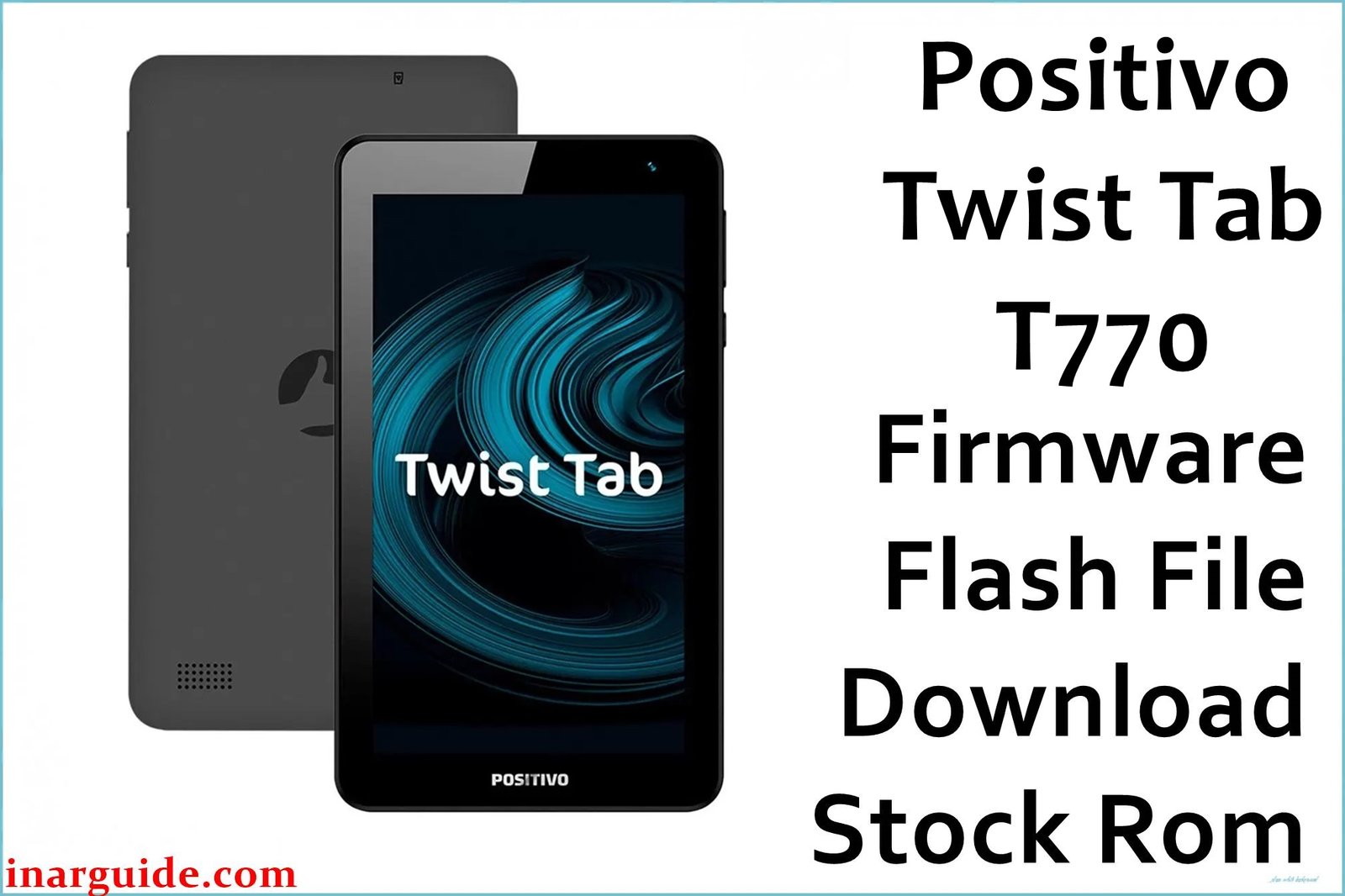
Hey, so you’ve got one of those Positivo Twist Tab T770 tablets (T770, T770K, T770KB, etc.). Look, let’s be honest: these things are rough. They’re basically a budget tablet designed for kids, but they come with a laundry list of problems:
- It’s painfully slow. Even simple things like scrolling feel like a chore.
- The screen is awful. Seriously, trying to watch a video means battling weird colors and terrible viewing angles.
- The battery life is a joke. It drains faster than you can charge it.
- The Wi-Fi drops constantly. Trying to keep a stable connection is an Olympic sport.
If your tablet is now stuck in a bootloop, freezing all the time, or acting buggy, reinstalling the official firmware (a clean version of Android 8.1 Oreo Go Edition) is your best, last hope.
🛑 Real Talk: What Flashing Can’t Fix
Before we start, you need to know this isn’t a magic wand. Flashing the firmware WILL NOT fix the hardware issues that make this tablet terrible:
- ❌ It won’t make the screen look better. That poor quality screen is built-in.
- ❌ It won’t give you better battery life. It’s just a small battery.
- ❌ It won’t make the processor faster. It’s fundamentally underpowered.
- ❌ It won’t fix broken Wi-Fi antennas or charging ports. Those require physical repair.
If your tablet is slow because of junk software or a bad update, this will help. If it’s slow because the hardware is cheap, it’ll still be slow.
🚨 The Most Important Warning (Read This!)
Flashing firmware is risky. If you mess up, you can permanently “brick” your tablet—meaning it’s completely dead. Do these three things before you start:
- Check Your Model: Look on the back of your tablet and confirm the exact model number (T770, T770K, T770KC, etc.). If you download the wrong file, you’re asking for trouble.
- Charge It Up: Make sure the tablet is at least 60% charged (ideally connected to power). If it dies mid-flash, it’s done for.
- Back Everything Up: This process wipes the entire device. Save all your photos, videos, and game data to a computer or cloud drive NOW.
⬇️ Find Your Firmware & Get Started!
These firmware files are all from the same March 27, 2020 build date and are the official Android 8.1 Go Edition system. Just find the link that exactly matches your model number and click the Google Drive link to download the 674MB .zip file.
| Model Number | Target Audience | Key Feature | Download Link |
|---|---|---|---|
| T770 | Standard Model | 2400mAh Battery (Slightly Better) | Google Drive Link |
| T770B | Standard Variant B | Regional Variant | Google Drive Link |
| T770C | Standard Variant C | Regional Variant | Google Drive Link |
| T770K | Kids Edition | 2000mAh Battery (Smaller) | Google Drive Link |
| T770KB | Kids Edition B | Themed Accessories | Google Drive Link |
| T770KC | Kids Edition C | Themed Accessories | Google Drive Link |
🛠️ Quick Flashing Guide
Since this uses a Rockchip processor (RK3326), you need the right tools.
- Get the Tools: You need the Rockchip USB Drivers installed on your Windows PC and a compatible flashing utility like the RDA Multi_DL Tool or Rockchip Factory Tool.
- Extract the File: Unzip the firmware file you just downloaded to an easy-to-find folder.
- Prep the Tablet: Turn the tablet completely off.
- Enter Download Mode: Open the flashing tool, then connect the tablet to your PC via Micro-USB while holding the Volume Up (or sometimes Volume Down) button. The tool should recognize the device.
- Hit Start: Load the firmware file into the tool and click “Start” or “Download.”
- DO NOT TOUCH IT: Wait 5-10 minutes. The cable should stay connected and your PC should not go to sleep until the tool confirms a 100% success.
If the Rockchip tool gives you trouble, search for a guide on using the RDA Multi_DL Tool specifically for RK3326 devices. It can be finicky!
If you’re still not comfortable, seriously, take it to a professional. A few bucks spent now is better than a permanently dead tablet later.





