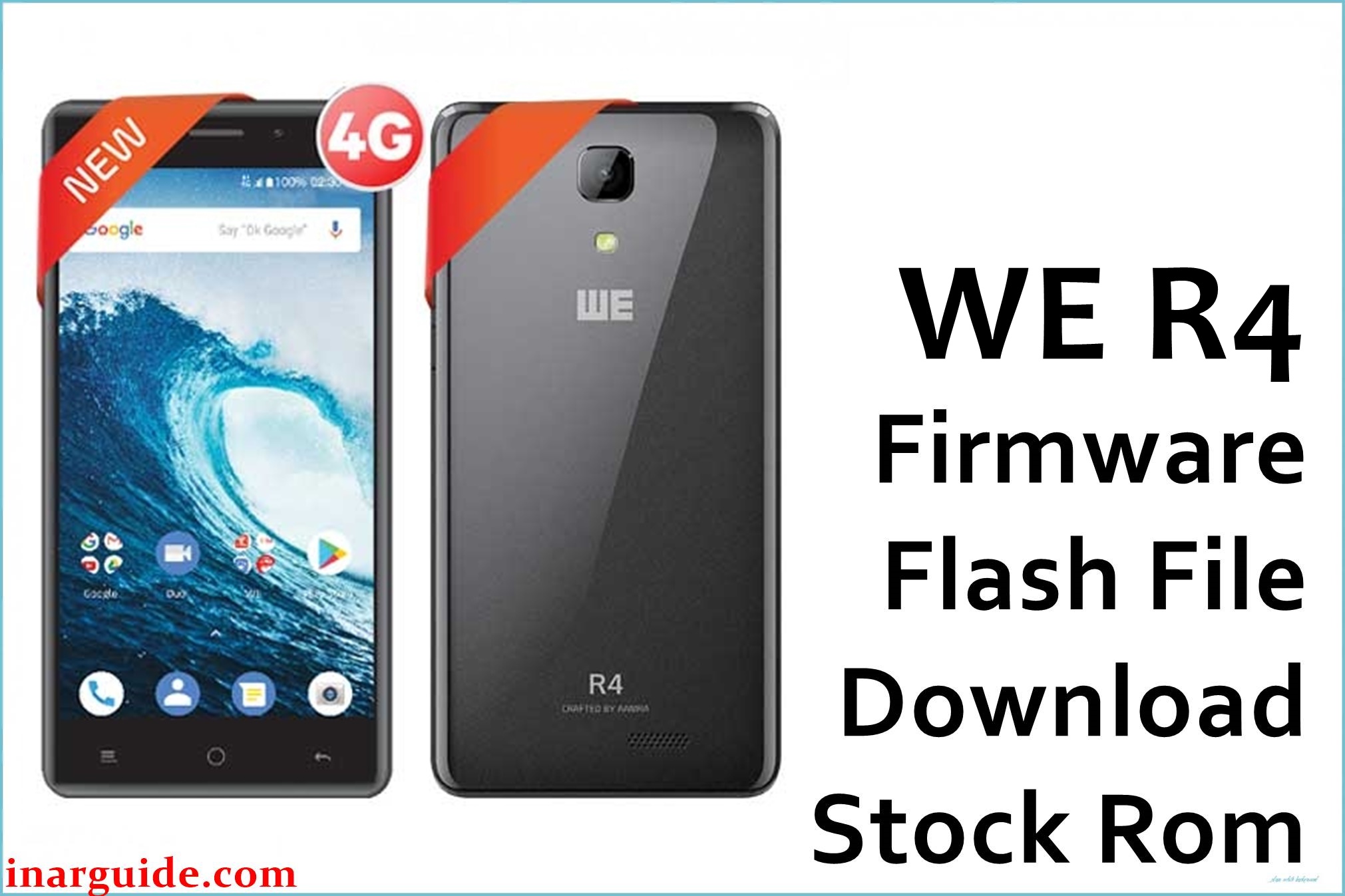
The WE R4 MT6737M is a low- to mid-range Android device running Android 8.1, designed for reliable network coverage but targeted at budget-focused users. Common complaints include bootloops after failed updates, system lag, app crashes, weak multitasking due to limited RAM, and IMEI/“no network” errors, sometimes following unsuccessful software modifications.
Official firmware is recommended to fix such issues, remove FRP locks, restore lost IMEI, or fully unbrick the device after a failed flash or soft-brick.
WE R4 MT6737M Details
| Device Name | WE R4 |
|---|---|
| Model | R4 |
| Chipset | MediaTek MT6737M |
| Android Version | Android 8.1 Oreo |
| Firmware Filename | WE_R4_MT6737M_20180516.zip |
| Firmware Version | SW_V5.1 (2018-05-16) |
| File Size | 1005MB |
| File Type | ZIP (includes .scatter, .img, drivers, SP Flash Tool instructions) |
| Flashing Tool | MediaTek SP Flash Tool |
| Display | 5.0″ IPS LCD (720×1280) |
| RAM / Storage | 1GB or 2GB RAM / 16GB internal storage |
| Battery | 2400mAh, removable |
| SIM | Dual SIM |
| Other Features | 4G LTE, Wi-Fi, FM, GPS, Bluetooth |
Warning: Flashing the wrong version, disconnecting during flashing, or formatting the wrong partition may brick the WE R4, cause IMEI loss (“invalid IMEI”), or delete all user data. Always confirm exact model and fully back up important files before starting.
Download Official Firmware for WE R4 MT6737M
This stock ROM restores functionality and can remove FRP, fix boot errors, sluggishness, and software bugs.
📄 Filename: WE_R4_MT6737M_20180516.zip
📦 Size: 1005MB
🗓️ Build Date: 2018-05-16
🔢 Version: SW_V5.1 (for WE R4 MT6737M)
⬇️ Download Link: MediaFire
How to Flash the Firmware
- Unzip WE_R4_MT6737M_20180516.zip and check all files (scatter, IMG images, drivers).
- Install the MediaTek USB drivers if not already present.
- Open SP Flash Tool, select the scatter file, and load the firmware images.
- Connect the switched-off phone via USB and click “Download” to start flashing.
- Wait for the green checkmark; do not unplug or interrupt the process.
To see step-by-step photos and video, see this full flashing tutorial.





