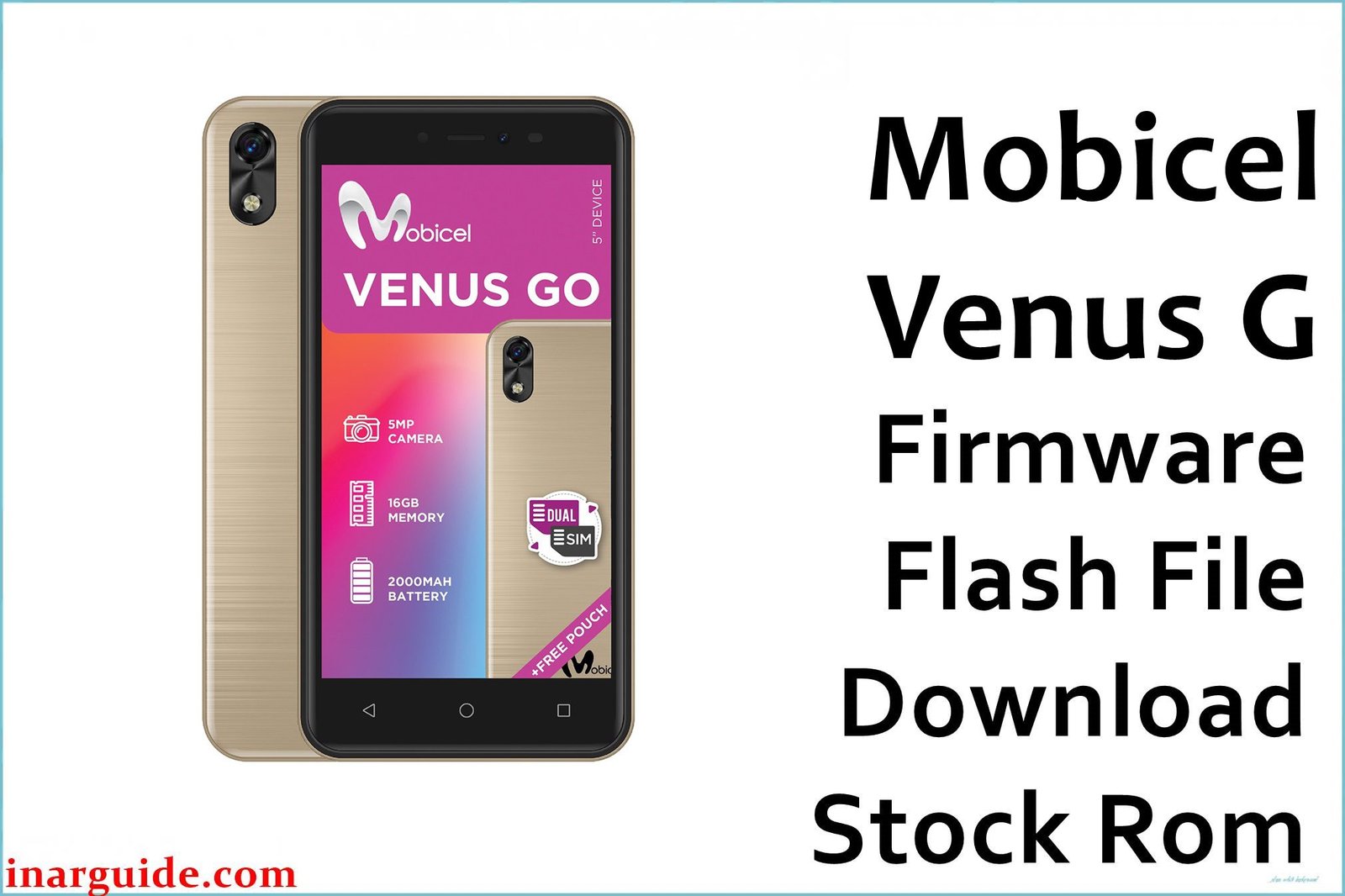
The Mobicel Venus G is a budget smartphone with a Spreadtrum/Unisoc SP7731C chipset and Android 8.1. Like many SPD-based devices, it is vulnerable to persistent bootloop (stuck at logo), dead/no power after incomplete flashing, malware and pop-ups, rapid battery drain, IMEI/network or Wi-Fi failure, and Google FRP lock after resets.
When these serious issues occur, the best solution is a full firmware reinstallation using the official PAC file and SPD Upgrade Tool.
Mobicel Venus G Firmware Details
| Attribute | Details |
|---|---|
| 📱 Device | Mobicel Venus G |
| 🆔 Chipset | Spreadtrum SP7731C |
| 🤖 Android OS | 8.1 |
| ✅ Build Version | 180620 |
| 📂 File Type | PAC Firmware |
| 💻 Flashing Tool | SPD Upgrade Tool / ResearchDownload |
Download Official Firmware for Mobicel Venus G
- Build: 180620
- File Name: Mobicel_Venus_G_SP7731C_180620_8.1_SPD.zip
- Size: 776MB
- 🔗 Download Link: Download (MediaFire)
Why Flash This Specific Firmware?
- Fix Bootloops/Logo Stuck: This ROM repairs Mobicel Venus G phones that keep restarting or hang on the Mobicel logo after updates, malware, or factory resets.
- Unbrick a Dead/Not Turning On Device: If your Venus G is non-responsive after a failed/incomplete flash, this full PAC firmware can recover it with SPD Upgrade Tool.
- Remove Malware, Restore Battery, and IMEI: System-level malware, pop-ups, or network and battery issues that survive resets are wiped only by factory ROM flashing.
- Fix No Network/Wi-Fi/Camera: Lost IMEI, Wi-Fi, or camera failure is often caused by corrupted OS and is fixed only by official firmware.
- Bypass FRP/Google Account Lock: A fresh ROM flash resets the device, bypassing any lingering Google locks or frozen/frp-locked recovery after reset.
Crucial Prerequisites Before Flashing
- The latest SPD Upgrade Tool
- Correct Spreadtrum USB drivers on Windows
Important: Back up data—flashing erases the device.
How to Flash the Firmware
- Extract
Mobicel_Venus_G_SP7731C_180620_8.1_SPD.zipto a folder. - Install Spreadtrum drivers if needed.
- Open SPD Upgrade Tool, load the PAC file, and click “Start Downloading.”
- Connect powered-off device (usually with Volume Down pressed) to start flashing.
Step-by-step visuals here:
→ How to Use the SPD Upgrade Tool to Flash Your Smartphone
Disclaimer: Using the wrong ROM or process can brick your phone. Use only if sure this is your exact model—not responsible for loss/damage.





