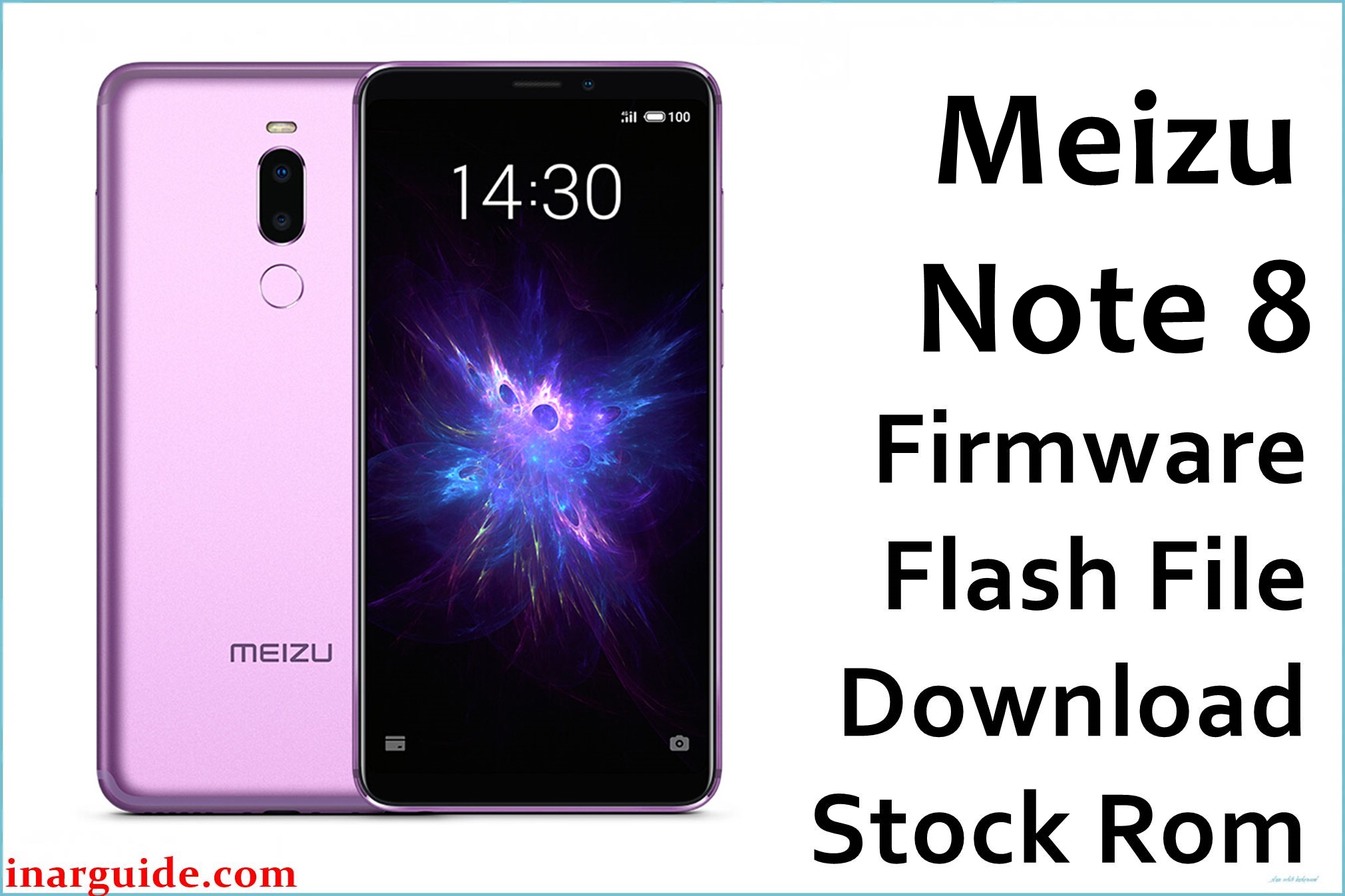
The Meizu Note 8 (M822Q/M1822) is a Snapdragon 632-based mid-range phone praised for its bright display and stamina but known for issues with bootloops, “stuck at logo” after failed updates or mods, FRP lock, Play Store bugs, fast-draining battery, unstable network, app crashes, and data loss after hard resets. Users also report update unresponsiveness and difficult recovery from soft-bricks or unauthorized root. Use the tested ROMs below to unbrick, restore, fix bootloop, resolve system and update errors, repair network, and solve persistent crashes on any Note 8 variant.
Meizu Note 8 Firmware Details
| Device Name: | Meizu Note 8 |
| Model(s): | M822Q, M1822 |
| Chipset: | Qualcomm Snapdragon 632 (Octa-core 1.8GHz) |
| GPU: | Adreno 506 |
| Android Version: | 8.1 Oreo (Flyme 7.1.6.0G & related builds) |
| Firmware Builds: |
|
| Build Dates: | Nov 2018 |
| File Sizes: | 2.01–2.22GB |
| File Type: | QFIL/QPST .zip, Fix OTA zip |
| Flash Tools: | QFIL, QPST, Meizu Recovery/Updater (fix bootloop) |
| Display: | 6.0-inch IPS LCD, 1080 x 2160 px, 18:9 |
| RAM / Storage: | 4GB/6GB RAM, 64GB/128GB ROM (microSD up to 128GB) |
| Primary Camera: | Dual 12MP + 5MP, f/1.9, dual-pixel PDAF, dual LED |
| Front Camera: | 8MP, f/2.0 |
| Battery: | 3600mAh, mCharge fast charge |
| SIM: | Dual SIM (Nano) |
| Other: | Rear fingerprint, 4G LTE, WiFi ac, FM, micro USB |
Download Official Firmware for Meizu Note 8
Every tested download below is suitable for unbricking, fixing logo hang/bootloop, failed update, Play Store/Google issues, lag, network drop, or recovering full stock system. Use QFIL/QPST files for full unbrick and Fix Bootloop OTA only if device is stuck in endless restart or cannot enter system/recovery.
Firmware 1
📄 Filename: Meizu_Note_8_Global_7.1.6.0G_QFIL.zip
📦 Size: 2.01GB
🔢 Build Version: 7.1.6.0G Global
⬇️ Google Drive
Firmware 2
📄 Filename: Meizu_Note_8_M1822_Flyme_7.1.6.0G_181113_QPST.zip
📦 Size: 2.01GB
🔢 Build Version: 7.1.6.0G
⬇️ Google Drive
Firmware 3
📄 Filename: Meizu_Note_8_M822Q_Flyme 7.1.6.0G_181113_QPST.zip
📦 Size: 2.01GB
🔢 Build Version: 7.1.6.0G
⬇️ Google Drive
Firmware 4 (Fix Bootloop/Unbrick/OTA)
📄 Filename: Meizu_Note_8_M822Q_Fix_Bootloop_OTA.zip
📦 Size: 2.22GB
🔢 Build Version: Fix Bootloop OTA
⬇️ Google Drive
How to Flash the Firmware
Follow these 5 quick steps to restore or repair your Meizu Note 8. Always use the specific filename you downloaded:
- Download and extract your chosen ROM (e.g.
Meizu_Note_8_Global_7.1.6.0G_QFIL.zip) and the latest QFIL/QPST tool on Windows. - Install Qualcomm USB drivers and launch the QFIL/QPST app.
- Load the firmware .mbn/.xml into QFIL, power off device, hold Vol+/- and connect via USB for EDL mode; device must show as “Qualcomm HS-USB QDLoader”.
- Click “Download” or “Start” in QFIL, wait for the green pass complete message. Remove USB.
- Power on the device and setup from scratch. If stuck on logo/bootloop, use the Fix Bootloop OTA package.
For OTA Fix: Copy to internal storage or SD card, enter recovery, and choose “Update firmware” or “Apply update from storage”.
Full unbrick tutorial: see this reference guide.





