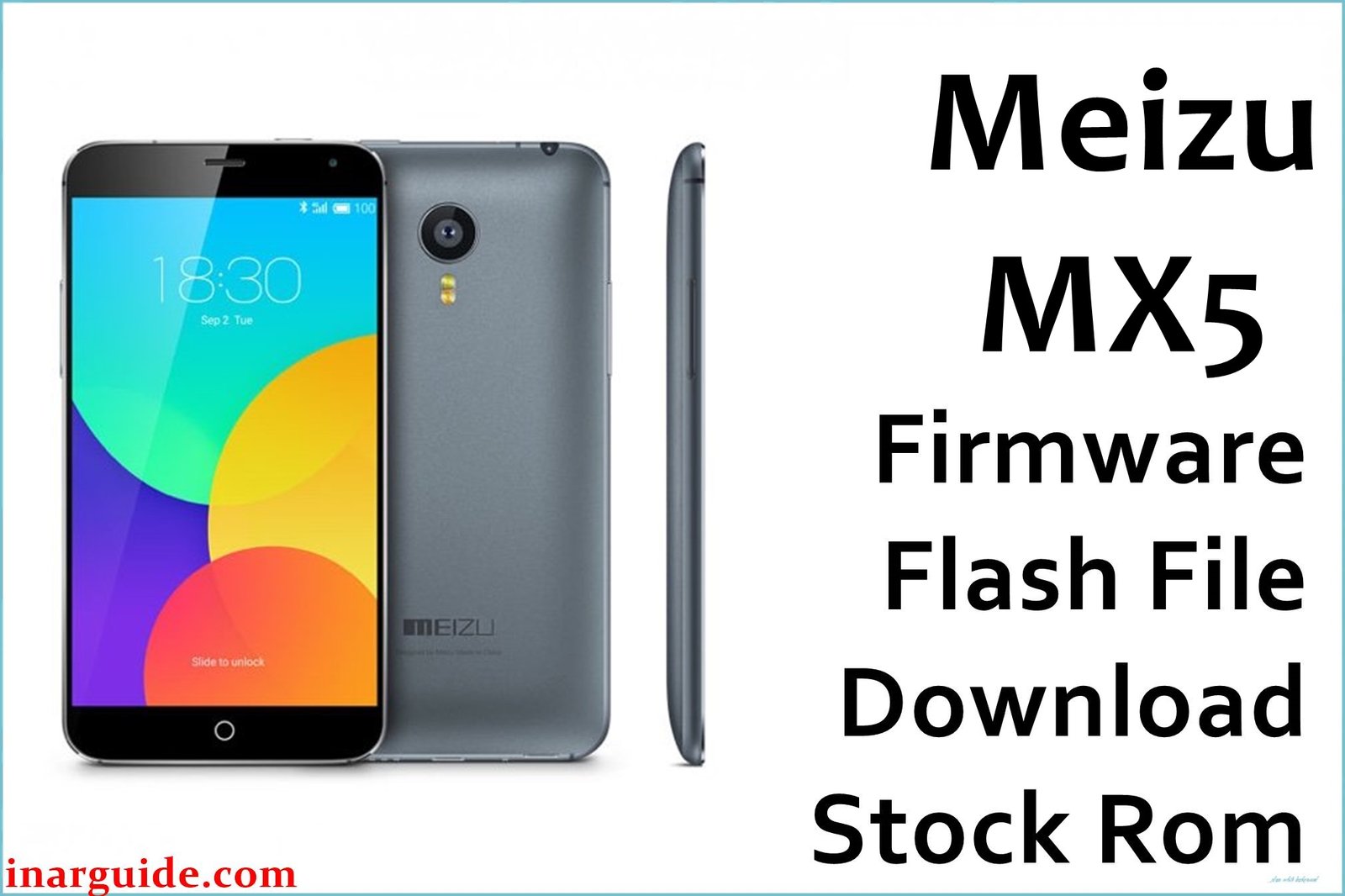
The Meizu MX5, a flagship with an AMOLED display, Helio X10 power, and all-metal build, is known for performance but also for firmware complaints: stuck logo after OTA, bootloop after update, battery drain, camera lag, leftover root/mod bugs, and bricked devices from using the wrong region ROM. Users also report poor standby efficiency, Play Store sync issues, language errors, update failures, and dead devices after SP Flash Tool or scatter flashing. Each ROM below is official and can fix boot failures, system corruption, persistent software errors, or restore after failed mods or root.
Meizu MX5 Firmware Details
| Device Name: | Meizu MX5 |
| Model: | M575, M85 (region/variant) |
| Chipset: | MediaTek MT6795 Helio X10 (Octa-core, 8×2.2GHz Cortex-A53) |
| GPU: | PowerVR G6200 |
| Android Version: | Android 5.1 Lollipop (Flyme OS 4.5–6.1) |
| Firmware Versions: |
|
| File Sizes: | 487MB–1.06GB |
| File Type: | Update ZIP, Scatter ROM, Signed BIN, Official RAR |
| Flash Tools: | SP Flash Tool, Meizu recovery/updater, fastboot (if unlocked) |
| Display: | 5.5-inch AMOLED, 1080 × 1920 px |
| RAM / Storage: | 3GB RAM, 16/32/64GB ROM |
| Rear Camera: | 20.7MP (IMX220, f/2.2, dual-tone LED) |
| Front Camera: | 5MP (f/2.0) |
| Battery: | 3150mAh Li-Ion (non-removable) |
| SIM: | Dual Nano SIM |
| Other: | Fingerprint, all-metal, WiFi ac, Bluetooth 4.0, mBack navigation |
Download Official Firmware for Meizu MX5
You can use each ROM for unbricking, fixing stuck logo, bootloop, lost network, camera and language errors, Play Store sync bugs, FRP, and system malware/removal. For serious boot problems, start with the scatter or signed BIN version. Use global/international ROMs for region-locked or Play Store devices.
Firmware 1 (Scatter/SP Flash Tool):
📄 Filename: Meizu_MX5_MT6795_20150727.zip
📦 Size: 1.06GB
⬇️ MediaFire
Firmware 2 (Intl/Stable RAR):
📄 Filename: Meizu_MX5(M85)_20150706151944_intl_prd_stable.rar
📦 Size: 695MB
⬇️ Google Drive
Firmware 3 (English RAR):
📄 Filename: Meizu_MX5(M85)_2015.09.06-16.00-english.rar
📦 Size: 487MB
⬇️ Google Drive
Firmware 4 (Stable Signed BIN):
📄 Filename: Meizu(MX5)_20160330141951_prd_stable_signed_bin.rar
📦 Size: 975MB
⬇️ Google Drive
Firmware 5 (Global/Flyme 6.x):
📄 Filename: 20170628143208_intl_prd_stable_fvcs_stable_6.1.0.0G.rar
📦 Size: 687MB
⬇️ Google Drive
How to Flash the Firmware
Follow these 5 quick steps with your selected file—update type is in the filename:
- For Update ZIP/Global: Copy to internal storage, enter recovery (Vol Up + Power), choose “System upgrade,” clear data, and flash ZIP file.
- For Scatter/Signed BIN: Extract ROM, load into SP Flash Tool along with scatter file, install MediaTek drivers, connect phone powered off, then “Download” or “Firmware Upgrade.”
- For RAR/ZIP: Extract, copy update.bin (if present) to root, perform local upgrade in file manager, or use custom/stock recovery for direct update.
- Restart when done. First boot can take several minutes.
- If unsure, use the official step-by-step MTK flashing guide: View full MTK tutorial.





