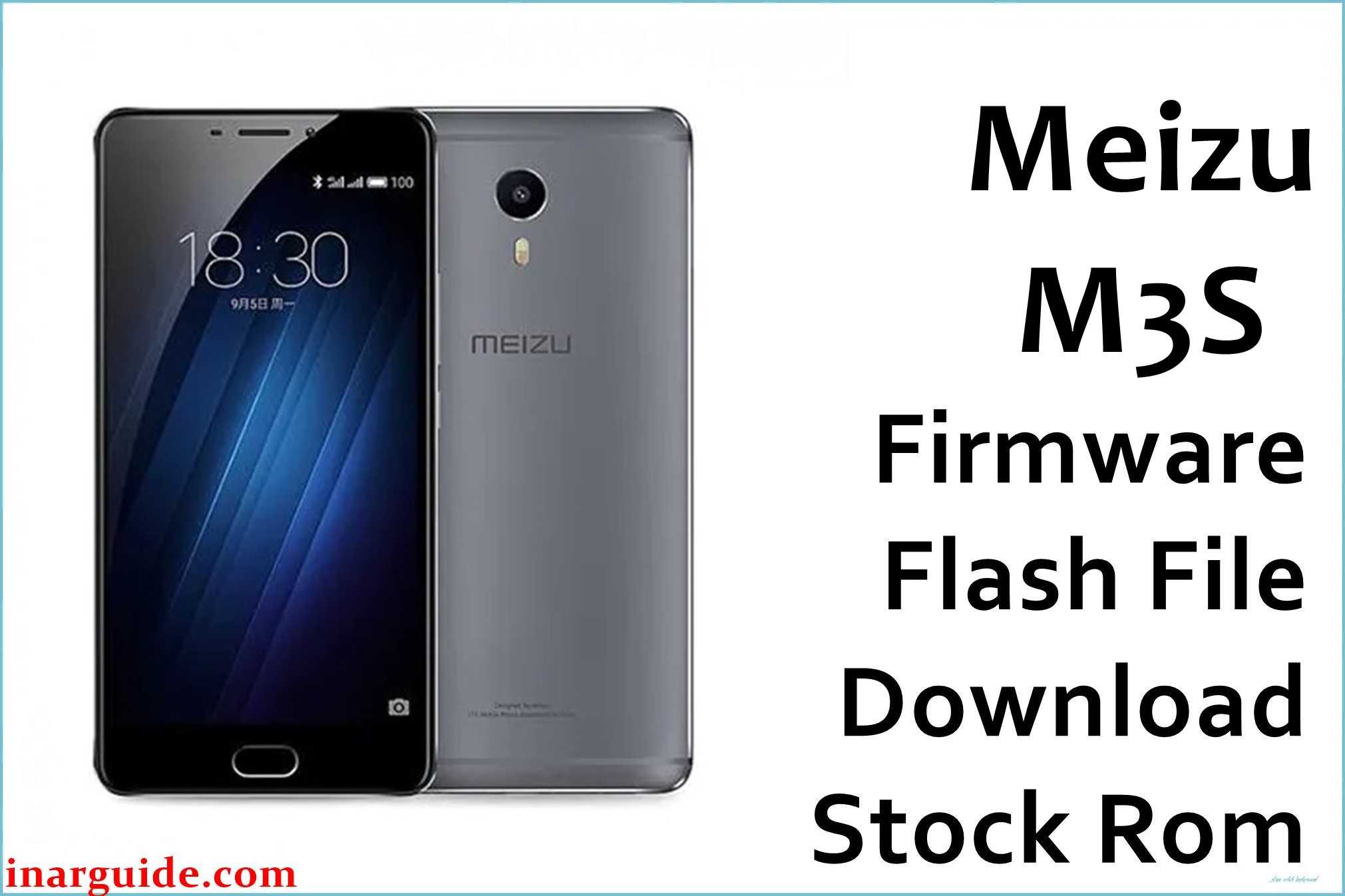
The Meizu M3S (sometimes labeled M3s Y15/Global) is an affordable 5-inch Android phone based on the MediaTek MT6750 octa-core CPU, 2/3GB RAM, and 16/32GB storage. Users report persistent bootloop/stuck logo, invalid IMEI or no baseband, lost network, and failed OTA after wrong region or update attempts. These can be rapidly resolved by flashing the original factory firmware—pick the version matching your build/region from the links below.
Available Firmware Packages (Meizu M3s/M3S/Y15)
📄 Meizu_M3S_MT6750_30072016.zip — 803MB
Initial factory scatter ROM (SP Flash Tool) — Google Drive
📄 Meizu_M3s(Y15)_20160909163034_eng.rar — 669MB
Y15 engineering/Chinese variant (MTK, SP Flash Tool) — Google Drive
📄 M3s(Y15)_20160608002027_prd_stable_5.1.5.0.rar — 1.2GB
Early Y15/Chinese stable 5.1.5.0 factory ROM (MTK scatter) — Google Drive
📄 20170628143057_intl_prd_stable_fvcs_stable_6.1.0.0G.rar — 863MB
Global/Int’l stable Flyme 6.1.0.0G official ROM (MTK scatter) — Google Drive
📄 20161213192102_intl_prd_mp1_stable_5.1.5.4G(NO_Change_MB).rar — 801MB
Global Flyme 5.1.5.4G (factory update, OTA non-partition) — Google Drive
Meizu M3s / M3S (MT6750, Y15) Key Specifications
| Processor | MediaTek MT6750, octa-core 1.5/1.0GHz |
| RAM/Storage | 2/3GB RAM, 16/32GB ROM (microSD) |
| Display | 5.0-inch, 720 × 1280 IPS LCD |
| Camera | Rear: 13MP f/2.2 + Front: 5MP |
| Battery | 3020 mAh, non-removable |
| OS | Android 5.1 or 6.0/6.1 (Flyme OS) |
| SIM | Dual Nano-SIM, global bands |
| Connectivity | 4G LTE, Wi-Fi, BT 4.0, GPS, OTG |
⚠️ Firmware Flashing Warnings
- Always confirm your model/build before flashing—wrong file can brick your phone or kill IMEI/network partitions.
- Back up all data—flashing wipes all user/personal files on the device.
Firmware Fixes & Highlights
- Unbricks bootloop/hard-stuck Meizu M3S/M3s Y15 from any software state
- Restores lost/invalid IMEI and enables normal SIM/network
- Fixes partitions, broken OTA, and factory resets
- Repairs security, system lags, and touch/app errors
- Allows clean reinstallation for resale or after malware/virus
How to Flash (SP Flash Tool/OTA) – Quick 5-Step Guide
SP Flash Tool ROMs (scatter .zip/.rar)
- Download and extract the desired firmware to your PC
- Install MediaTek MTK USB drivers and SP Flash Tool
- Power off phone and connect by USB cable
- In SP Flash Tool, load the scatter file from firmware folder
- Click Download and wait for successful write
OTA Update or Full ROM (.zip, NO_Change_MB, G versions)
- Copy ROM
.zipto phone’s root/internal storage - Boot to recovery (Power+Vol Up), select “System Upgrade”
- Pick your file and confirm (choose “Clear data” for clean)
- Wait for the flash to complete and reboot
For images, troubleshooting, or advanced steps, check the MTK SP Flash Tool how-to.
Disclaimer
This firmware is provided as-is with no guarantees. The author is not liable for brick, lost IMEI, or other errors from flashing. Use files strictly for your MT6750-based Meizu M3s/Y15 variant. Post comments for help/community support if issues persist.





