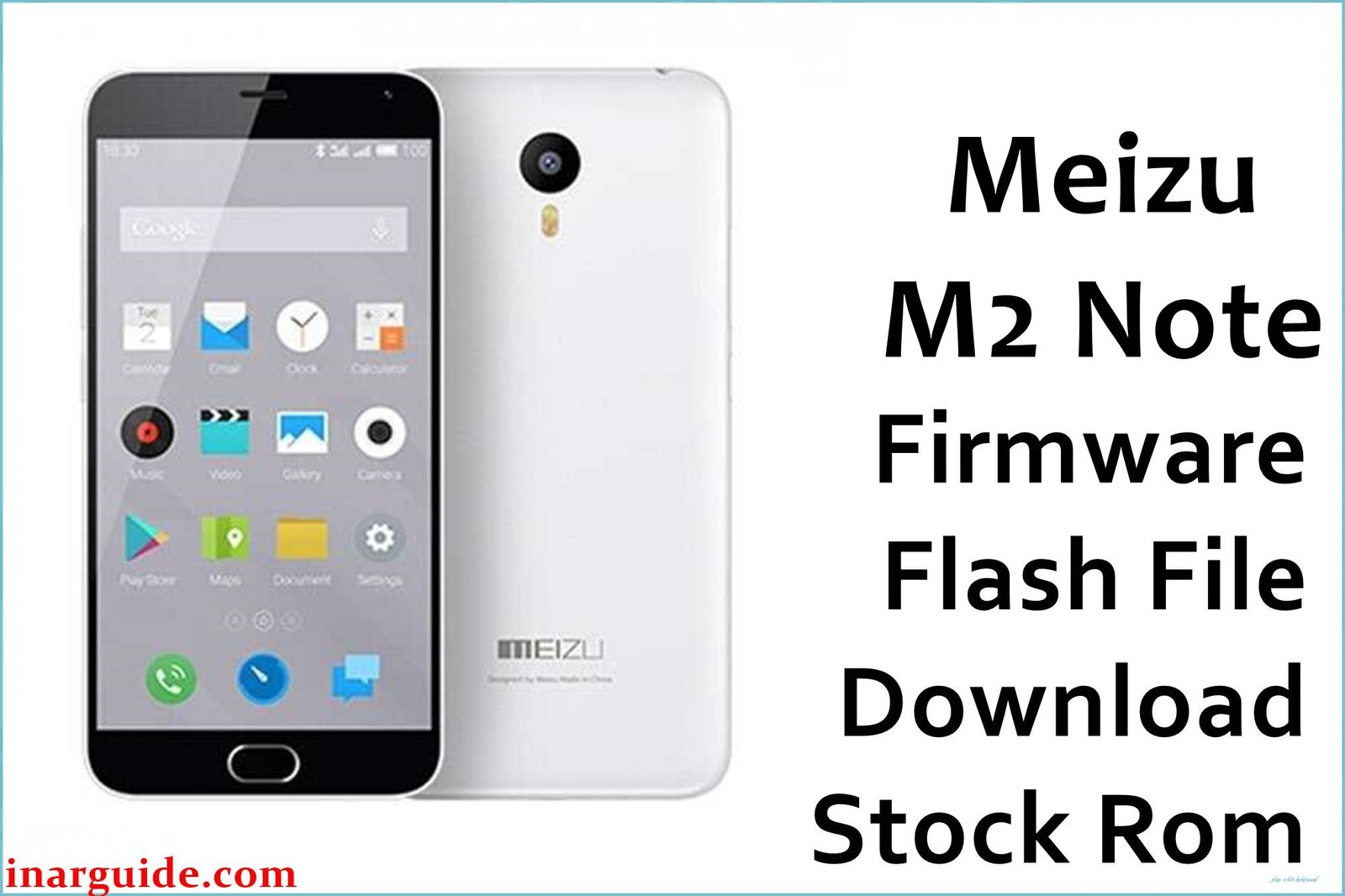
The Meizu M2 Note is a value-packed midrange Android that launched with solid hardware—5.5” Full HD IGZO display, fast MediaTek octa-core chipset, 2 GB RAM, and Flyme OS based on Android Lollipop. However, users have faced several persistent issues and complaints, especially with software stability. Owners report chronic lagging, sudden app crashes, poor front camera color detection, flyme-related glitches, and a lack of crucial software updates. Google services breaking after updates and low-light camera quality are particularly frustrating, as are periodic bootloop problems and dead boot scenarios post failed updates or ROM flashing attempts.
Flashing official firmware can resolve issues like dead boot, stuck flyme logo, lag, app failures, and broken Google services. Below, find official Meizu M2 Note firmware files and tailored instructions for restoring your device’s stability without risking further faults.
Meizu M2 Note Firmware Details
| Device Name | Meizu M2 Note |
| Model | Meizu M2 Note (M81) / M2 Note |
| Chipset | MT6735 / MT6753 Octa-core Cortex-A53 1.3GHz |
| RAM | 2 GB LPDDR3 |
| Screen | 5.5″ FHD 1920×1080 IGZO, 403ppi |
| Back Camera | 13MP f/2.2, 5-element lens |
| Front Camera | 5MP f/2.0, 4-element lens |
| Battery | 3100 mAh Li-ion |
| Storage | 16GB / 32GB, microSD up to 128GB |
| Android Version | 5.1 Lollipop (Flyme OS) |
| Firmware Filenames |
|
| Firmware Version | V1.8.2 (MT6735) 05282016 (MT6753) 20160524 (M81) |
| Build Date | Jan 10, 2016 May 28, 2016 May 24, 2016 June 17, 2015 Sept 19, 2015 June 9, 2015 |
| File Size | 914 MB 1.04 GB 1.04 GB 559 MB 814 MB 935 MB |
| File Type | .zip /.rar (compressed archive) |
| Flashing Tool | SP Flash Tool / SPD Upgrade Tool (check exact chipset) |
Warning: Meizu M2 Note users often experience dead boot or permanent bootloop if the wrong firmware version or file is flashed, especially between MT6735 and MT6753 variants. Check your chipset and model before proceeding, as flashing an incompatible file can irreversibly disable phone connectivity, display, and even destroy user data. Firmware for M81 variants are NOT cross-compatible with MT6735/MT6753 models.
Download Official Firmware for Meizu M2 Note
Below are official firmware files for your device variants. If you’re unsure of your exact model/chipset, check the About section in your Settings.
Firmware #1: MT6735 Version
📄 Filename: Meizu_M2_Note_MT6735_V1.8.2_01102016_5.1.zip
📦 Size: 914 MB
🗓️ Build Date: 2016-01-10
🔢 Build Version: V1.8.2
🤖 Android Version: 5.1 Lollipop (Flyme OS)
⬇️ Download Link (MediaFire)
Firmware #2: MT6753 Version
📄 Filename: Meizu_M2_Note_MT6753_05282016.zip
📦 Size: 1.04 GB
🗓️ Build Date: 2016-05-28
🔢 Build Version: 05282016
🤖 Android Version: 5.1 Lollipop (Flyme OS)
⬇️ Download Link (MediaFire)
Firmware #3: M81/Tel Variant
📄 Filename: Meizu_M81_20160524210252_tel_prd_stable.rar
📦 Size: 1.04 GB
🗓️ Build Date: 2016-05-24
🔢 Build Version: 20160524210252
🤖 Android Version: 5.1 Lollipop (Flyme OS)
⬇️ Download Link (Google Drive)
Other Variants
📄 Filename: Meizu_M2_Note(M81)_201506171146_m81_eng.rar
📦 Size: 559 MB
🗓️ Build Date: 2015-06-17
🔢 Build Version: 201506171146
⬇️ Download Link (Google Drive)
📄 Filename: 20150919192458_intl_prd_stable_signed_bin.rar
📦 Size: 814 MB
🗓️ Build Date: 2015-09-19
⬇️ Download Link (Google Drive)
📄 Filename: 20150609183158_public_prd_stable_signed_bin.rar
📦 Size: 935 MB
🗓️ Build Date: 2015-06-09
⬇️ Download Link (Google Drive)
How to Flash the Firmware
- Download Meizu_M2_Note_MT6735_V1.8.2_01102016_5.1.zip or the exact firmware matching your phone’s chipset and model.
- Extract the zip/rar firmware package to your PC.
- Install the latest MediaTek or SPD drivers for your chipset on the PC.
- Launch SP Flash Tool or SPD Upgrade Tool; select your device’s scatter/PAC file from the extracted folder.
- Connect your switched-off Meizu M2 Note to the PC and start the flashing process; wait for the “Download OK” screen before disconnecting.
For step-by-step guides with images and videos, click here for full instructions.





