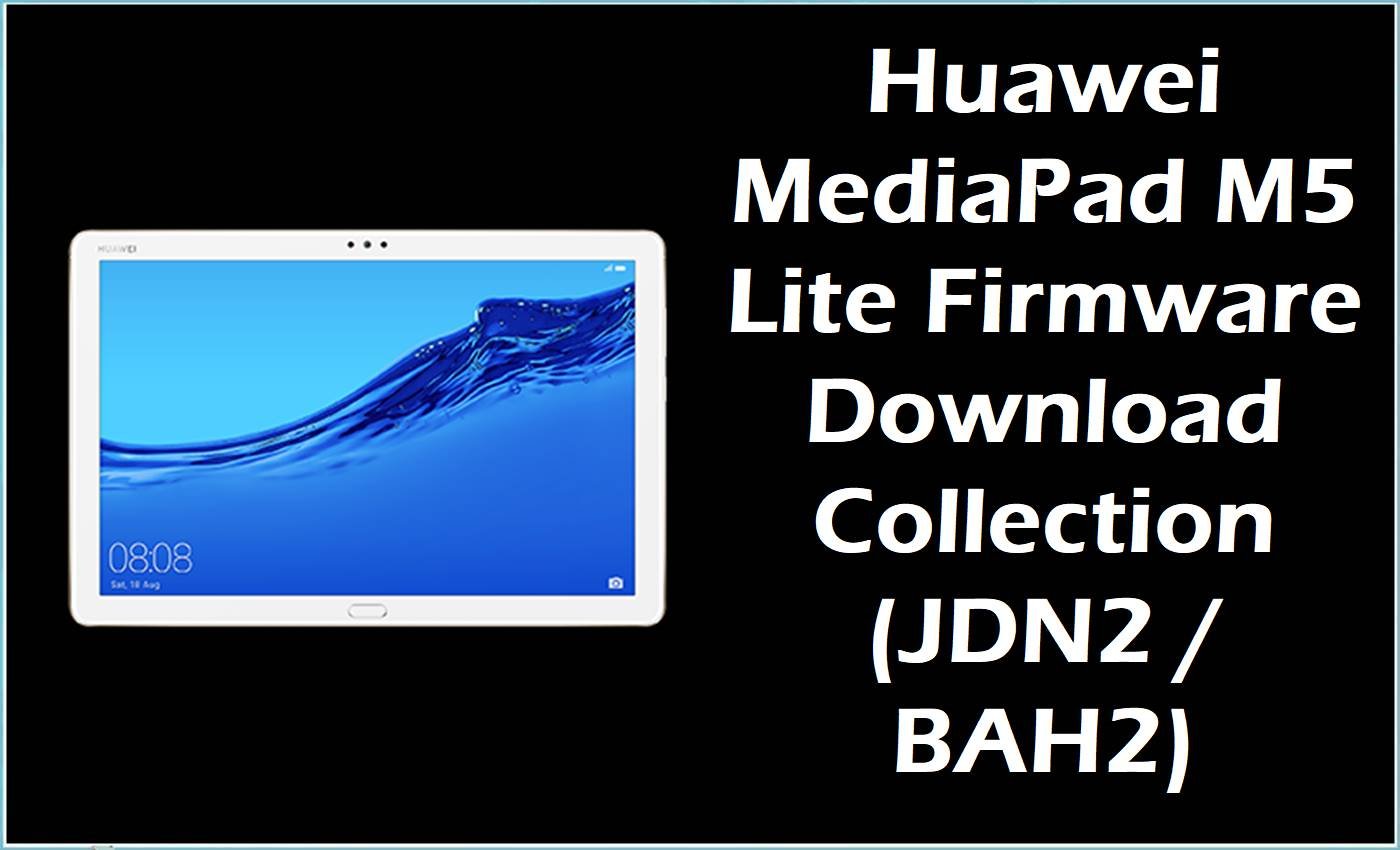
This firmware collection covers two verified Huawei tablet families: the 8-inch MediaPad M5 Lite 8 under the JDN2 or Jordan 2 line, and the 10.1-inch MediaPad M5 lite under the BAH2 or Bach 2 line.
The split matters because JDN2 devices use the Kirin 710 platform, while BAH2 devices use the Kirin 659 platform, so package matching should start with the exact model code before any update or restore attempt.
The listed files span Huawei dload-style archives, one OTA-labeled package, and several generic stock firmware archives, so the correct installation path depends on the package type rather than on one universal flashing tool.
Installing the correct stock package can help with failed updates, bootloops after interrupted software changes, or a return to the stock software branch, but it should not be treated as a guaranteed repair for every issue.
Huawei MediaPad M5 Lite Firmware Details
| Device Name | Huawei MediaPad M5 Lite 8 and Huawei MediaPad M5 lite 10.1 firmware collection |
| Model Identifier | JDN2-W09, JDN2-L09, JDN2-AL00, JDN2-AL50, BAH2-W19, BAH2-L09, BAH2-AL10 |
| Codename | Jordan 2 for JDN2 variants, and Bach 2 for BAH2 variants |
| Chipset / Platform | HiSilicon Kirin 710 on the JDN2 MediaPad M5 Lite 8 line, and HiSilicon Kirin 659 on the BAH2 MediaPad M5 lite 10.1 line |
| Launch Android Version(s) | JDN2 launched on Android 9.0 with EMUI 9.0.1, while BAH2 launched on Android 8.0 with EMUI 8 |
| Current Firmware Line | This collection spans EMUI 8.0 and EMUI 9.1 stock branches based on the supplied filenames. |
| Firmware Type | Mixed package set: some files are explicitly labeled Dload or OTA in the filename, while other entries are generic Firmware archives that need package-content checking before installation |
| Flashing Tool | No single tool applies to every file in this article; Dload packages should follow Huawei dload-style installation, OTA packages should be handled as OTA/update packages, and generic Firmware archives should be matched to their extracted contents first |
| Region / Branch notes | The supplied set includes C432, C10, and C00 regional branches, plus Wi-Fi and cellular variants across both tablet families. |
| Typical File Size Range | 1.75 GB to 3.27 GB across this package set. |
⚠️ Flashing Risks & Disclaimer
The main risks on this collection are mixing JDN2 8-inch packages with BAH2 10.1-inch hardware, using a C00 or C432 build on the wrong regional branch, or treating an OTA archive as if it were the same as a full dload-style restore package.
This firmware remains the property of its respective owner and is referenced only for restore, update, or service use on legally owned devices.
Download Official Firmware for Huawei MediaPad M5 Lite
This package is an original stock ROM mirrored for preservation, as the manufacturer no longer provides public downloads for this model.
| Region / Variant | Filename | Build / Version | Android / Firmware Version | File Type | Build Date | File Size | Download Link |
|---|---|---|---|---|---|---|---|
| JDN2-W09 / MediaPad M5 Lite 8 / C432 branch | Huawei_MediaPad_M5_Lite_JDN2-W09_9.1.0.192_C432E3R1P3_Dload.zip | 9.1.0.192 / C432E3R1P3 | EMUI 9.1 / Android 9 family | Dload package (.zip) | Not stated in filename | 3.0 GB | Download C432 build (MediaFire mirror) |
| JDN2-L09 / MediaPad M5 Lite 8 / C10 branch | Huawei_MediaPad_M5_Lite_8_JDN2-L09_9.1.0.151_C10E3R1P2_9.0.0_R3_EMUI9.1.0_05015RVP_Dload.zip | 9.1.0.151 / C10E3R1P2 / 05015RVP | EMUI 9.1 / Android 9 family | Dload package (.zip) | Not stated in filename | 3.08 GB | Download C10 build (Google Drive mirror) |
| JDN2-AL00BHN / Jordan2 / C00 branch | Jordan2_JDN2-AL00BHN 9.1.0.370(C00E133R1P73)_Firmware_EMUI9.1.0_05015RLE.zip | 9.1.0.370 / C00E133R1P73 / 05015RLE | EMUI 9.1 | Generic stock firmware archive (.zip); exact package contents should be checked before installation | Not stated in filename | 3.0 GB | Download 9.1.0.370 build (Google Drive mirror) |
| JDN2-AL50C / Jordan2 / C00 branch | Jordan2-JDN2-AL50C 9.1.0.192(C00E123R1P72)_Firmware_EMUI9.1.0_05016ACQ.zip | 9.1.0.192 / C00E123R1P72 / 05016ACQ | EMUI 9.1 | Generic stock firmware archive (.zip); exact package contents should be checked before installation | Not stated in filename | 3.12 GB | Download 9.1.0.192 build (Google Drive mirror) |
| JDN2-AL00B / Jordan2 / C00 branch | Jordan2-JDN2-AL00B 9.1.0.181(C00E123R1P71)_Firmware_EMUI9.1.0_05016ACQ.zip | 9.1.0.181 / C00E123R1P71 / 05016ACQ | EMUI 9.1 | Generic stock firmware archive (.zip); exact package contents should be checked before installation | Not stated in filename | 3.13 GB | Download 9.1.0.181 build (Google Drive mirror) |
| BAH2-W19 / Bach2-W19 / C10 hw_ru branch | BAH2-W19_Bach2-W19C_8.0.0.322(OCEC10)_hw_ru_Firmware_EMUI8.0_05015GMF.rar | 8.0.0.322 / OCEC10 / 05015GMF | EMUI 8.0 / Android 8 family | Generic stock firmware archive (.rar); exact package contents should be checked before installation | Not stated in filename | 3.09 GB | Download 8.0.0.322 build (Google Drive mirror) |
| BAH2-W19 / MediaPad M5 lite 10.1 / C10 branch | Huawei_MediaPad_M5_Lite_BAH2-W19_8.0.0.151_C10_R1_EMUI8.0_05015GMF_8.0.0_OTA.zip | 8.0.0.151 / C10 / 05015GMF | EMUI 8.0 / Android 8 family | OTA package (.zip) | Not stated in filename | 1.75 GB | Download 8.0.0.151 OTA (Google Drive mirror) |
| BAH2-L09 / MediaPad M5 lite 10.1 / C432 hw_ru branch | Huawei_MediaPad_M5_Lite_BAH2-L09_8.0.0.217_OCEC432_HW_RU_Firmware_8.0.0_R1_EMUI8.0_05016DJU_Dload.zip | 8.0.0.217 / OCEC432 / 05016DJU | EMUI 8.0 / Android 8 family | Dload package (.zip) | Not stated in filename | 3.02 GB | Download 8.0.0.217 build (Google Drive mirror) |
| BAH2-AL10D / Bach2 / C00 branch | Bach2-AL10D 9.1.0.156(C00E134R1P7T8)_Firmware_EMUI9.1.0_05015FXA.zip | 9.1.0.156 / C00E134R1P7T8 / 05015FXA | EMUI 9.1 | Generic stock firmware archive (.zip); exact package contents should be checked before installation | Not stated in filename | 3.27 GB | Download 9.1.0.156 build (Google Drive mirror) |
The links above use Google Drive and MediaFire, which are file-hosting services rather than manufacturer firmware portals, so they are labeled as preserved mirrors instead of official servers.
Flashing Requirements
- Verify the exact device family first: JDN2 packages are for the 8-inch MediaPad M5 Lite 8, while BAH2 packages are for the 10.1-inch MediaPad M5 lite.
- Check whether the extracted archive contains a
dloadfolder orUPDATE.APP, because that points to the Huawei dload-style update path. - Treat the BAH2-W19 file explicitly labeled
OTAas an OTA/update package rather than a full dload restore image. - Keep a full data backup before flashing, because full restore and dload-style installs can result in a wipe depending on package type and branch behavior.
- No universal bootloader requirement was verified for this mixed package set, so an unlocked bootloader should not be assumed as a prerequisite.
- Match regional tags carefully, especially C432, C10, and C00, because they identify different firmware branches within the same tablet family.
How to Flash the Firmware
- Choose the correct package by model and branch first, starting with JDN2 for the MediaPad M5 Lite 8 and BAH2 for the MediaPad M5 lite 10.1, then confirm the regional tag such as C432, C10, or C00.
- Extract the archive and inspect its structure before flashing anything, because files explicitly labeled
DloadandOTAshould not be handled as if they were the same package type. - If the extracted package contains a
dloadfolder orUPDATE.APP, use the Huawei dload-style path; if the package is an OTA archive, use an OTA or local-update style path instead. - If the archive is only labeled
Firmwareand does not clearly expose a dload structure until extraction, inspect the contents first and then pick the guide that matches the package layout rather than forcing one method onto every file in this collection. - After installation, allow extra time for the first boot, then investigate only if the tablet remains stuck after a long startup or cannot finish initial setup.
Possible guide options for this collection depend on the package contents rather than on one single tool.
- Huawei dload / eRecovery guide for packages that include a dload folder or UPDATE.APP, which is the best match for the files explicitly labeled Dload.
- OTA / sideload / local update guide for packages explicitly labeled OTA or for stock update archives intended for local update handling.
- Fastboot guide only if the extracted archive clearly contains fastboot-ready image files, because the filenames provided here do not by themselves confirm fastboot as the default path.
Frequently Asked Questions (FAQs)
Can a JDN2 package be used on a BAH2 tablet?
No. JDN2 belongs to the 8-inch MediaPad M5 Lite 8 line, while BAH2 belongs to the 10.1-inch MediaPad M5 lite line.
Which files in this article are already identifiable as dload packages?
The JDN2-W09, JDN2-L09, and BAH2-L09 files explicitly include Dload in the filename, so they should be treated as dload-style packages unless the extracted contents show otherwise.
Which file is clearly an OTA package?
The file named Huawei_MediaPad_M5_Lite_BAH2-W19_8.0.0.151_C10_R1_EMUI8.0_05015GMF_8.0.0_OTA.zip is explicitly labeled as an OTA package in the filename.
What is the main difference between the JDN2 and BAH2 families here?
JDN2 is the Kirin 710-based 8-inch family, while BAH2 is the Kirin 659-based 10.1-inch family.
Can the generic files labeled only as Firmware be flashed with the same method as the Dload files?
Not safely by default. Those archives should be extracted first so the actual package structure can be matched to the correct guide.
Is one flashing guide enough for every file on this page?
No. This article mixes Dload, OTA, and generic Firmware archives, so the correct guide depends on the extracted package type.





