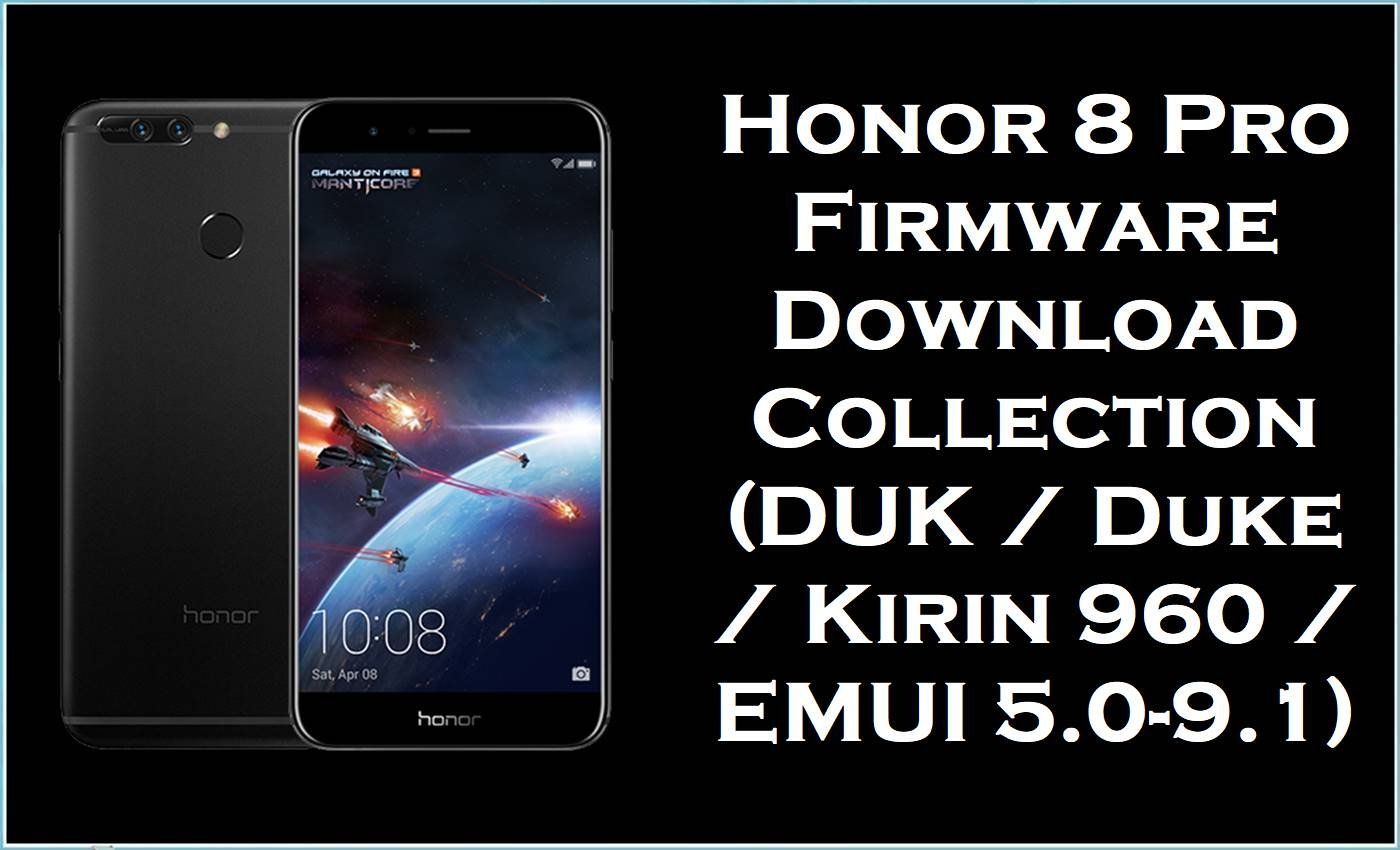
This collection covers the Honor 8 Pro family, also known internally as Duke, across variants including DUK-AL20, DUK-AL30, DUK-TL30, and DUK-L09, built on the HiSilicon Kirin 960 platform.
The Honor 8 Pro launched on Android 7.0 with EMUI 5.0, and the supplied packages span across EMUI 5.0, EMUI 5.1, EMUI 8.0, and EMUI 9.1 stock branches, making version and region matching especially important before any restore attempt.
The collection is split across dload-labeled packages, standard firmware archives, and paired multi-model stock update archives, which means the correct installation path depends on the extracted package contents rather than one universal method for every file listed here.
Installing the correct stock firmware can help with bootloops, failed EMUI updates, corrupted partitions, or returning the phone to the expected regional software branch.
Honor 8 Pro Firmware Details
| Device Name | Honor 8 Pro |
| Model Identifier | DUK-AL20, DUK-AL30, DUK-TL30, DUK-L09 |
| Codename | Duke |
| Chipset / Platform | HiSilicon Kirin 960 |
| Launch Android Version(s) | Android 7.0 with EMUI 5.0 |
| Current Firmware Line | The supplied packages span Android 7.0 / EMUI 5.0, Android 7.0 / EMUI 5.1, Android 8.0 / EMUI 8.0, and Android 9.0 / EMUI 9.1 stock branches. |
| Firmware Type | Mixed preserved stock packages including dload archives, standard firmware zips and rars, a paired multi-model stock update archive, and one EMUI 9.1 build from AndroidFileHost. |
| Flashing Tool | Huawei dload or local update is the primary method family for this collection; dload-labeled files are the clearest candidates for that path while remaining archives should be confirmed by extracting contents first. |
| Bootloader Requirement | No universal unlocked-bootloader requirement was verified for these stock update packages. |
| Region / Branch notes | The supplied set includes C00, C432, C10, C01GTB, and Duke-specific China Nonspecific branches across the DUK model family. |
| Typical File Size Range | 1.56 GB to 6.05 GB across this package set. |
| Package contents note | The DUK-AL20 build labeled 102.0.0.140 on AndroidFileHost uses an unusual version string not consistent with standard EMUI versioning; the extracted contents should be verified before use. |
⚠️ Flashing Risks & Disclaimer
The main risk on this Duke family is using a DUK-AL20 China branch package on a DUK-L09 international variant or mixing EMUI 5.0, EMUI 5.1, EMUI 8.0, and EMUI 9.1 builds without matching the exact regional branch first, because Huawei stock updates are branch-sensitive and can leave the phone on an incorrect software configuration.
This package remains the property of its respective owner and is referenced only for restore or service use on legally owned Huawei or Honor devices.
Download Official Firmware for Honor 8 Pro
This package is an original stock ROM mirrored for preservation, as the manufacturer no longer provides public downloads for this model.
| Region / Variant | Filename | Build / Version | Android / Firmware Version | File Type | Build Date | File Size | Download Link |
|---|---|---|---|---|---|---|---|
| DUK-L09 / C432 / HW EU branch, Honor 8 Pro | Honor_8_Pro_DUK-L09_HW_EU_8.0.0.377_C432_8.0.0_r1_EMUI8.0_05014LJG_Dload.zip | 8.0.0.377 / C432 / 05014LJG | Android 8.0 r1 / EMUI 8.0 | Dload package (.zip) | – | 3.4 GB | Download C432 dload build (Google Drive mirror) |
| DUK-AL20 / C00 / China branch, Honor 8 Pro | DUK-AL20_8.0.0.351(C00)_all_cn_Firmware_8.0.0_EMUI8.0_05014GJR.rar | 8.0.0.351 / C00 / 05014GJR | Android 8.0 / EMUI 8.0 | Stock firmware archive (.rar); extract first to confirm package layout. | – | 4.6 GB | Download 8.0.0.351 build (Google Drive mirror) |
| DUK-AL20 / C00 / China branch, Honor 8 Pro | DUK-AL20 8.0.0.347(C00)_Firmware_Android8.0_EMUI 8.0.0.0_05014GJR.zip | 8.0.0.347 / C00 / 05014GJR | Android 8.0 / EMUI 8.0 | Stock firmware archive (.zip); extract first to confirm package layout. | – | 4.66 GB | Download 8.0.0.347 build (Google Drive mirror) |
| DUK-AL20 / C00 / China Nonspecific, Honor 8 Pro | Duke-AL20C00B208_Firmware_China_Nonspecific_Android 7.0_EMUI5.0_05014GJR.zip | C00B208 / 05014GJR | Android 7.0 / EMUI 5.0 | Stock firmware archive (.zip); extract first to confirm package layout. | – | 4.65 GB | Download C00B208 build (Baidu Pan mirror) |
| DUK-AL20 / C00 / China branch, Honor 8 Pro | Duke-AL20_C00B113_Firmware_China_Android 7.0_EMUI 5.0_05014GJR.zip | C00B113 / 05014GJR | Android 7.0 / EMUI 5.0 | Stock firmware archive (.zip); extract first to confirm package layout. | – | 4.06 GB | Download C00B113 build (Baidu Pan mirror) |
| DUK-AL20 / C00 / China Nonspecific, Honor 8 Pro | Duk-AL20_C00B181_Firmware_China_Nonspecific_Android 7.0_EMUI 5.1_05014GJR.zip | C00B181 / 05014GJR | Android 7.0 / EMUI 5.1 | Stock firmware archive (.zip); extract first to confirm package layout. | – | 6.05 GB | Download C00B181 build (Baidu Pan mirror) |
| DUK-AL20 / C00 / China Nonspecific, Honor 8 Pro | Duk-AL20_C00B160_Firmware_China_Nonspecific_Android 7.0_EMUI 5.1_05014GJR.zip | C00B160 / 05014GJR | Android 7.0 / EMUI 5.1 | Stock firmware archive (.zip); extract first to confirm package layout. | – | 4.02 GB | Download C00B160 build (Baidu Pan mirror) |
| DUK-AL20 / C00E140 branch, Honor 8 Pro | DUK-AL20 102.0.0.140(C00E140R1P3).zip | 102.0.0.140 / C00E140R1P3 | Not stated; version string is atypical for standard EMUI builds and extracted contents should be verified before use. | Stock firmware archive (.zip); verify extracted contents before selecting a flash path. | – | 3.5 GB | Download 102.0.0.140 build (AndroidFileHost mirror) |
| DUK-AL30 / C00 / China branch, Honor 8 Pro | DUK-AL30-AL30 8.0.0.322(C00)-EMUI5.1-Android8.0.rar | 8.0.0.322 / C00 | Android 8.0 / EMUI 5.1 | Stock firmware archive (.rar); extract first to confirm package layout. | – | 1.56 GB | Download 8.0.0.322 build (Baidu Pan mirror) |
| DUK-TL30 / DUK-AL30 / DUK-AL20 / C01GTB paired archive, Honor 8 Pro family | DUK-TL30C01GTB360 (8.0.0.360) DUK-AL30C01GTB360 (8.0.0.360) DUK-AL20C01GTB360 (8.0.0.360).zip | C01GTB360 / 8.0.0.360 | Android 8.0 / EMUI 8.0 family | Paired multi-model stock update archive (.zip); extract first and verify which model the contents target before flashing. | – | 1.95 GB | Download C01GTB360 paired archive (Google Drive mirror) |
| DUK-L09 / C10 / EMUI 9.1 branch, Honor 8 Pro | DUK-L09 9.1.0.215(C10E2R1P6T8)_Firmware_9.0.0_r3_EMUI9.1.0_05014JVY.zip | 9.1.0.215 / C10E2R1P6T8 / 05014JVY | Android 9.0 r3 / EMUI 9.1 | Stock firmware archive (.zip); extract first to confirm package layout. | – | 3.6GB | Download EMUI 9.1 build (AndroidFileHost mirror) |
The download links above are hosted on Google Drive, Baidu Pan, and AndroidFileHost, which are third-party file-hosting platforms rather than Huawei or Honor firmware portals, so they are preserved mirrors instead of official vendor servers.
Flashing Requirements
- Match the exact DUK model code before selecting a package: DUK-L09 is the international branch, while DUK-AL20, DUK-AL30, and DUK-TL30 are China-oriented variants.
- Check the extracted archive contents before choosing a guide, because this page mixes dload-labeled packages, standard stock archives, and a multi-model paired update archive.
- For the paired DUK-TL30 / DUK-AL30 / DUK-AL20 archive, extract the contents and verify which exact model the package targets before flashing, because paired archives can carry shared update logic that still requires model-level confirmation.
- Back up all important data first, because full firmware restore and dload-style installs are typically wipe-prone on the Kirin 960 platform.
- Pay close attention to regional branch codes such as C00, C10, C432, and C01GTB before flashing, because those codes identify different software and regional configurations within the same DUK family.
- The DUK-AL20 build labeled 102.0.0.140 on AndroidFileHost uses a version string that is not consistent with standard EMUI versioning conventions, so extracted contents should be verified carefully before selecting a flash path for that specific archive.
How to Flash the Firmware
- Choose the exact package for the Honor 8 Pro Duke variant in hand, because DUK-L09, DUK-AL20, DUK-AL30, and DUK-TL30 use different software branches even within the same Kirin 960 hardware family.
- Extract the archive and check for a de>dload folder or de>UPDATE.APP before doing anything else, because those structures confirm the Huawei dload-style restore path is appropriate for that specific file.
- For the dload-labeled DUK-L09 C432 package, proceed with the standard Huawei dload workflow after confirming the model and branch match.
- For the remaining stock archives, confirm the extracted structure before selecting a guide, and treat the paired multi-model archive with extra care by verifying which model it targets before starting the flash.
- After flashing, allow extended time for the first boot on this Kirin 960 platform, and investigate further only if the phone remains stuck or cannot complete setup after a long startup window.
Primary guide for dload and local update packages: Huawei dload / eRecovery guide
Alternative guide for OTA or local update archives: OTA / sideload / local update guide
Frequently Asked Questions (FAQs)
Can DUK-AL20 firmware be used on DUK-L09?
No. DUK-AL20 is a China-oriented variant while DUK-L09 is an international branch, and their software branches differ even though both use the Kirin 960 platform.
Why does the 102.0.0.140 build on AndroidFileHost have an unusual version number?
That version string does not follow the standard EMUI versioning pattern seen in the other supplied files, so the extracted contents should be verified carefully before selecting any flash path for that archive.
What is the correct method for the paired DUK-TL30 / DUK-AL30 / DUK-AL20 archive?
Extract the archive first and verify which exact model the contents are built for, because a paired filename does not automatically mean every listed variant can safely use the same package without further checking.
Can EMUI 5.0 and EMUI 9.1 builds be flashed interchangeably?
No. Major EMUI version jumps require the correct base state and branch match, and using the wrong generation build for the current device state can cause a failed update or corrupted system.
Is the Kirin 960 confirmed for the Honor 8 Pro family?
Yes. The Honor 8 Pro Duke line is documented with the HiSilicon Kirin 960 platform across DUK-AL20, DUK-AL30, DUK-TL30, and DUK-L09 variants.
Why do some C00 branch files share the same build tag 05014GJR?
That tag is the Honor 8 Pro Duke hardware certificate identifier and appears across multiple China-branch builds regardless of the Android or EMUI version carried in the package.
Does flashing these packages always keep user data?
No. Data retention should not be assumed in advance when working with full stock firmware or dload-style restore archives on the Kirin 960 Duke family.





