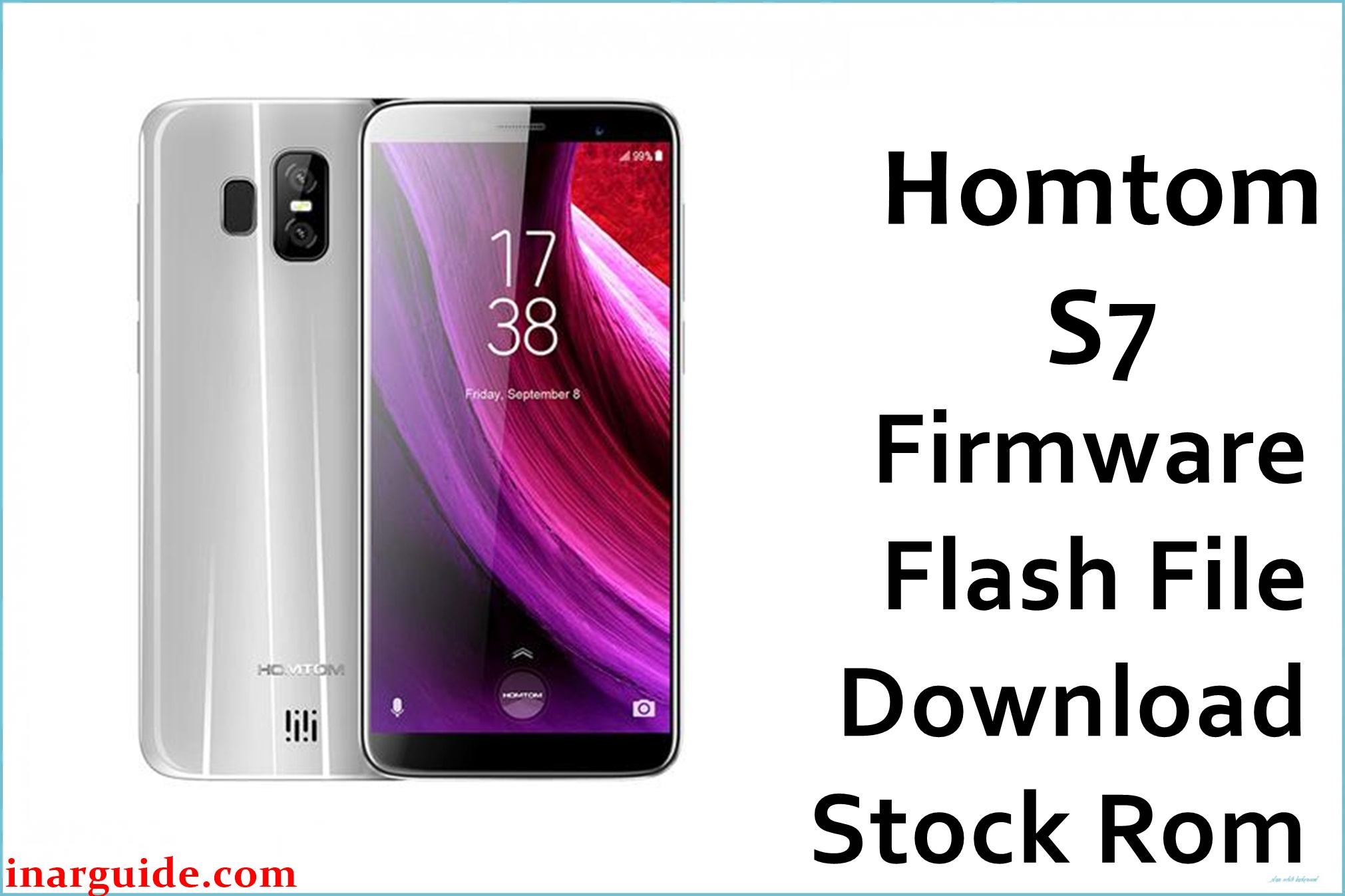
Homtom S7 is a budget MediaTek MT6737(M) smartphone that shipped with Android 7.0 Nougat and 3 GB RAM / 32 GB storage, aimed at entry‑level users needing basic LTE performance. On this device, problems such as bootloops after a failed reset, soft‑bricks from wrong system apps, FRP issues, or a dead system after flashing the wrong ROM can often be addressed by reinstalling the correct MT6737M stock firmware with SP Flash Tool.
Homtom S7 Firmware Details
| Device Name | Homtom S7 |
|---|---|
| Model Identifier | Homtom S7, 3 GB RAM / 32 GB storage variants (single hardware platform) |
| Codename | No public codename; identified by MT6737M SoC and board configuration in the scatter file. |
| Chipset / Platform | MediaTek MT6737 / MT6737M, quad‑core Cortex‑A53 up to 1.3 GHz with Mali‑T720 GPU. |
| Launch Android Version | Android 7.0 Nougat (Homtom skin, 64‑bit MTK platform). |
| Current Firmware Line | Android 7.0 stock ROM line; vendor did not release official major Android upgrades for this model. |
| Typical File Size Range | Around 900 MB – 1 GB for full MT6737M scatter‑based stock firmware packages. |
| Firmware Type | Scatter‑based stock firmware in ZIP, containing system images for SP Flash Tool. |
| Flashing Tool | SP Flash Tool (Windows or Linux) with MTK VCOM / preloader drivers. |
| Bootloader Requirement | Standard MTK preloader flashing; no OEM unlock menu, but correct preloader and DA are required for safe operation. |
| Region / Branch notes | Single global firmware line; images marked “ONLY MT6737M” must not be used on other Homtom MTK variants. |
⚠️ Flashing Risks & Disclaimer
On this MT6737M platform, the preloader and boot partitions are critical; flashing a wrong or corrupt preloader with SP Flash Tool can lead to a fully dead phone that is no longer detected by USB, even in preloader mode. Selecting an incorrect scatter file or mixing images from different Homtom models can also break modem, touchscreen, or camera functionality, because device trees and memory layouts differ between boards even when the SoC name is similar.
Using “Format All + Download” on this device may erase NVRAM / NVDATA, causing permanent IMEI or network issues unless a valid backup exists and can be restored with MTK tools. All flashing operations described here are intended for experienced users; any attempt to write firmware is done entirely at the user’s own risk, including the possibility of data loss, loss of IMEI, or unrecoverable hardware‑level brick.
Download Official Firmware for Homtom S7
The ROM below is a full Android 7.0 Nougat stock package for Homtom S7 based on the MT6737M SoC, suitable for unbricking, restoring stock system, or reinstalling after heavy modification. The ZIP archive is designed for SP Flash Tool and typically includes the scatter file, partition images, drivers, and a basic flashing guide.
| Region / Variant | Filename | Build / Version | Android / Firmware Version | File Type | Build Date | File Size | Download Link |
|---|---|---|---|---|---|---|---|
| Global – Homtom S7 (MT6737M) | Homtom_S7_MT6737M_V1.1_32_20171113_7.0.zip | V1.1_32_20171113 (Android 7.0) | Android 7.0 Nougat, MT6737M board, 3/32 GB configuration. | Scatter‑based stock firmware ZIP for SP Flash Tool. | 2017‑11‑13 (from build string; uploaded 2017‑11‑17) | ≈ 990 MB (989.82 MB) | Download Homtom S7 stock ROM (MediaFire) |
Flashing Requirements
Flashing this firmware on Homtom S7 requires a Windows PC (or Linux for advanced users), a good USB cable and correctly installed MediaTek preloader/VCOM drivers so that the device is detected when powered off and connected. The SP Flash Tool version used should explicitly support MT6737/MT6737M, and the firmware ZIP must be fully extracted so that the scatter file and partition images are accessible.
- Install MTK USB VCOM / preloader drivers on the PC before opening SP Flash Tool, or the powered‑off phone will not be recognized.
- Extract Homtom_S7_MT6737M_V1.1_32_20171113_7.0.zip completely and confirm the scatter file references MT6737(M) and Homtom S7.
- Use an SP Flash Tool build from a trusted source and avoid running multiple MTK utilities at the same time to reduce driver conflicts.
- Back up user data and, if possible, NVRAM/IMEI partitions before flashing; typical “Download Only” procedures will overwrite system but can still affect modem configuration if wrong images are used.
- Verify that the phone really is Homtom S7 MT6737M (model label, settings info, and board markings) and not another Homtom model before using this ROM.
How to Flash the Firmware
- Download Homtom_S7_MT6737M_V1.1_32_20171113_7.0.zip and extract it to a folder on the PC, then confirm the presence of the MT6737M scatter file and partition images (for example,
boot.img,system.img,recovery.img). - Install MTK VCOM drivers, open SP Flash Tool, click “Choose” next to the scatter field, and select the scatter file from the extracted Homtom S7 firmware directory.
- Ensure “Download Only” is selected for a basic system repair on this model, leaving preloader unchecked unless the preloader is known good and a full unbrick is required.
- Click “Download” in SP Flash Tool, power off the Homtom S7, keep the battery inserted, and connect it to the PC via USB without pressing any buttons; the tool should detect the preloader port and start writing the selected partitions.
- Wait until the progress bar completes and a success message appears, then disconnect the phone and power it on; first boot into Android 7.0 after a full system flash can take several minutes while the system initializes.
For more detailed visual instructions, refer to a dedicated SP Flash Tool guide that covers driver installation, scatter loading, and safe flashing options for MTK devices.
Frequently Asked Questions (FAQs)
Is this firmware only for MT6737M variants of the Homtom S7?
Yes, the package is explicitly marked for Homtom S7 MT6737M and should not be used on other Homtom or MTK devices, even if they share a similar name or chipset.
Can this ROM fix a bootloop after a factory reset?
A full SP Flash Tool reinstall of the stock Android 7.0 firmware can often recover bootloops caused by corrupted system files, but it cannot solve underlying hardware faults such as damaged eMMC.
Will flashing this ZIP erase user data on the Homtom S7?
Using “Download Only” with system, boot and related partitions typically preserves some userdata, but any clean repair should be treated as data‑destructive, so backing up beforehand is strongly recommended.
Does this firmware update Android beyond 7.0?
No, this stock ROM keeps the device on Android 7.0; there are no official higher‑version ROMs from Homtom for the S7, though third‑party custom ROM projects exist for similar MT6737 devices.
Can this ROM be used to remove FRP on Homtom S7?
Reflashing stock firmware may clear some lock states, but FRP behavior depends on how Google account protection is implemented; dedicated FRP solutions for MT6737M are often used in addition to or instead of full flashes.
Why is the firmware size only around 1 GB compared to newer phones?
Android 7.0 MT6737M ROMs use smaller system images with fewer preinstalled apps and lower‑resolution resources than modern multi‑gigabyte Android 12/13/14 builds for higher‑end devices.
Can SP Flash Tool be run on Linux for this device?
Yes, SP Flash Tool binaries exist for Linux, but most guides and pre‑packed driver sets for the Homtom S7 target Windows, so Linux users should follow MTK‑specific instructions carefully.





