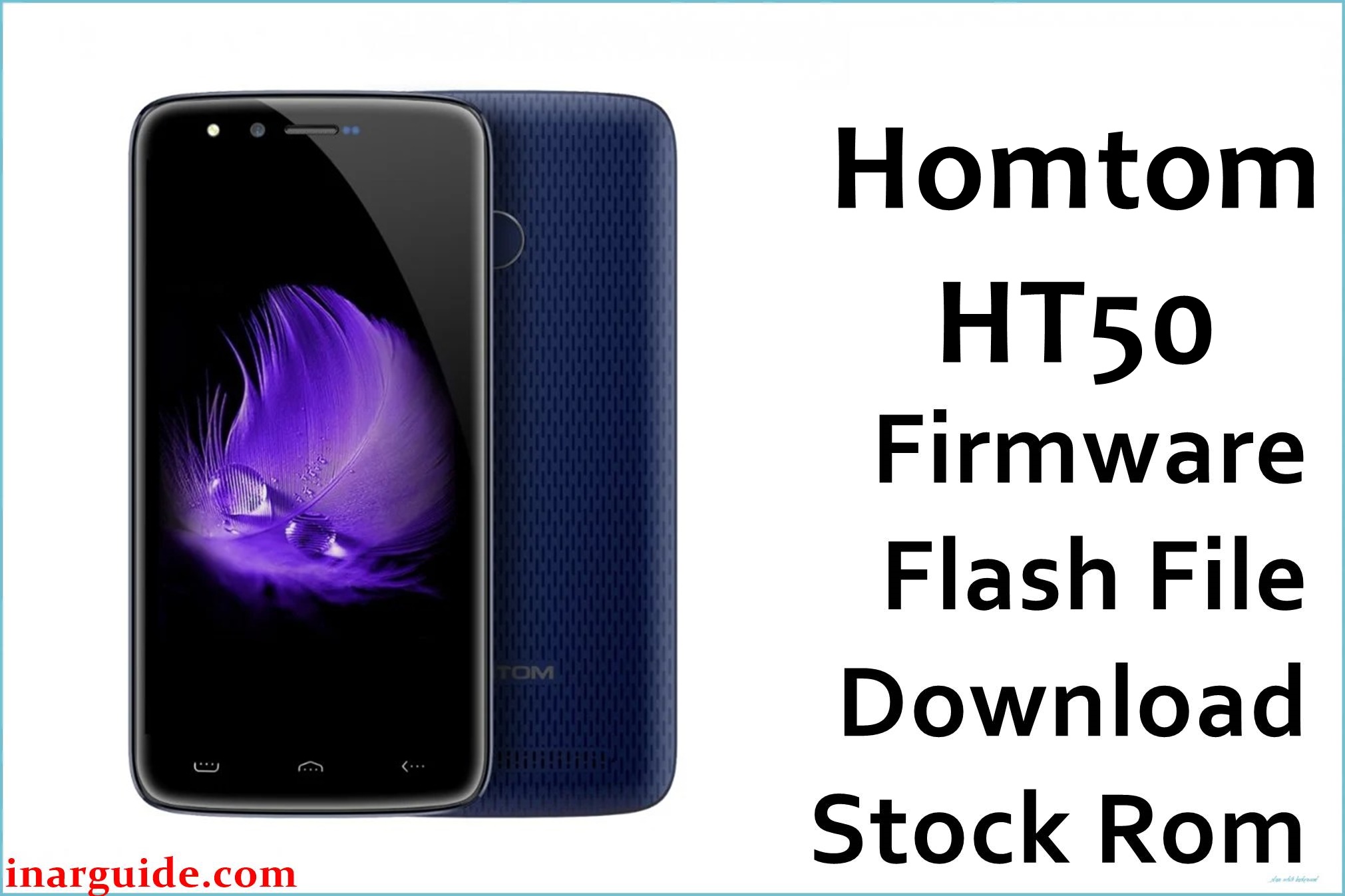
The Homtom HT50 (MT6737M) is an entry-level Android 7.0 smartphone based on a MediaTek MT6737M chipset, typically used as a backup or basic daily‑use device with modest storage and RAM. On this type of phone, repeated app installs, failed OTA updates, or interrupted charges during updates can easily lead to soft-bricks, bootloops, or devices stuck on the Homtom logo.
Restoring the original stock ROM package can help recover the phone from these software faults, return the system to a clean factory state, and resolve instability caused by corrupted partitions or incompatible modifications.
This page provides a preserved stock firmware package for the Homtom HT50 MT6737M, suitable for use with MediaTek flashing tools that support scatter-based ROMs on Android 7.0 Nougat devices. The package is mirrored from a legacy source and intended for users who already understand the basics of SP Flash Tool or similar utilities.
Homtom HT50 Firmware Details
| Device Name | Homtom HT50 |
| Model Identifier | HT50 (Homtom_HT50) |
| Codename | HT50_MT6737M (MediaTek variant) |
| Chipset / Platform | MediaTek MT6737M, 64‑bit Cortex‑A53 with Mali GPU |
| Launch Android Version | Android 7.0 Nougat (factory build line) |
| Current Firmware Line | Stock Homtom Android 7.0 builds (pre‑Treble, non‑A/B) |
| Typical File Size Range | Approximately 900 MB – 1.0 GB for full stock ROM archives |
| Firmware Type | Scatter-based stock ROM (SP Flash Tool‑compatible ZIP archive) |
| Flashing Tool | SP Flash Tool or compatible MediaTek flashing utility |
| Bootloader Requirement | Typically uses locked OEM bootloader; download mode access through preloader/Meta mode |
| Region / Branch Notes | Single global hardware line; package targets standard Homtom HT50 MT6737M variant |
⚠️ Flashing Risks & Disclaimer
Flashing the Homtom HT50 with an incorrect MT6737M scatter ROM or interrupting the write process can lead to a hard brick, loss of IMEI, or non‑booting device. Because this phone relies on preloader, modem, and NVRAM partitions tuned to its specific board, careless flashing or cross‑flashing from other Homtom/MediaTek models can break cellular connectivity or touch/display calibration in ways that are difficult to repair without specialist tools.
This stock ROM is provided strictly for recovery and maintenance of legitimately owned Homtom HT50 devices and remains the intellectual property of its original rights holders. No modifications are made to the firmware, and distribution here is for archival and preservation purposes only, with all trademarks and copyrights belonging to their respective owners.
Download Official Firmware for Homtom HT50
This package is an original stock ROM mirrored for preservation, as the manufacturer no longer provides public downloads for this model.
| Region / Variant | Filename | Build / Version | Android Version | File Type | Build / Upload Date | File Size | Download Link |
|---|---|---|---|---|---|---|---|
| Global (Homtom HT50 MT6737M) | Homtom_HT50_MT6737M_20170724_7.0.zip | 20170724 stock build line (Android 7.0) | Android 7.0 Nougat | ZIP archive (scatter-based stock ROM) | Uploaded 07 April 2018 (MediaFire mirror) | 955.03 MB | Download Homtom HT50 stock ROM (MediaFire mirror) |
Flashing Requirements
- PC & OS: A Windows PC (Windows 7 or newer recommended) with administrator access to install MediaTek VCOM/USB drivers.
- Flashing Tool: SP Flash Tool (or a compatible utility that supports MT6737M scatter files) prepared with the correct scatter from the Homtom HT50 package.
- Drivers: MediaTek VCOM or CDC drivers installed so that the powered‑off device can be detected in preloader or download mode when connected by USB.
- Bootloader & Modes: OEM bootloader can remain locked for standard firmware restoration; access is typically via preloader handshake when plugging the powered‑off phone into the PC.
- Data & Wipe Behavior: A full “Download + Format” or “Firmware Upgrade” operation can erase user data, apps, and sometimes NVRAM; back up personal files and, if possible, NVRAM/IMEI before flashing.
- Device Verification: Confirm that the device label and About Phone identify it as Homtom HT50 (MT6737M) and that no conflicting board IDs or different CPU variants are present.
- Battery Charge: Charge the phone to at least 50% to reduce the risk of power loss during the flashing process, especially on older batteries.
How to Flash the Firmware
- Download the correct ROM: Get the Homtom_HT50_MT6737M_20170724_7.0 ZIP for the Homtom HT50 and extract it on the PC to reveal the scatter file and partition images.
- Prepare SP Flash Tool and drivers: Install MediaTek VCOM drivers, open SP Flash Tool, and load the MT6737M scatter file from the extracted firmware folder so the tool lists all partitions for this model.
- Select mode and partitions: Choose an appropriate mode such as “Download Only” or “Firmware Upgrade” depending on whether a clean install is needed, ensuring that critical partitions (for example, preloader or NVRAM) are only overwritten if explicitly required.
- Enter download mode and flash: With the phone powered off and battery inserted, click “Download” in SP Flash Tool, then connect the Homtom HT50 via USB so the preloader port appears and the flashing process begins.
- First boot behavior: After SP Flash Tool shows a success message, disconnect the device and power it on; the first boot after a full flash on Android 7.0 can take several minutes while the system optimizes apps and rebuilds caches.
For a detailed walkthrough of scatter-based flashing on MediaTek devices, see this SP Flash Tool guide: How to flash MediaTek firmware with SP Flash Tool.
Frequently Asked Questions (FAQs)
Can this firmware be used on any Homtom device with MT6737M?
No. This package is intended specifically for the Homtom HT50 and should not be used on other Homtom or MT6737M models, as differences in board layout, display panels, and radios can cause serious malfunctions.
Will flashing this ROM erase IMEI or NVRAM data on the Homtom HT50?
IMEI and NVRAM loss usually occurs only if those partitions are formatted or overwritten, so avoid forcing “Format All” operations unless absolutely necessary and back up NVRAM when possible.
What issues can this stock ROM realistically help resolve on the HT50?
This firmware can help recover devices stuck on the Homtom logo, in bootloops after a failed OTA or app crash storm, or soft‑bricked after unsuccessful rooting or system app removal.
Is it safe to flash only the system and boot partitions and leave preloader untouched?
On a working HT50 with correct hardware, limiting changes to system, boot, and vendor is usually safer than replacing preloader, which is closely tied to the specific board and memory configuration.
Can this firmware be used to upgrade Android beyond 7.0 on the Homtom HT50?
No. This package restores the stock Android 7.0 environment and does not provide an official upgrade path to newer major Android versions on this device.
Does using SP Flash Tool on the HT50 require an unlocked bootloader?
For this device class, SP Flash Tool usually communicates through the preloader interface with the bootloader in its factory state, so bootloader unlocking is not normally required for standard stock ROM restoration.
What should be checked before starting a full firmware upgrade on this phone?
Confirm the device is truly a Homtom HT50, verify the scatter file references MT6737M, ensure the battery is charged, and double‑check that no partitions are selected for formatting unnecessarily.
Will flashing this preserved ROM affect warranty or service?
As the HT50 is an older device and this ROM is a preserved stock image, formal warranty coverage may already have expired; however, technicians may still recognize it as a standard factory software configuration.





