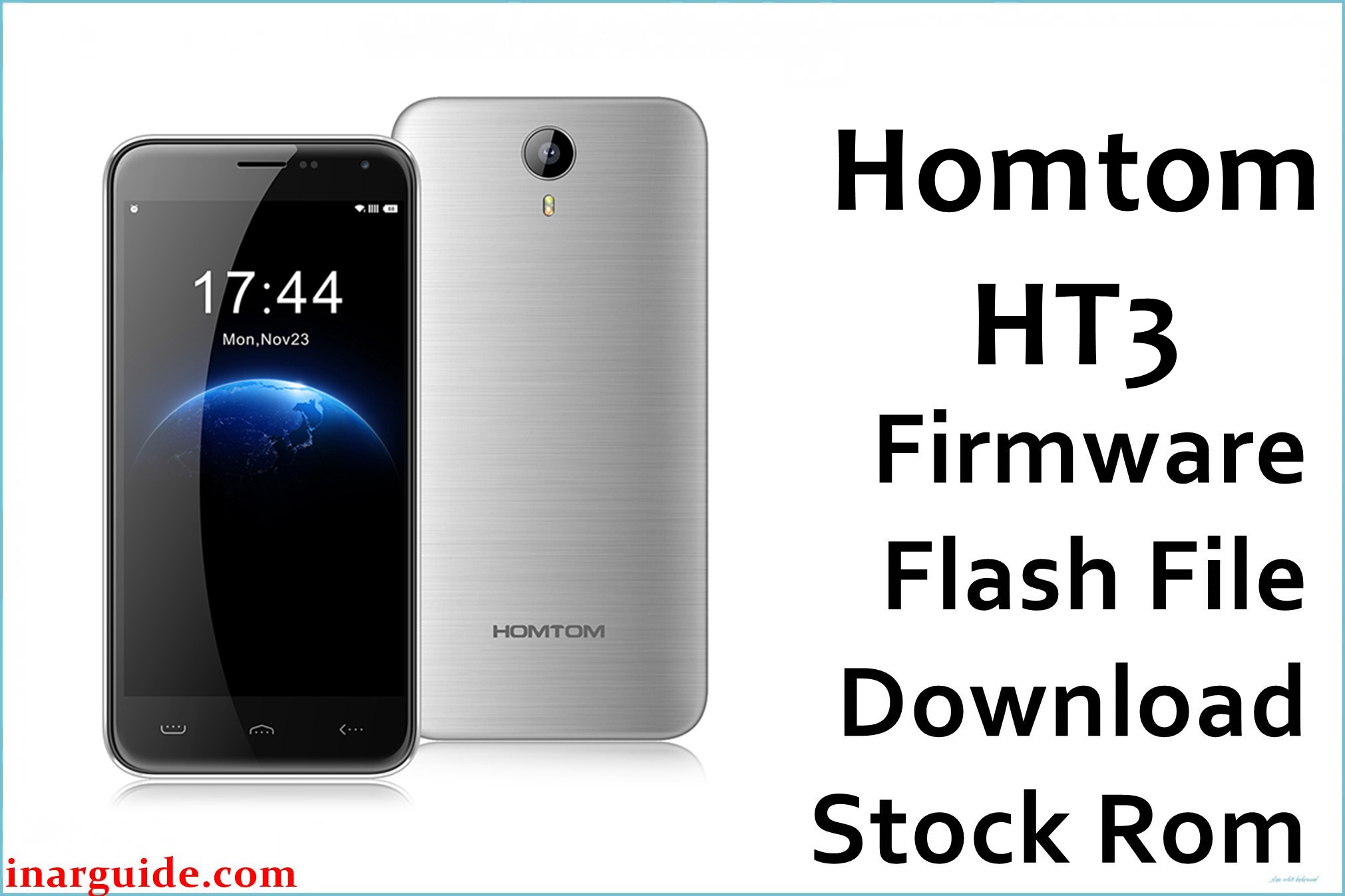
The Homtom HT3 (codename: HT3) is an entry-level MediaTek MT6580 smartphone originally shipped with Android 5.1 Lollipop. This model is commonly used as a secondary or backup device, and many units still in circulation have experienced years of OTA interruptions, storage exhaustion, or failed custom recovery attempts.
On this platform, incomplete updates, interrupted rooting, or corrupted system partitions often lead to bootloops, stuck logos, or an unresponsive recovery environment. Reinstalling a full stock firmware package can help restore a clean partition layout, recover missing system components, and return the phone to a bootable state without relying on OTA infrastructure that is no longer active.
Homtom HT3 Firmware Details
| Device Name | Homtom HT3 |
| Model Identifier | HT3 |
| Codename | HT3 |
| Chipset / Platform | MediaTek MT6580 |
| Launch Android Version | Android 5.1 (Lollipop) |
| Current Firmware Line | Homtom Stock Android 5.1 |
| Typical File Size Range | 550–650 MB |
| Firmware Type | Scatter-based full ROM |
| Flashing Tool | SP Flash Tool |
| Bootloader Requirement | Locked (preloader-based flashing) |
| Region / Branch Notes | Single global branch for HT3 |
⚠️ Flashing Risks & Disclaimer
Flashing the Homtom HT3 carries a real risk of preloader mismatch; selecting an incorrect scatter or interrupting the write process can leave the device unable to enumerate over USB.
This firmware package is an original stock ROM preserved for recovery purposes. It remains the property of the original manufacturer and is provided only for device restoration and maintenance.
Download Official Firmware for Homtom HT3
This package is an original stock ROM mirrored for preservation, as the manufacturer no longer provides public downloads for this model.
| Region / Variant | Filename | Build / Version | Android Version | File Type | Build Date | File Size | Download Link |
|---|---|---|---|---|---|---|---|
| Global | Homtom_HT3_MT6580_20160706_5.1.zip | 20160706 | Android 5.1 | SP Flash Tool ROM | July 2016 | 609 MB | Download Global build (MediaFire mirror) |
Flashing Requirements
- Windows PC with MediaTek USB VCOM drivers installed.
- SP Flash Tool compatible with MT6580 platforms.
- Original or reliable USB cable; unstable cables frequently cause write failures on this chipset.
- No bootloader unlocking is required; the device uses preloader-based flashing.
- All user data will be erased during a typical “Download Only” or “Firmware Upgrade” flash.
- Verify the model label under the battery or in the box to confirm it is HT3, not HT3 Pro or HT3 Lite.
How to Flash the Firmware
- Download the Homtom HT3 firmware package and extract it to a clean folder on the PC.
- Install MediaTek USB drivers and launch SP Flash Tool.
- Load the included scatter file and select the appropriate flashing mode for a clean restore.
- Power off the phone completely, then connect it to the PC while the tool is in waiting state.
- Begin the flash and wait for completion; the first boot on this Android 5.1 build can take several minutes.
Frequently Asked Questions (FAQs)
Is this firmware compatible with Homtom HT3 Pro or HT3 Lite?
No. This package targets the MT6580-based HT3 only. Pro and Lite variants use different partition maps and hardware profiles.
Can this fix a stuck boot logo after a failed root?
Yes. Root attempts on Android 5.1 often replace or corrupt boot.img. A full SP Flash Tool restore rewrites the entire system layout.
Does flashing overwrite the preloader?
Depending on the selected mode, it can. Using an incorrect preloader for a different model is the most common cause of non-detectable devices.
Will this update the phone beyond Android 5.1?
No. This is the final stock firmware branch released for this model.
Why does the first boot take so long?
On MT6580 devices, the initial ART cache build after a full system rewrite can exceed five minutes.
Can this be installed from recovery without a PC?
No. This is a scatter-based firmware that requires SP Flash Tool and a PC.





