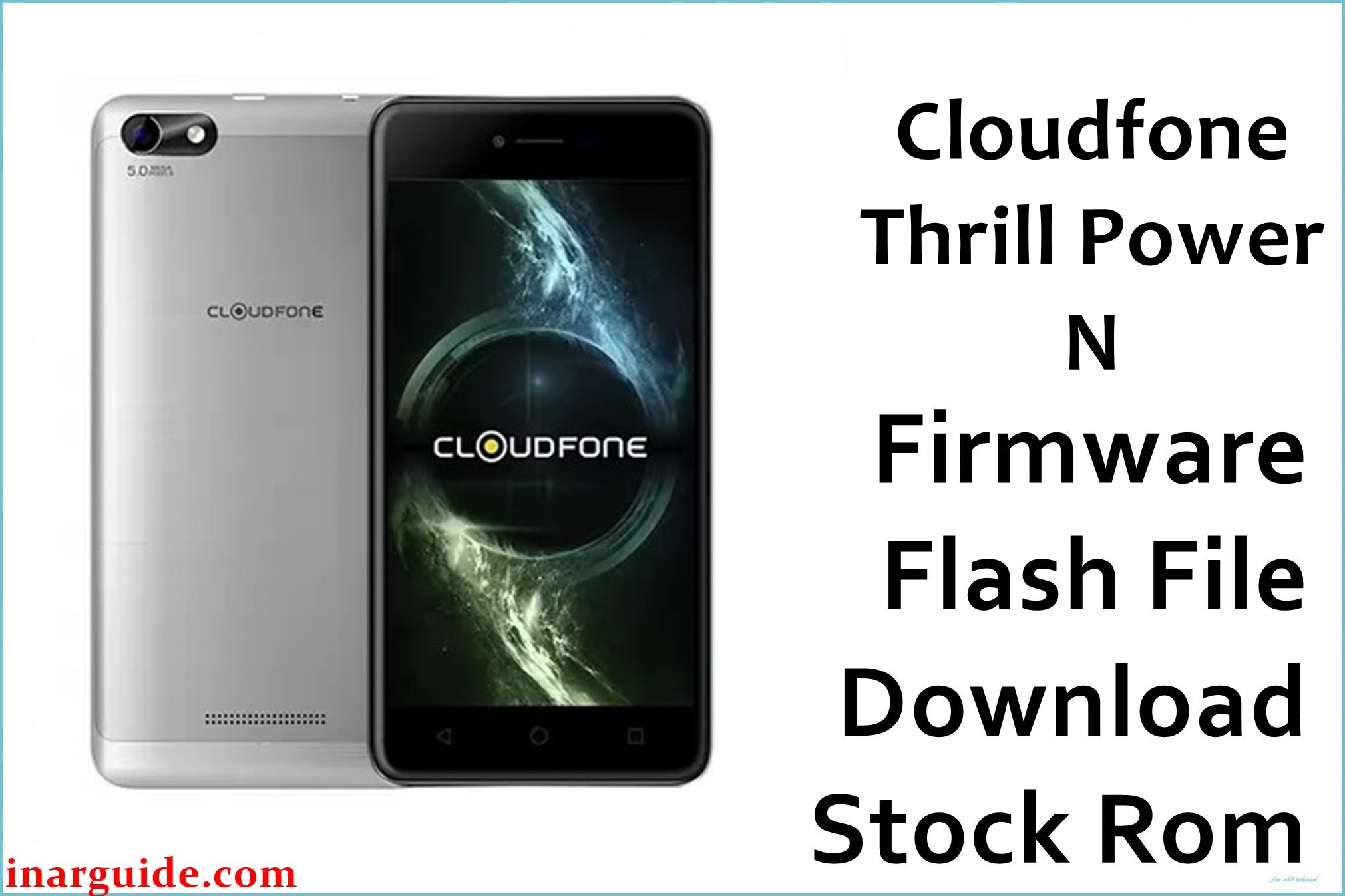
The CloudFone Thrill Power N is a budget 5‑inch Android smartphone built around a MediaTek MT6580 quad‑core chipset, 1 GB RAM, and a huge 5000 mAh battery designed for long endurance. Despite its strong battery focus, users report issues like random shutdowns, severe lag on Android 7.0, bootloops after failed tweaks, and software glitches following app or system updates.
The Cloudfone_Thrill_Power_N_MT6580_04242017_7.0.zip firmware is a full stock ROM package that restores the original Nougat system, fixes most software‑related bootloops, removes malware or misconfigurations, and helps the Thrill Power N regain stable performance and battery behavior.
CloudFone Thrill Power N Firmware Details
| Field | Details |
|---|---|
| Device Name | CloudFone Thrill Power N |
| Model Identifier | Thrill Power N (MT6580, Android 7.0) |
| Chipset / CPU | MediaTek MT6580, quad‑core 1.3 GHz Cortex‑A7, Mali‑400 GPU |
| Display | 5.0″ FWVGA IPS, 854 × 480 pixels |
| RAM / Storage | 1 GB RAM, 8 GB internal storage, microSD expansion |
| Main Feature | 5000 mAh non‑removable battery for long screen‑on time |
| Android Version | Android 7.0 Nougat (stock) |
| Firmware Version | Cloudfone_Thrill_Power_N_MT6580_04242017_7.0 |
| Build Date | 24‑04‑2017 (encoded in 04242017 build ID) |
| File Name | Cloudfone_Thrill_Power_N_MT6580_04242017_7.0.zip |
| File Size | ≈1.28–1.4 GB (compressed full ROM) |
| File Type | Scatter‑based stock firmware ZIP (contains MT6580 scatter + IMG partitions) |
| Required Flash Tool | SP Flash Tool (MediaTek / MTK devices) |
| Bootloader Status | Designed for factory‑locked MT6580; flashing via preloader/Download Mode, no OEM unlock menu needed |
| Region / Target Variant | CloudFone Thrill Power N retail units for the Philippines and similar MT6580 markets; NOT for Thrill Power (non‑N) or other CloudFone models |
| Typical Use Cases | Unbrick, fix bootloop or logo‑stuck devices, remove root or custom ROM, repair system errors, and restore stock Android Nougat with original apps |
Download Official Firmware for CloudFone Thrill Power N
The table below lists the official stock ROM package for the Thrill Power N, including the MediaFire mirror you supplied, so users can quickly confirm build details and choose the correct file for unbricking or restoring their device.
| Filename | Region / Target | Android / Build | Build Date | File Size | Flashing Type | Notes | Download Link |
|---|---|---|---|---|---|---|---|
| Cloudfone_Thrill_Power_N_MT6580_04242017_7.0.zip | CloudFone Thrill Power N MT6580 units sold in the Philippines and similar markets | Android 7.0 Nougat, 04242017 V1 full stock build | 24 April 2017 (maintenance release for Nougat firmware) | ≈1.28 GB (MediaFire mirror), ≈1.4 GB listed ROM size | Flash via SP Flash Tool using MT6580 scatter file, phone powered off | Full ROM (system, boot, recovery, and related partitions) to fix bootloop, restore stock, remove root/custom recovery, and solve many software‑level battery or lag issues | Download Thrill Power N 04242017 7.0 (MediaFire) |
Flashing Requirements
To safely flash the CloudFone Thrill Power N firmware and minimise the risk of soft or hard brick, prepare the items below before opening SP Flash Tool.
- Windows PC or laptop with stable internet and administrator rights to install MTK drivers.
- Latest SP Flash Tool (for MT6580) and correctly installed MediaTek USB/VCOM drivers so the phone is detected in preloader mode.
- Good‑quality USB cable and a reliable USB port, preferably on the back of a desktop PC.
- Thrill Power N battery charged to at least 50% to avoid shutdown during flashing, especially since it uses a non‑removable 5000 mAh pack.
- Full backup of personal data plus NVRAM/IMEI where possible, because formatting and flashing system partitions can erase apps, messages, and network identities.
How to Flash the Firmware
The Thrill Power N ROM is installed with SP Flash Tool, which writes the scatter‑defined partitions directly to the MT6580 storage. Use the quick steps below for a high‑level overview before following a detailed visual guide.
- Extract Cloudfone_Thrill_Power_N_MT6580_04242017_7.0.zip on your PC to access the MT6580 scatter file and all image partitions inside the firmware folder.
- Install MTK VCOM/USB drivers, open SP Flash Tool, click “Scatter‑loading”, and select the MT6580_Android_scatter file from the extracted Thrill Power N ROM.
- Verify that the device is really Thrill Power N (not Thrill Power), then choose “Download Only” or the mode recommended by your repair workflow, and leave the partition selection as provided unless you know what to change.
- Click the “Download” button, power off the phone completely, connect it to the PC via USB, and wait while SP Flash Tool writes the firmware; do not interrupt the process.
- When the success dialog appears, disconnect the phone, power it on, and allow several minutes for the first boot into fresh stock Android 7.0 Nougat.
For a step‑by‑step guide with screenshots and troubleshooting specific to MediaTek phones, use this dedicated tutorial: How to flash stock firmware to MediaTek (MTK) smartphones with SP Flash Tool. This resource explains driver installation, scatter loading, and how to handle common SP Flash Tool errors across MT6580 devices.
Frequently Asked Questions (FAQs)
What issues can this Thrill Power N firmware fix?
This stock ROM is mainly used to resolve bootloops, devices stuck on the CloudFone logo, system app crashes, and severe lag caused by corrupted Nougat updates or risky modifications on the Thrill Power N. It also helps remove adware or unwanted system changes by rewriting the official Android 7.0 partitions from scratch.
Is this ROM compatible with the original CloudFone Thrill Power?
No, the original Thrill Power ships with Android 6.0 Marshmallow and has a different firmware package, so using this Nougat scatter ROM on it can hard‑brick the phone. Only flash Cloudfone_Thrill_Power_N_MT6580_04242017_7.0.zip on confirmed Thrill Power N units with MT6580.
Can flashing this firmware improve battery life?
If your battery drain or random shutdowns are caused by corrupted system files, buggy custom ROMs, or malware, returning to clean stock Nougat can stabilise power management and reduce software‑induced drain. However, it cannot fix a physically degraded or damaged 5000 mAh battery, which would still require hardware replacement.
Will I lose my files after flashing?
In most cases, flashing a full stock ROM with SP Flash Tool will wipe apps and user data, and formatting before flashing guarantees that everything on internal storage is erased. Always copy important photos, contacts, and documents to an SD card or cloud backup before starting the process.
SP Flash Tool is not detecting my Thrill Power N, what should I try?
Reinstall MTK VCOM drivers, use a different USB port or cable, and connect the powered‑off phone only after pressing the Download button in SP Flash Tool. On some MT6580 devices, holding Volume Up or Volume Down while plugging in helps trigger the correct preloader port so the flash tool can start the download session.
Can this firmware remove root, Magisk, or custom recovery?
Yes, flashing the full stock ROM including boot and recovery partitions will overwrite Magisk patches and custom recoveries such as TWRP, returning the Thrill Power N to a clean factory setup. This is recommended if you want maximum stability or plan to sell or hand down the device.





