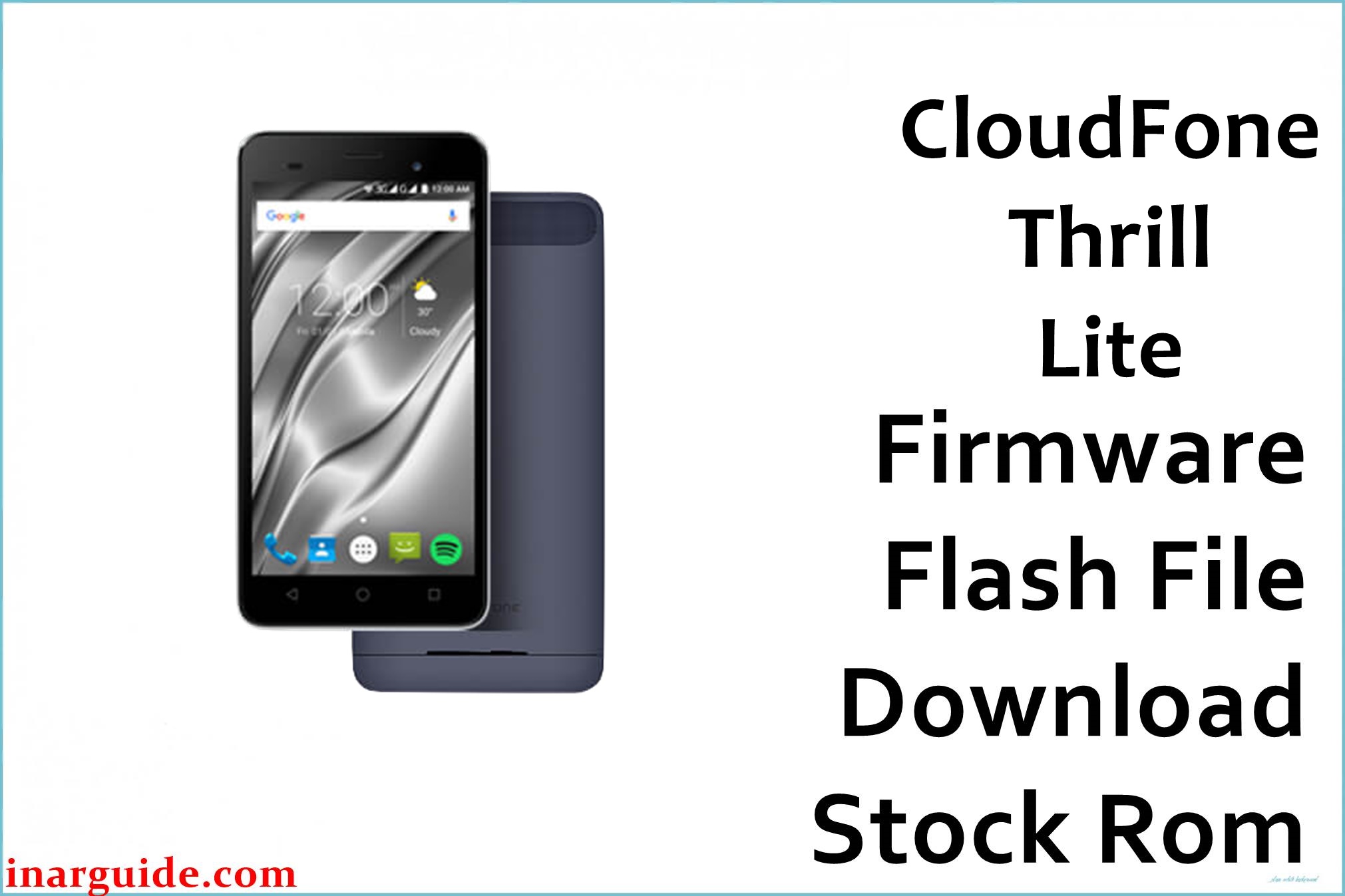
The CloudFone Thrill Lite is an affordable 5‑inch FWVGA smartphone powered by a 1.3 GHz MediaTek MT6580 quad‑core chipset with Mali‑400 GPU and 512 MB RAM, running Android 6.0 Marshmallow out of the box. Users frequently report issues such as system lag, app crashes, storage errors, recurring bootloops after failed tweaks or resets, and devices stuck on logo after flashing the wrong ROM or performing risky modifications.
The CloudFone_Thrill_Lite_MT6580_V1_18092016_6.0.zip firmware package is the official stock ROM that restores factory software, repairs bootloops and soft bricks, and returns performance to a clean, stable state for the exact Thrill Lite MT6580 variant.
CloudFone Thrill Lite Firmware Details
| Field | Details |
|---|---|
| Device Name | CloudFone Thrill Lite |
| Model Identifier | Thrill Lite (MT6580, Android 6.0) |
| Chipset / CPU | MediaTek MT6580, 1.3 GHz quad‑core, Mali‑400 GPU |
| Display | 5.0″ FWVGA 854 × 480 panel |
| Android Version | Android 6.0 Marshmallow |
| Firmware Version | CloudFone Thrill Lite MT6580 V1 18092016 6.0 |
| Build Date | 18‑09‑2016 (as indicated in build ID) |
| File Name | CloudFone_Thrill_Lite_MT6580_V1_18092016_6.0.zip |
| File Size | ≈703 MB (compressed ZIP, full ROM scatter package) |
| File Type | Scatter‑based stock firmware (ZIP containing IMG + scatter) |
| Required Flash Tool | SP Flash Tool (MediaTek MTK flashing utility) |
| Bootloader Status | Designed for factory‑locked stock configuration; no unlock required for SP Flash Tool on MT6580 |
| Region / Variant | CloudFone Thrill Lite sold in the Philippines and similar MT6580 markets; ONLY for MT6580 Thrill Lite board |
| Typical Use Cases | Unbrick, fix bootloop, remove malware, revert to stock, repair system partition errors |
Download Official Firmware for CloudFone Thrill Lite
The table below lists the currently available official stock firmware for the CloudFone Thrill Lite MT6580, including the MediaFire package you provided. Use these details to verify that the ROM exactly matches your device before flashing.
| Filename | Region / Target | Android / Build | Build Date | File Size | Flashing Type | Notes | Download Link |
|---|---|---|---|---|---|---|---|
| CloudFone_Thrill_Lite_MT6580_V1_18092016_6.0.zip | CloudFone Thrill Lite retail units (Philippines, MT6580 only) | Android 6.0 Marshmallow, build V1 18092016 | 18 September 2016 (from build string) | ≈703 MB (ZIP) | Flash via SP Flash Tool (scatter‑loading) | Full stock ROM for unbrick, bootloop fix, restore to factory state; includes system, boot, recovery and related images | Download Thrill Lite MT6580 V1 18092016 (MediaFire) |
Flashing Requirements
Before flashing the CloudFone Thrill Lite firmware, prepare the following essentials to reduce the risk of errors or device damage.
- Windows PC or laptop with stable USB ports and administrator access.
- Latest compatible SP Flash Tool, plus installed MediaTek VCOM / USB drivers for MT6580 devices.
- Original or high‑quality USB cable to maintain a stable connection during flashing.
- Battery charged to at least 50% to avoid shutdown while writing partitions.
- Full backup of personal data and, if possible, NVRAM / IMEI using a backup tool or custom recovery before flashing.
How to Flash the Firmware
Flashing the CloudFone Thrill Lite stock ROM is done with SP Flash Tool using the scatter file inside the ZIP package. The outline below gives a quick, high‑level overview.
- Extract CloudFone_Thrill_Lite_MT6580_V1_18092016_6.0.zip on your PC to reveal the scatter file and partition images.
- Install MTK USB/VCOM drivers, launch SP Flash Tool, and load the MT6580 scatter file from the extracted firmware folder.
- Select the desired mode (usually “Download Only”), verify that the partitions to be flashed are correctly ticked, and leave preloader enabled only if you are certain it matches your exact board.
- Click “Download” in SP Flash Tool, power off the phone, connect it via USB, and wait for the flashing process to complete without interruption.
- When SP Flash Tool shows a success prompt, disconnect the phone, then power it on and allow a few minutes for the first boot into clean stock Android 6.0.
For a detailed, screenshot‑rich tutorial dedicated to MediaTek smartphones like the CloudFone Thrill Lite, follow this full guide on using SP Flash Tool: How to flash stock firmware to MediaTek (MTK) smartphones (InarGuide). This external guide walks through driver installation, scatter loading, and troubleshooting specific SP Flash Tool errors.
Frequently Asked Questions (FAQs)
What problems does this CloudFone Thrill Lite firmware fix?
This stock ROM is primarily used to repair bootloops, stuck‑on‑logo problems, and systems that no longer boot after failed mods, malware infection, or corrupt system updates on the Thrill Lite. It also restores performance by wiping out accumulated junk in the system partition and reverting all system apps and settings to official factory defaults.
Is this firmware compatible with other CloudFone models?
No, the CloudFone_Thrill_Lite_MT6580_V1_18092016_6.0.zip package is strictly for the CloudFone Thrill Lite with MT6580 hardware and Android 6.0; it must not be used on Thrill HD, Thrill Power, Excite, Go, or any other model. Flashing this ROM on a different device or non‑MT6580 board can cause severe partition mismatch and permanent hard brick.
How can I avoid bootloop after flashing?
To reduce the chance of another bootloop, ensure you are using the exact matching Thrill Lite MT6580 firmware, do not interrupt the flash, and perform a factory reset after a major reflash if the phone behaves abnormally. Avoid installing heavy apps on the limited 512 MB RAM device and keep sufficient free storage, as low space and failed updates can trigger fresh boot problems over time.
SP Flash Tool does not detect my Thrill Lite, what should I do?
If SP Flash Tool fails to detect the device, reinstall the MTK VCOM drivers, try a different USB cable or port, and connect the powered‑off phone only after clicking the Download button. Some users have better results by briefly holding Volume Up or Volume Down while plugging in the USB cable to trigger the preloader port on MT6580 devices.
Can I use this firmware to remove root or custom recovery?
Yes, flashing the full stock ROM (including boot and recovery partitions) will overwrite custom recovery and root binaries, returning the Thrill Lite to a clean, unmodified factory state. This is useful if you want to receive stock behavior again or prepare the phone for resale.





