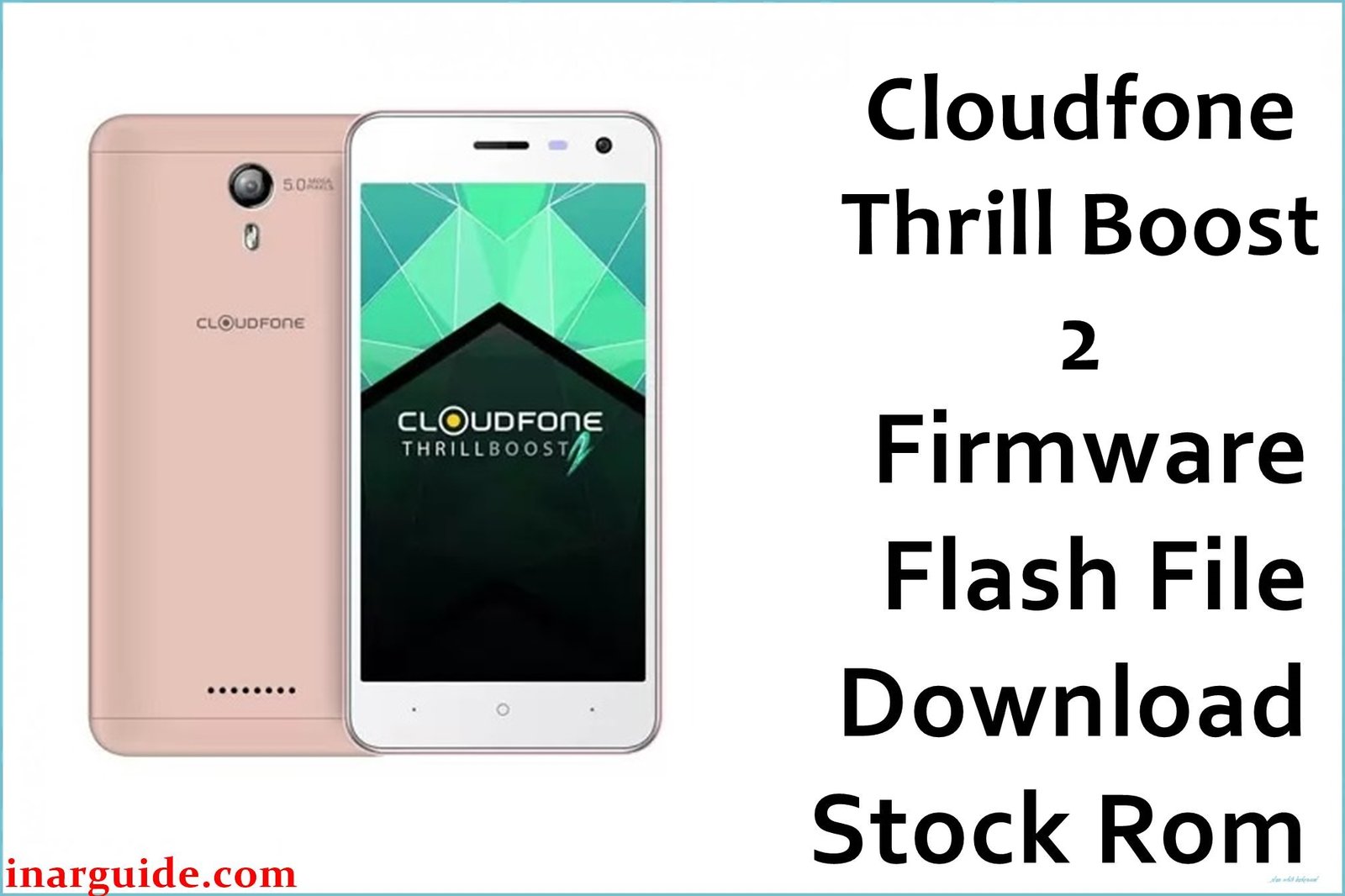
The CloudFone Thrill Boost 2 features a 5.0-inch FWVGA IPS display, MediaTek MT6580 quad-core 1.3 GHz processor with Mali-400 GPU, 1 GB RAM, 8 GB storage (expandable to 64 GB), dual 5 MP cameras, and a 2500 mAh battery, running Android 7.0 Nougat. Users commonly experience bootloops especially after low battery drain, severe lag during multitasking, app crashes on the limited RAM, and devices stuck on logo after failed updates or root attempts.
The Cloudfone_Thrill_Boost_2_MT6580_06082017_7.0.zip stock firmware restores the official Nougat system, repairs bootloops and soft bricks, clears malware or corrupted partitions, and returns smooth factory performance to the exact MT6580 variant.
CloudFone Thrill Boost 2 Firmware Details
| Field | Details |
|---|---|
| Device Name | CloudFone Thrill Boost 2 |
| Model Identifier | Thrill Boost 2 (MT6580, Android 7.0 Nougat) |
| Chipset / CPU | MediaTek MT6580, 1.3 GHz quad-core Cortex-A7, Mali-400 GPU |
| Display | 5.0″ FWVGA IPS 854 × 480 (196 ppi) |
| RAM / Storage | 1 GB RAM, 8 GB internal + microSD up to 64 GB |
| Cameras | 5 MP rear (AF + LED flash), 5 MP front (FF + LED flash) |
| Battery | 2500 mAh non-removable |
| Android Version | Android 7.0 Nougat |
| Firmware Version | Cloudfone_Thrill_Boost_2_MT6580_06082017_7.0 |
| Build Date | 08-06-2017 (from 06082017 build ID) |
| File Name | Cloudfone_Thrill_Boost_2_MT6580_06082017_7.0.zip |
| File Size | ≈1.29 GB (full scatter ROM package) |
| File Type | MTK scatter-based stock firmware (ZIP with IMG files + scatter.txt) |
| Required Flash Tool | SP Flash Tool (MediaTek MT6580 compatible) |
| Bootloader Status | Factory-locked; flashes via preloader mode, no unlock required for SP Tool |
| Region / Variant | Philippines retail Thrill Boost 2 MT6580 units; NOT for Boost 2 Plus or other CloudFone models |
| Typical Use Cases | Fix bootloop/low battery loops, unbrick logo-stuck devices, remove root/custom ROM, repair lag/system crashes |
Download Official Firmware for CloudFone Thrill Boost 2
Below is the official stock ROM for Thrill Boost 2 MT6580, including your MediaFire link. Confirm the build matches your bricked or lagging device before downloading.
| Filename | Region / Target | Android / Build | Build Date | File Size | Flashing Type | Notes | Download Link |
|---|---|---|---|---|---|---|---|
| Cloudfone_Thrill_Boost_2_MT6580_06082017_7.0.zip | CloudFone Thrill Boost 2 retail (Philippines MT6580 variant) | Android 7.0 Nougat, 06082017 stock build | 08 June 2017 | 1.29 GB (ZIP) | SP Flash Tool (scatter load, Download Only mode) | Complete factory ROM fixes bootloops from low battery crashes, restores stock apps/performance, removes custom mods; ideal for 1 GB RAM stability | Download Boost 2 MT6580 06082017 7.0 (MediaFire) |
Flashing Requirements
Gather these essentials to flash the Thrill Boost 2 firmware safely and avoid common MT6580 errors.
- Windows PC with admin access for MTK driver installation and stable USB connectivity.
- Latest SP Flash Tool + MediaTek VCOM/Preloader USB drivers properly installed and verified.
- Original USB cable and rear USB port for reliable detection during flashing.
- Device battery at 50%+ to prevent interruptions, critical for bootloop-prone 2500 mAh units.
- Backup of data, IMEI/NVRAM (use MTK tools if possible) as full flash wipes internal storage.
How to Flash the Firmware
Flash the Thrill Boost 2 ROM using SP Flash Tool’s scatter method. Follow these high-level steps, then refer to the detailed guide.
- Unzip Cloudfone_Thrill_Boost_2_MT6580_06082017_7.0.zip to access the MT6580_Android_scatter.txt and all IMG partition files.
- Launch SP Flash Tool, load the scatter file via “Scatter-Loading”, confirm all partitions are ticked for full restore.
- Select “Download Only” mode, click Download, power off the phone, then connect via USB (hold Vol- if no detection).
- Wait for green success tick without disconnecting; this writes Nougat system/boot/recovery partitions.
- Disconnect, power on the device, and allow 5-10 minutes for initial boot setup into clean Android 7.0.
For complete instructions with images and MT6580 troubleshooting, visit: How to flash stock firmware to MediaTek (MTK) smartphones (SP Flash Tool Guide).
Frequently Asked Questions (FAQs)
What causes bootloop on Thrill Boost 2 and does this fix it?
Bootloops often occur from low battery death, failed OTA updates, or root attempts on the 1 GB RAM MT6580; this stock ROM overwrites corrupted boot/system partitions to resolve them.
Is this firmware for Thrill Boost or Boost 2 Plus?
No—this is exclusively for Thrill Boost 2 MT6580 (1 GB RAM, 2500 mAh). Original Boost and Boost 2 Plus have different hardware/firmware and will brick if flashed.
Will flashing wipe my data and apps?
Yes, SP Flash Tool with full partitions erases internal storage, apps, and settings. Back up to microSD/cloud first; post-flash setup restores factory Nougat cleanliness.
How to fix SP Flash Tool not detecting my Boost 2?
Reinstall MTK VCOM drivers, try Vol Down + USB connect after Download button, switch ports/cables; powered-off phone must trigger preloader mode on MT6580.
Can this improve lag on Android 7.0?
Flashing stock removes bloat/junk causing slowdowns on 1 GB RAM, but heavy apps will still lag—keep storage free and avoid multitasking for best Nougat performance.





