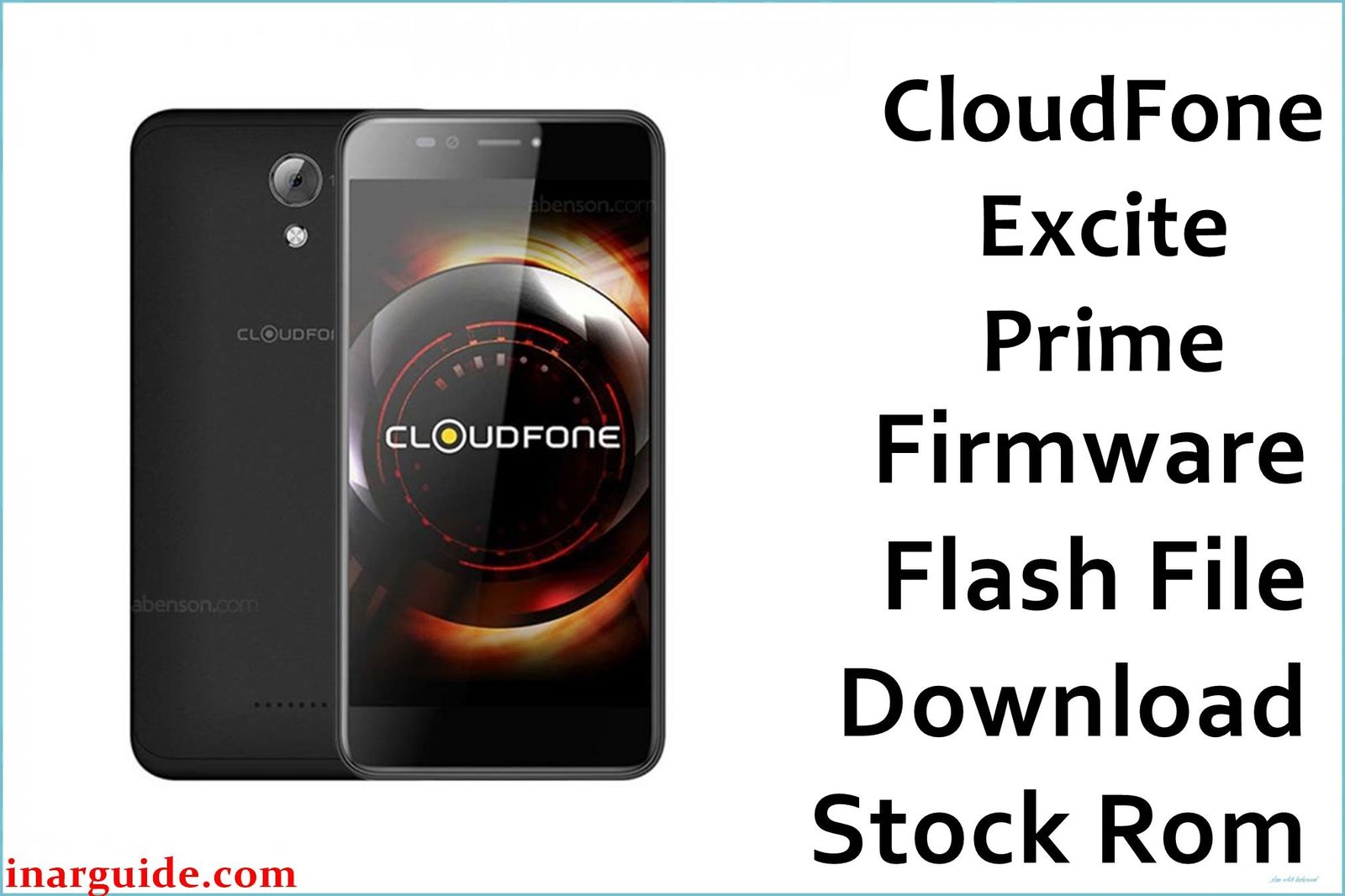
The Cloudfone Excite Prime launched in January 2016 as a budget octa-core powerhouse for Filipino users, featuring a 5.5-inch HD IPS display, MediaTek MT6592M processor, and Android 5.1 Lollipop out of the box.
Users commonly report endless bootloops after failed updates, Cloudfone logo hangs during startup, random app crashes due to memory leaks, slow performance after prolonged use, and FRP lock issues on factory reset devices.
This official firmware dated December 8, 2016 (08122016) rebuilds the complete stock ROM, eliminates bootloop/hang logo problems, clears system cache partitions, stabilizes the MT6592M octa-core performance, and bypasses FRP locks specific to Excite Prime models.
Cloudfone Excite Prime Firmware Details
| Detail | Information |
|---|---|
| Device Name | Cloudfone Excite Prime |
| Model | Excite Prime |
| Chipset | MediaTek MT6592M |
| CPU | Octa Core 1.4GHz Cortex-A7 |
| GPU | Mali-450 MP4 |
| Android Version | 5.1 Lollipop |
| Firmware Version | 08122016 |
| Build Date | December 8, 2016 |
| File Size | 758.27MB |
| File Type | ZIP (Scatter MTK) |
| Flashing Tool | SP Flash Tool |
| RAM | 2GB |
| Storage | 16GB + microSD (32GB) |
| Display | 5.5″ HD IPS (720×1280, 267ppi) |
| Battery | 2820mAh Li-Ion (Removable) |
| Rear Camera | 13MP Autofocus + LED Flash |
| Front Camera | 5MP Fixed Focus |
| Dual SIM | Yes (Micro-SIM) |
| Dimensions | 152 x 76 x 11 mm |
WRONG SCATTER = PERMANENT HARD BRICK! Use ONLY this 08122016 file on Excite Prime MT6592M. Mismatched firmware wipes IMEI + NVRAM. Phone OFF, battery 40% EXACTLY. VCOM drivers MANDATORY or NO detection. Wrong DA = USB port failure forever!
Download Official Firmware for Cloudfone Excite Prime
| Filename | Size | Build Date | Version | Android | Flash Type | Region | Download |
|---|---|---|---|---|---|---|---|
| CloudFone_Excite_Prime_MT6592_08122016_5.1.zip | 758.27MB | December 8, 2016 | 08122016 | 5.1 Lollipop | SP Flash Tool (Scatter) | Philippines/Global | Download Build (MediaFire) |
For: All Cloudfone Excite Prime MT6592M variants suffering bootloop, hang logo, FRP lock, or slow performance. Official Lollipop stock ROM – Blue/Silver color variants confirmed working.
Flashing Requirements
- Windows PC (7/10/11) with Admin rights
- SP Flash Tool V5.1824 or later
- MediaTek Preloader + VCOM USB Drivers
- Original MicroUSB cable (data sync)
- Battery charged to 40% exactly
- Complete data backup (photos/contacts)
- Antivirus & Windows Defender DISABLED
How to Flash the Firmware
- Install MTK VCOM drivers → Extract ZIP → Launch SP Flash Tool as Admin.
- Load MT6592_Android_scatter.txt via Scatter-loading button.
- Choose Download Only → Uncheck Preloader for safety.
- Power OFF phone → Hold Vol- + connect USB cable.
- Hit green Download → Red progress = flashing → Green PASS = Done!
Want full guide with images/videos? See complete MediaTek SP Flash Tool tutorial.
ZERO liability for bricked phones, data loss, warranty void, or battery explosions. Wrong firmware = dead IMEI forever. Problems? Comment below for community DA/VCOM fixes!
Frequently Asked Questions (FAQs)
Does this fix Cloudfone Excite Prime bootloop/hang logo?
Yes, the 08122016 firmware completely rebuilds boot/recovery/system partitions, resolving endless Cloudfone logo hangs and bootloops after failed OTA updates. Users confirm instant boot after successful flash.
Will flashing erase my Excite Prime data?
Yes, scatter flashing wipes userdata completely. Backup WhatsApp, photos, and contacts first. This is normal for full stock ROM restoration on MT6592M devices.
SP Flash Tool not detecting my Excite Prime?
Install BOTH Preloader VCOM and USB VCOM drivers. Disable antivirus completely. Use rear USB port. Hold Vol Down while connecting powered-off phone. SP Tool V5.1824+ required.
Can I flash this on other Cloudfone Excite models?
ABSOLUTELY NOT! Exclusive for Excite Prime MT6592M only. Other models (Excite 501o, Prime 2) = instant hard brick. Verify Settings → About → Model: Excite Prime.
BROM ERROR during Excite Prime flashing?
Redownload ZIP (corrupted), check scatter matches MT6592M, battery exactly 40%, Download Only mode, uncheck Preloader. Different USB cable/port. Updated DA file needed sometimes.





