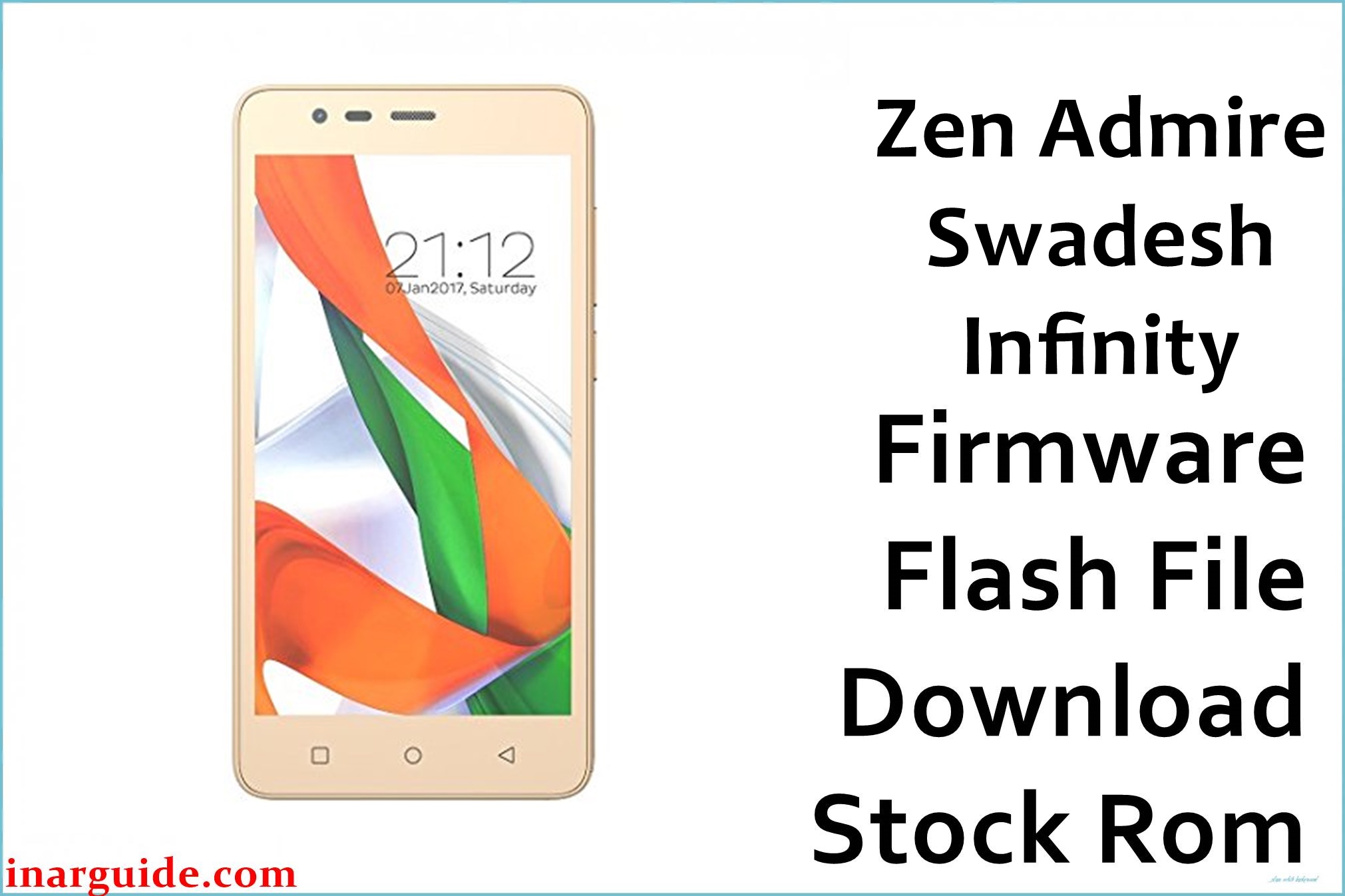
The Zen Admire Swadesh Infinity is a budget Android device based on the Spreadtrum SC9832 platform, primarily sold in the Indian market. Like many devices in its category, its software is prone to corruption over time. A frequently cited problem on various Indian YouTube tech channels and repair forums is the device becoming completely unresponsive or getting stuck on the Zen boot animation logo, a classic sign of a soft brick. This official V1 stock firmware provides a complete, factory-signed software package to fully restore the phone’s operating system and resolve this critical bootloop issue.
Zen Admire Swadesh Infinity Firmware Details
| Device Name | Zen Admire Swadesh Infinity |
|---|---|
| Chipset | Spreadtrum SC9832 |
| Android Version | 6.0 Marshmallow |
| Firmware Version | V1 |
| Build Date | June 08, 2017 |
| File Size | 1.05 GB |
| File Type | .pac (for SPD Upgrade Tool) |
| Flashing Tool | SPD Upgrade Tool / ResearchDownload |
Download Official Firmware for Zen Admire Swadesh Infinity
Size: 1.05 GB
Build Date: June 08, 2017
Chipset: Spreadtrum (SPD)
Android Version: 6.0 Marshmallow
Download Link: MediaFire Direct Link
Why Flash This Specific Firmware?
- Fix the “Hang on Logo” Bootloop: This is the primary technical symptom that this firmware resolves. If your Admire Swadesh Infinity will not boot past the Zen logo, flashing this `.pac` file will rewrite the corrupted system files and fix the boot sequence.
- Remove Google FRP (Factory Reset Protection) Lock: A crucial use-case fix for users who have factory reset their phone but forgotten the Google account credentials previously synced to it. A full firmware flash is a reliable method to bypass this security lock.
- Solve Unresponsive Touchscreen Issues: Some users report the device’s touchscreen becoming laggy or completely unresponsive due to software glitches. Reinstalling the stock firmware restores the original kernel and drivers, which often corrects these input problems.
- Eliminate Virus and Malware: If your phone is infected with adware or malware that cannot be removed, a full flash will wipe the device clean, ensuring all malicious software is completely eradicated.
Bug Fixes and Stability Improvements in This Build
- Firmware V1 (June 08, 2017): As the initial software release, this build restores the phone’s original partition table and bootloader, directly fixing the corruption that leads to the common “hang on logo” failure.
- Corrects software conflicts that cause core Android processes to crash, resolving frequent “Unfortunately, the app has stopped” error messages.
- Reinstalls the factory display drivers and touch panel firmware, addressing reports of intermittent screen freezes or unresponsive touch input.
- Includes the original, stable modem files, which fixes potential network signal issues or a “null IMEI” problem that can occur after improper flashing attempts.
How to Flash the Firmware
Flashing the `.pac` firmware onto your Zen Admire Swadesh Infinity requires the SPD Upgrade Tool. Follow these steps:
- Download and extract the Zen_Admire_Swadesh_Infinity_SC9832_V1_20170608_SPD.zip file on your computer.
- Launch the SPD Upgrade Tool.
- Click the gear icon (“Load Packet”) and select the `.pac` file from the extracted firmware folder.
- After the file loads, click the play icon (“Start Downloading”).
- Power off your Zen Admire Swadesh Infinity completely.
- Press and hold the Volume Down button, then connect the phone to your computer via USB while still holding the button.
- The tool will detect the device, and flashing will begin. You can release the volume button now.
- Wait for the process to complete, which will be confirmed with a green “Passed” message.
- Disconnect the phone and power it on. The first boot can take 5 to 10 minutes.
For a complete guide with screenshots and driver installation, please visit our official tutorial: How to Use the SPD Upgrade Tool.





