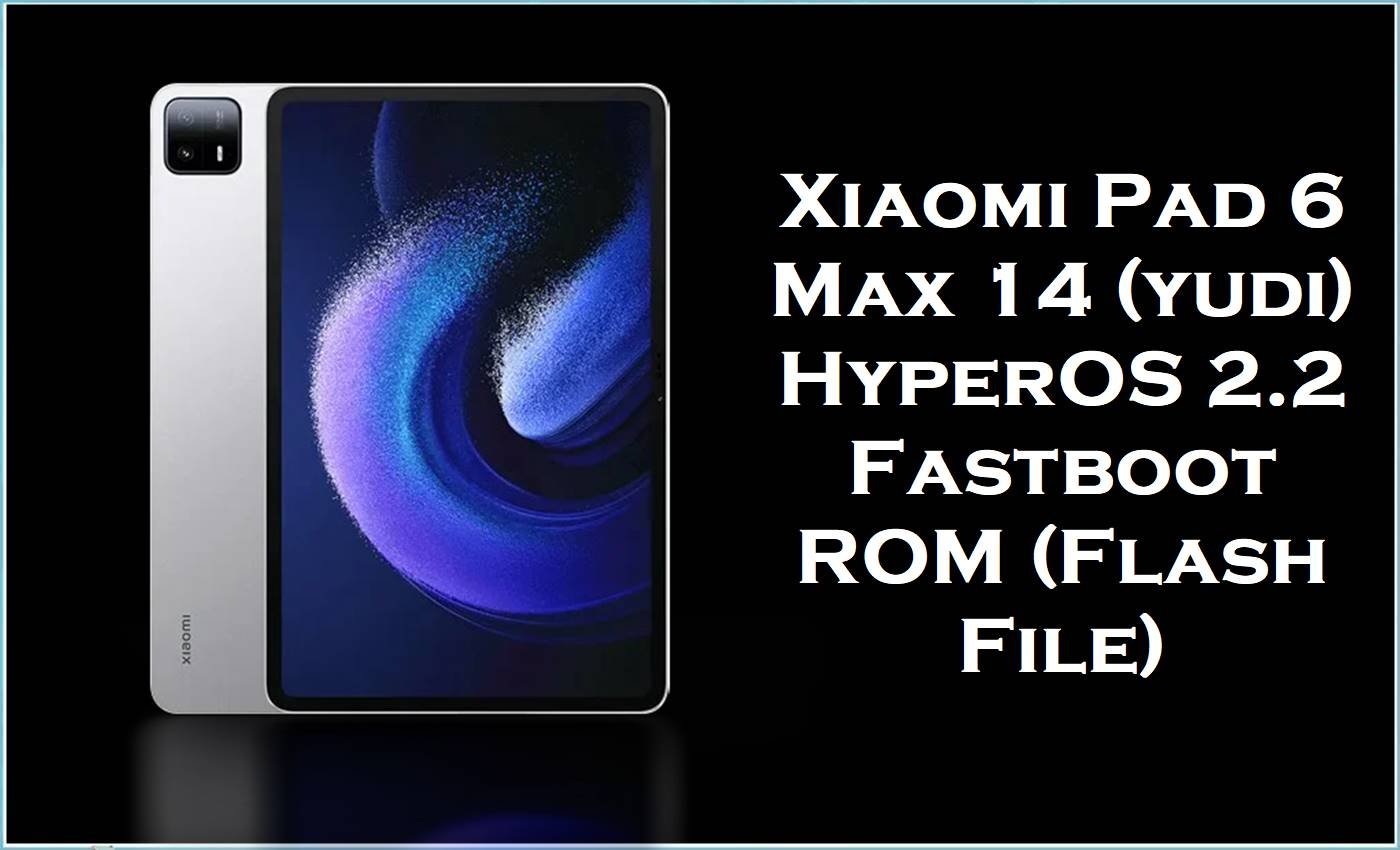
The Xiaomi Pad 6 Max 14 (codename yudi) is a large-screen Xiaomi tablet built for media, productivity, and stylus use, featuring a 14-inch 120Hz display and Snapdragon 8+ Gen 1 performance. On HyperOS-based Xiaomi Pads, users commonly report update-related problems like abnormal battery drain and Wi‑Fi quirks after major system changes, which often pushes owners to reinstall a clean system build.
The official firmware Fastboot package below (OS2.0.209.0.VMHCNXM) is a complete reinstall that can fix failed updates, system corruption, and lingering bugs by restoring core partitions back to a stable baseline.
Xiaomi Pad 6 Max 14 Firmware Details
| Device Name | Xiaomi Pad 6 Max 14 |
|---|---|
| Codename | yudi |
| Device Category | Tablet |
| Model Identifier (common) | 2307BRPDCC (China) |
| Chipset | Qualcomm Snapdragon 8+ Gen 1 (SM8475) |
| GPU | Adreno 730 |
| Display | 14-inch IPS LCD, 2880×1800, 120Hz |
| RAM / Storage (example) | 12GB RAM, 256GB UFS 3.1 (variant shown) |
| Connectivity | Wi‑Fi 6 (802.11ax), Bluetooth 5.3, USB‑C |
| Fast Charging | Up to 67W (spec listing) |
| Android Version | Android 15 (per firmware filename) |
| HyperOS Branch | China Stable (CNXM) |
| Firmware Version | OS2.0.209.0.VMHCNXM |
| Build Date | 2025-11-06 (from filename) |
| File Type | Fastboot ROM (.tgz) |
| Flashing Tool Required | Xiaomi Mi Flash Tool (Fastboot) |
| Bootloader Status | Unlocked required for Fastboot flashing |
| Integrity (MD5) | f2ee656fdb09162b0caebb7b1db79eed |
Download Official Firmware for Xiaomi Pad 6 Max 14
| Filename | File Size | Build Date | Build Version | Android Version | Flashing Type | Target Variant | Download Link |
|---|---|---|---|---|---|---|---|
| yudi_images_OS2.0.209.0.VMHCNXM_20251106.0000.00_15.0_cn_f2ee656fdb.tgz | 7.28GB | 2025-11-06 | OS2.0.209.0.VMHCNXM | Android 15 | Fastboot (.tgz) | China (CNXM) | Download OS2.0.209.0.VMHCNXM (Xiaomi BigOTA) |
Flashing Requirements
- A Windows PC/laptop and a stable USB cable.
- Xiaomi USB drivers + working Fastboot drivers installed.
- Xiaomi Mi Flash Tool for Fastboot flashing.
- Unlocked bootloader on Xiaomi Pad 6 Max 14 (yudi); data may be deleted depending on the chosen option.
- The correct ROM region/branch (this package is CNXM; avoid cross-region flashing to reduce flash errors and bricking risk).
How to Flash the Firmware
- Confirm your tablet is Xiaomi Pad 6 Max 14 (yudi) and that you specifically need the China CNXM build.
- Back up your apps and files because Fastboot flashing can wipe data depending on your selection.
- Extract the.tgz Fastboot package on your PC, then boot the tablet into Fastboot mode and connect it by USB.
- Open Xiaomi Mi Flash Tool, load the extracted ROM folder, and begin flashing using the appropriate option for your situation.
- Wait for completion and allow extra time for the first boot after installing the stock firmware.
For a full step-by-step walkthrough with pictures and video for this yudi Fastboot ROM, follow: Xiaomi MI Flash Tool guide (Fastboot flashing).
Frequently Asked Questions (FAQs)
What is the Xiaomi Pad 6 Max 14 (yudi) stock ROM used for?
A yudi stock ROM is used to reinstall the complete system software, which is helpful for fixing failed updates, boot problems, and persistent HyperOS bugs by restoring a clean baseline.
Will this stock firmware work on Global/EEA Xiaomi tablets?
No—this package is labeled CNXM (China branch), and ROM listings warn against flashing out-of-region builds because it can cause flash errors, vendor data loss, or even brick the device.
Does flashing official firmware erase data on Xiaomi Pad 6 Max 14?
It can, because Fastboot flashing may delete data depending on the option you choose, so a full backup is strongly recommended before you proceed.
Can firmware flashing help with battery drain or Wi‑Fi issues after HyperOS updates?
Some Xiaomi Pad users report faster battery drain and Wi‑Fi problems after updating to HyperOS, and a clean reinstall of the correct official firmware can help if the cause is update corruption or misapplied changes.





