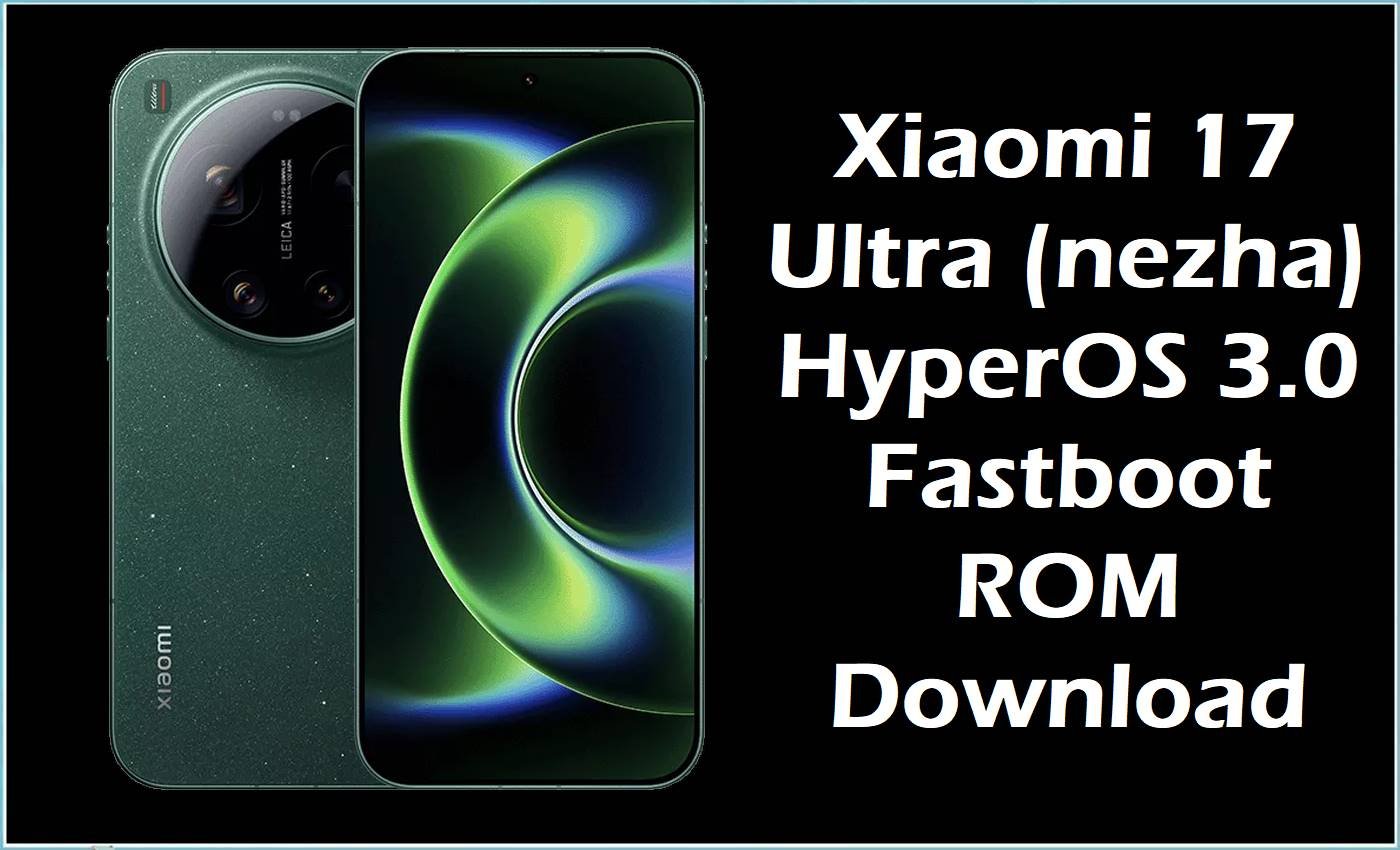
The Xiaomi 17 Ultra (codename nezha) is a flagship Xiaomi device built on the Snapdragon 8 Elite Gen 5 platform, shipping with Android 16 and HyperOS 3.0. This model uses large, feature‑rich system images and participates in early HyperOS 3 rollouts, so users may encounter issues such as bootloops after pilot releases, soft‑bricks from kernel or Magisk experiments, or instability following failed OTA installation.
Flashing the listed HyperOS 3.0 fastboot package can help recover a non‑booting phone, restore a clean software state, or correct partition issues caused by interrupted updates when applied carefully.
Xiaomi 17 Ultra Firmware Details
| Device Name | Xiaomi 17 Ultra |
|---|---|
| Model Identifier | 2512BPNDAC and related regional variants associated with nezha |
| Codename | nezha |
| Chipset / Platform | Qualcomm Snapdragon 8 Elite Gen 5 (3 nm), Adreno 840 GPU |
| Launch Android Version | Android 16 with HyperOS 3.0 |
| Current Firmware Line | HyperOS 3.0 based on Android 16 (OS3.0.WPA**XM builds) |
| Typical File Size Range | Around 11–12 GB for full HyperOS 3.0 fastboot images on this device |
| Firmware Type | Official China HyperOS 3.0 fastboot ROM (.tgz) |
| Flashing Tool | Xiaomi Mi Flash Tool / fastboot (PC‑based flashing in fastboot mode) |
| Bootloader Requirement | Unlocked bootloader required for manual fastboot flashing; pilot/public OTAs for locked units |
| Region / Branch Notes | OS3.0.10.0.WPACNXM is a China (CNXM) build; mixing future global and CN branches will require full wipes and carries higher risk |
⚠️ Flashing Risks & Disclaimer
On this nezha platform, HyperOS 3.0 uses large dynamic partitions and strict Android 16 verified boot, so flashing an image for the wrong device or region, or interrupting the process, can result in persistent bootloops or a device that only boots to fastboot or recovery. Because OS3.0.10.0.WPACNXM is a China build, cross‑branch flashing against future global ROMs may lead to configuration mismatches, missing Google services, or broken OTA behavior if not accompanied by a clean data wipe.
Manual flashing and bootloader unlocking may affect regional warranty handling and always carry a risk of data loss. Before proceeding, confirm that the phone identifies as nezha, verify the exact build string OS3.0.10.0.WPACNXM, ensure stable power and USB connectivity, and accept that flashing is done at the user’s own risk.
Download Official Firmware for Xiaomi 17 Ultra
| Region / Variant | Filename | Build / Version | Android / Firmware Version | File Type | Build Date | File Size | Download Link |
|---|---|---|---|---|---|---|---|
| China (CNXM) | nezha_images_OS3.0.10.0.WPACNXM… | OS3.0.10.0.WPACNXM | Android 16 / HyperOS 3.0 | Fastboot ROM (.tgz) | 2026-01-11 | 11.65 GB | Download China build (official server) |
Flashing Requirements
- A Windows PC is recommended for Xiaomi Mi Flash Tool; alternatively, a system with working adb/fastboot can be used to handle this HyperOS 3.0 fastboot ROM for the Xiaomi 17 Ultra.
- Install Xiaomi USB drivers and Android platform‑tools so that the nezha device is correctly recognized in fastboot mode.
- Ensure the bootloader is fully unlocked before attempting to flash OS3.0.10.0.WPACNXM manually; locked devices are intended to receive HyperOS 3 OTAs instead.
- Back up all important data, because typical “clean all” scripts will erase user data and internal storage, especially when recovering from a bootloop or moving between China and other branches in the future.
- Verify that fastboot getvar product (or similar output) matches the nezha codename and that the selected ROM string is exactly OS3.0.10.0.WPACNXM to avoid cross‑device flashing.
- Keep the phone charged (ideally above 50%) and use a stable USB cable and port to reduce the chance of disconnections with this large 11+ GB package.
How to Flash the Firmware
- Confirm that the device is the Xiaomi 17 Ultra with codename nezha, then select the OS3.0.10.0.WPACNXM fastboot ROM, which is the China HyperOS 3.0 Android 16 build for this model.
- Download the nezha_images_OS3.0.10.0.WPACNXM.tgz file to a PC, extract it to a simple directory path, and install Xiaomi USB drivers plus Mi Flash Tool or prepare a fastboot environment compatible with Snapdragon 8 Elite Gen 5 devices.
- Power off the phone, then hold volume down + power to enter fastboot mode, and connect the device to the PC so that Mi Flash or the fastboot command‑line can detect the nezha handset.
- In Mi Flash Tool, point to the extracted firmware folder, select an appropriate mode such as “clean all” for full reinstallation, and start the flash without disturbing the USB connection until the tool reports completion.
- After flashing, allow the phone to reboot; first boot into HyperOS 3.0 on Android 16 can take several minutes while the system finalizes dynamic partitions and optimizes apps, especially after recovery from a failed OTA or test build.
For additional guidance on using fastboot‑based flashing tools with Xiaomi firmware, see this reference guide: How to flash Xiaomi firmware with Mi Flash Tool.
Frequently Asked Questions (FAQs)
Is OS3.0.10.0.WPACNXM only for the Xiaomi 17 Ultra (nezha)?
Yes, this HyperOS 3.0 fastboot package is specifically built for the Xiaomi 17 Ultra with codename nezha and must not be flashed on other Xiaomi 17 series devices or different codenames.
What is the difference between this China build and future global ROMs?
China CNXM builds typically omit Google services and include localized apps and features, while global variants add Google integration and different regional customization; mixing them usually requires a clean flash and may impact OTA behavior.
Can this fastboot ROM be used to recover from a failed HyperOS 3 OTA?
A full OS3.0.10.0.WPACNXM fastboot flash can help restore a consistent system state after a failed OTA or pilot build on the same branch, provided the correct device and codename are used and data loss is accepted.
Does flashing OS3.0.10.0.WPACNXM require an unlocked bootloader?
Manual fastboot flashing generally requires an unlocked bootloader on nezha; locked units are meant to receive signed OTAs through the system updater only.
Will this HyperOS 3.0 package update both Android and the UI layer?
Yes, OS3.0.10.0.WPACNXM is an Android 16‑based HyperOS 3 build that updates the underlying Android version and the HyperOS interface in one flash.
How large is the download and why does first boot take so long?
The fastboot file is about 11.65 GB, and first boot after flashing must expand system images and optimize Android 16 apps, which naturally increases initial boot time compared with minor OTAs.
Does manual flashing affect warranty on the Xiaomi 17 Ultra?
Bootloader unlocking and manual firmware installation may be seen as modification by service centers, so any impact on warranty is dependent on local policies and cannot be guaranteed.





