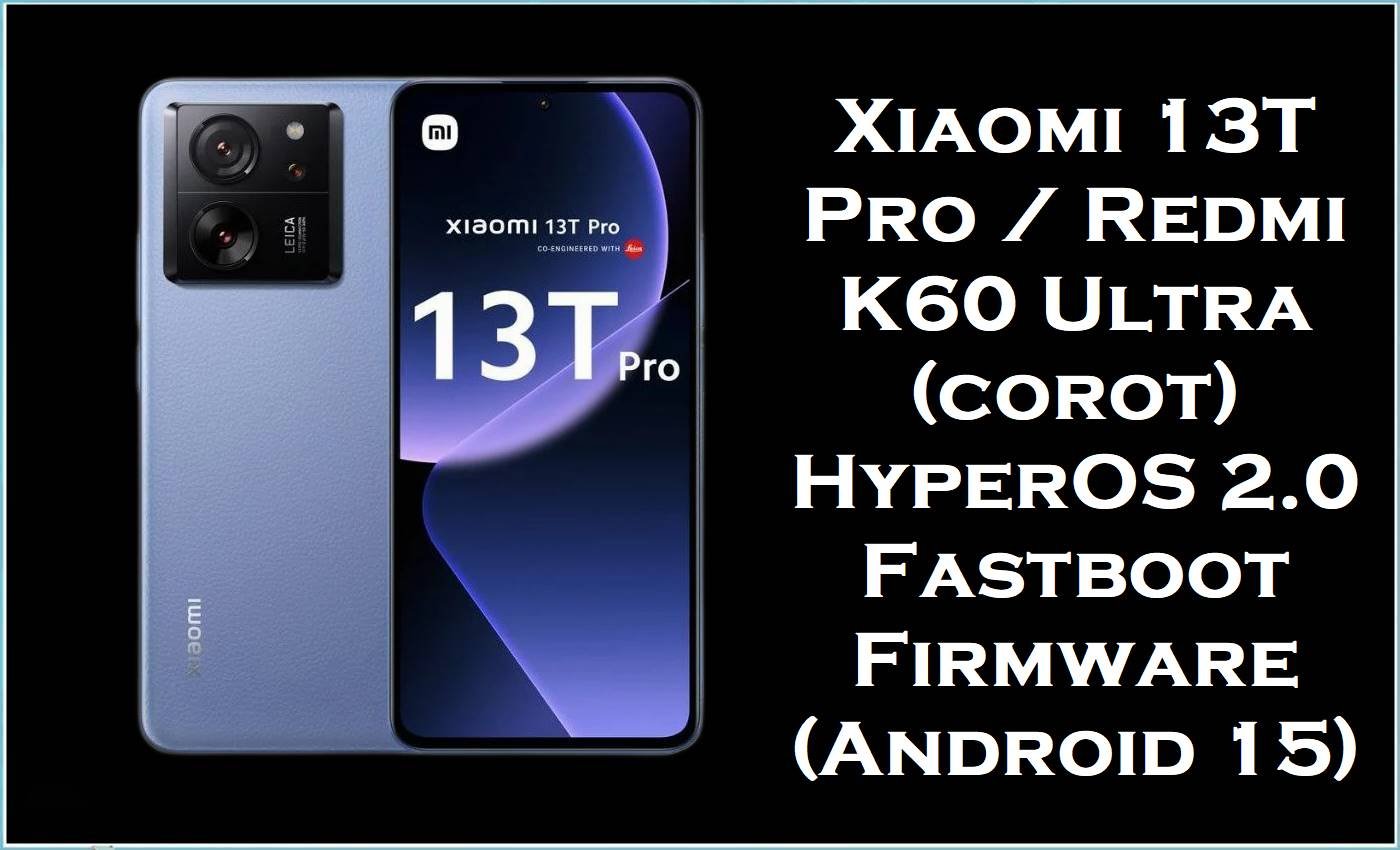
The Xiaomi 13T Pro (codename corot)—also known as the Redmi K60 Ultra in some markets—is a flagship-class phone with a 6.7-inch 144Hz AMOLED display, a 5000mAh battery, and a MediaTek Dimensity 9200+ chipset. Even with strong specs, some corot owners report serious software problems such as bootloops after flashing or update-related instability, while many HyperOS users also complain about overheating and unusually fast battery drain after certain updates.
The official firmware Fastboot ROM packages listed below are designed to reinstall the complete system image (stock ROM / stock firmware) for your exact region, which can fix corrupted OTA updates, persistent lag, random reboots, and boot issues caused by damaged partitions or mismatched builds.
Xiaomi 13T Pro Firmware Details
| Device Name | Xiaomi 13T Pro / Redmi K60 Ultra |
|---|---|
| Codename | corot |
| Model Identifier (example) | 23078PND5G (Global variant example) |
| Chipset | MediaTek Dimensity 9200+ (MT6985Z, 4nm) |
| GPU | Immortalis-G715 |
| Display | 6.7-inch AMOLED, 144Hz, 1220 × 2712 |
| Battery | 5000mAh |
| Charging | 120W max (device spec listing) |
| Android Version | Android 15 (per provided filenames) |
| Firmware Version | OS2.0.211.0.VMLCNXM / OS2.0.204.0.VMLMIXM / others (region-based) |
| File Type | Fastboot package (.tgz) |
| Flashing Tool Required | Xiaomi Mi Flash Tool |
| Flashing Mode | Fastboot mode |
| Bootloader Status | Unlocked required for Fastboot flashing |
| Region Warning | Do not cross-flash CNXM/MIXM/EUXM/RUXM/TWXM/TRXM/JPXM builds. |
Note: corot ROM listings warn that Fastboot flashing typically requires an unlocked bootloader, may wipe data depending on the selected option, and flashing a different region ROM can cause flash errors, vendor data loss, or even bricking.
Download Official Firmware for Xiaomi 13T Pro (corot)
| Filename | File Size | Build Date | Build Version | Android Version | Flashing Type | Region / Target ROM | Download Link |
|---|---|---|---|---|---|---|---|
| corot_images_OS2.0.211.0.VMLCNXM_20251107.0000.00_15.0_cn_510d103124.tgz | 8.01GB | 2025-11-07 | OS2.0.211.0.VMLCNXM | Android 15 | Fastboot (.tgz) | China (CNXM) | Download OS2.0.211.0.VMLCNXM (Xiaomi BigOTA) |
| corot_global_images_OS2.0.204.0.VMLMIXM_20251028.0000.00_15.0_global_6ed0419171.tgz | 7.50GB | 2025-10-28 | OS2.0.204.0.VMLMIXM | Android 15 | Fastboot (.tgz) | Global (MIXM) | Download OS2.0.204.0.VMLMIXM (Xiaomi BigOTA) |
| corot_ru_global_images_OS2.0.205.0.VMLRUXM_20251107.0000.00_15.0_ru_ce5c9d085f.tgz | 7.44GB | 2025-11-07 | OS2.0.205.0.VMLRUXM | Android 15 | Fastboot (.tgz) | Russia (RUXM) | Download OS2.0.205.0.VMLRUXM (Xiaomi BigOTA) |
| corot_eea_global_images_OS2.0.208.0.VMLEUXM_20251028.0000.00_15.0_eea_44d16bf26c.tgz | 7.26GB | 2025-10-28 | OS2.0.208.0.VMLEUXM | Android 15 | Fastboot (.tgz) | Europe EEA (EUXM) | Download OS2.0.208.0.VMLEUXM (Xiaomi BigOTA) |
| corot_tw_global_images_OS2.0.204.0.VMLTWXM_20251107.0000.00_15.0_tw_db1a2d8172.tgz | 6.66GB | 2025-11-07 | OS2.0.204.0.VMLTWXM | Android 15 | Fastboot (.tgz) | Taiwan (TWXM) | Download OS2.0.204.0.VMLTWXM (Xiaomi BigOTA) |
| corot_tr_global_images_OS2.0.205.0.VMLTRXM_20251107.0000.00_15.0_tr_047abacb88.tgz | 6.88GB | 2025-11-07 | OS2.0.205.0.VMLTRXM | Android 15 | Fastboot (.tgz) | Turkey (TRXM) | Download OS2.0.205.0.VMLTRXM (Xiaomi BigOTA) |
| corot_jp_global_images_OS2.0.206.0.VMLJPXM_20251028.0000.00_15.0_jp_5b5312d9fa.tgz | 7.00GB | 2025-10-28 | OS2.0.206.0.VMLJPXM | Android 15 | Fastboot (.tgz) | Japan (JPXM) | Download OS2.0.206.0.VMLJPXM (Xiaomi BigOTA) |
Flashing Requirements
- A Windows PC/laptop and a stable USB cable (avoid disconnects during flashing).
- Xiaomi USB drivers + working Fastboot drivers installed on the PC.
- Xiaomi Mi Flash Tool (required for flashing the Fastboot.tgz package).
- Unlocked bootloader on corot (required for Fastboot flashing, and data may be deleted).
- The correct region package for your device (CNXM/MIXM/EUXM/RUXM/TWXM/TRXM/JPXM).
How to Flash the Firmware
- Confirm your exact phone variant and ROM region, then download the matching official firmware from the table above.
- Back up everything important because Fastboot flashing can wipe data depending on the option selected.
- Extract the.tgz file on your PC, boot the phone into Fastboot mode, and connect it via USB.
- Open Mi Flash Tool, load the extracted ROM folder, and start the flashing process using the correct option for your situation.
- Wait for completion, then let the first boot finish (it may take longer after reinstalling a stock ROM).
For a complete, step-by-step tutorial with pictures and video, follow this guide and apply it to your exact corot Fastboot package (CNXM/MIXM/EUXM/RUXM/TWXM/TRXM/JPXM) from the download table above: How to Flash Android Smartphones with Xiaomi Mi Flash Tool.
Frequently Asked Questions (FAQs)
What is the Xiaomi 13T Pro (corot) stock firmware used for?
The corot stock firmware is used to reinstall the full operating system, which can resolve failed updates, boot issues, and persistent bugs by restoring a clean baseline.
Is this a stock ROM or a custom ROM?
All.tgz files listed here are Xiaomi Fastboot packages intended for Mi Flash Tool, which makes them stock ROM downloads (official system images) for their respective regions.
Will flashing a corot flash file erase my data?
Yes, it can—corot ROM notes warn that data could be deleted depending on the flashing choice, so a full backup is strongly recommended.
Can I flash China (CNXM) firmware on a Global (MIXM) Xiaomi 13T Pro?
Cross-region flashing is not recommended because corot ROM notes warn about flash errors, vendor data loss, and possible bricking when flashing outside your region.





