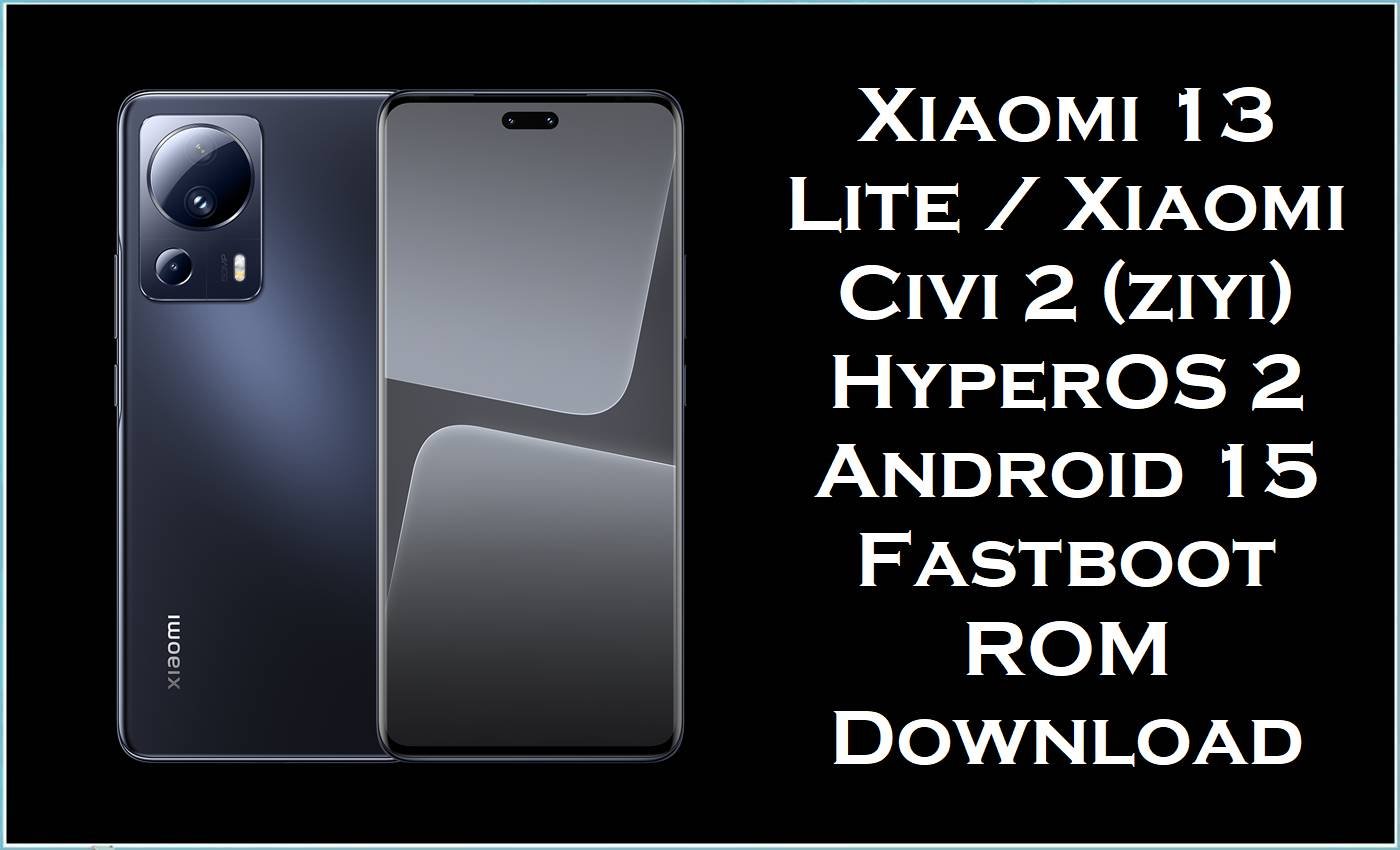
Xiaomi 13 Lite / Xiaomi Civi 2 (codename ziyi) is a slim mid‑range Xiaomi phone platform built around Snapdragon 7 Gen 1 performance and HyperOS software. After major updates, users commonly report issues such as heavy lag/slowdowns, fast overheating during normal app use, and noticeably worse battery drain on Xiaomi 13 Lite after HyperOS. Xiaomi support documentation also notes that overheating can reduce performance and contribute to lag/freezing symptoms after updates on Xiaomi 13 Lite.
The firmware packages listed on this page are official fastboot ROM builds (TGZ) for Xiaomi 13 Lite / Xiaomi Civi 2 (ziyi) across multiple regions, designed for a clean reinstall of the operating system. Reflashing the correct region build is a proven way to fix software corruption (bootloop/soft‑brick), failed updates, persistent system lag, and other instability that can appear after an interrupted OTA or an incorrect modification.
Xiaomi 13 Lite / Civi 2 (ziyi) Firmware Details
| Device Name | Xiaomi 13 Lite / Xiaomi Civi 2 (ziyi) |
|---|---|
| Codename | ziyi |
| Model Identifier (common) | 2210129SG (varies by market) |
| Chipset | Qualcomm Snapdragon 7 Gen 1 (SM7450) |
| Android Version | Android 15 (per build name: 15.0) |
| Firmware Type | Fastboot ROM (.tgz) / stock firmware package |
| Flashing Tool Required | Xiaomi Mi Flash Tool (Fastboot mode) |
| Bootloader Status | Unlocked bootloader is commonly required for Xiaomi fastboot flashing workflows. |
⚠️ Flashing Risks & Disclaimer
- Flashing firmware on Xiaomi 13 Lite / Xiaomi Civi 2 (ziyi) is a high-risk advanced procedure.
- Wrong region build (CNXM vs MIXM vs EUXM vs RUXM vs TWXM vs TRXM), incorrect model/codename, mixed partitions, or an interrupted flash can cause hard-brick, endless Fastboot, bootloops, complete data loss, system instability, security issues, and service/warranty complications.
- All ROMs, recoveries, guides, and tools are provided “as is”, without any warranties (express or implied), and no liability is accepted for device damage, data loss, or malfunction.
- Verify codename = ziyi, confirm the correct region code for the device, and create a complete backup before flashing.
- Proceed only when the flashing process is fully understood; all actions are performed solely at the user’s own risk.
Download Official Firmware for Xiaomi 13 Lite / Civi 2 (ziyi)
| Filename | File Size | Build Date | Build Version | Android | Flashing Type | Download Link |
|---|---|---|---|---|---|---|
| ziyi_images_OS2.0.207.0.VLLCNXM_20251126.0000.00_15.0_cn_30fa701251.tgz | 7.15GB | 2025-11-26 | OS2.0.207.0.VLLCNXM (China) | 15.0 | Fastboot ROM (.tgz) | Download OS2.0.207.0 VLLCNXM (Xiaomi Big OTA) |
| ziyi_global_images_OS2.0.203.0.VLLMIXM_20251107.0000.00_15.0_global_637da2f70e.tgz | 6.67GB | 2025-11-07 | OS2.0.203.0.VLLMIXM (Global) | 15.0 | Fastboot ROM (.tgz) | Download OS2.0.203.0 VLLMIXM (Xiaomi Big OTA) |
| ziyi_ru_global_images_OS2.0.203.0.VLLRUXM_20251107.0000.00_15.0_ru_409834bfe6.tgz | 6.51GB | 2025-11-07 | OS2.0.203.0.VLLRUXM (Russia) | 15.0 | Fastboot ROM (.tgz) | Download OS2.0.203.0 VLLRUXM (Xiaomi Big OTA) |
| ziyi_eea_global_images_OS2.0.204.0.VLLEUXM_20251126.0000.00_15.0_eea_4b7481814a.tgz | 6.83GB | 2025-11-26 | OS2.0.204.0.VLLEUXM (EEA / Europe) | 15.0 | Fastboot ROM (.tgz) | Download OS2.0.204.0 VLLEUXM (Xiaomi Big OTA) |
| ziyi_tw_global_images_OS2.0.203.0.VLLTWXM_20251107.0000.00_15.0_tw_de5b03cbf1.tgz | 6.30GB | 2025-11-07 | OS2.0.203.0.VLLTWXM (Taiwan) | 15.0 | Fastboot ROM (.tgz) | Download OS2.0.203.0 VLLTWXM (Xiaomi Big OTA) |
| ziyi_tr_global_images_OS2.0.203.0.VLLTRXM_20251107.0000.00_15.0_tr_8092f7afd2.tgz | 6.43GB | 2025-11-07 | OS2.0.203.0.VLLTRXM (Turkey) | 15.0 | Fastboot ROM (.tgz) | Download OS2.0.203.0 VLLTRXM (Xiaomi Big OTA) |
| xiaomi.eu_ZIYIG_OS2.0.205.0.VLLMIXM_15.zip | 5.47GB | (Varies by release) | xiaomi.eu OS2.0.205.0.VLLMIXM | 15 | Custom ROM ZIP (recovery-based flashing) | Download xiaomi.eu OS2.0.205.0 (SourceForge) |
| twrp-3.7.1_12-0-ziyi-unreal3579.img | 100MB | (Recovery image) | TWRP 3.7.1 for ziyi | N/A | Custom recovery (.img) (advanced) | Download TWRP Recovery (SourceForge) |
| OrangeFox-R11.3-Unofficial-ziyi.zip | 53MB | (Recovery ZIP) | OrangeFox R11.3 (Unofficial) | N/A | Custom recovery (recovery ZIP install) | Download OrangeFox Recovery (SourceForge) |
Flashing Requirements
- Windows PC + stable USB cable/port (fastboot flashing is sensitive to disconnects).
- Xiaomi Mi Flash Tool installed (for TGZ fastboot ROM flashing).
- Unlocked bootloader (commonly required for Xiaomi fastboot ROM and custom recovery/ROM workflows).
- Complete backup (fastboot flashing and many recovery operations can wipe data).
- Correct region selection: CNXM/MIXM/EUXM/RUXM/TWXM/TRXM must match the device branch to reduce compatibility risk.
How to Flash the Firmware
Method A: Fastboot ROM (.tgz) via Mi Flash
- Extract the TGZ fastboot ROM until the final images/scripts folder is visible.
- Boot Xiaomi 13 Lite / Civi 2 (ziyi) into Fastboot mode and connect via USB.
- Open Xiaomi Mi Flash Tool, load the extracted ROM folder, and refresh to detect the device.
- Select the correct flash option (data-wipe options may apply) and start flashing without interruption.
- Reboot after completion and allow extra time for the first boot on Android 15.
Method B: Custom ROM ZIP (xiaomi.eu) via Custom Recovery
- Unlock the bootloader, then install a compatible custom recovery (TWRP/OrangeFox) using an advanced fastboot workflow.
- Boot into recovery and create a full backup (Nandroid-style backups are commonly done in custom recovery environments).
- Wipe the required partitions as recommended by the ROM documentation (wrong wipes can cause bootloops).
- Flash the xiaomi.eu ZIP and any required add-ons in recovery.
- Reboot to system and complete first-boot setup (first boot may take longer).
Step-by-step guides (pictures & videos):
- Xiaomi MI Flash Tool guide (for all ziyi TGZ fastboot builds)
- Flash.bat / fastboot script guide (useful for advanced recovery/ROM workflows)
Frequently Asked Questions (FAQs)
What device is the ziyi firmware for?
Ziyi is the codename used for Xiaomi 13 Lite and Xiaomi Civi 2 device variants.
Is OS2.0.203.0.VLLMIXM a stock ROM?
Yes, OS2.0.203.0.VLLMIXM is an official firmware fastboot ROM branch for ziyi (Global/MIXM) and is commonly used as stock ROM/stock firmware for restoring the phone.
Can these flash files fix Xiaomi 13 Lite lag and overheating after HyperOS?
Users report Xiaomi 13 Lite becoming slow, overheating quickly, and draining battery after HyperOS, and a clean reinstall with the correct official firmware can help when the root cause is an unstable update state or corrupted system.
Does flashing delete data on Xiaomi 13 Lite / Civi 2 (ziyi)?
Yes, fastboot flashing can wipe data depending on the chosen option and current device state, so backups are essential before starting.
What is the difference between TWRP and OrangeFox on ziyi?
Both are custom recovery options used for advanced tasks like installing custom ROM ZIPs, and both generally require an unlocked bootloader and careful flashing steps to avoid boot issues.





