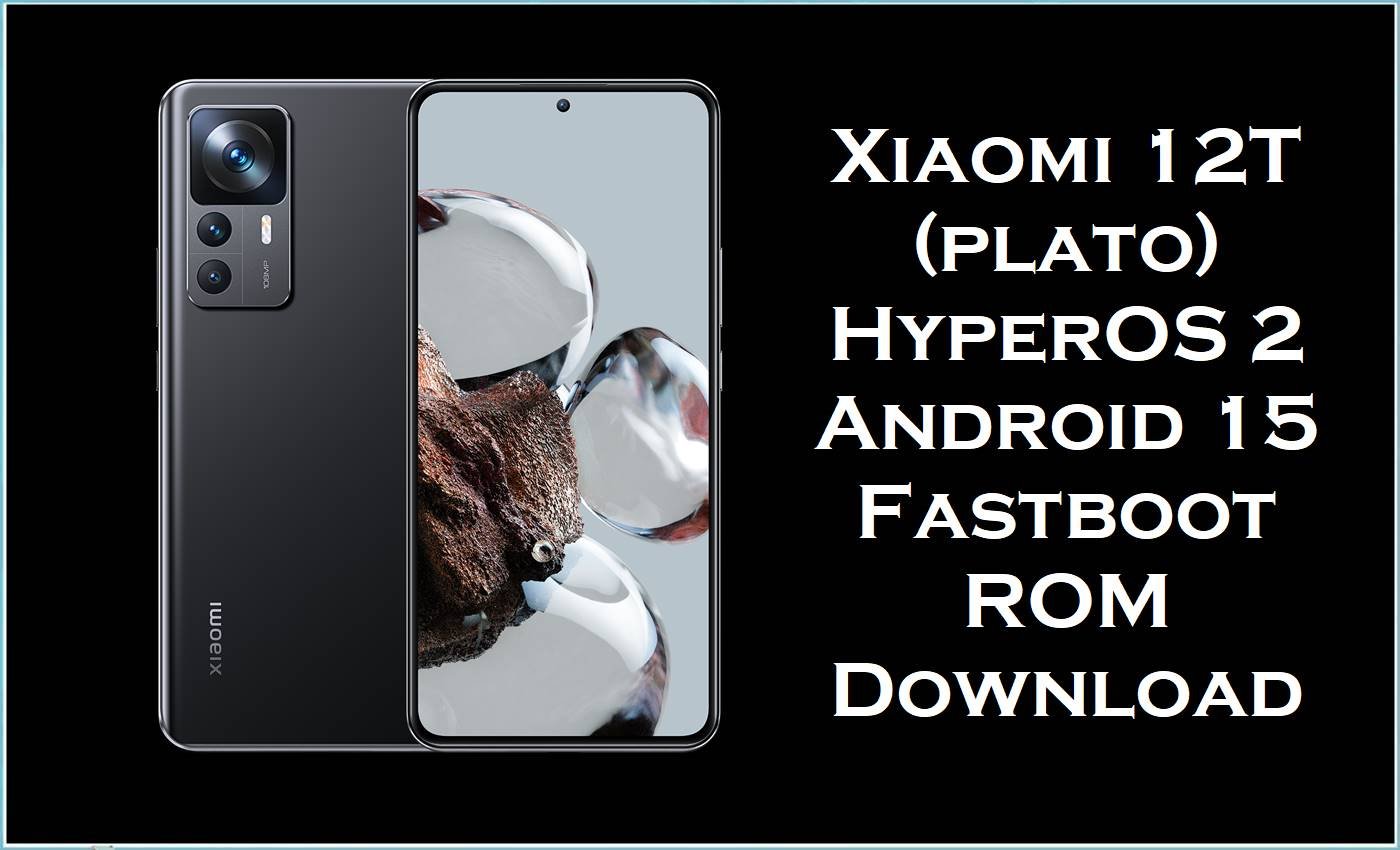
Xiaomi 12T (codename plato) is a performance-focused phone with a 120Hz AMOLED display, a 108MP main camera, and MediaTek Dimensity 8100-Ultra power. Users of Xiaomi/HyperOS builds often report post-update issues such as overheating during normal usage, battery drain, and general sluggishness, especially when an OTA update installs imperfectly or background services misbehave.
The official fastboot packages on this page are designed to reinstall the complete stock firmware and restore stability, making them ideal for fixing update failures, system lag, and soft-brick/bootloop scenarios on Xiaomi 12T.
This page provides official firmware (fastboot ROM.tgz) downloads for Xiaomi 12T (plato) across multiple regions, including Global (MIXM), EEA (EUXM), Russia (RUXM), Turkey (TRXM), Taiwan (TWXM), and Indonesia (IDXM). Each download is a stock ROM package (also searched as flash file, stock firmware, and official firmware) intended for advanced flashing via Fastboot and Xiaomi Mi Flash Tool.
Xiaomi 12T (plato) Firmware Details
| Device Name | Xiaomi 12T |
|---|---|
| Codename | plato |
| Model Identifier | 22071212AG |
| Chipset | MediaTek Dimensity 8100-Ultra |
| Display | 6.67-inch AMOLED, 120Hz |
| Main Camera | 108MP (triple camera system) |
| Battery | 5000 mAh |
| Android Version (these builds) | Android 15.0 (per file naming) |
| Firmware Type | Fastboot ROM (.tgz) / stock firmware package |
| Flashing Tool Required | Xiaomi Mi Flash Tool (Fastboot mode) |
| Bootloader Status | Bootloader unlock is commonly required for Xiaomi fastboot flashing. |
⚠️ Flashing Risks & Disclaimer
- Flashing firmware on Xiaomi 12T (plato / 22071212AG) is high risk and intended for advanced users.
- Wrong region build (MIXM/EUXM/RUXM/TRXM/TWXM/IDXM), wrong model/codename, mixed partitions, or an interrupted flash can cause hard-brick, bootloops, endless Fastboot, complete data loss, camera/network faults, system instability, security issues, and warranty/service complications.
- Verify codename = plato, confirm the correct region code, and back up all personal data before flashing.
- Proceed only if the flashing process is fully understood; all actions are performed solely at the user’s own risk.
Download Official Firmware for Xiaomi 12T (plato)
| Filename | File Size | Build Date | Build Version | Android | Flashing Type | Download Link |
|---|---|---|---|---|---|---|
| plato_global_images_OS2.0.209.0.VLQMIXM_20251024.0000.00_15.0_global_490825a81e.tgz | 6.43GB | 2025-10-24 | OS2.0.209.0.VLQMIXM (Global / MIXM) | 15.0 | Fastboot ROM (.tgz) | Download OS2.0.209.0 VLQMIXM (Xiaomi Big OTA) |
| plato_eea_global_images_OS2.0.207.0.VLQEUXM_20251027.0000.00_15.0_eea_6f18519b5f.tgz | 6.49GB | 2025-10-27 | OS2.0.207.0.VLQEUXM (EEA / EUXM) | 15.0 | Fastboot ROM (.tgz) | Download OS2.0.207.0 VLQEUXM (Xiaomi Big OTA) |
| plato_ru_global_images_OS2.0.206.0.VLQRUXM_20251201.0000.00_15.0_ru_722fe9070a.tgz | 6.43GB | 2025-12-01 | OS2.0.206.0.VLQRUXM (Russia / RUXM) | 15.0 | Fastboot ROM (.tgz) | Download OS2.0.206.0 VLQRUXM (Xiaomi Big OTA) |
| plato_tr_global_images_OS2.0.206.0.VLQTRXM_20251201.0000.00_15.0_tr_87652aa735.tgz | 6.32GB | 2025-12-01 | OS2.0.206.0.VLQTRXM (Turkey / TRXM) | 15.0 | Fastboot ROM (.tgz) | Download OS2.0.206.0 VLQTRXM (Xiaomi Big OTA) |
| plato_tw_global_images_OS2.0.206.0.VLQTWXM_20251201.0000.00_15.0_tw_499bd6c1fa.tgz | 6.20GB | 2025-12-01 | OS2.0.206.0.VLQTWXM (Taiwan / TWXM) | 15.0 | Fastboot ROM (.tgz) | Download OS2.0.206.0 VLQTWXM (Xiaomi Big OTA) |
| plato_id_global_images_OS2.0.206.0.VLQIDXM_20251201.0000.00_15.0_id_14c1639e52.tgz | 6.35GB | 2025-12-01 | OS2.0.206.0.VLQIDXM (Indonesia / IDXM) | 15.0 | Fastboot ROM (.tgz) | Download OS2.0.206.0 VLQIDXM (Xiaomi Big OTA) |
Optional: xiaomi.eu ROM (advanced)
The xiaomi.eu package listed below is a custom ROM ZIP (not official firmware) and is typically used with an unlocked bootloader and a custom flashing workflow. For users experiencing update instability or wanting to return to stock firmware, the TGZ fastboot ROMs above are generally the safer “restore-to-factory” option.
| Filename | File Size | Android | Type | Download Link |
|---|---|---|---|---|
| xiaomi.eu_multi_PLATO_V14.0.1.0.TLQMIXM_v14-13.zip | 4.6GB | Android 13 (per “v14-13” naming) | Custom ROM ZIP | Download xiaomi.eu MIUI 14 (AndroidFileHost) |
Flashing Requirements
- A Windows PC, stable USB cable, and enough storage space to extract large TGZ fastboot packages.
- Xiaomi Mi Flash Tool installed for flashing Fastboot ROMs.
- Unlocked bootloader (commonly required for Xiaomi Fastboot flashing).
- Full backup of photos, documents, and app data (Fastboot flashing can wipe data depending on options and device state).
How to Flash the Firmware
Method A: Mi Flash Tool (Fastboot ROM.tgz)
- Extract the .tgz ROM until the final “images/scripts” folder appears.
- Boot Xiaomi 12T (plato) into Fastboot mode and connect it to the PC.
- Open Xiaomi Mi Flash Tool, select the extracted ROM folder, and refresh to detect the device.
- Choose the correct flash option (data wipe may occur), then start flashing and do not disconnect.
- Reboot after completion and wait for first boot to finish.
Method B: flash_all Script (Fastboot Script)
- Extract the fastboot ROM and locate the included flash scripts (commonly “flash_all”).
- Connect the phone in Fastboot mode and verify detection before running scripts.
- Run the script and wait until flashing completes.
- Avoid interruption to reduce the risk of partition corruption or bricking.
- Reboot and complete setup.
Step-by-step flashing guides (pictures & videos):
- Xiaomi MI Flash Tool guide (recommended for these plato TGZ builds)
- Flash.bat / fastboot script guide (advanced method)
Frequently Asked Questions (FAQs)
What device is the plato firmware for?
Plato is the codename for Xiaomi 12T.
Which build is recommended for Global Stable Xiaomi 12T users?
Global Stable users should select the build ending in MIXM, because MIXM indicates the Global firmware branch.
Will these stock firmware fastboot ROMs erase data on Xiaomi 12T?
Yes, fastboot flashing can wipe data depending on the chosen Mi Flash option and the device’s current condition, so backups are strongly recommended.
Can flashing official firmware fix overheating on Xiaomi 12T?
Some Xiaomi 12T owners report overheating, and reflashing a clean official firmware can help when overheating is caused by software conflicts, update bugs, or corrupted system components.
What is the difference between a fastboot ROM and a recovery update?
Fastboot ROMs are intended for PC flashing via fastboot/Mi Flash and are commonly used for unbricking and full restores, while recovery updates are installed from within the system updater/recovery.





