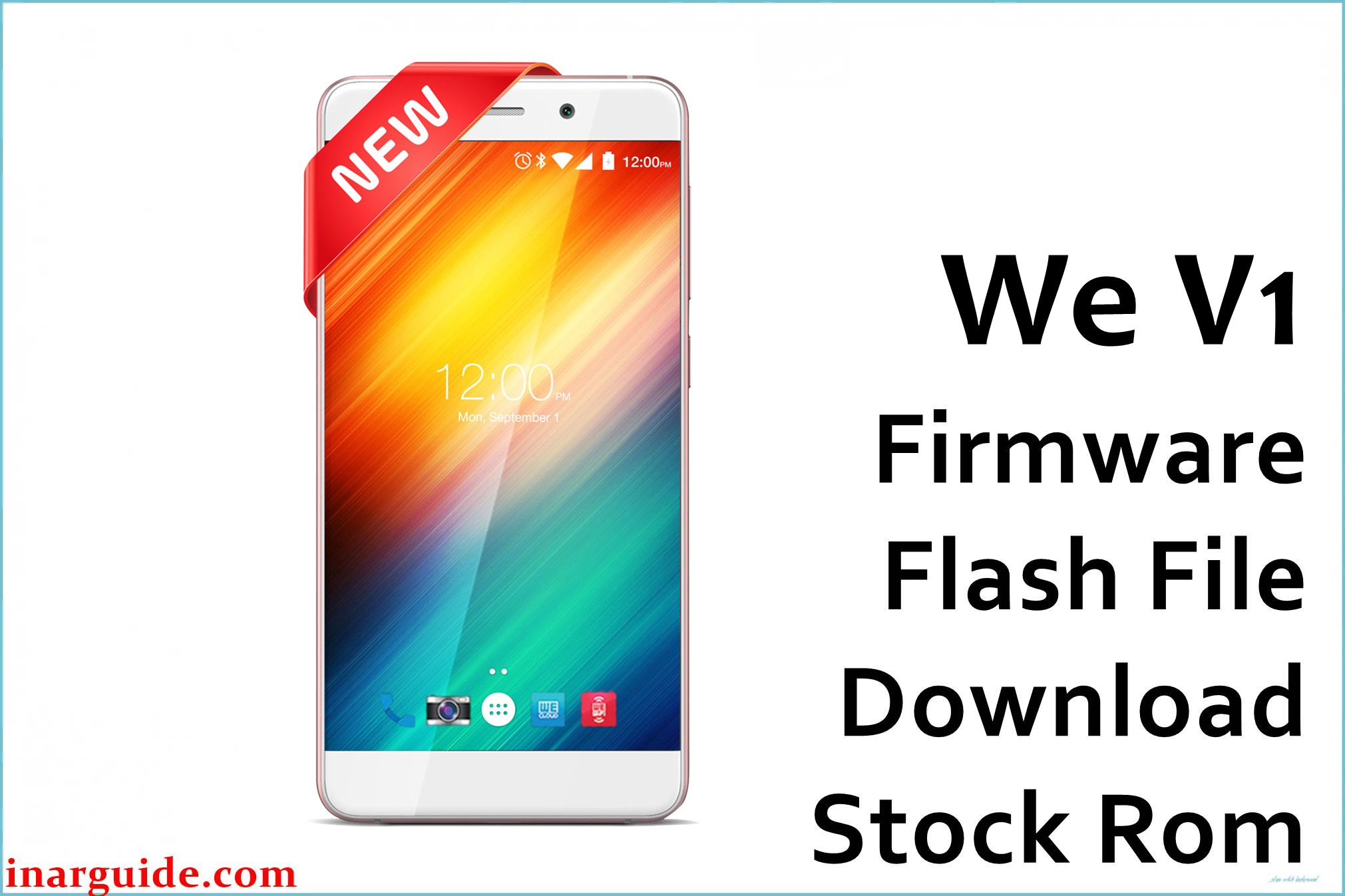
The WE V1 is a large 5.5‑inch Bangladeshi budget smartphone from WE Mobile, powered by a quad‑core MediaTek MT6582M processor, 1 GB RAM, and Android 5.0.2 Lollipop, offering HD visuals and dual SIM support for everyday calling, social media, and light gaming.
Over time, many MT6582 Lollipop users experience slow performance, random reboots, bootloops after failed rooting or custom ROM attempts, system app crashes, and soft‑bricked phones that only vibrate or show a logo when powered on.
The We_V1_MT6582_5.0.2_ALPS.L0.MP2.V1.15.zip file is an official scatter‑based stock firmware that can fully restore the WE V1 to its factory state, fix bootloops, repair software corruption, and improve stability when flashed correctly with SP Flash Tool.
WE V1 Firmware Details
| Device Name | Model Identifier | Chipset | Android Version | Firmware Version / Name | Build Date (package) | File Size | File Type | Flashing Tool | Bootloader Status | Region / Notes |
|---|---|---|---|---|---|---|---|---|---|---|
| WE V1 | V1 / full_zechin6582_wt_l | MediaTek MT6582M, quad‑core 1.3 GHz, Mali‑400MP2 GPU | Android 5.0.2 Lollipop | We_V1_MT6582_5.0.2_ALPS.L0.MP2.V1.15.zip | ROM branch ALPS.L0.MP2.V1.15 (uploaded 2017‑07‑17) | 676.74 MB (compressed zip) | Scatter‑based stock ROM archive (.zip with MT6582_Android_scatter) | SP Flash Tool (MediaTek) | Bootloader typically locked; uses preloader download mode | WE Mobile / Bangladesh market; full system + recovery + possible NV partitions |
Flashing the wrong MT6582 ROM or using incorrect SP Flash Tool options can hard‑brick your WE V1, wipe all data, break IMEI/network, and void any remaining warranty. Always confirm your exact model (WE V1, MT6582), battery level, and backup status before flashing, and never disconnect the cable or shut down the PC during the process.
Download Official Firmware for WE V1
| Filename | Region | File Size | Build Date | Build Version | Android Version | Flashing Type | Notes / Target | Download Links |
|---|---|---|---|---|---|---|---|---|
| We_V1_MT6582_5.0.2_ALPS.L0.MP2.V1.15.zip | Bangladesh / WE V1 MT6582‑only | ~677 MB (compressed) | ALPS.L0.MP2.V1.15 Lollipop branch (uploaded 2017‑07‑17) | S5531_WE_V1_V01 / full_zechin6582_wt_l | Android 5.0.2 Lollipop | SP Flash Tool “Download Only” or “Firmware Upgrade” | Use for unbrick, bootloop fix, FRP/lock issues, and full system restore on WE V1 MT6582 devices only | Download WE V1 Firmware (MediaFire) |
Flashing Requirements
- WE V1 smartphone with confirmed MT6582 hardware and at least 60% battery charge.
- We_V1_MT6582_5.0.2_ALPS.L0.MP2.V1.15.zip extracted on a Windows PC (scatter file and partition images visible).
- Latest SP Flash Tool and properly installed MediaTek VCOM / Preloader USB drivers.
- Good‑quality USB cable and a stable USB 2.0/3.0 port to avoid disconnects during flashing.
- Full backup of user data and, if possible, NVRAM/IMEI using MTK tools, because some flash modes can erase network calibration.
How to Flash the Firmware
- Install MTK USB VCOM drivers, then extract both SP Flash Tool and the WE V1 firmware zip into separate folders on your PC.
- Launch SP Flash Tool and load the MT6582_Android_scatter.txt from the WE V1 firmware folder to populate all partitions.
- Select “Download Only” for a simple reinstall or “Firmware Upgrade” for deeper repair, making sure preloader is ticked only if you understand the risk, then click the Download button.
- Power off the WE V1, connect it to the PC via USB (you may need to press a volume key), and wait while SP Flash Tool writes the firmware.
- After the green success checkmark appears, disconnect the phone and boot it up; the first start on Android 5.0.2 might take several minutes while the system optimizes apps.
For full screenshots and a video‑friendly walkthrough that also applies to the WE V1 MT6582, follow this dedicated MediaTek SP Flash Tool flashing guide before working with your firmware file.
Flashing stock or custom firmware is inherently risky. This website and the file providers are not responsible for bricked devices, corrupted NVRAM/IMEI, data loss, or any other damage caused by using the WE V1 files or methods described here. By downloading and flashing, you accept full responsibility for your actions and their consequences. If you face issues, please share details in the comments so the community can guide you, while you remain solely accountable for your device.
Frequently Asked Questions (FAQs)
What problems can this WE V1 firmware fix?
This stock ROM can repair bootloops, stuck logo issues, severe lag, repeated crashes, and software damage caused by failed root or custom ROM experiments on the WE V1. It is especially useful for soft‑bricked MT6582 devices still recognized by a PC but unable to boot into Android.
Is this firmware only for the WE V1 MT6582?
Yes, the We_V1_MT6582_5.0.2_ALPS.L0.MP2.V1.15.zip is built specifically for the WE V1 with MT6582 hardware and Android 5.0.2; flashing it on different WE models or chipsets can instantly hard‑brick those phones. Always match the model in Settings > About phone or printed on the device.
Will this update Android beyond 5.0.2?
No, this firmware keeps the WE V1 on Android 5.0.2 Lollipop and focuses on restoring stability and fixing bugs, not major OS upgrades. Users seeking newer Android versions must consider custom ROMs, which introduce extra compatibility and stability risks.
Can flashing this ROM fix FRP or lock issues?
In many cases, a full flash with userdata wipe can clear certain software locks, but Google FRP may still require proper account credentials depending on your configuration. Only attempt such actions on devices you own and are authorized to service.





