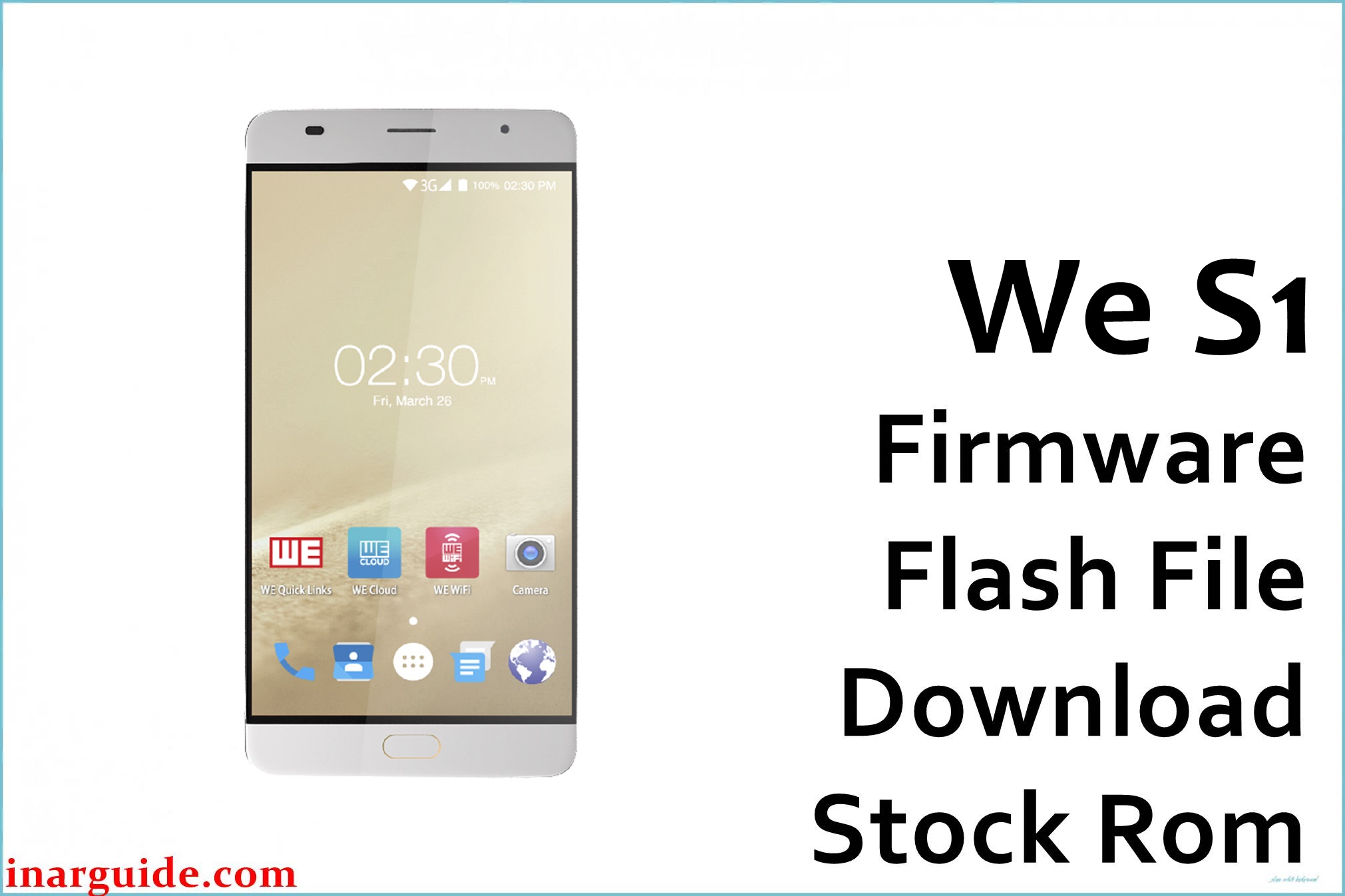
The WE S1 is a stylish budget smartphone sporting a 5.5-inch HD display, dual cameras, and rear fingerprint reader. Users frequently report software bugs including auto-restarts, bootloop, stuck logo after failed update or reset, fingerprint sensor malfunction, forgotten password, sluggish performance with multiple apps, intermittent freezing, or Wi-Fi/network drops after updates. Some also complain of rapid battery drain, overheating, dead phone after rooting/modding, plus FRP/Google lock triggering unexpectedly. Installing the official 030317 firmware provides a safe system restore, repairs soft-bricked/dead phones, and returns the S1 to stable factory condition.
WE S1 Firmware Details
| Device Name: | WE S1 |
| Model: | S1 |
| Chipset: | MediaTek MT6737T (Quad-core 1.5GHz Cortex-A53) |
| GPU: | Mali-T720 MP2 |
| Android Version: | Android 6.0 Marshmallow |
| Firmware Version: | 030317 (6.0) |
| Build Date: | March 3, 2017 |
| File Size: | 1.14GB |
| File Type: | Scatter Firmware (SP Flash Tool) |
| Flashing Tool: | SP Flash Tool (for MTK) |
| Display: | 5.5-inch IPS LCD, 1280 × 720 px |
| RAM / Storage: | 2GB RAM / 16GB ROM (expandable via microSD) |
| Rear Camera: | Dual 13MP Sony IMX258 sensors, dual-tone LED |
| Front Camera: | 5MP Samsung S5E8 sensor |
| Battery: | 3000mAh Li-Ion (non-removable) |
| SIM: | Hybrid Dual SIM (Micro + Nano/microSD) |
| Other Features: | Fingerprint (front home button), 4G LTE, WiFi b/g/n, Bluetooth 4.0, FM radio |
Download Official Firmware for WE S1
This ROM fixes bootloop, stuck logo, dead phone, lost/forgotten password/FRP lock, failed app updates, Google Play sync errors, lag, battery bugs, and restores the phone after failed modding or root/unroot operations.
📄 Filename: We_S1_MT6737T_030317_6.0.zip
📦 Size: 1.14GB
🗓️ Build Date: March 3, 2017
🔢 Build Version: 030317_6.0
🤖 Android Version: 6.0 Marshmallow
⬇️ Download Link: MediaFire
How to Flash the Firmware
Follow these 5 quick steps to safely flash We_S1_MT6737T_030317_6.0.zip to your phone:
- Download and extract the firmware ZIP and SP Flash Tool to your PC.
- Install Mediatek USB drivers and launch SP Flash Tool.
- Load the scatter file from the firmware folder into SP Flash Tool.
- Power off your S1, connect it to PC via USB (hold volume button if detection is needed).
- Click “Download” in SP Flash Tool and wait for completion. Reboot when finished.
For the full official step-by-step guide with images, see: MTK Flashing Tutorial. If you have a guide specific to WE S1, please provide it for even more targeted help.





