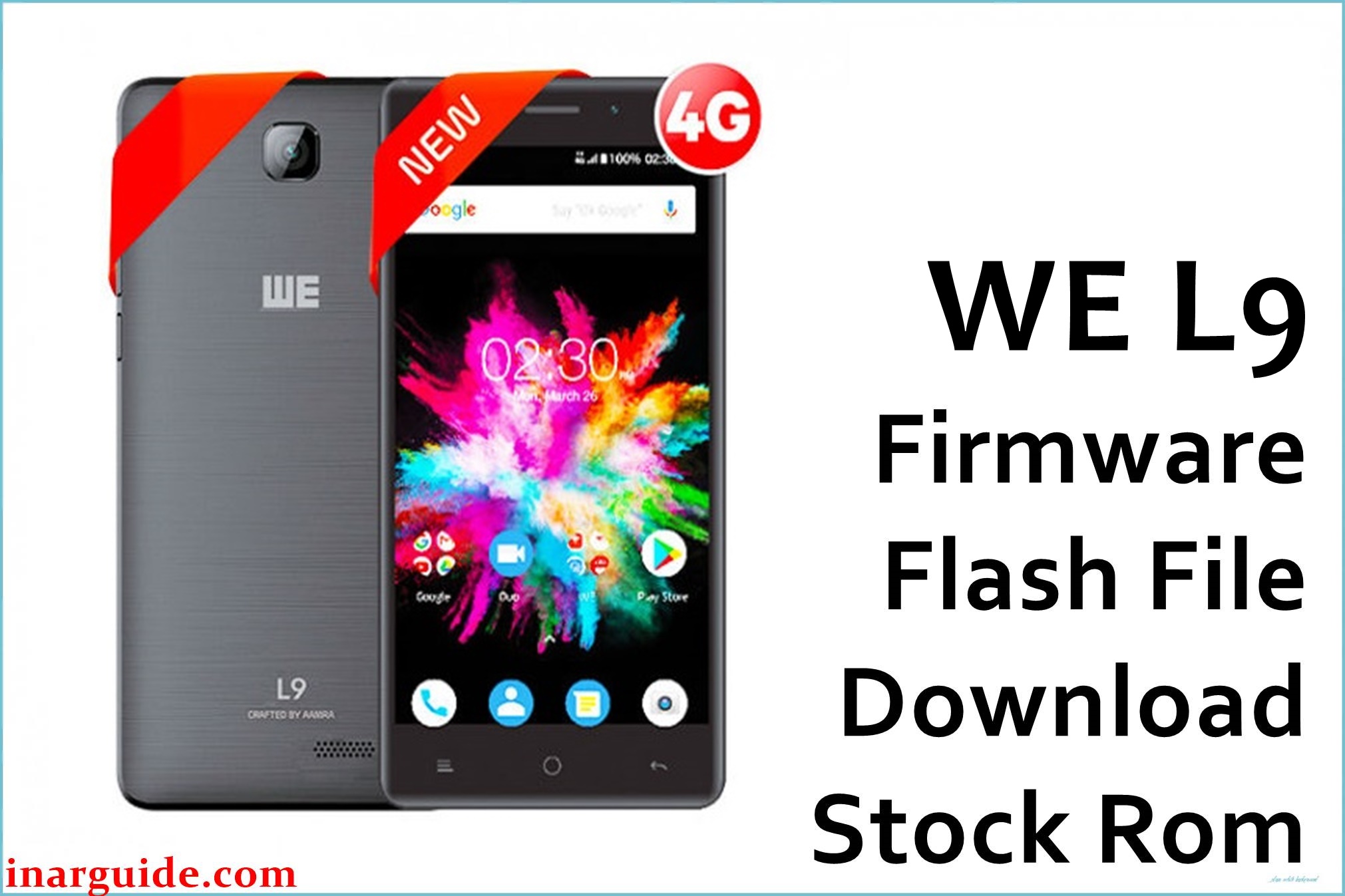
WE L9 is a budget Android Go smartphone sold in Bangladesh, typically configured with a 5.0-inch HD IPS display, 1GB RAM, 8GB storage, and a 2500 mAh battery for entry-level use cases. Public flashing posts and file hubs reference common symptoms like hang-on-logo/bootloop and “dead after flash,” which are often resolved by restoring the correct stock firmware for this exact model.
The package provided here matches the official WE L9 MT6737M Oreo build dated 2018-03-24, intended for devices built on the MediaTek MT6737M platform, and is suitable for recovering from software corruption when the device and variant are correctly identified.
Always match the SoC variant (MT6737M, not MT6737/MT6737T) and the build string to avoid boot loops or hard bricks from flashing a mismatched ROM.
WE L9 Firmware Details
| Device Name | WE L9 |
| Model | WE L9 (exact sub-variant not publicly documented) |
| Chipset | MediaTek MT6737M |
| Android Version | Android 8.1.0 (Go Edition) |
| Firmware Version | t861be_v4_8d_xlj_h25a_we_v1.0_20180324 |
| Build Date | 2018-03-24 (per version string/filename) |
| File Size | ~628.66 MB (compressed ZIP) |
| File Type | Scatter-based MTK ROM inside ZIP (for SP Flash Tool) |
| Flashing Tool | SP Flash Tool (MediaTek) |
| Target Region | Bangladesh market (WE retail channels) |
| Notable Specs | 5.0-inch IPS HD, 1GB RAM, 8GB ROM, 2500 mAh, Android Go class hardware |
Download Official Firmware for WE L9
Choose the exact file below; verify the build string and SoC (MT6737M) against your device’s About phone or readback logs before flashing to avoid mismatch issues.
📄 Filename: WE_L9_MT6737M_20180324_8.1.0.zip
📦 Size: 628.66 MB (compressed)
🗓️ Build Date: 2018-03-24 (ROM); uploaded 2018-03-26 (mirror)
🔢 Build Version: t861be_v4_8d_xlj_h25a_we_v1.0_20180324
🤖 Android Version: 8.1.0 (Go)
⬇️ Download Link: MediaFire (WE_L9_MT6737M_20180324_8.1.0.zip)
Note: This ROM matches the official WE L9 MT6737M Oreo build and is appropriate for fixing hang-logo/bootloop and software-corruption on the correct hardware variant; do not use it on MT6737 or MT6737T devices.
Flashing Requirements
- Windows PC with administrative access and a reliable USB data cable for flashing sessions.
- SP Flash Tool (any recent, compatible release) for MediaTek devices.
- Extracted firmware package containing the MTK scatter file for WE L9 MT6737M.
- Accurate device identification: confirm MT6737M variant and match the full build string before writing firmware.
- Sufficient time and stable power; interrupting a flash can corrupt partitions and require board-level recovery.
How to Flash the Firmware
- Extract the downloaded ZIP to a folder and locate the scatter file (typically MT6737M_Android_scatter.txt) inside the firmware directory.
- Open SP Flash Tool, load the scatter file, and allow partitions to populate automatically for the project.
- Select “Download Only,” and as a safety step leave Preloader unchecked unless the device is truly dead and requires full restoration.
- Click “Download,” power off the phone, then connect via USB; the progress bar will move through red/purple/yellow stages until completion.
- Wait for the success confirmation, disconnect, and boot; first boot can take several minutes on Android Go devices.
Want the full step-by-step with screenshots and video for MTK devices using SP Flash Tool? Use this complete guide: MediaTek (MTK) Devices — SP Flash Tool.
What this firmware can fix
When correctly matched and flashed, this stock ROM can resolve hang-on-logo/bootloop, some system instability after failed updates, and typical “dead after software” conditions reported in community flashing posts for WE L9.
It also restores stock partitions and apps for Android 8.1 Go on MT6737M, which helps recover from corrupted system, vendor, or boot images on this device class.
Known issues and complaints
Publicly available retail and spec listings show WE L9 as a basic Android Go device with 1GB RAM and 8GB storage, which commonly implies modest performance and quick storage saturation in daily use.





