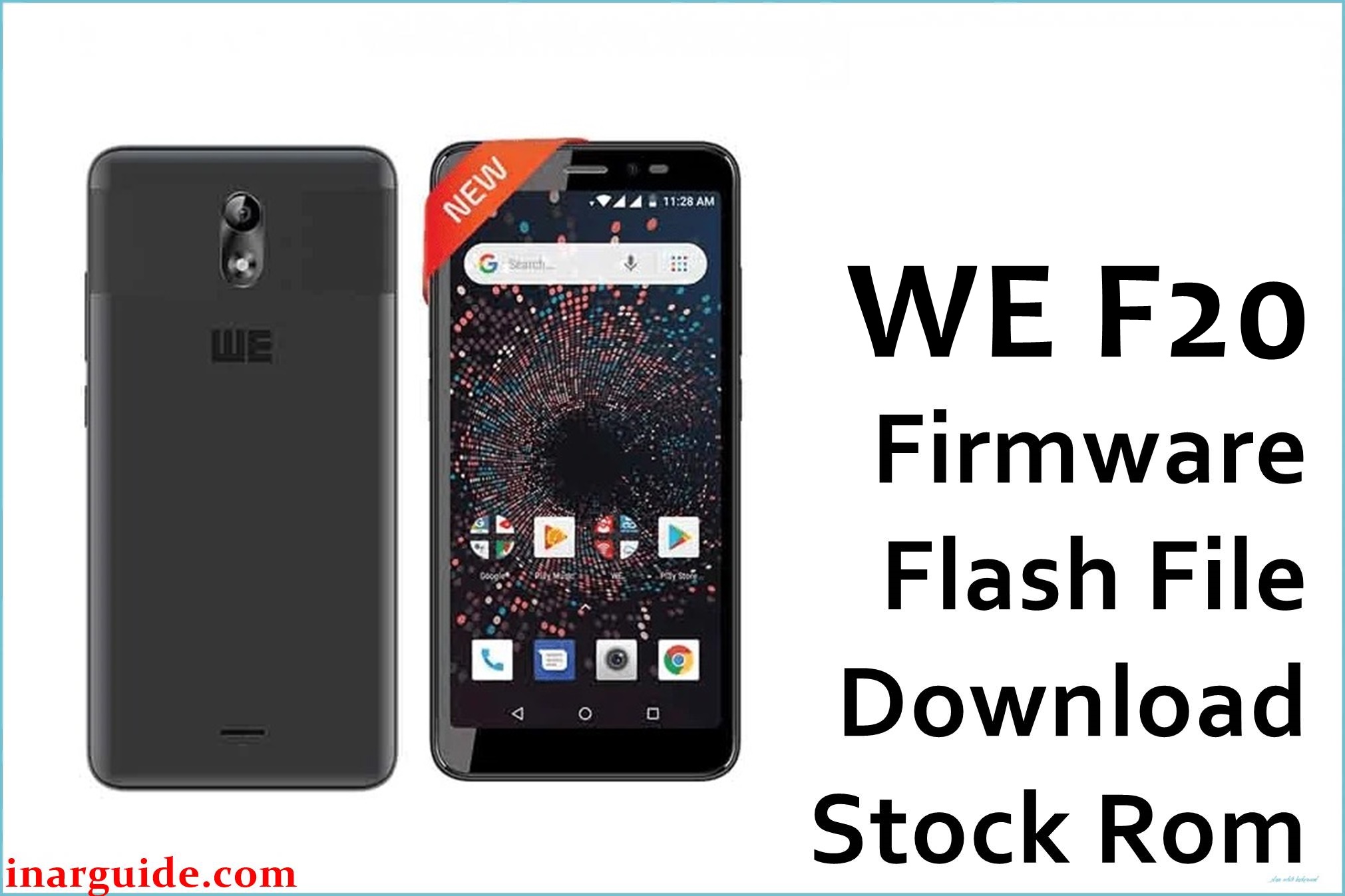
Does your WE F20 freeze, reboot, show charging or touch problems, or crash with app and camera bugs? Users report frequent issues: random shutdowns/reboots, dead touch, slow phone, fast battery drain, storage full errors, laggy performance with 2+ apps open, charger overheating, and blurry or non-working cameras. Some also face poor call quality and missing Play Store updates.
The official MT6580_HW1_SW7_19072018 update repairs bootloops, battery calibration, restores touchscreen, repairs app, camera and audio glitches for a stable Android Go experience.
WE F20 Firmware Details
| Device Name | WE F20 |
| Model | F20 |
| Chipset | MediaTek MT6580 (Quad-core 1.3GHz Cortex-A7) |
| GPU | Mali-400 MP |
| RAM | 1GB |
| Storage | 8GB (microSD up to 32GB) |
| Display | 5.45″ FWVGA+ IPS, 960×480 px (197ppi) |
| Rear Camera | 5MP, beauty mode, time-lapse, HDR, LED |
| Front Camera | 5MP, LED flash |
| Battery | 2200mAh Li-Ion, removable |
| Android Version | 8.1.0 Oreo Go Edition |
| Firmware Version | MT6580_HW1_SW7_19072018 |
| Build Date | 2018-07-19 |
| File Size | 765MB |
| File Type | ZIP archive (scatter for SP Flash Tool) |
| Flashing Tool | SP Flash Tool (MediaTek) |
Warning: Only use on F20 MT6580 models. Flashing the wrong file, using a bad cable or low charge can brick, lose IMEI, or damage battery. Always backup data, charge above 50%, and verify model before installing.
Download Official Firmware for WE F20
This update repairs bootloops, lag, touch/screen, battery, and camera/app issues. Use only for F20 MT6580 Go Edition.
📄 Filename: WE_F20_MT6580_HW1_SW7_19072018.zip
📦 Size: 765MB
🗓️ Build Date: 2018-07-19
🔢 Version: MT6580_HW1_SW7_19072018
🤖 Android Version: 8.1 Go Edition
⬇️ Download Link: Google Drive Direct
How to Flash the Firmware
- Backup all personal data (flash wipes everything).
- Charge battery above 50% and use original/good USB cable.
- Extract ZIP, install SP Flash Tool, load scatter file from firmware folder.
- Turn off phone, connect to PC, click “Download” in SP Flash Tool. Wait for the green tick (done).
- Never unplug or power off early. Reboot and set up device after flashing.
Full step-by-step instructions: SP Flash Tool flash guide for WE F20





