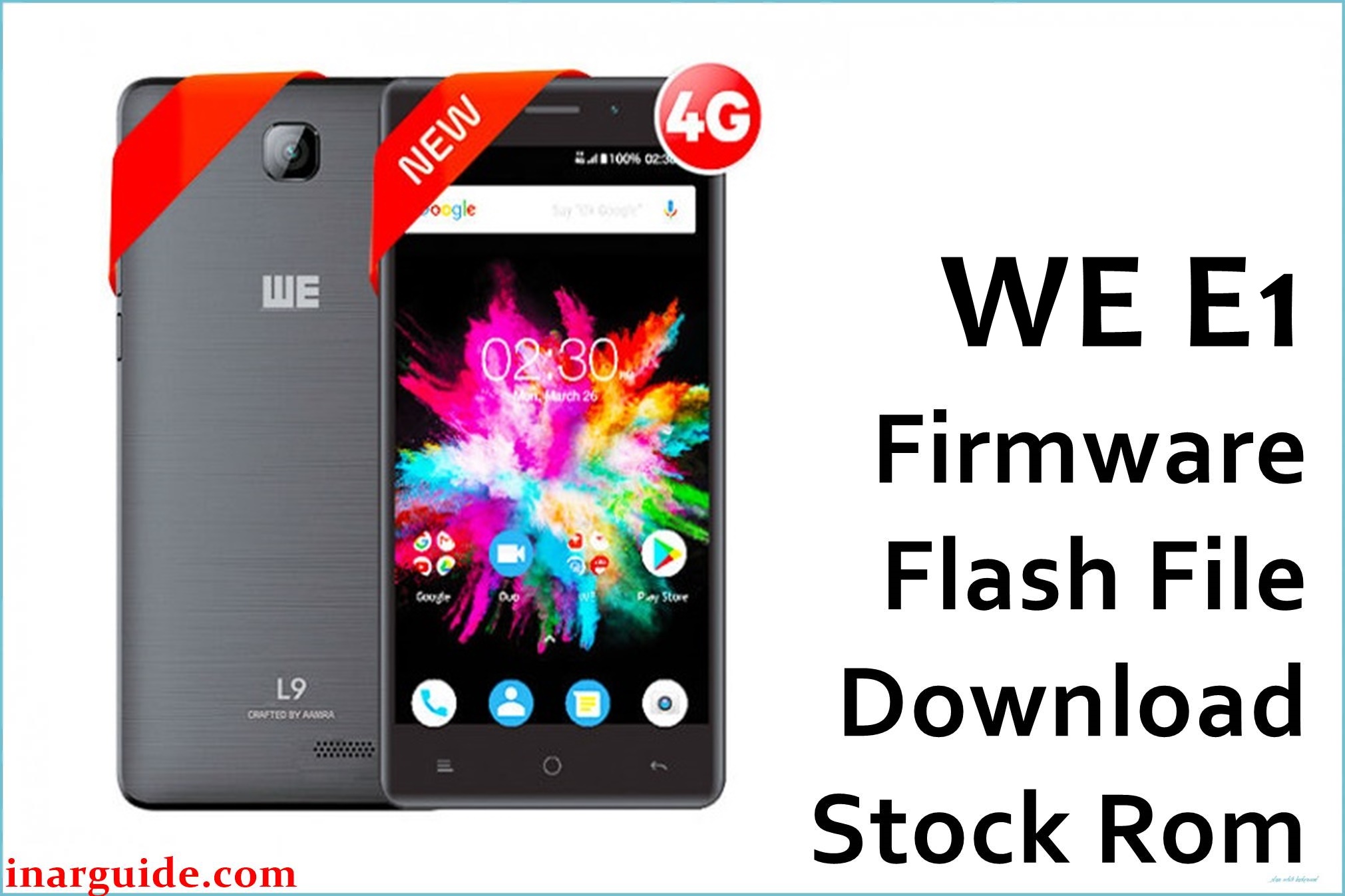
WE E1 is a budget Android smartphone from Bangladesh’s WE brand built on the MediaTek MT6580M platform and shipped with Android 5.1 Lollipop for essential, lightweight performance needs. Users of similar MT6580‑based devices commonly encounter software issues like boot loops or system corruption after failed updates or modifications, which a clean stock re‑flash typically resolves using SP Flash Tool workflows.
The official‑type WE E1 flash package below contains MT6580 scatter content for SP Flash Tool and is suitable for restoring partitions, fixing software faults, and returning the device to a stable factory state when used correctly.
WE E1 Firmware Details
| Device Name | WE E1 |
|---|---|
| Model | E1 |
| Chipset | MediaTek MT6580M, quad‑core 1.3 GHz; GPU: ARM Mali‑400 MP2 |
| Android Version | Android 5.1 (Lollipop) |
| Firmware Version | WE_E1_MT6580_09182017_5.1 (filename tag) |
| Build Date | 2017‑09‑18 (from filename) |
| File Size | ~575 MB (archive) |
| File Type | Scatter‑based package with MT6580_Android_scatter.txt for SP Flash Tool |
| Flashing Tool | SP Flash Tool (MediaTek) |
| What It Can Fix | Boot loop, soft‑brick from failed mods, persistent system errors via clean re‑flash of stock partitions |
| Notes | Use the exact scatter package for WE E1 and avoid cross‑device MT6580 ROMs to prevent preloader/partition mismatch |
Avoid mixing preloaders from other MT6580 devices; wrong preloader or partition layout can cause non‑boot or require board‑level recovery on MTK devices.
Download Official Firmware for WE E1
📄 Filename: WE_E1_MT6580_09182017_5.1.zip
📦 Size: 575 MB
🗓️ Build Date: 2017‑09‑18
🔢 Build Version: 09182017_5.1 tag (Android Lollipop base)
🤖 Android Version: 5.1
⬇️ Download Link: MediaFire mirror
Pro tip: Extract the ZIP fully until the folder containing MT6580_Android_scatter.txt is visible, then load that scatter in SP Flash Tool to avoid path and checksum issues during flashing.
Flashing Requirements
- Windows PC, reliable USB cable, and stable power during the flash process to prevent interruptions.
- Install MediaTek VCOM/Preloader drivers before connecting the powered‑off phone for detection by SP Flash Tool.
- Extract the ZIP to a simple directory without spaces and verify the presence of MT6580_Android_scatter.txt.
- Battery charged to at least 50% and a full data backup, as clean flashing will wipe user data and system partitions.
- Use the included scatter and avoid flashing preloaders from other ROMs to reduce hard‑brick risk on MTK devices.
How to Flash the Firmware
- Launch SP Flash Tool, click “Scatter‑loading,” and select MT6580_Android_scatter.txt from the extracted WE E1 firmware folder.
- Select a safe mode like “Download Only,” leaving unknown partitions unchecked unless a full upgrade is intended.
- Power off the WE E1, do not press keys, then connect via USB to let the preloader driver enumerate and begin the process.
- Click Download in SP Flash Tool and wait without disconnecting until the success prompt appears, indicating a complete flash.
- Disconnect and boot the phone; first boot can take several minutes, after which optional factory reset can clear residual issues.
For the complete step‑by‑step with pictures and videos for MediaTek devices, see this guide: How to flash stock firmware to MediaTek (MTK) smartphones.





