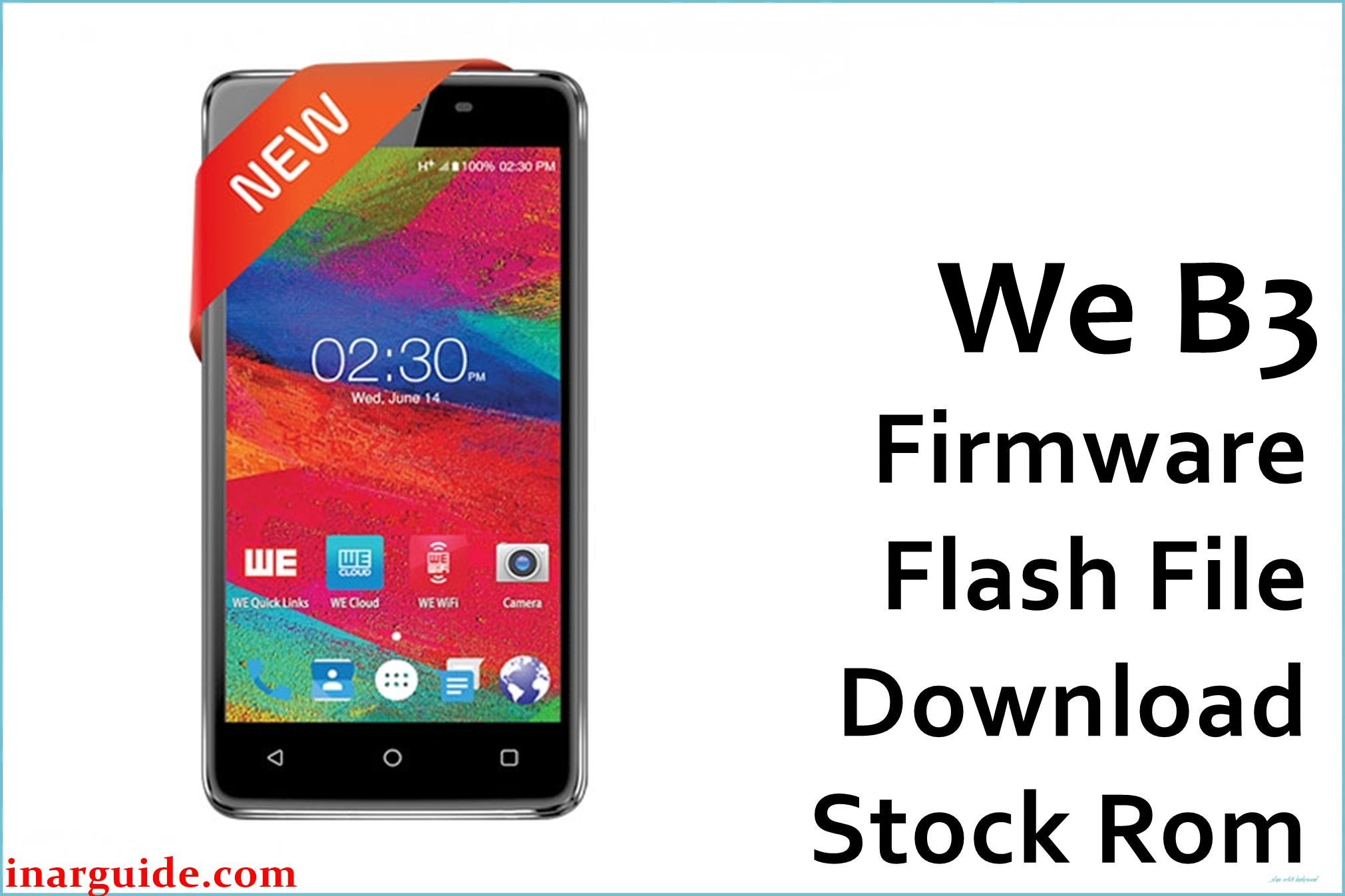
If your WE B3 is stuck on the boot logo, caught in a bootloop, locked by FRP (Factory Reset Protection), or suffering from performance bugs after system updates, you’re not alone. MT6580-powered devices like WE B3 often encounter these software failures, especially if the system is corrupted or wrong firmware is used.
Installing the official WE B3 firmware restores the original Android 7.0 (Nougat), unbricks soft-dead units, removes FRP, fixes “no network” after flash, and brings the phone back to normal operation when done properly with SP Flash Tool.
WE B3 MT6580 Firmware Details
| Device Name | WE B3 |
|---|---|
| Model | B3 |
| Chipset | MediaTek MT6580 |
| Android Version | 7.0 Nougat |
| Firmware Version | 07092017 (from filename) |
| Build Date | 2017-09-07 |
| File Size | 1005MB |
| File Type | ZIP (scatter with SP Flash Tool images) |
| Flashing Tool | SP Flash Tool (MediaTek) |
| Other Info | Restores, unbricks device, removes FRP lock, fixes soft brick and network loss. |
Download Official Firmware for WE B3 (MT6580)
The official firmware below is safe for WE B3 (MT6580, Android 7.0). Use only for matching hardware and to fix bootloops, FRP, or system crashes.
- 📄 Filename: We_B3_MT6580_07092017_7.0.zip
- 📦 Size: 1005MB
- 🗓️ Build Date: 2017-09-07 (from filename)
- 🔢 Build Version: 07092017
- 🤖 Android Version: 7.0 Nougat
- ⬇️ Download Link: MediaFire
Flashing Requirements
- WE B3 (check About or label for MT6580 & model match)
- Windows PC, reliable USB data cable
- SP Flash Tool software (latest recommended)
- MediaTek USB VCOM/Preloader drivers installed
- Extracted firmware package incl. scatter file
- Full user data backup
How to Flash the Firmware
- Unzip the firmware; install MediaTek drivers on PC.
- Open SP Flash Tool and load MT6580 scatter from firmware directory.
- Select “Download,” or “Firmware Upgrade” for a full restore.
- Connect the phone (off) to your PC; the tool auto-starts flashing.
- Wait for the green pass before disconnecting and rebooting (first boot may be slow).
For complete step-by-step instructions with images, see our SP Flash Tool guide here.





