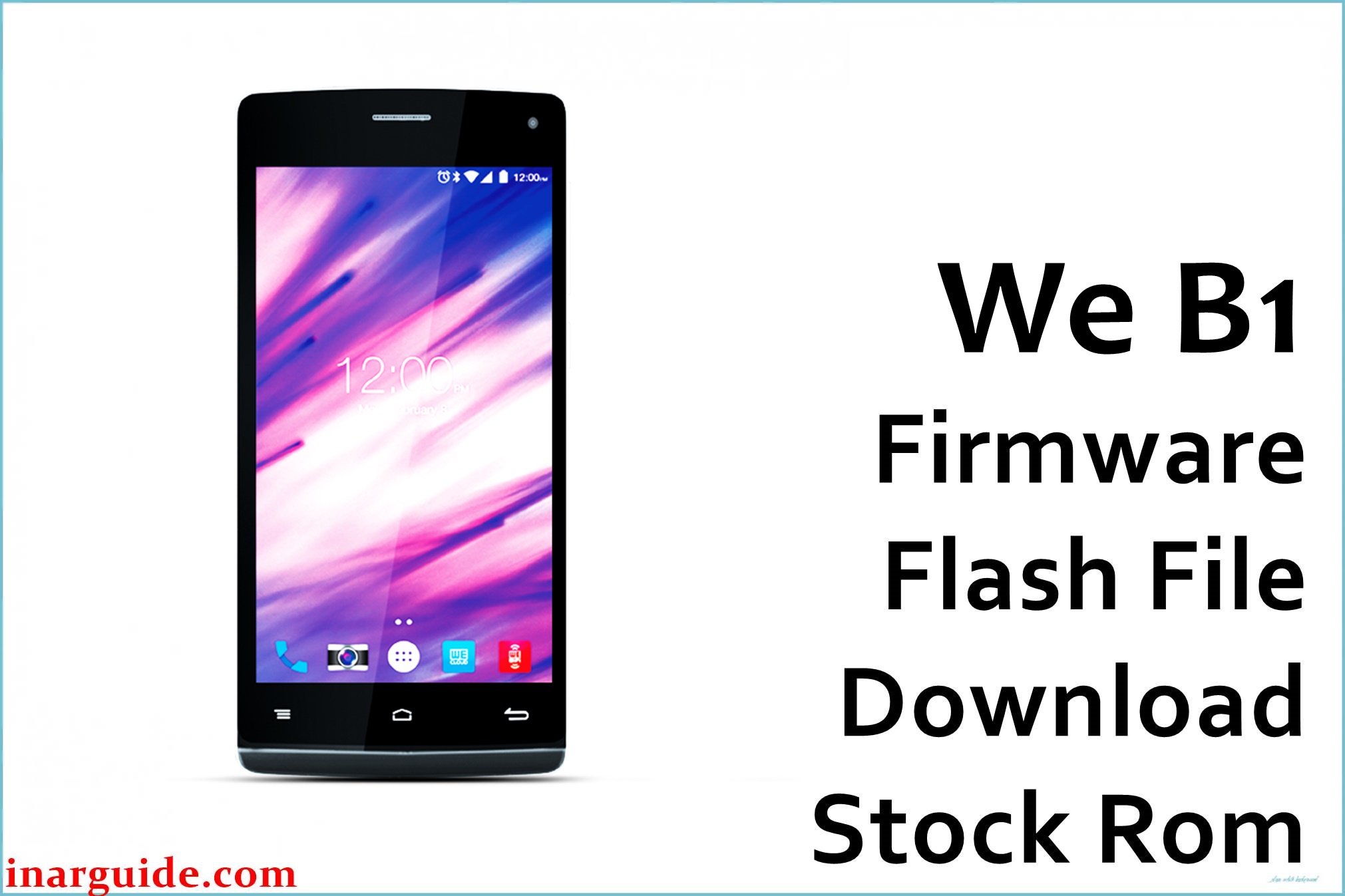
Is your WE B1 stuck on boot logo, running out of storage fast, draining battery, or showing unresponsive touch? This budget Android smartphone from Bangladesh (released February 2016) runs on MediaTek MT6582 with 1 GB RAM and 16 GB storage, making it prone to performance slowdowns when internal memory fills up or too many apps run simultaneously .
Common issues include boot loops after failed updates, “storage full” warnings even after deleting files, rapid battery drain during standby, laggy or dead touchscreen zones, and app crashes that a clean factory firmware reinstall reliably fixes .
The official MT6582_12082015_5.0 package below unbricks stuck devices, restores smooth operation, and returns the phone to stable Android 5.0 Lollipop .
WE B1 Firmware Details
| Device Name | WE B1 |
| Model | B1 |
| Release Date | 05 February 2016 |
| Chipset | MediaTek MT6582 (Quad-core 1.3 GHz Cortex-A7) |
| GPU | Mali-400 MP |
| RAM | 1 GB |
| Storage | 16 GB (microSD supported) |
| Display | 5.0-inch touchscreen (entry-level class) |
| Rear Camera | 5 MP basic shooter |
| Front Camera | 2 MP selfie camera |
| Battery | Typical 2000–2500 mAh class for this tier |
| Color | Black with Silver Bezel |
| Android Version | Android 5.0 Lollipop |
| Firmware Build Date | 12 August 2015 (per archive name) |
| File Size | 604 MB |
| File Type | ZIP archive with scatter file |
| Flashing Tool | SP Flash Tool (MediaTek) |
Warning: Only flash on the genuine WE B1 (MT6582, Android 5.0). Using the wrong firmware, a faulty USB cable/port, or interrupting power during flash can permanently brick the device, erase IMEI, or cause network/touch failures—always verify “WE B1 (MT6582)” on the label/about-phone, back up all personal data, and keep the battery charged above 50% before starting .
Download Official Firmware for WE B1
This package is the factory Android 5.0 Lollipop MT6582 build dated 12 August 2015, suitable for unbricking boot loops, clearing persistent storage errors, fixing battery calibration, and restoring touch responsiveness .
📄 Filename: We_B1_MT6582_12082015_5.0.zip
📦 Size: 604 MB
🗓️ Build Date: 2015-08-12
🤖 Android Version: 5.0 Lollipop
⬇️ Download Link: Mediafire Direct
How to Flash the Firmware
- Back up contacts, messages, WhatsApp, photos and files because flashing will wipe all user data and apps on the WE B1 .
- Charge the phone to at least 50%, use a reliable USB cable/port, and install the correct MediaTek VCOM drivers on your PC for SP Flash Tool .
- Extract the ZIP, open SP Flash Tool, load the included scatter file, and select “Download Only” for a clean system restore unless you specifically need to format all partitions .
- Power off the phone, click “Download” in SP Flash Tool, then connect the device via USB and wait for the flashing process to complete without disconnecting or powering on .
- After the green success tick, disconnect, boot the phone, and allow the first start to finish (can take several minutes) before signing into your accounts and restoring backups .
For a step-by-step MediaTek walkthrough with screenshots, follow the SP Flash Tool guide and apply the same steps to the WE B1 scatter package .





