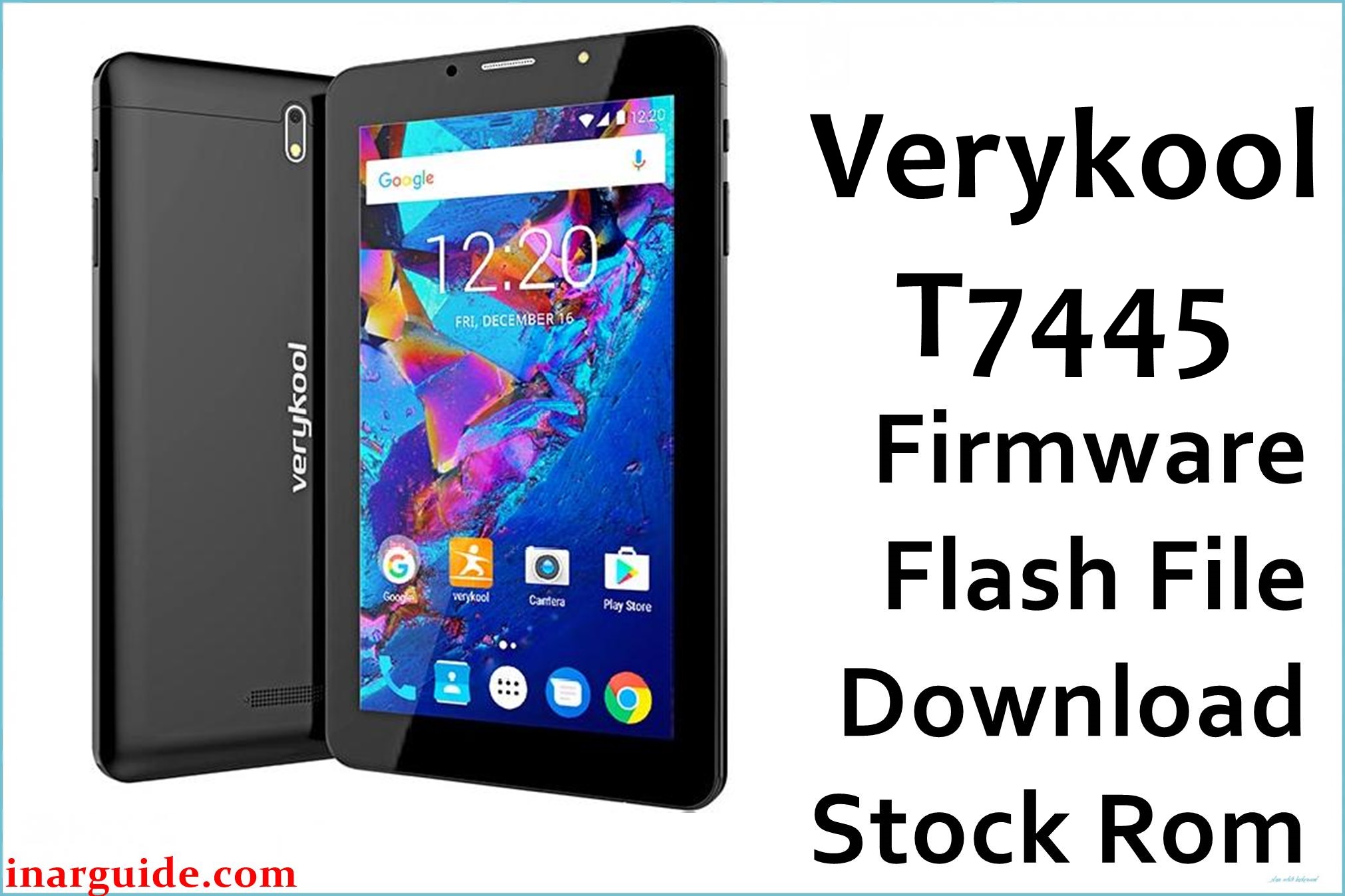
The Verykool T7445, powered by Mediatek MT6580 and Android 7.0, is a 7-inch tablet with basic hardware intended for light browsing and social use. Frequent issues include bootloop after failed updates, system lag and slow response, Wi-Fi not connecting, camera freezing, battery draining quickly, and device bricked due to flashing or reset errors. The official stock firmware (Verykool_T7445_MT6580_26052017_7.0.zip) solves boot problems, restores dead/bricked tablets, repairs major bugs and brings back lost network/IMEI. Flashing verified firmware is required for fixing startup failure, reboots and poor performance.
Verykool T7445 Firmware Details
| Device Name | Verykool T7445 |
|---|---|
| Chipset | MediaTek MT6580 (quad-core 1.3GHz) |
| OS | Android 7.0 Nougat |
| RAM & Storage | 1GB RAM, 8GB storage (microSD up to 64GB) |
| Display | 7.0″ TFT, 600×1024 px |
| Camera | Rear 5MP, Front 2MP |
| Battery | 2500mAh Li-Po |
| Firmware File Name | Verykool_T7445_MT6580_26052017_7.0.zip |
| Build Date | May 26, 2017 |
| File Size | 1.1GB |
| File Type | ZIP, scatter (MT6580/6580M) |
| Flashing Tool | SP Flash Tool (MediaTek) |
Warning: Flash only T7445 MT6580 scatter files. Wrong region, missing drivers or faulty auth can brick the tablet or lose network/IMEI. Always backup data before flashing.
Download Official Firmware for Verykool T7445
Verykool_T7445_MT6580_26052017_7.0.zip
📦 Size: 1.1GB
🗓️ Build Date: May 26, 2017
🔢 Firmware Version: MT6580 Android 7.0
⬇️ Download Link: Mediafire
Repairs bootloop, bricked device, restores system, camera, and network.
How to Flash the Firmware
- Install MediaTek USB/VCOM drivers on your PC.
- Extract the ZIP, open SP Flash Tool, and load scatter file from extracted firmware.
- Connect device powered off (Vol Down if needed), click Download.
- Do not unplug during flash. Wait for green check.
- On reboot, set up system and restore IMEI/backups if lost.
Step-by-step SP flash guide: SP Flash Tool how-to
MediaTek device flashing guides:
SP Flash Tool: SP Flash Tool





