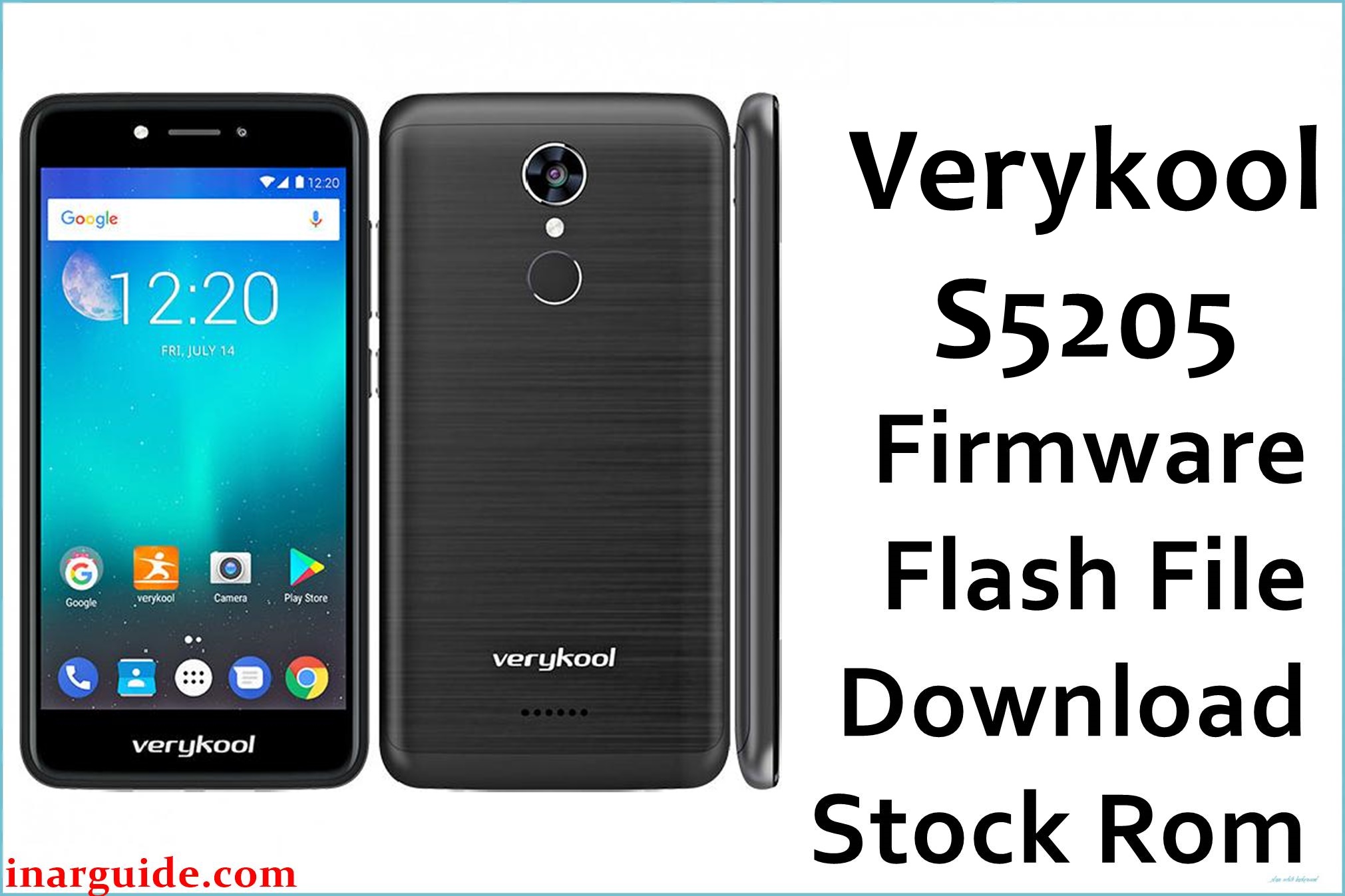
Are you facing boot loops, stuck logo, display glitches, battery drain, or unresponsive touch on your Verykool S5205 Orion Pro? Users report poor battery life (often dying after a few hours on social media), low-resolution display, overheating during charging/gaming, rear and selfie camera focus issues, and audio problems (bad speaker quality, mic). Frequent random reboots, system lag, and failed app installs are known headaches. This official MT6580_17102017_7.0 firmware repairs boot standstill, display issues, battery calibration and camera focus, bringing your phone back to stable use.
Verykool S5205 Orion Pro Firmware Details
| Device Name | Verykool S5205 Orion Pro |
| Model | S5205 |
| Chipset | MediaTek MT6580 (Quad-core 1.3GHz Cortex-A7) |
| GPU | Mali-400 MP2 |
| RAM | 1GB LPDDR3 |
| Storage | 16GB (microSD up to 32GB) |
| Display | 5.2″ TFT, 480×854 px (189ppi), scratch resistant |
| Rear Camera | 8MP autofocus, LED flash |
| Front Camera | 8MP LED flash |
| Battery | 2000mAh Li-Ion, removable |
| Android Version | 7.0 Nougat |
| Firmware Version | MT6580_17102017_7.0 |
| Build Date | 2017-10-17 |
| File Size | 1.07GB |
| File Type | ZIP archive (Scatter for SP Flash Tool) |
| Flashing Tool | SP Flash Tool (MediaTek) |
Warning: Use only for S5205 Orion Pro (MT6580). Wrong flash or cable may brick device, erase IMEI, damage battery or screen. Always backup all data and charge above 50% before flashing.
Download Official Firmware for Verykool S5205 Orion Pro
This build fixes boot loops, display failure, battery faults, camera stutters and resets system lag/crashes. Use only on S5205 MT6580, not other Verykool models.
📄 Filename: Verykool_S5205_MT6580_17102017_7.0.zip
📦 Size: 1.07GB
🗓️ Build Date: 2017-10-17
🔢 Version: MT6580_17102017_7.0
🤖 Android Version: 7.0 Nougat
⬇️ Download Link: Mediafire Direct
How to Flash the Firmware
- Backup all apps, contacts, images (flashing wipes storage).
- Charge above 50%; use official cable and healthy USB port.
- Extract ZIP, install SP Flash Tool, load scatter file from firmware.
- Connect phone in download mode, click Download in SP Flash Tool. Wait for finish.
- Do not disconnect or restart until you see green success tick.
Full step-by-step guide (with pictures): SP Flash Tool tutorial for Verykool S5205.





