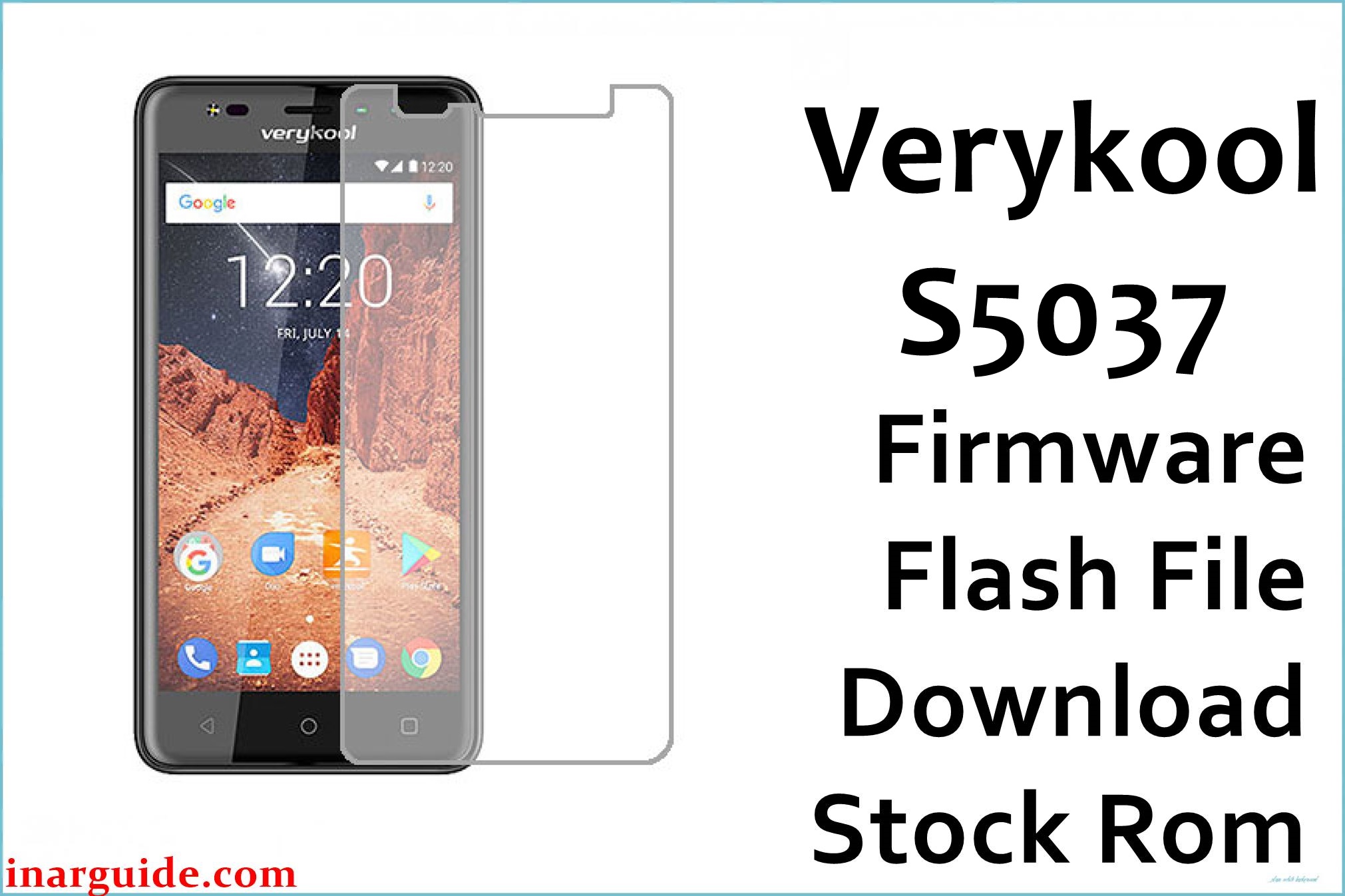
Is your Verykool S5037 Apollo Quattro suffering from lag, fast battery drain, boot loops, slow camera, or touchscreen errors? User complaints include slow photo shutter (up to 5 seconds after pressing), missed touch swipes/typing, frequent random reboots, very poor battery life, low storage for app updates, and heat during charging. Button wear, speaker/mic faults, and display glitches are frequent with time and heavy usage. This official MT6580_SW_V1.2_HW_V1.0_20171208_7.0 firmware repairs battery, solves laggy and stuck camera, restores normal touch, and fixes boot loop/crash after bad software or dropped device.
Verykool S5037 Apollo Quattro Firmware Details
| Device Name | Verykool S5037 Apollo Quattro |
| Model | S5037 |
| Chipset | MediaTek MT6580 (Quad-core 1.3GHz Cortex-A7) |
| GPU | Mali-400MP2 |
| RAM | 1GB |
| Storage | 8GB (microSD up to 64GB) |
| Display | 5″ IPS LCD 480×854 px (196 ppi), scratch-resistant |
| Rear Camera | Dual: 13MP + 2MP, autofocus, dual LED |
| Front Camera | Dual: 5MP + 2MP, LED flash |
| Battery | 2000mAh Li-Ion, non-removable |
| Android Version | 7.0 Nougat |
| Firmware Version | MT6580_SW_V1.2_HW_V1.0_20171208_7.0 |
| Build Date | 2017-12-08 |
| File Size | 1.43GB |
| File Type | ZIP (with scatter for SP Flash Tool) |
| Flashing Tool | SP Flash Tool (MTK) |
Warning: Use only for S5037 Apollo Quattro MT6580. Wrong model, cable or low battery can brick phone or lose IMEI. Backup data, charge above 50%, confirm device before flash.
Download Official Firmware for Verykool S5037 Apollo Quattro
This build fixes camera shutter lag, battery faults, touch dead zones, boot loop and system crashes from failed app or OS updates.
📄 Filename: Verykool_S5037_MT6580_SW_V1.2_HW_V1.0_20171208_7.0.zip
📦 Size: 1.43GB
🗓️ Build Date: 2017-12-08
🔢 Version: MT6580_SW_V1.2_HW_V1.0_20171208_7.0
🤖 Android Version: 7.0 Nougat
⬇️ Download Link: Google Drive Direct
How to Flash the Firmware
- Backup all apps, files, and contacts—flash erases device.
- Charge battery above 50%, use good USB cable and port.
- Extract ZIP, install SP Flash Tool, load scatter file inside firmware folder.
- Turn off phone, connect to PC, click “Download” in SP Flash Tool, wait until finished.
- Unplug only when you see success tick—never interrupt flashing!
Step-by-step guide with screenshots: SP Flash Tool full instructions for Verykool S5037





