RISK LEVEL: ⭐⭐⭐⭐/5
Why Back Up? Flashing will completely erase all user data, including contacts, photos, messages, app settings, and downloaded files. Always back up your critical data before proceeding to avoid permanent loss.
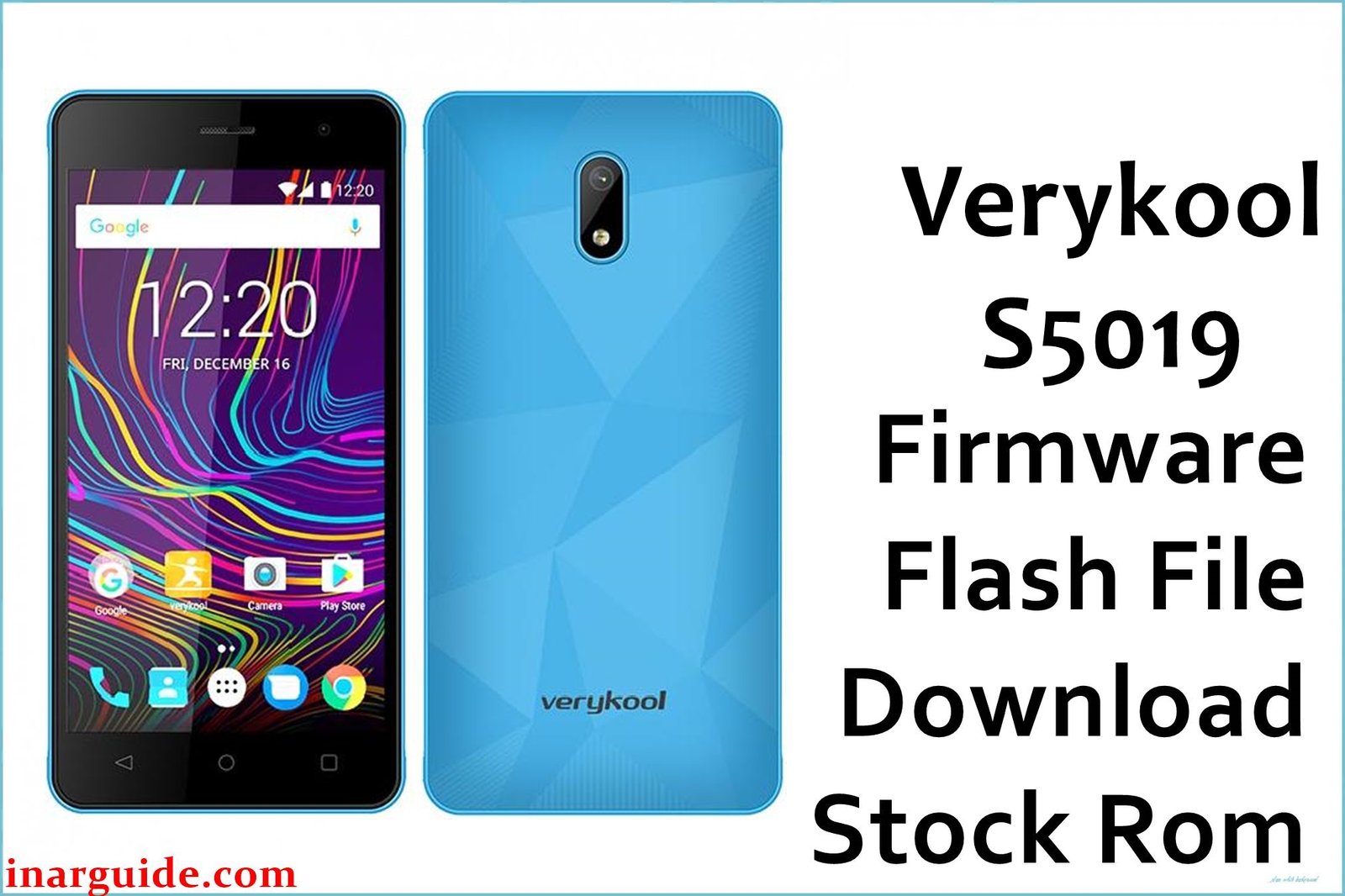
Verykool S5019 Firmware Details
| Device Name | Verykool S5019 Wave |
|---|---|
| Chipset | Spreadtrum SC7731C (quad-core 1.2GHz) |
| OS | Android 6.0 Marshmallow |
| RAM & Storage | 512MB RAM, 4GB storage (microSD up to 32GB) |
| Display | 5″ IPS LCD, 480×854 px |
| Camera | Rear: 5MP (LED flash), Front: 2MP |
| Battery | 2000mAh removable |
| Firmware Filename | Verykool_S5019_SW_2.3_6.0_SPD.zip |
| Build Date | Not listed (2017 release) |
| File Size | 586MB (actual; user may have typo with 586GB) |
| File Type | ZIP, PAC format for SPD |
| Flashing Tool | SPD Research/Upgrade Tool (Spreadtrum/UNISOC) |
Warning: Using wrong region, wrong.pac, or missing IMEI flash can brick the Wave or erase its network. Only use S5019-specific files. Always backup your data and check drivers before starting.
Download Official Firmware for Verykool S5019
Verykool_S5019_SW_2.3_6.0_SPD.zip
- 📦 Size: 586MB
- 🔢 Firmware Version: Android 6.0 SPD Official
- ⬇️ Download Link: Google Drive
Repairs bootloop/bricked Wave, recovers network, fixes lags and system bugs.
Pre-Flash Checklist (Crucial!)
Ensure you have all these items ready before starting the flashing process.
- ✅ Windows PC: Required for running the flashing software.
- ✅ Battery: Your Verykool S5019 must be charged to at least 70% to prevent failure during the flash.
- ✅ USB Cable: A functional, high-quality USB Data Cable.
- ✅ Drivers: SPD/Spreadtrum/UNISOC drivers installed correctly on your PC.
- ✅ Backup: All personal data backed up and secure.
How to Flash the Firmware (Estimated Time: 5-7 Minutes)
- Install Drivers: Download and install the latest SPD/Spreadtrum/UNISOC drivers for your Windows PC. You cannot proceed without these.
- Prepare Files: Extract the contents of the downloaded `Verykool_S5019_SW_2.3_6.0_SPD.zip` file.
- Launch Tool: Open the SPD Research/Upgrade Tool (often named `ResearchDownload.exe`).
- Load PAC File: Click the Load Packet button (gear icon) and select the `.pac` firmware file you extracted in Step 2. Wait for the tool to load the file, which may take a minute.
- Connect Phone: Ensure your phone is completely OFF. Hold the Volume Down button (or Volume Up, if down fails) and connect the phone to the PC via USB. Release the button once the tool detects the device.
- Start Flashing: Click the Download (Play) button in the SPD tool and wait. The flashing process usually takes 5-7 minutes to complete. The status bar will turn green when finished.
- Final Setup: Disconnect the phone. The device may automatically restart. On first boot, set up the system from scratch, and restore your backed-up data and IMEI if needed.
For a complete visual guide on using the tool, see this external resource: SPD Tool full manual
FAQ & Troubleshooting
Q: I lost my IMEI after flashing. How do I fix Verykool S5019 IMEI loss?
A: IMEI loss usually occurs if the flash tool settings were incorrect or the wrong region file was used. You must use an IMEI tool (like a dedicated write-tool for Spreadtrum) to restore your original, legally owned IMEI number. This procedure is separate from the firmware flash and requires specific tools.
Q: My phone is stuck on the Verykool logo (bootloop) after flashing. What went wrong?
A: A persistent bootloop after a successful flash often indicates either incompatible hardware (e.g., using a ROM for a different sub-model) or a mandatory Factory Reset was skipped. Try going into recovery mode (Power + Vol Up/Down) and perform a manual “Wipe Data/Factory Reset,” then reboot.
Disclaimer: Wrong .pac file, corrupted drivers, or skipping the IMEI backup step can permanently brick your device or cause loss of SIM/network functionality. Always verify the model number and firmware version twice.
Did you manage to successfully fix your phone’s bootloop or lag?
We rely on community feedback! Please comment below and let us know which step was most helpful, or if you encountered any specific driver issues. Your experience helps the next user!





