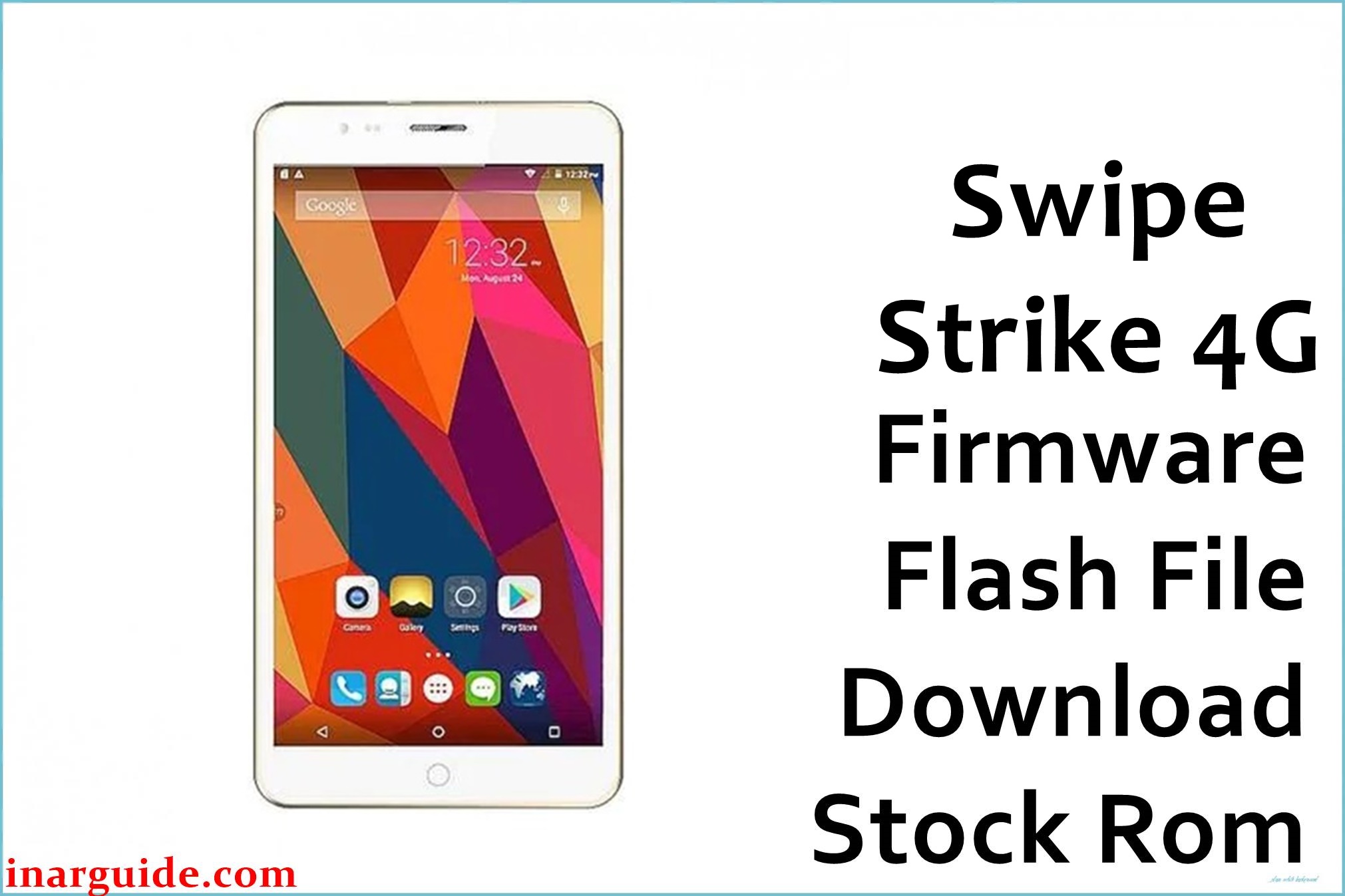
The Swipe Strike 4G was a budget 4G VoLTE smartphone powered by a Spreadtrum chipset and running Android 5.1 Lollipop. Despite its 4G capabilities, the device’s most widely reported issue across numerous YouTube repair tutorials and tech forums is a critical software failure where it becomes stuck on the Swipe boot logo. This “hang on logo” state, a common form of soft brick, often occurs after a factory reset or a minor software glitch, rendering the phone unusable. Flashing this official V10 stock firmware is the standard and most reliable procedure used by technicians to resolve this specific bootloop problem and restore the device to full working order.
Swipe Strike 4G Firmware Details
| Device Name | Swipe Strike 4G |
|---|---|
| Chipset | Spreadtrum SC9830A |
| Key Feature | 4G VoLTE Support |
| Android Version | 5.1 Lollipop |
| Firmware Version | V10 |
| Build Date | August 3, 2016 |
| File Size | 736 MB |
| File Type | .pac (for SPD Upgrade Tool) |
| Flashing Tool | SPD Upgrade Tool / ResearchDownload |
Download Official Firmware for Swipe Strike 4G
Size: 736 MB
Build Date: August 3, 2016
Chipset: Spreadtrum (SPD)
Android Version: 5.1 Lollipop
Download Link: MediaFire Direct Link
Why Flash This Specific Firmware?
- Fix “Hang on Logo” or Bootloop: This is the most critical reason to use this firmware. It provides a complete reinstallation of the operating system, which is the only reliable way to fix a device that will not boot past the manufacturer’s logo.
- Restore Network and VoLTE Functionality: If your Swipe Strike 4G is showing “No Service,” has an invalid IMEI, or cannot connect to the 4G network after a failed flash attempt, this stock ROM will restore the original modem and baseband files, bringing back all network functions.
- Remove Screen Lock and FRP: This firmware can be used to bypass forgotten screen locks (Pattern, PIN) and remove the Factory Reset Protection (FRP) lock, providing a clean slate for the device.
- Resolve Sluggish Performance: Over time, the limited 1GB of RAM can cause the phone to become very slow and apps to crash frequently. Flashing the stock firmware cleans out all user data and system clutter, restoring the phone’s original performance.
Some of the Bug / Firmware Fixes
- Firmware V10 (August 03, 2016): This stability build directly addresses the software corruption that causes the device to freeze on the boot logo. It contains a validated bootloader and system image to ensure a successful boot.
- Restores the original modem firmware, which is essential for fixing “No Service” or IMEI-related errors and ensuring that VoLTE calling works correctly.
- Corrects memory management issues within Android 5.1 that lead to system-wide lag and frequent application crashes on this low-RAM device.
- Reinstalls all factory applications and system settings, fixing glitches related to the camera, sound, or Wi-Fi that may have developed over time.
Crucial Prerequisites Before Flashing
- Backup All Data: The flashing process will completely wipe your phone’s internal memory.
- Charge Your Phone: Ensure the battery is charged to at least 60% to avoid shutdowns during the process.
- Install Spreadtrum Drivers: You must install the Spreadtrum SCI USB drivers on your Windows PC for the tool to detect your phone.
- Download the Flashing Tool: You will need the SPD Upgrade Tool.
- Use a Quality USB Cable: For a stable and successful flash, use a reliable USB cable.
How to Flash the Firmware
Flashing the .pac firmware onto your Swipe Strike 4G requires the SPD Upgrade Tool. Follow these steps:
- Download and extract the firmware
Swipe_Strike_4G_V10_20160803_SPD.zipfile on your computer. - Launch the SPD Upgrade Tool application.
- Click the single gear icon (“Load Packet”) and navigate to the extracted firmware folder to select the
.pacfile. - After the file loads successfully, click the play icon (“Start Downloading”).
- Power off your Swipe Strike 4G completely.
- Press and hold the Volume Down button, and while holding it, connect the phone to your computer via USB.
- The tool will detect the device and the flashing process will begin automatically. You can release the volume button once you see a progress bar.
- Wait for the process to finish, which will be confirmed with a green “Passed” message in the tool.
- Disconnect the phone and power it on. The first boot may take up to 10 minutes, so please be patient.
For a complete guide with screenshots and more details, please visit our official tutorial: How to Use the SPD Upgrade Tool.





