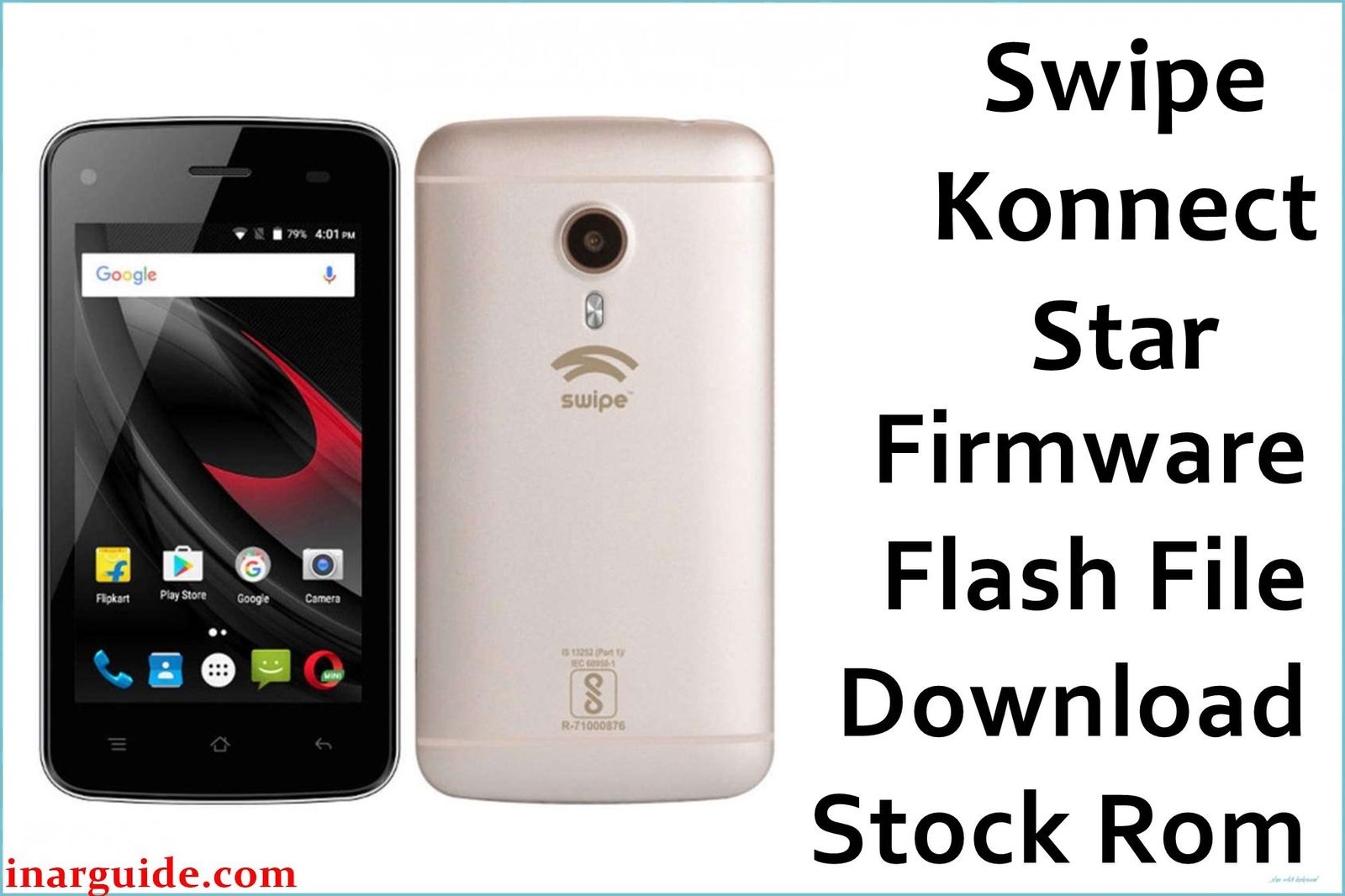
The Swipe Konnect Star was a budget smartphone released in multiple hardware configurations, primarily a 3G version with a MediaTek MT6580 chipset and a later 4G VoLTE model with a MediaTek MT6735/MT6735M chipset. A common complaint found across Indian tech forums and YouTube comment sections for both variants is the device failing to boot past the Swipe logo after a software update or factory reset. This “hang on logo” issue is a classic sign of a soft brick due to corrupted system files. Flashing the correct stock firmware for your specific chipset is the most reliable method to unbrick the device and restore its functionality.
Swipe Konnect Star Firmware Details
Variant 1: MT6580 (3G Model)
| Device Name | Swipe Konnect Star (3G) |
|---|---|
| Chipset | MediaTek MT6580 |
| Android Version | 6.0 Marshmallow |
| File Type | Scatter File (for SP Flash Tool) |
| Flashing Tool | SP Flash Tool |
Variant 2: MT6735 / MT6735M (4G Model)
| Device Name | Swipe Konnect Star (4G) |
|---|---|
| Chipset | MediaTek MT6735 / MT6735M |
| Android Version | 6.0 Marshmallow / 7.0 Nougat |
| File Type | Scatter File (for SP Flash Tool) |
| Flashing Tool | SP Flash Tool |
Download Official Firmware for Swipe Konnect Star
Firmware for MT6580 (3G Model)
Size: 722 MB
Android Version: 6.0 Marshmallow
Download Link: Google Drive Link
Size: 726 MB
Android Version: 6.0 Marshmallow
Download Link: AndroidFileHost Link
Firmware for MT6735 / MT6735M (4G Model)
Size: 1.28 GB
Android Version: 7.0 Nougat
Download Link: MediaFire Direct Link
Size: 2 GB
Android Version: 6.0 Marshmallow
Download Link: AndroidFileHost Link
Why Flash This Specific Firmware?
- Unbrick Your Device: The primary reason is to fix a soft-bricked phone that is stuck in a bootloop or frozen on the Swipe logo. Flashing the stock ROM is the standard repair procedure for this issue.
- Restore Network and VoLTE (4G Model): For the MT6735 variant, if you’re experiencing issues with no signal, an invalid IMEI, or VoLTE calls not working, a full firmware flash will restore the correct modem and NVRAM files to fix these problems.
- Fix Performance Issues: Both models, being budget devices, can become very slow over time. A clean flash removes all junk files and system degradation, restoring the phone to its original, faster state.
- Remove Malware and Screen Locks: Use this firmware to get rid of viruses, third-party bloatware, or to bypass a forgotten screen lock (Pattern, PIN, etc.).
Some of the Bug / Firmware Fixes
- Builds from 2016/2017: These firmware packages contain the stable, factory-validated bootloader and system files necessary to resolve the bootloop issues commonly reported after failed OTA updates.
- The MT6735M Nougat firmware (v7.0_27022017) includes updated security patches and improved power management over the Marshmallow versions, addressing some battery drain complaints.
- Restores the original camera drivers, fixing common “cannot connect to camera” errors that appear due to software corruption.
- Corrects baseband and modem configurations, which is crucial for fixing intermittent signal drops and ensuring VoLTE works on supported networks for the 4G model.
Crucial Prerequisites Before Flashing
- Backup All Data: Flashing will completely erase all personal data on your phone.
- Charge Your Phone: Ensure your battery is at least 60% charged to prevent accidental shutdowns.
- Install MediaTek Drivers: You must install MTK VCOM USB drivers on your Windows PC.
- Download the Flashing Tool: You will need the latest version of the SP Flash Tool.
- Use a Quality USB Cable: A reliable USB cable is essential for a stable connection.
How to Flash the Firmware
The flashing process for both variants of the Swipe Konnect Star requires the SP Flash Tool.
- Download and extract the correct firmware zip file for your phone’s model (MT6580 or MT6735) on your computer.
- Launch the SP Flash Tool application.
- Click on the “Scatter-loading File” button. Navigate to the extracted firmware folder and select the
MTxxxx_Android_scatter.txtfile. - Ensure the flashing mode is set to “Download Only”.
- Click the green “Download” button.
- Power off your Swipe Konnect Star completely.
- Connect your phone to the computer via USB cable. The tool should detect it and begin flashing. If not, try reconnecting while holding the Volume Down button.
- Wait for the process to complete, which is indicated by a large green checkmark pop-up window.
- Disconnect your phone and power it on. The first boot may take several minutes.
For a complete guide with screenshots and more details, please visit our official tutorial: How to Flash Stock Firmware on MediaTek Smartphones.





