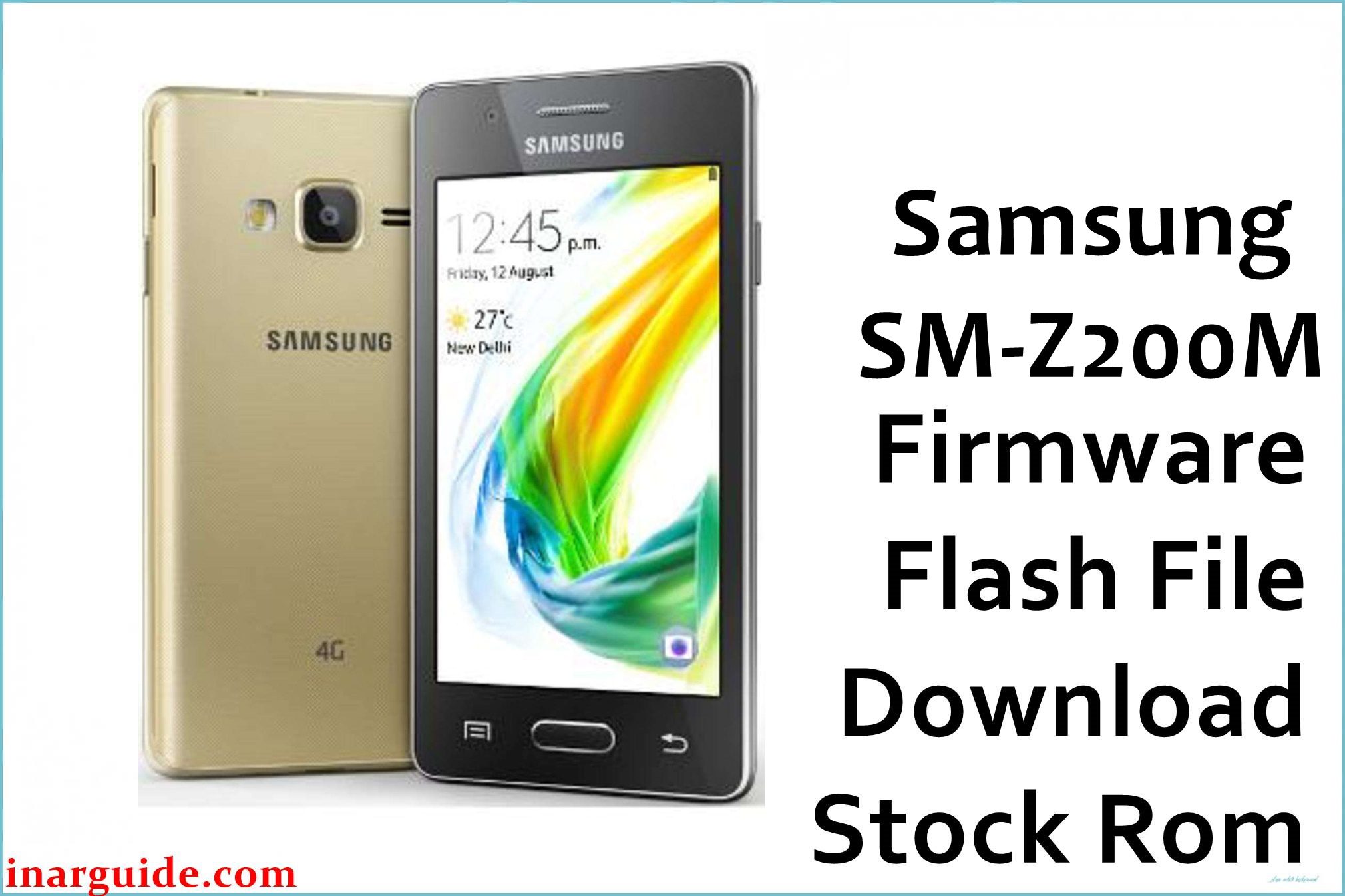
Looking to install the stock ROM on your Samsung Z2 SM-Z200M? This comprehensive guide provides direct download links for the firmware flash file and clear, step-by-step instructions to get your phone back on track.
Use this firmware file to effectively reset your phone, fix bootloop issues, bypass password locks, resolve device freezing, and address numerous other software problems.
Downloads:
| CSC | Version | Android Version | Download Links |
|---|---|---|---|
| BVO | Z200MUBU0AQE2 | 7.0 | Download Bolivia (Google Drive) |
How to Flash the Samsung Z2 SM-Z200M Firmware [Stock ROM]
Okay, you finally got the correct Samsung Z2 SM-Z200M firmware. Now what? Time to flash it (no, not that kind of flash). Whether your phone’s stuck in a boot loop, totally bricked, or wanna flex with an upgrade/downgrade, flashing is your BFF.
Good news: Samsung made this low-key easy. The steps are the same for most of their phones, so once you’ve done it once, you’re golden.
This guide has everything you need – tools, prep, and super clear steps. Just follow it closely, don’t skip anything, and you’ll be back to what you were doing in no time. Let’s get started!





