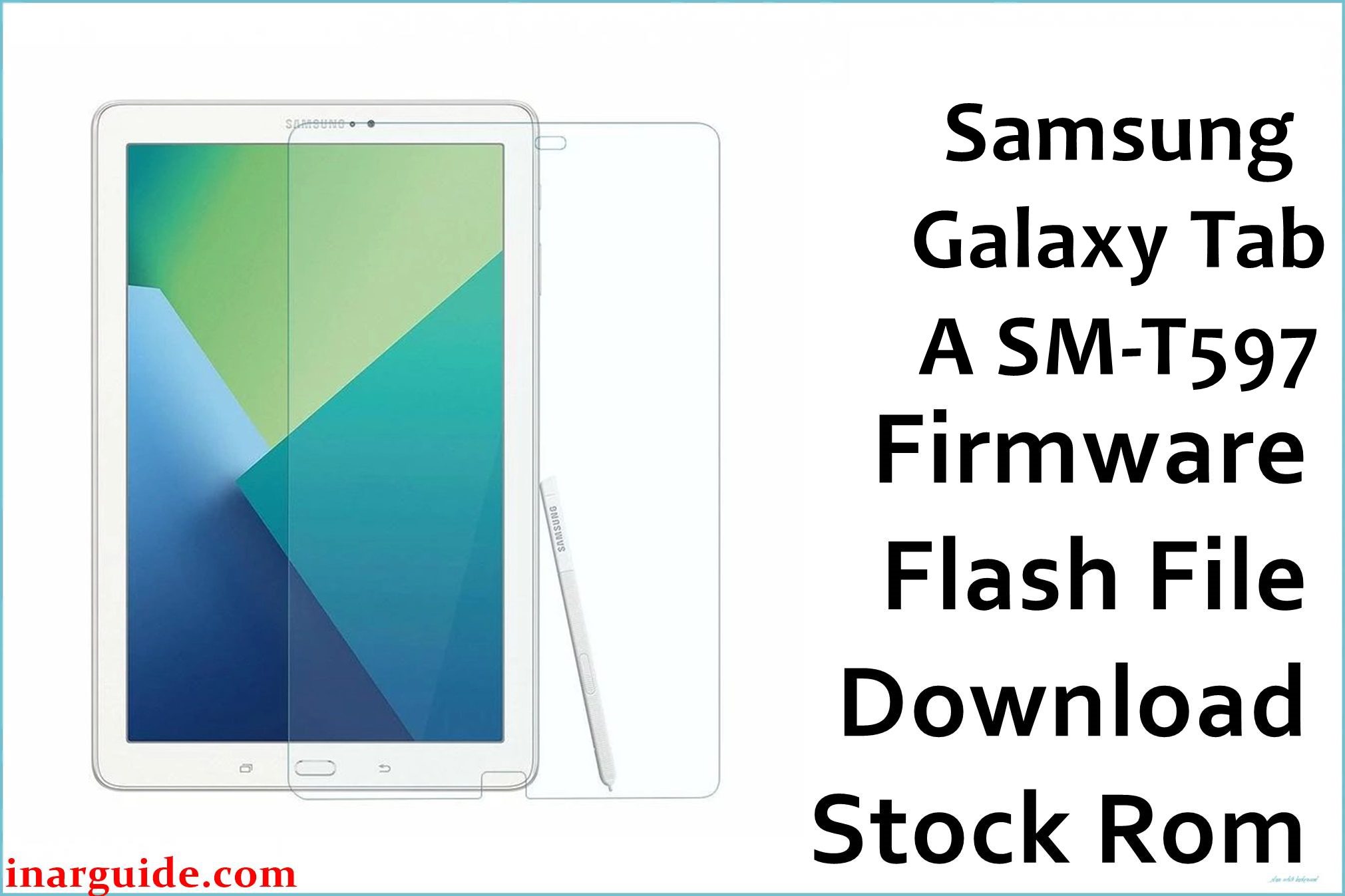
Looking to install the stock ROM on your Samsung Galaxy Tab A SM-T597? This comprehensive guide provides direct download links for the official firmware flash file, along with clear, step-by-step instructions to help you recover or reset your device.
Use this firmware to reset your tablet, fix bootloop or stuck logo issues, bypass password/PIN locks, resolve system freezing, or unbrick your device following a failed update or flash attempt.
Device Overview: Galaxy Tab A SM-T597
The Samsung Galaxy Tab A SM-T597 is the LTE-capable version of the Tab A 10.5-inch lineup. It features a Snapdragon 450 chipset, 3GB RAM, a 10.5-inch display, and a large 7300mAh battery. Running Android 10 with One UI, it’s designed for family use, media streaming, and light productivity.
Downloads:
| CSC | Version | Android Version | Download Links |
|---|---|---|---|
| TUR | T597JXS4CUK1 | 10 | Download Turkey (SamFW) |
CSC Note: The TUR firmware is meant for Turkey region devices. It can be used on devices with the same model number (SM-T597) regardless of the country, but features or languages may vary slightly.
How to Flash the Samsung Galaxy Tab A SM-T597 Firmware [Stock ROM]
Now that you’ve downloaded the correct Galaxy Tab A SM-T597 firmware, it’s time to flash it!
Whether your tablet is stuck in recovery mode, boot looping, experiencing sluggish performance, or you’re just installing a clean version of Android 10 — this process will bring your device back to life.
The flashing procedure uses Odin, Samsung’s official flash tool. It’s quick and reliable — as long as you follow every step carefully.
Step-by-Step Guide to Flash Firmware on Samsung Galaxy Tab A SM-T597 (via Odin)
Requirements Before Flashing
- 🔋 Battery should be at least 50% charged
- 💾 Backup all important files — flashing will wipe your data
- 🧰 Install latest Samsung USB drivers on your PC
- 🖥️ Use Windows PC (Odin does not support macOS/Linux)
- 🗃️ Extract the firmware ZIP — you’ll get a
.tar.md5file
Troubleshooting Common Errors
| ⚠️ Issue | 🛠️ Solution |
|---|---|
| Odin stuck at “SetupConnection” | Restart PC and try a different USB port or cable |
| Device reboots into recovery instead of system | Boot into Recovery manually and wipe cache/data |
| Odin FAIL! (Auth) | You’re flashing the wrong bootloader version. Use the same or newer version. |
| Stuck on Samsung logo after flashing | Wipe data/factory reset from recovery mode |
Frequently Asked Questions (FAQs)
Q: Can I flash this firmware on a Wi-Fi-only Tab A?
A: No, this firmware is for the LTE model (SM-T597) only. Do not use it on SM-T590 or other variants.
Q: Will this firmware remove FRP (Google account lock)?
A: No, you need to sign in with the previously synced Google account after flashing. This is a security feature.
Q: Will flashing this firmware void my warranty?
A: If you’re using official firmware (not rooting), your warranty typically remains intact, and Knox should not be tripped.
You’re All Set!
With the right firmware file and instructions, flashing your Samsung Galaxy Tab A SM-T597 is a smooth process. Whether you’re fixing errors, updating Android, or restoring factory condition, this guide helps you get there with confidence.





