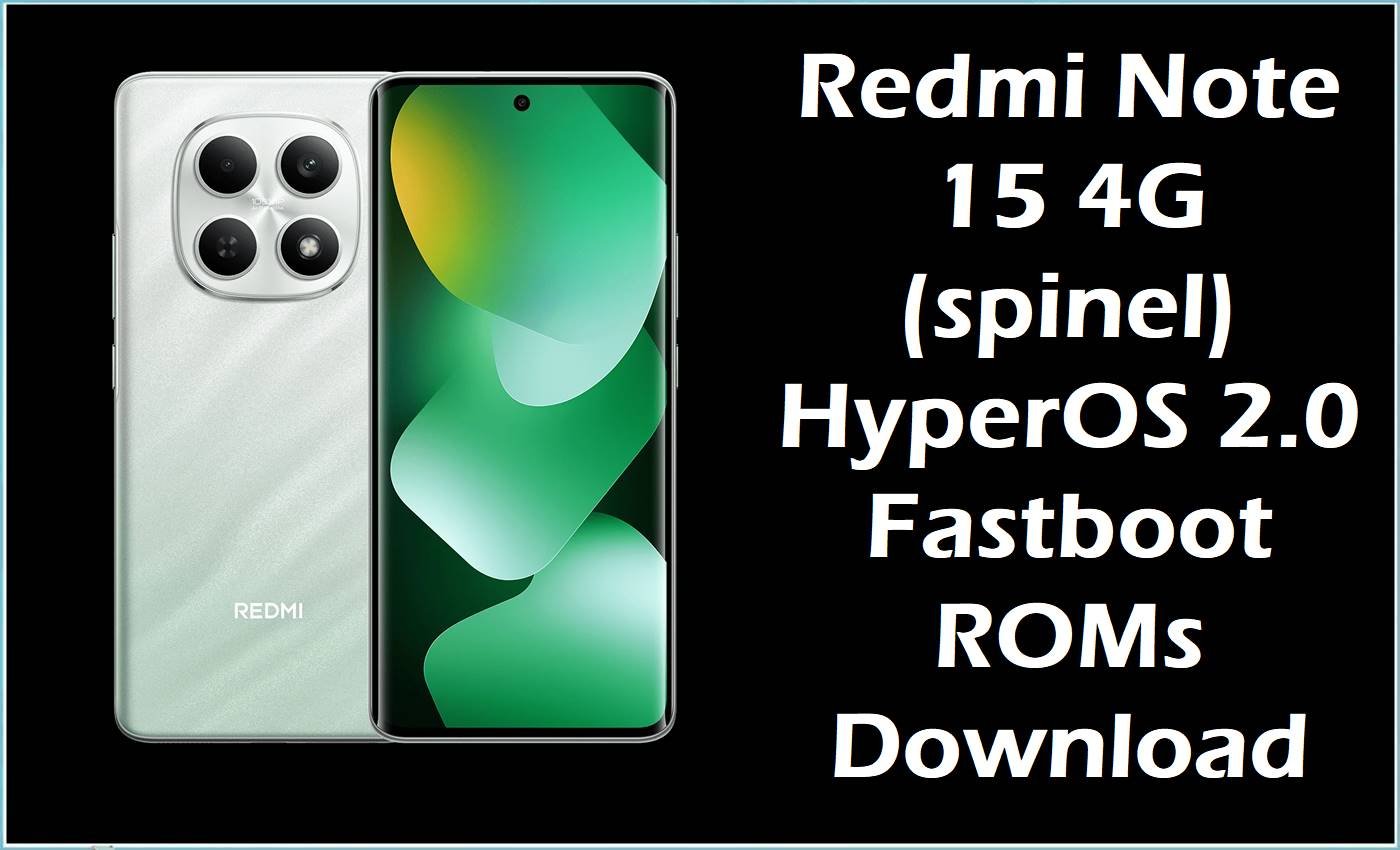
The Redmi Note 15 4G (codename spinel) is a mid-range Redmi device built on the MediaTek Helio G100 Ultra platform, positioned as a 4G-focused variant in the Redmi Note lineup. This model ships with Android 15 via HyperOS 2.0 in many regions, and users may encounter software issues such as bootloops after OTA updates, soft-bricks from bootloader unlocking or rooting, or instability when switching between regional firmware branches.
Flashing a matching HyperOS 2.0 fastboot ROM can help recover a non-booting phone, fix failed incremental updates, or perform a clean region change when executed with the correct files and tools.
Redmi Note 15 4G Firmware Details
| Device Name | Redmi Note 15 4G |
|---|---|
| Model Identifier | 2510DRA23G and related regional variants |
| Codename | spinel |
| Chipset / Platform | MediaTek Helio G100 Ultra (6 nm), octa-core CPU, Mali-G57 MC2 GPU |
| Launch Android Version | Android 15 with HyperOS 2.0 in early batches |
| Current Firmware Line | HyperOS 2.0 based on Android 15 (OS2.0.VPG**XM builds) |
| Typical File Size Range | Approx. 5.6 GB – 8.2 GB for fastboot packages on this model |
| Firmware Type | Official HyperOS 2.0 fastboot ROMs (.tgz) for multiple regions |
| Flashing Tool | Xiaomi Mi Flash Tool or fastboot scripts for official fastboot ROMs |
| Bootloader Requirement | Bootloader unlock required for manual fastboot flashing; stock OTA intended for locked devices |
| Region / Branch Notes | Separate fastboot builds for Global (MIXM), EEA (EUXM), Russia (RUXM), Indonesia (IDXM), Turkey (TRXM), and Taiwan (TWXM); cross-region flashing usually requires full wipes and carries additional risk |
⚠️ Flashing Risks & Disclaimer
On this spinel platform, HyperOS 2.0 fastboot packages rely on dynamic partitions and verified boot, so flashing an incorrect OS2.0 build or a ROM for a different codename can lead to persistent bootloops or broken radio functionality. Mixing branches such as VPGMIXM (Global), VPGRUXM (Russia), VPGIDXM (Indonesia), VPGEUXM (EEA), VPGTWXM (Taiwan), or VPGTRXM (Turkey) without a proper clean flash can also cause configuration mismatches, unstable apps, or failed future OTA updates.
Flashing operations are inherently risky and may affect warranty coverage depending on region and policy. Always verify that the device codename is spinel, confirm the intended region suffix, ensure sufficient battery charge, and avoid interrupting the process once flashing has started.
Download Official Firmware for Redmi Note 15 4G
| Region / Variant | Filename | Build / Version | Android / Firmware Version | File Type | Build Date | File Size | Download Link |
|---|---|---|---|---|---|---|---|
| Global (MIXM) | spinel_global_images_OS2.0.208.0.VPGMIXM… | OS2.0.208.0.VPGMIXM | Android 15 / HyperOS 2.0 | Fastboot ROM (.tgz) | 2026-01-06 | 8.12 GB | Download Global build (official server) |
| Russia (RUXM) | spinel_ru_global_images_OS2.0.209.0.VPGRUXM… | OS2.0.209.0.VPGRUXM | Android 15 / HyperOS 2.0 | Fastboot ROM (.tgz) | 2025-12-30 | 8.02 GB | Download Russia build (official server) |
| Indonesia (IDXM) | spinel_id_global_images_OS2.0.204.0.VPGIDXM… | OS2.0.204.0.VPGIDXM | Android 15 / HyperOS 2.0 | Fastboot ROM (.tgz) | 2025-12-30 | 7.40 GB | Download Indonesia build (official server) |
| Europe EEA (EUXM) | spinel_eea_global_images_OS2.0.209.0.VPGEUXM… | OS2.0.209.0.VPGEUXM | Android 15 / HyperOS 2.0 | Fastboot ROM (.tgz) | 2026-01-15 | 7.05 GB | Download EEA build (official server) |
| Taiwan (TWXM) | spinel_tw_global_images_OS2.0.204.0.VPGTWXM… | OS2.0.204.0.VPGTWXM | Android 15 / HyperOS 2.0 | Fastboot ROM (.tgz) | 2025-12-30 | 5.68 GB | Download Taiwan build (official server) |
| Turkey (TRXM) | spinel_tr_global_images_OS2.0.202.0.VPGTRXM… | OS2.0.202.0.VPGTRXM | Android 15 / HyperOS 2.0 | Fastboot ROM (.tgz) | 2025-12-30 | 6.90 GB | Download Turkey build (official server) |
Flashing Requirements
- Use a Windows PC for Xiaomi Mi Flash Tool, or a system with properly configured fastboot/adb to handle HyperOS 2.0 fastboot images for this Redmi Note 15 4G.
- Install Xiaomi USB drivers and Android platform-tools so that the device is correctly detected in fastboot mode when connected over USB.
- Ensure the bootloader is unlocked before attempting any manual fastboot flashing of OS2.0.20x VPG**XM firmware, as locked devices are designed for OTA-only updates.
- Back up all user data because clean flash scripts and cross-region migrations (for example, from VPGMIXM to VPGEUXM or VPGTRXM) typically erase internal storage and reset local settings.
- Verify codename spinel (for example, via fastboot getvar product) and confirm that the selected ROM’s region suffix (MIXM, RUXM, IDXM, EUXM, TWXM, TRXM) matches the intended configuration.
- Keep the phone’s battery charged to a safe level, ideally above 50%, and avoid unreliable cables or USB ports during flashing.
How to Flash the Firmware
- Choose the correct HyperOS 2.0 fastboot ROM for the Redmi Note 15 4G by confirming codename spinel and matching the region code, for example VPGMIXM for Global or VPGEUXM for EEA.
- Download the.tgz fastboot package to the PC, extract it, and install Xiaomi USB drivers plus the Mi Flash Tool or prepare a fastboot environment suitable for MediaTek-based Xiaomi devices.
- Power off the phone, hold volume down + power to enter fastboot mode, then connect it to the PC so that Mi Flash or fastboot detects the spinel device.
- In Mi Flash Tool, select the extracted firmware folder, choose a mode such as “clean all” for a full reinstall, and start the flash, ensuring the USB connection remains stable until completion.
- After the flash finishes, allow the device to reboot; the first HyperOS 2.0 (Android 15) boot can take several minutes while system components and apps are optimized, especially after region changes or recovery from a bootloop.
For a detailed reference on using Xiaomi Mi Flash Tool with fastboot firmware, see: How to flash Xiaomi firmware with Mi Flash Tool.
Frequently Asked Questions (FAQs)
Are these ROMs only for the Redmi Note 15 4G (spinel)?
Yes, these HyperOS 2.0 fastboot packages are specifically for devices with codename spinel, associated with the Redmi Note 15 4G; they must not be flashed on other Redmi or POCO models.
What is the difference between Global (VPGMIXM) and EEA (VPGEUXM) builds?
Global and EEA packages differ in regional configuration, pre-installed apps, and regulatory settings, and using a mismatched region may affect local features or OTA behavior.
Can the Global fastboot ROM be used on a phone originally sold in another region?
Cross-flashing, such as installing VPGMIXM on a device sold with VPGRUXM or VPGTRXM, is technically possible with an unlocked bootloader but increases the risk of network or OTA issues and usually requires a full data wipe.
Do these HyperOS 2.0 fastboot images update Android as well as the UI?
Yes, OS2.0.VPG**XM builds for this device line are based on Android 15 and update both the core Android version and the HyperOS layer in one flash.
Is an unlocked bootloader required to recover a soft-bricked spinel device with these ROMs?
For standard users, recovering a soft-bricked device with these fastboot images typically requires an unlocked bootloader; deeper unbrick actions may involve service-only tools.
Will flashing these fastboot ROMs fix performance or battery issues after an OTA?
A clean HyperOS 2.0 fastboot flash can help resolve software-related lag, random reboots, or drain caused by corrupted updates, but it cannot address hardware faults or battery wear.
Can recovery ROMs be used instead of fastboot packages for OS2.0.208.0.VPGMIXM?
Recovery ROMs are available for the same version and are suitable for in-place updates on healthy systems, whereas fastboot packages are preferred for full reinstalls or when the phone does not boot properly.
Do these operations affect the device warranty?
Bootloader unlocking and manual flashing may be treated as modifications by service centers, so warranty handling depends on regional policy and cannot be guaranteed.





