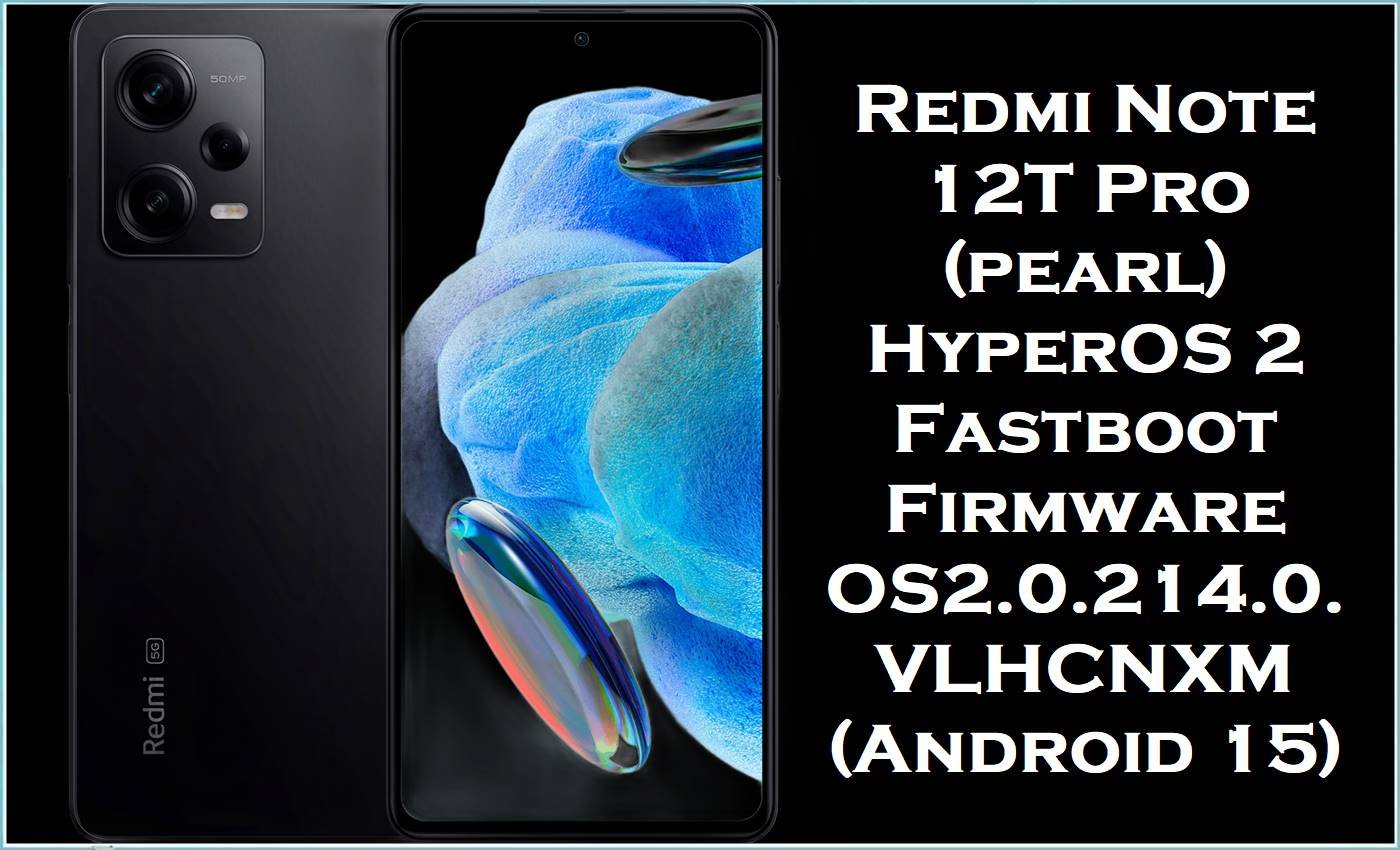
Xiaomi Redmi Note 12T Pro (codename: pearl) is a China-market performance phone built around the Dimensity 8200 Ultra platform, paired with a 6.6-inch display and a large battery. Despite its strong hardware, HyperOS users commonly report post-update problems such as abnormal battery drain, overheating, and occasional boot/upgrade instability, especially after major system jumps.
Installing the correct OS2.0.214.0.VLHCNXM fastboot package can help by upgrading you to a newer stable build and reinstalling core system components cleanly, which is often the best fix for persistent software corruption and update-related glitches.
Redmi Note 12T Pro Firmware Details
| Device Name | Xiaomi Redmi Note 12T Pro |
|---|---|
| Codename | pearl |
| Chipset | MediaTek Dimensity 8200 Ultra |
| Android Version | Android 15 (V branch in build label and ROM listings) |
| Firmware Version | OS2.0.214.0.VLHCNXM (China) |
| Region / Branch | China (CNXM) Stable Fastboot ROM |
| Build Date | 2025-10-30 (from filename) |
| File Size | 7.08GB (matches ROM listing ~7.1G) |
| File Type | .tgz (fastboot images package) |
| Flashing Tool Required | Xiaomi Mi Flash Tool (Windows) |
| Bootloader Status | Fastboot flashing commonly requires an unlocked bootloader (verify before flashing). |
| SEO Keywords | stock ROM, flash file, stock firmware, official firmware |
Warning (Redmi Note 12T Pro / pearl): Flashing firmware is risky and advanced. Wrong files/regions or improper steps can brick the phone, wipe data, cause boot failure, instability, security issues, and void warranty. Everything is “as is” with no warranties; authors/providers aren’t liable for damage or loss. Verify exact model/region, back up data, and proceed only if you understand flashing—at your own risk.
How OS2.0.214.0.VLHCNXM Helps
HyperOS users have reported excessive battery drain in certain releases, and Xiaomi-focused news sources have also noted that some updates triggered abnormal drain that later builds aimed to correct. Users also report overheating behavior after HyperOS updates on various Xiaomi models, which makes “clean flashing” a reasonable troubleshooting option when normal steps fail.
- Clean reinstallation for stubborn bugs: A fastboot install replaces core partitions (system/vendor/boot-related images), which can fix problems caused by corrupted OTAs, incomplete updates, or broken system components.
- Stability uplift by moving to a newer stable build: OS2.0.214.0.VLHCNXM is listed as a stable HyperOS 2 release for Redmi Note 12T Pro (pearl) in the China channel, making it a good target if you’re stuck on an unstable older build.
- Security and system maintenance: Xiaomi update changelogs commonly include refreshed Android security patches, so staying current on stable builds is also part of keeping the system hardened (even when detailed per-build notes are short).
Download Official Firmware for Redmi Note 12T Pro (pearl)
| Filename | File Size | Build Date | Build Version | Android Version | Flashing Type | Download Link |
|---|---|---|---|---|---|---|
| pearl_images_OS2.0.214.0.VLHCNXM_20251030.0000.00_15.0_cn_4f3a11d261.tgz | 7.08GB | 2025-10-30 | OS2.0.214.0.VLHCNXM (China / CNXM) | Android 15 | Fastboot ROM (.tgz images) | Download OS2.0.214.0.VLHCNXM (Xiaomi HugeOTA) |
Flashing Requirements
- Windows PC + quality USB cable.
- Xiaomi Mi Flash Tool installed (for fastboot firmware).
- Extracted fastboot ROM folder from the downloaded.tgz (do not flash the archive directly).
- Backup of all personal data (photos, chats, documents), because flashing can trigger a data wipe.
- Correct device/region verification: Redmi Note 12T Pro (pearl) and CNXM build only.
How to Flash the Firmware
- Download the fastboot package and fully extract the.tgz until you can see the ROM folder structure.
- Install drivers (if needed), then open Xiaomi Mi Flash Tool on your PC.
- Boot the Redmi Note 12T Pro (pearl) into Fastboot mode and connect it to the PC.
- In Mi Flash Tool, select the extracted ROM folder and start flashing; do not disconnect during the process.
- Reboot and allow extra time for first boot; then test battery/heat/network stability after several hours of normal use.
For the complete step-by-step tutorial with pictures/videos for this exact.tgz fastboot method, use: How to Flash Android Smartphones with Xiaomi MI Flash Tool. If you downloaded OS2.0.214.0.VLHCNXM (Xiaomi HugeOTA), follow the fastboot ROM section inside that guide.
Frequently Asked Questions (FAQs)
Is OS2.0.214.0.VLHCNXM firmware only for Redmi Note 12T Pro (pearl)?
Yes, the codename pearl maps to Redmi Note 12T Pro, and VLHCNXM indicates the China (CNXM) branch, so it should only be used for the matching device/region.
What does the “fastboot ROM” mean for pearl_images_OS2.0.214.0.VLHCNXM?
It’s a fastboot images package in.tgz format intended for PC-based flashing (commonly with Mi Flash Tool) rather than a simple in-phone update.
Will this stock ROM fix battery drain and overheating on Redmi Note 12T Pro?
It may help if the cause is a buggy/corrupted update or broken system components, since HyperOS battery drain has been reported on some builds and clean flashing can restore a stable baseline.
Can this flash file unbrick a Redmi Note 12T Pro stuck on the HyperOS logo?
Bootloop situations after updates have been reported on Xiaomi devices, and flashing the correct fastboot ROM is one common recovery approach when the device can still enter fastboot mode.





